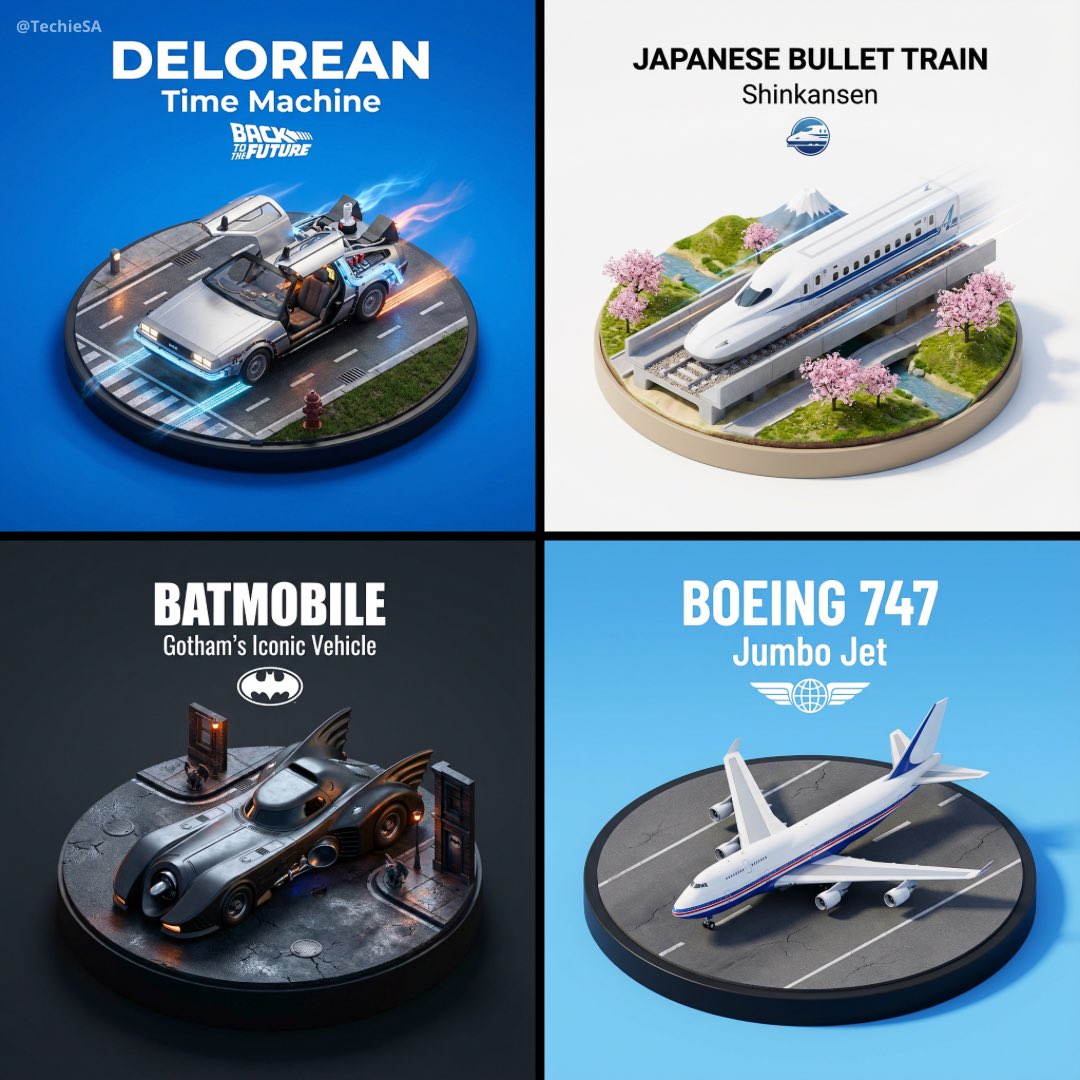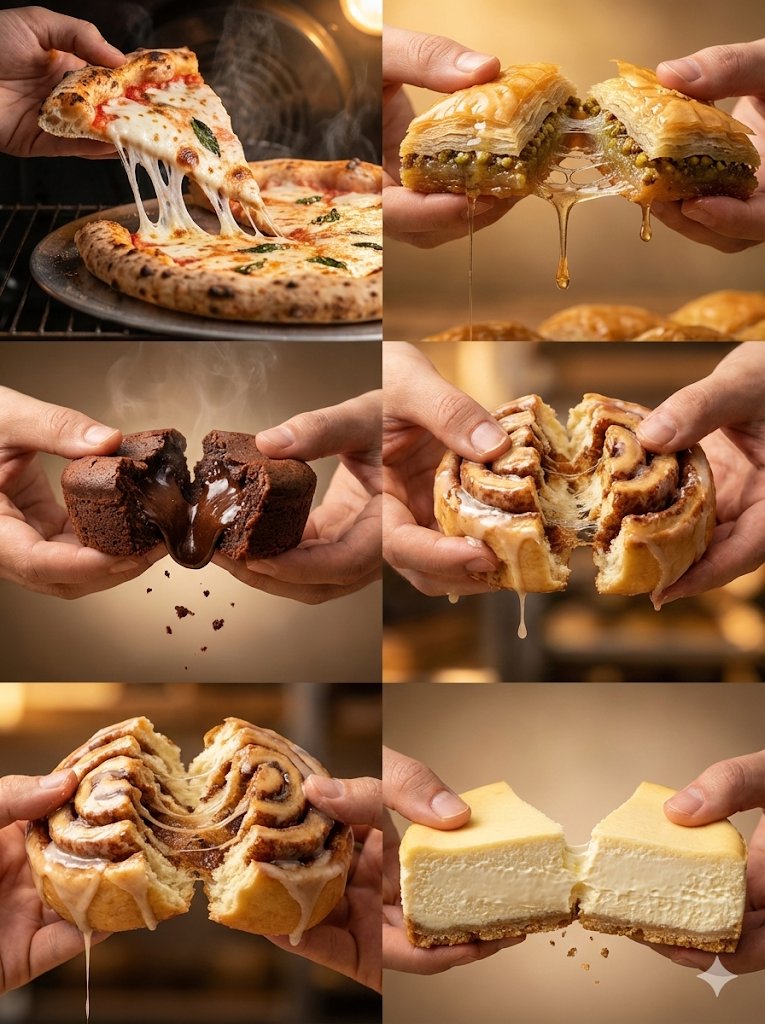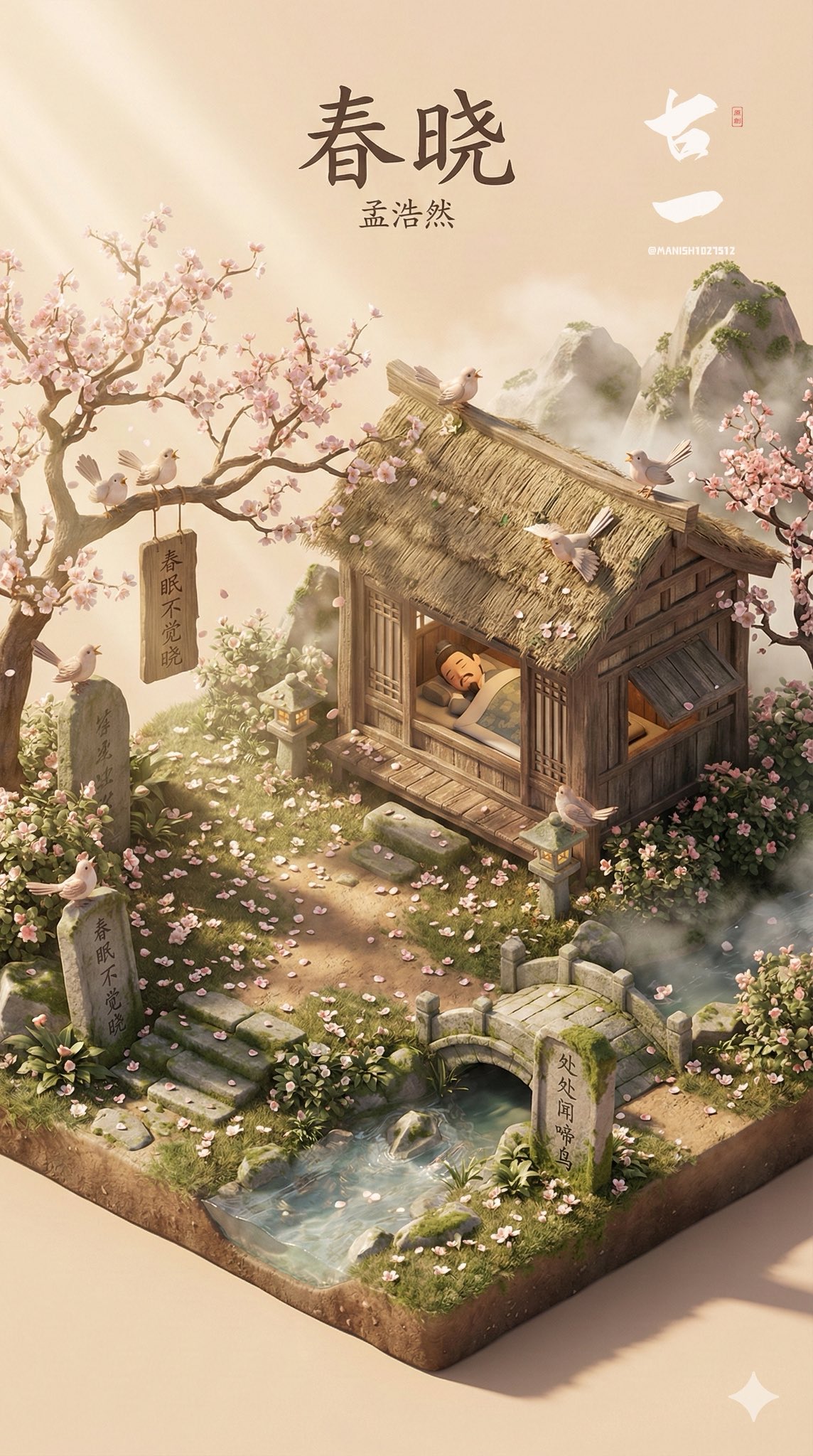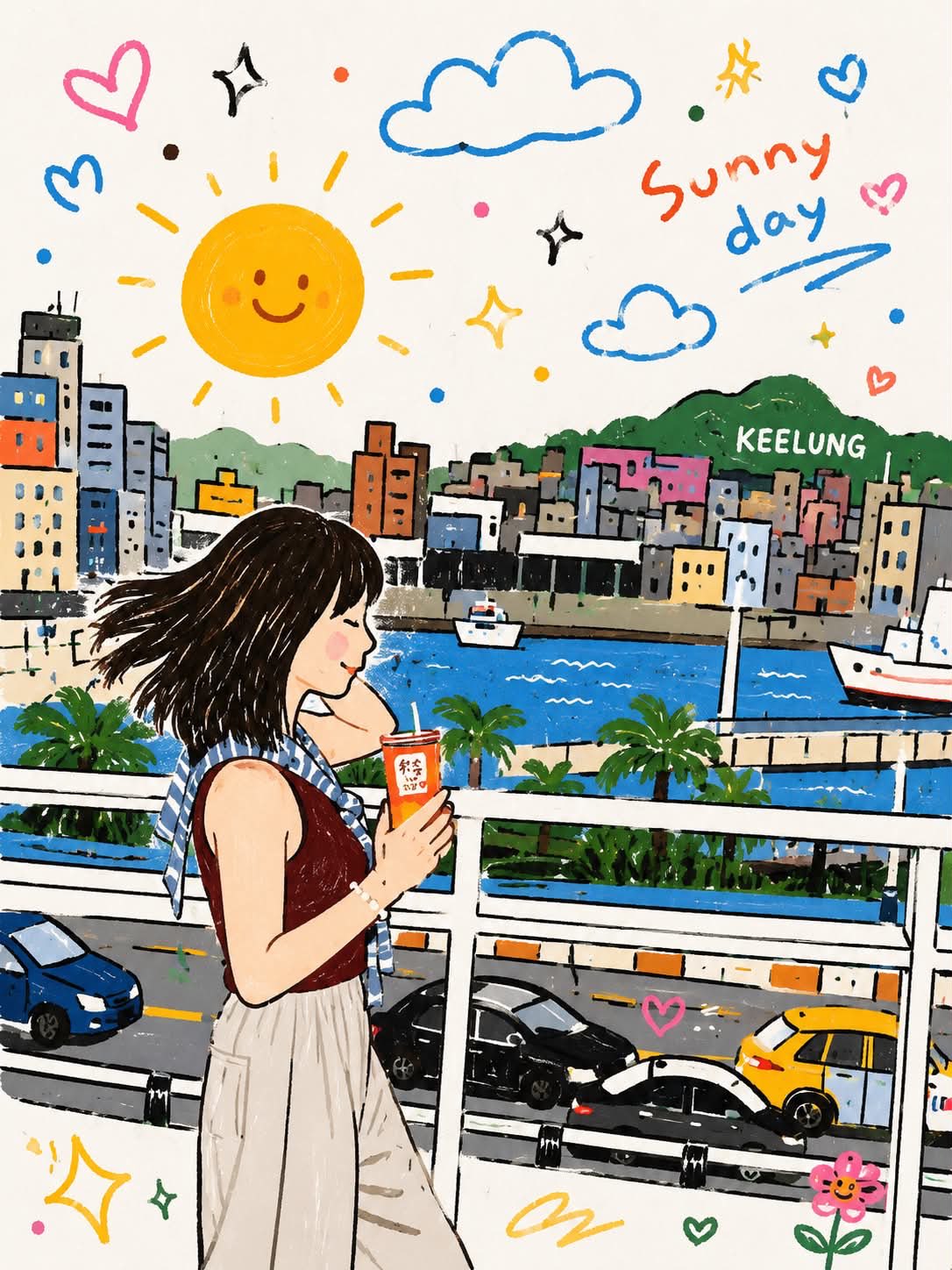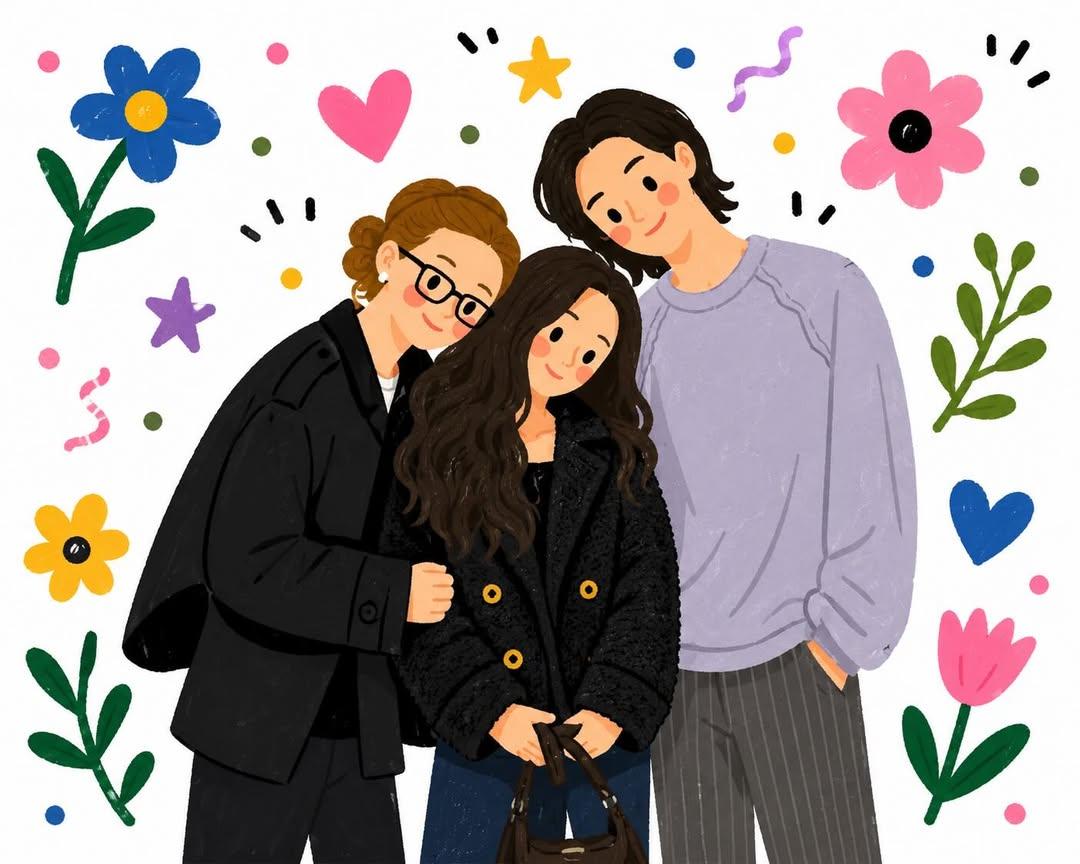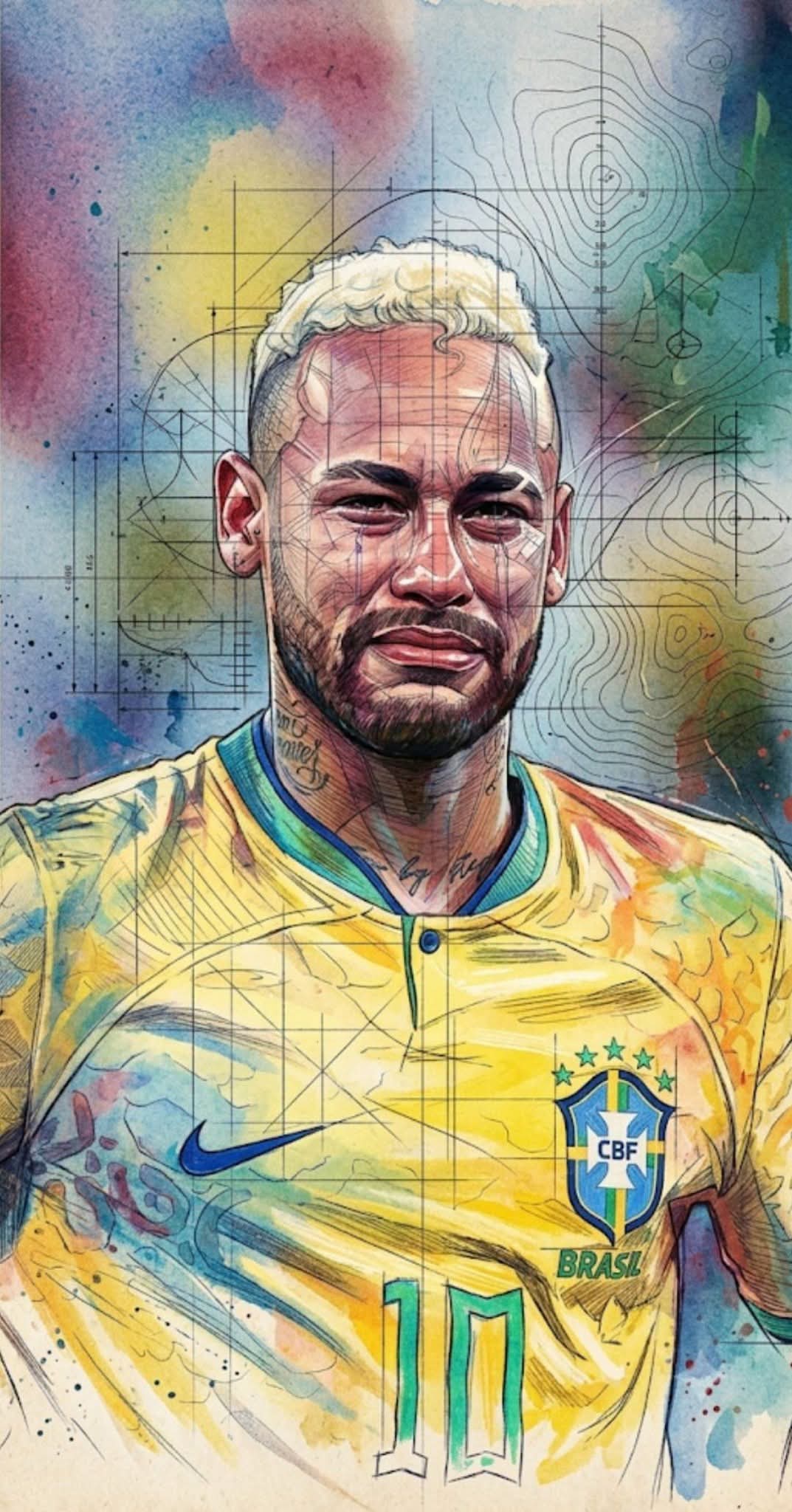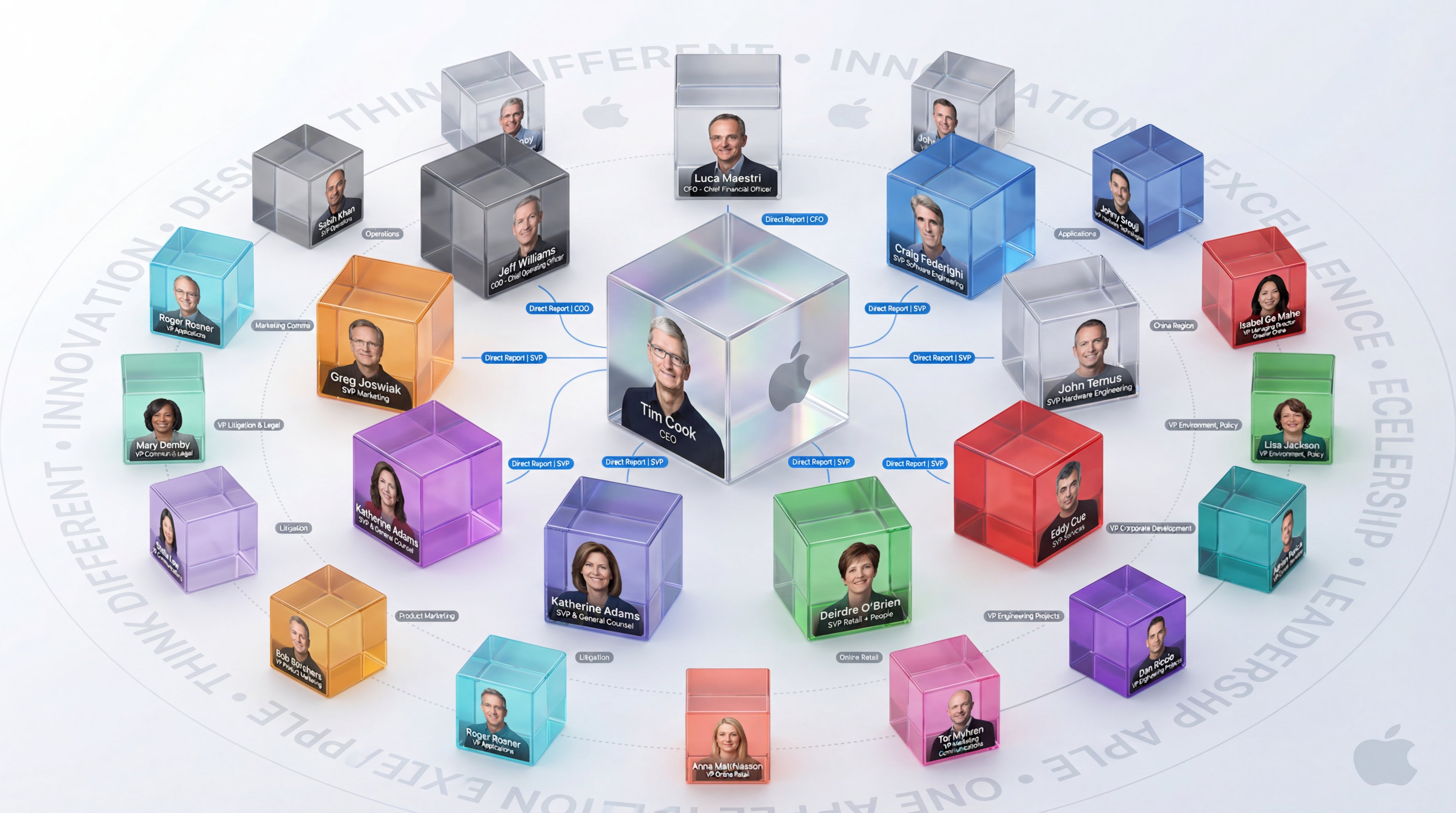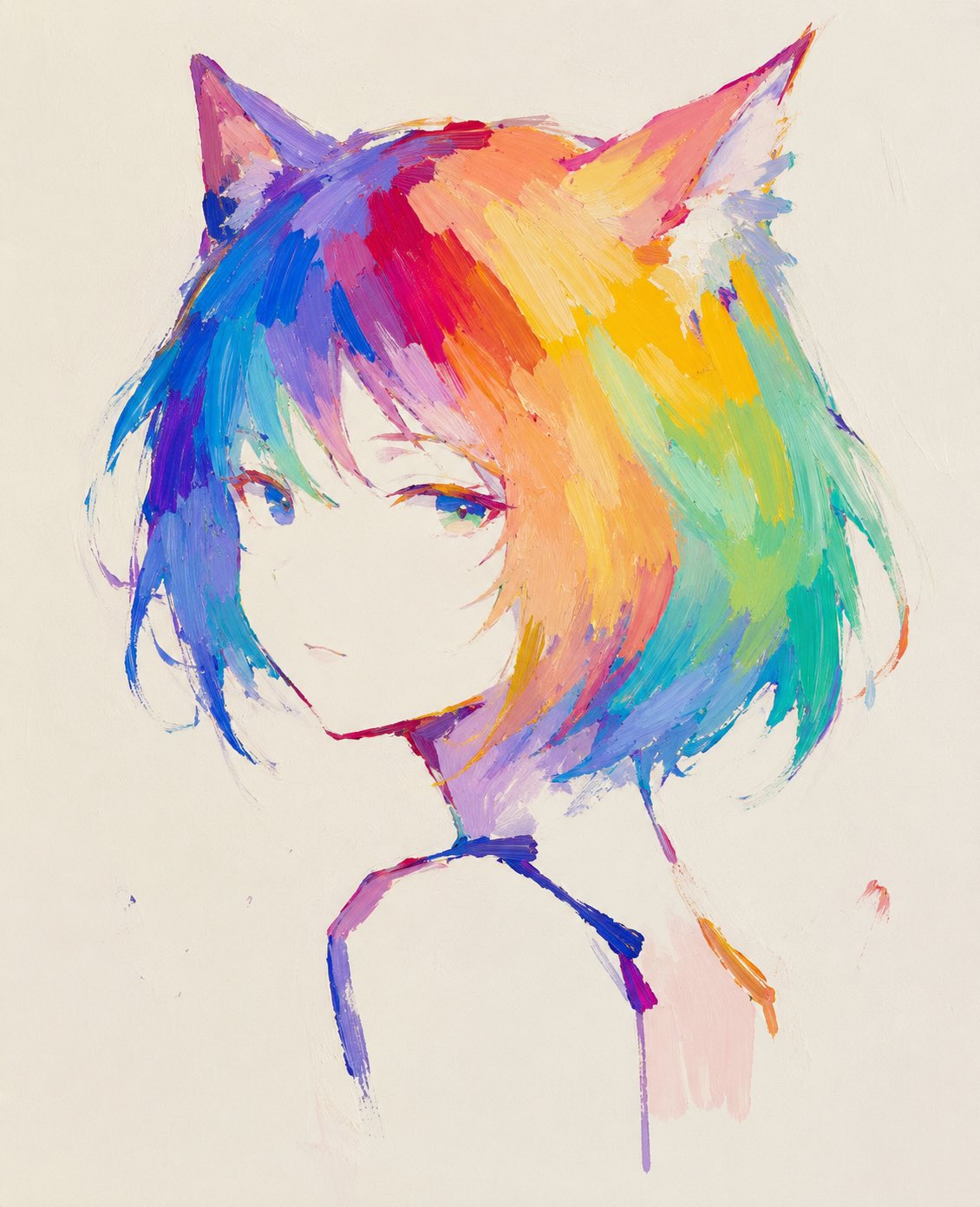
Isometric 3d scene v4: GPT Image 2 prompt
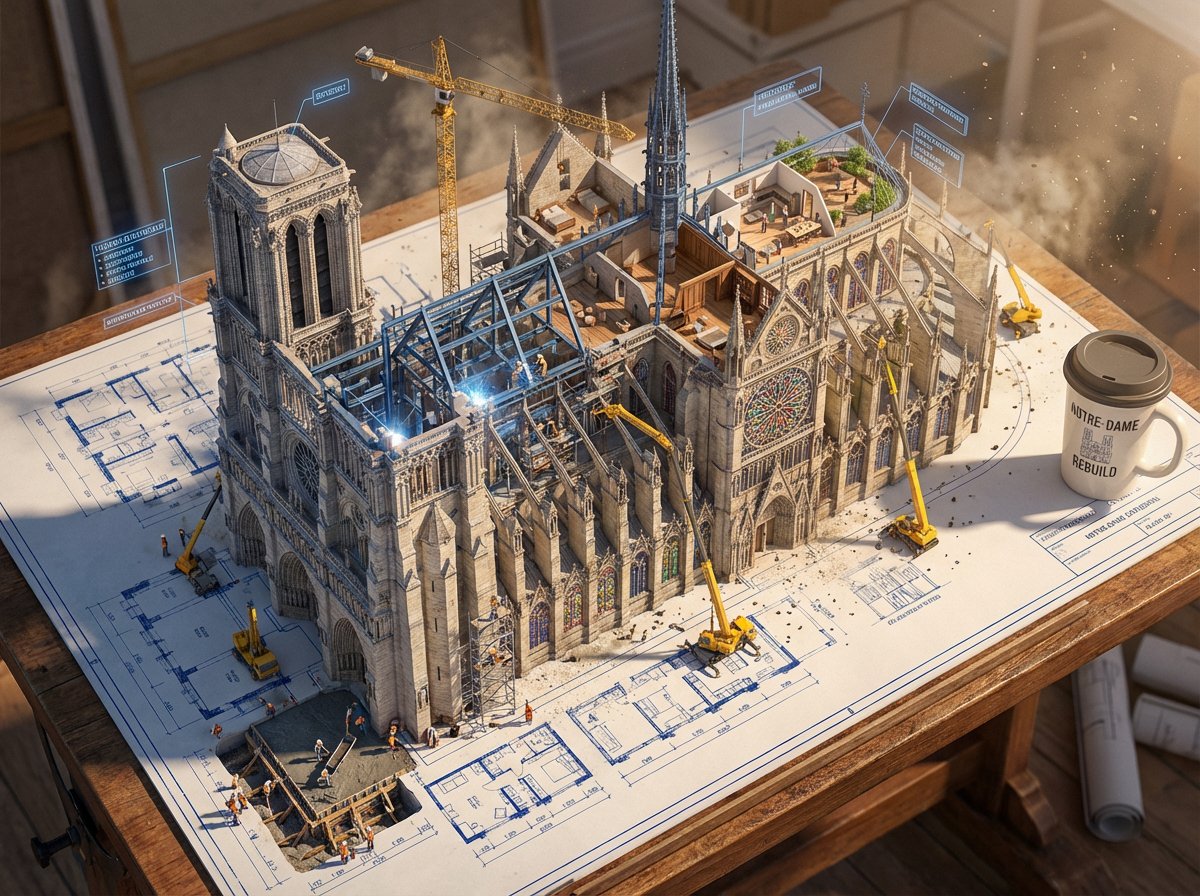
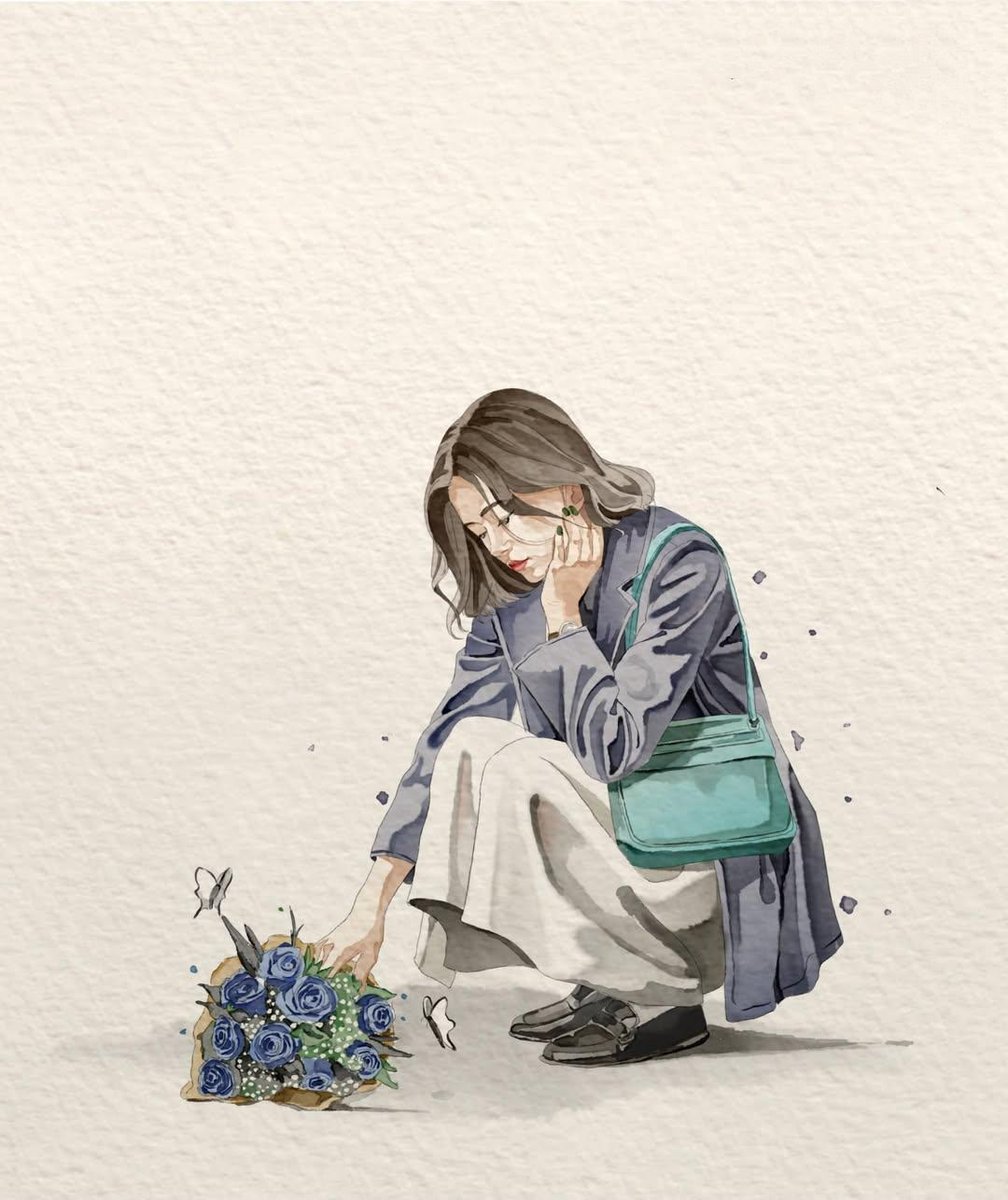
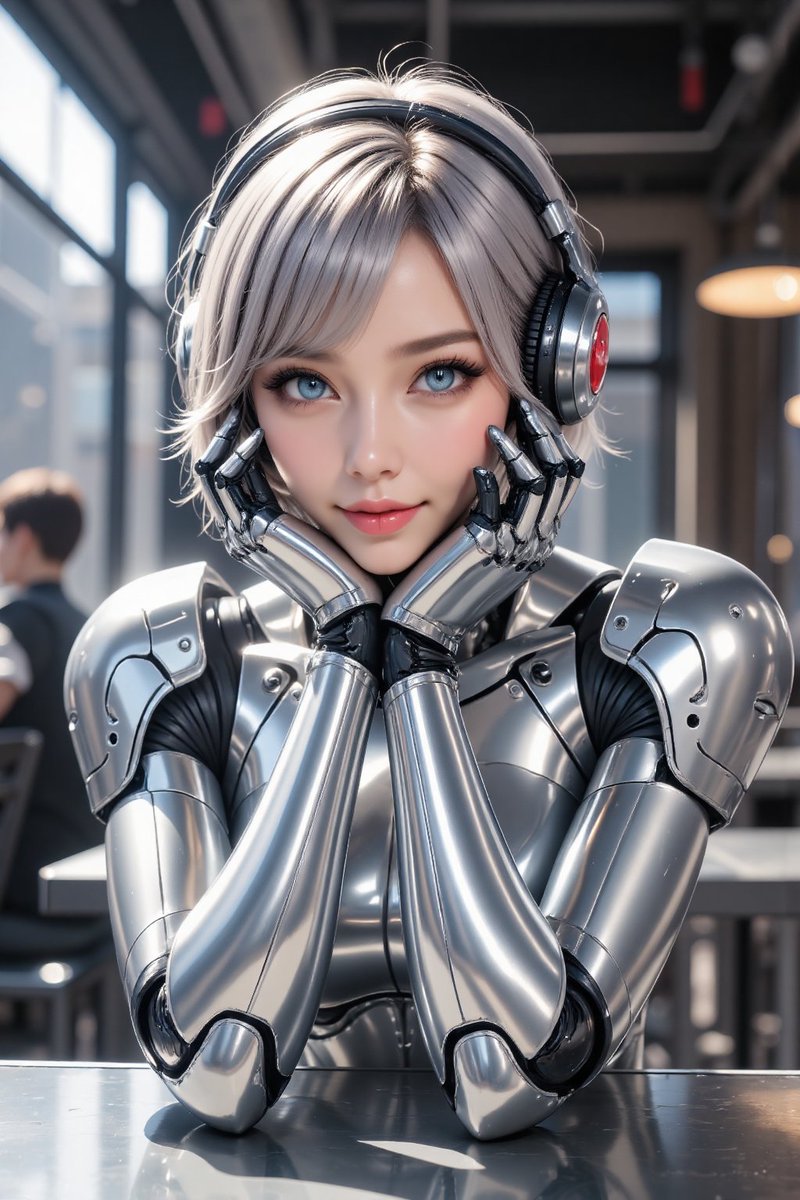
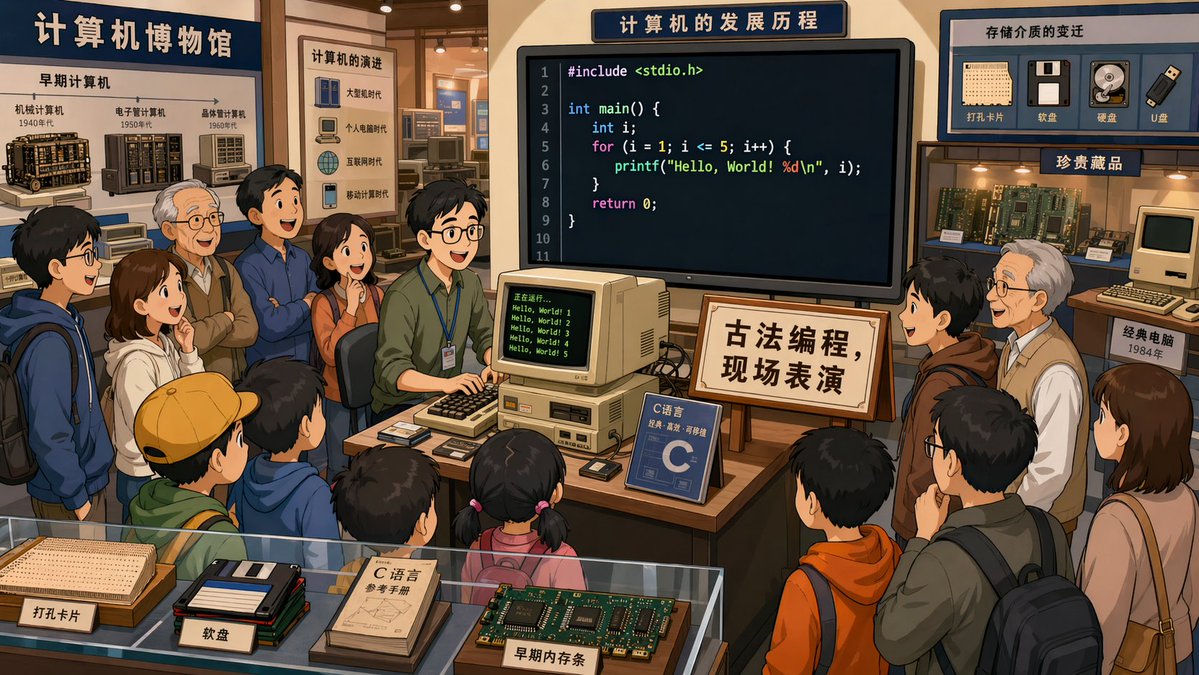
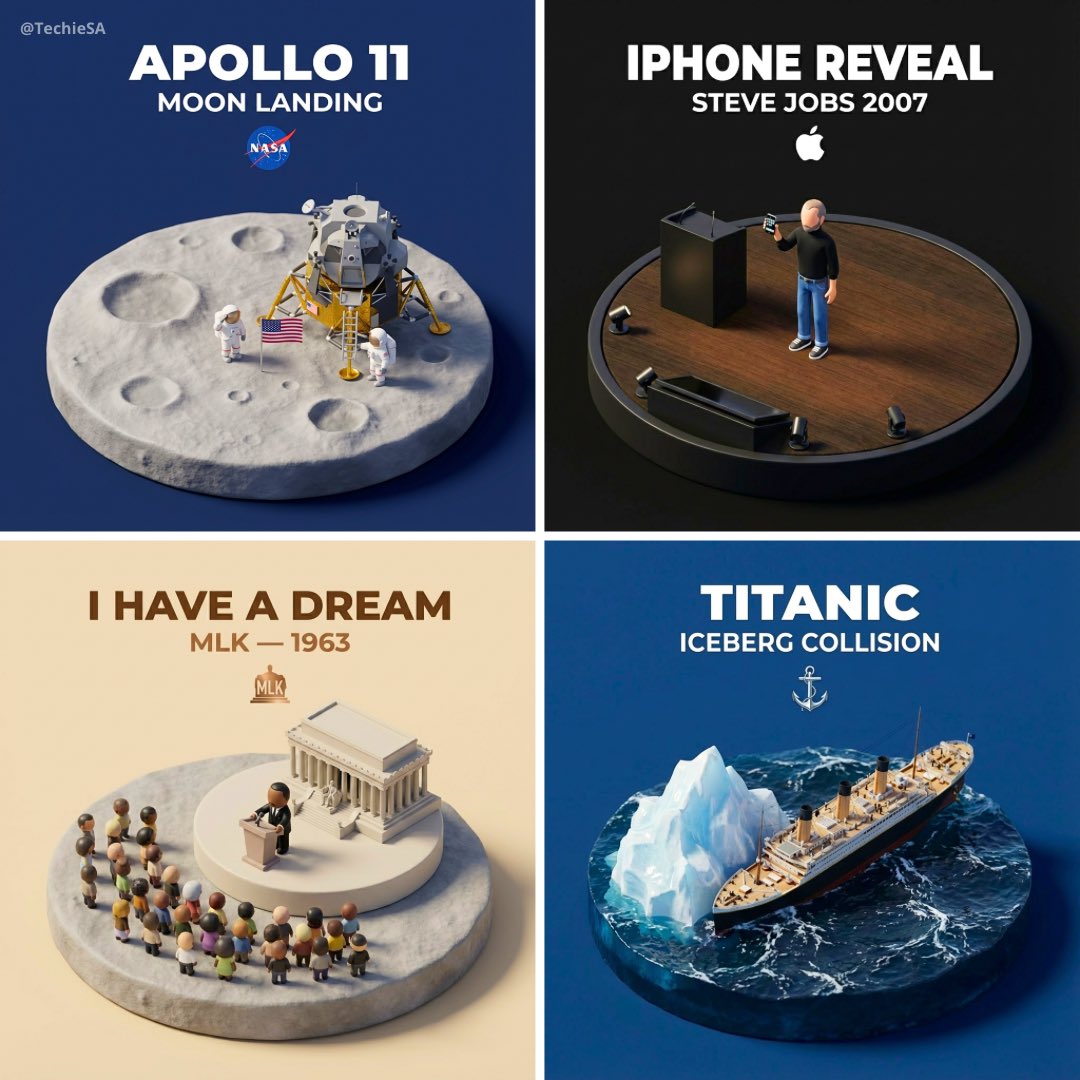
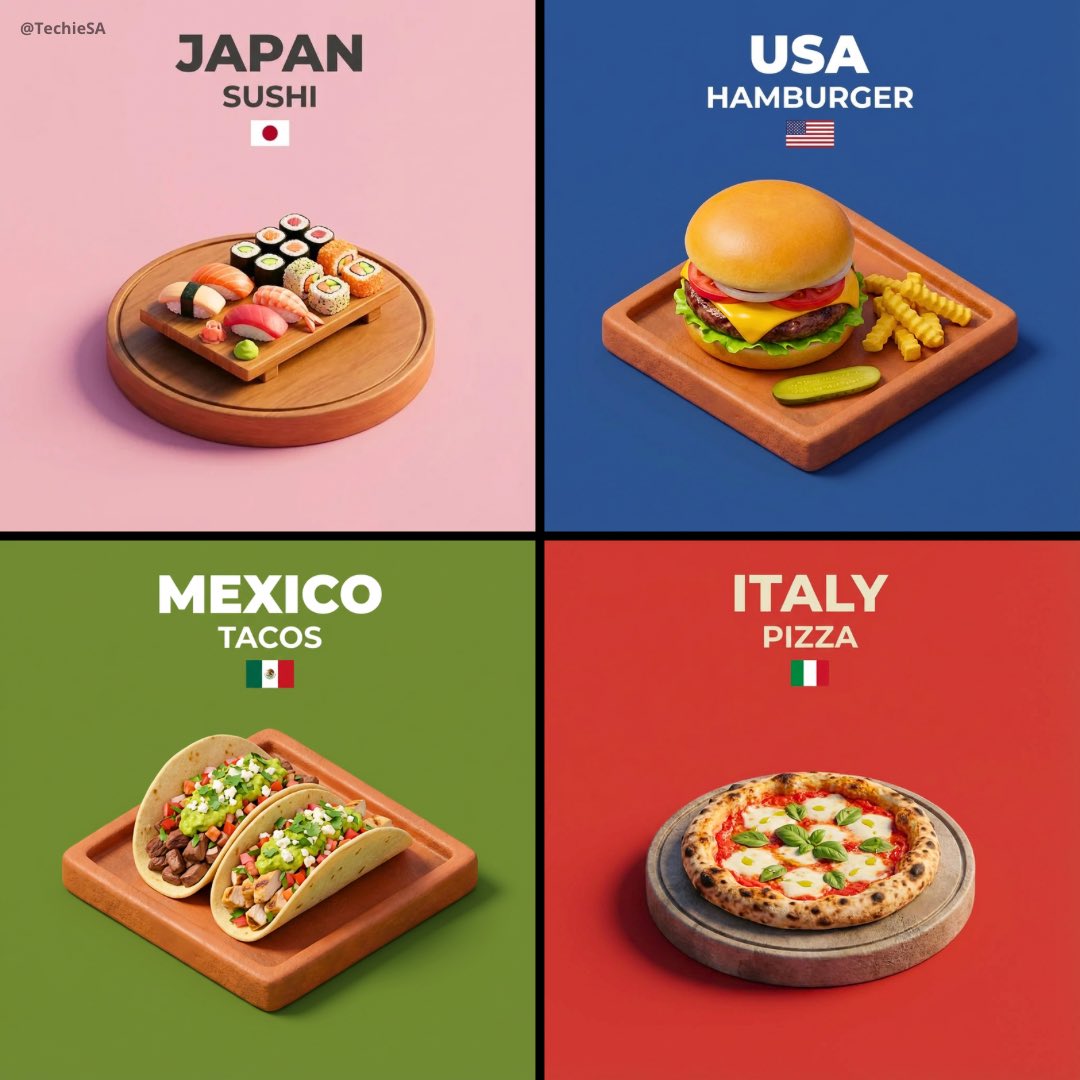
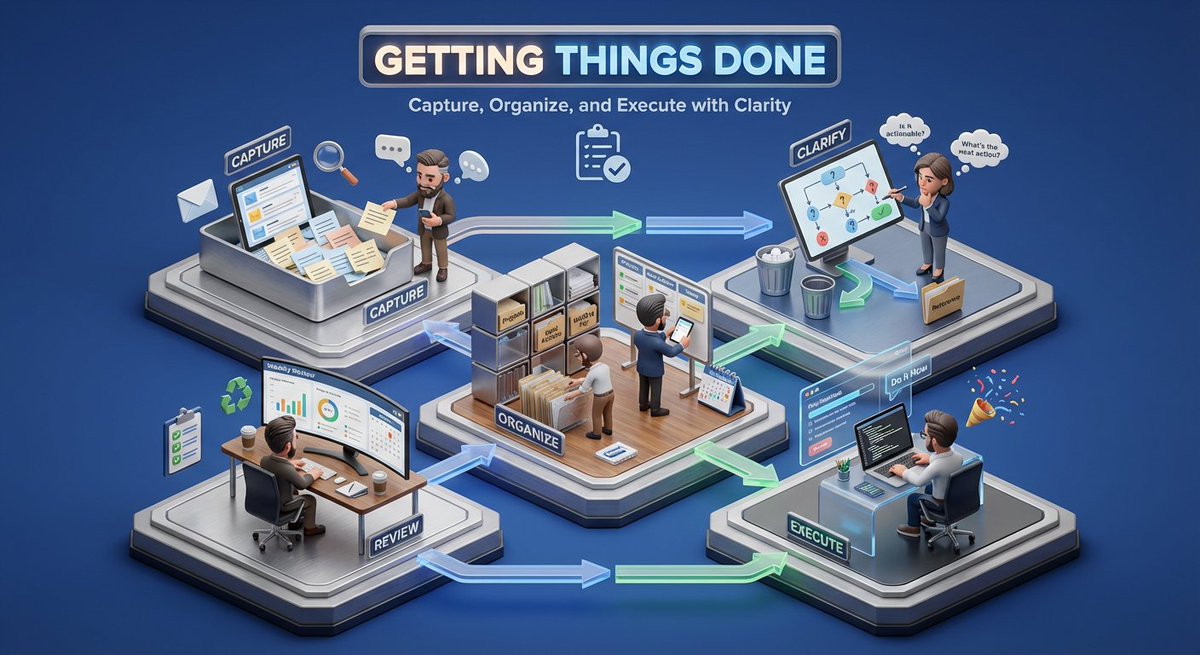
Create a 3D isometric miniature diorama showcasing the productivity system [SYSTEM NAME]. Angle remains between 35–45°. Materials feel modern and structured with realistic PBR textures. Lighting is soft but focused. The raised base is divided into functional zones such as planning, execution, tracking, and review. Use connecting paths or arrows to show workflow. Tiny stylized professionals interact with desks, boards, or devices. With heavy facial details. Background remains solid [BACKGROUND CO
- Category
- Illustration & Art
- Model
- GPT Image 2
- Creator
- Aleena Amir
- Source language
- en
- Source ID
- 2022522374483235110
- Published
- Feb 14, 2026
Full prompt
Create a 3D isometric miniature diorama showcasing the productivity system [SYSTEM NAME]. Angle remains between 35–45°. Materials feel modern and structured with realistic PBR textures.

Lighting is soft but focused. The raised base is divided into functional zones such as planning, execution, tracking, and review. Use connecting paths or arrows to show workflow.

Tiny stylized professionals interact with desks, boards, or devices. With heavy facial details.
Background remains solid [BACKGROUND COLOR].

Top center shows [SYSTEM NAME] in bold. Below it add a short benefit-focused subtitle. Place a minimal productivity icon underneath. Text automatically adapts.”
Translations
Isometric 3d scene v4: GPT Image 2 prompt
enCreate a 3D isometric miniature diorama showcasing the productivity system [SYSTEM NAME]. Angle remains between 35–45°. Materials feel modern and structured with realistic PBR textures. Lighting is soft but focused. The raised base is divided into functional zones such as planning, execution, tracking, and review. Use connecting paths or arrows to show workflow. Tiny stylized professionals interact with desks, boards, or devices. With heavy facial details. Background remains solid [BACKGROUND COLOR]. Top center shows [SYSTEM NAME] in bold. Below it add a short benefit-focused subtitle. Place a minimal productivity icon underneath. Text automatically adapts.”