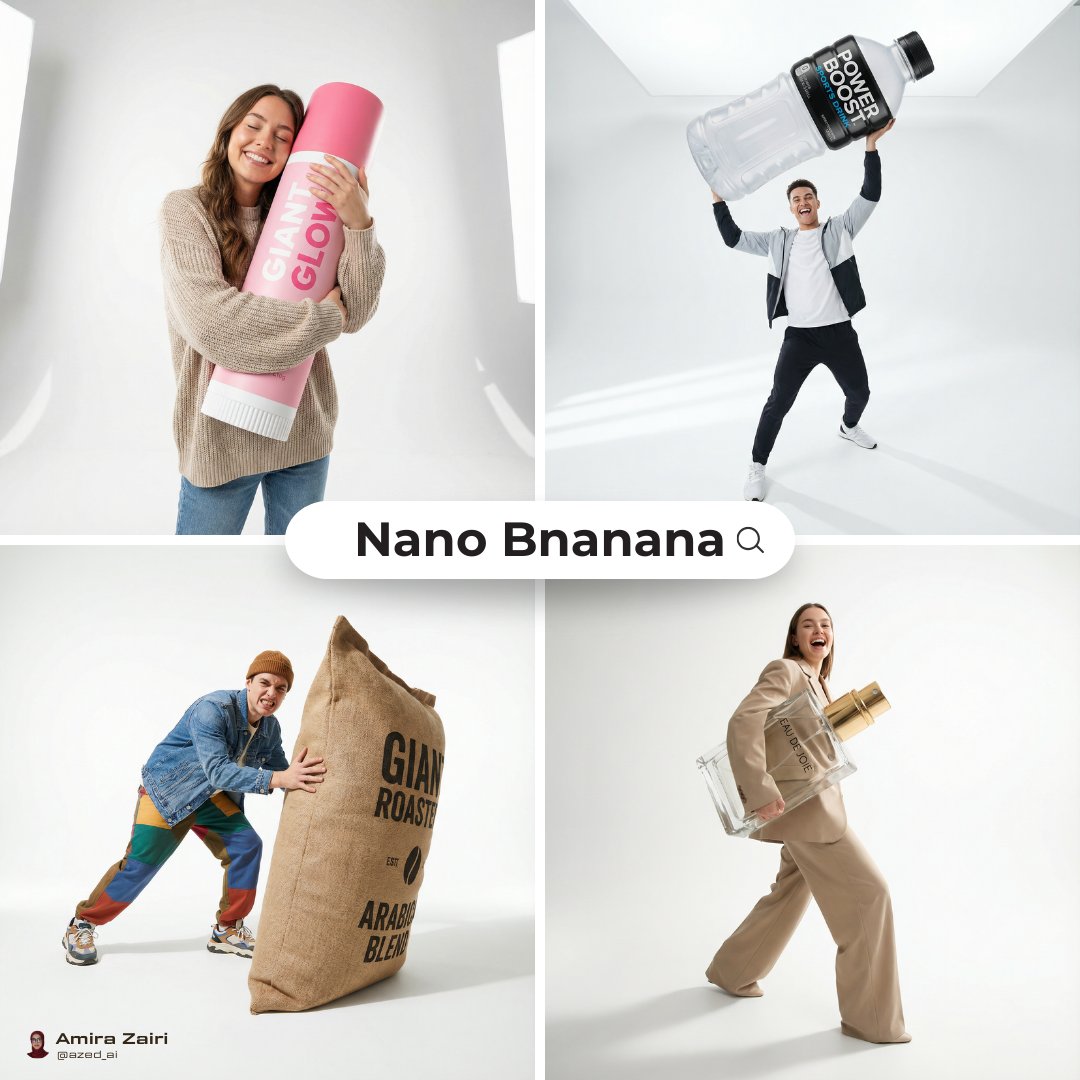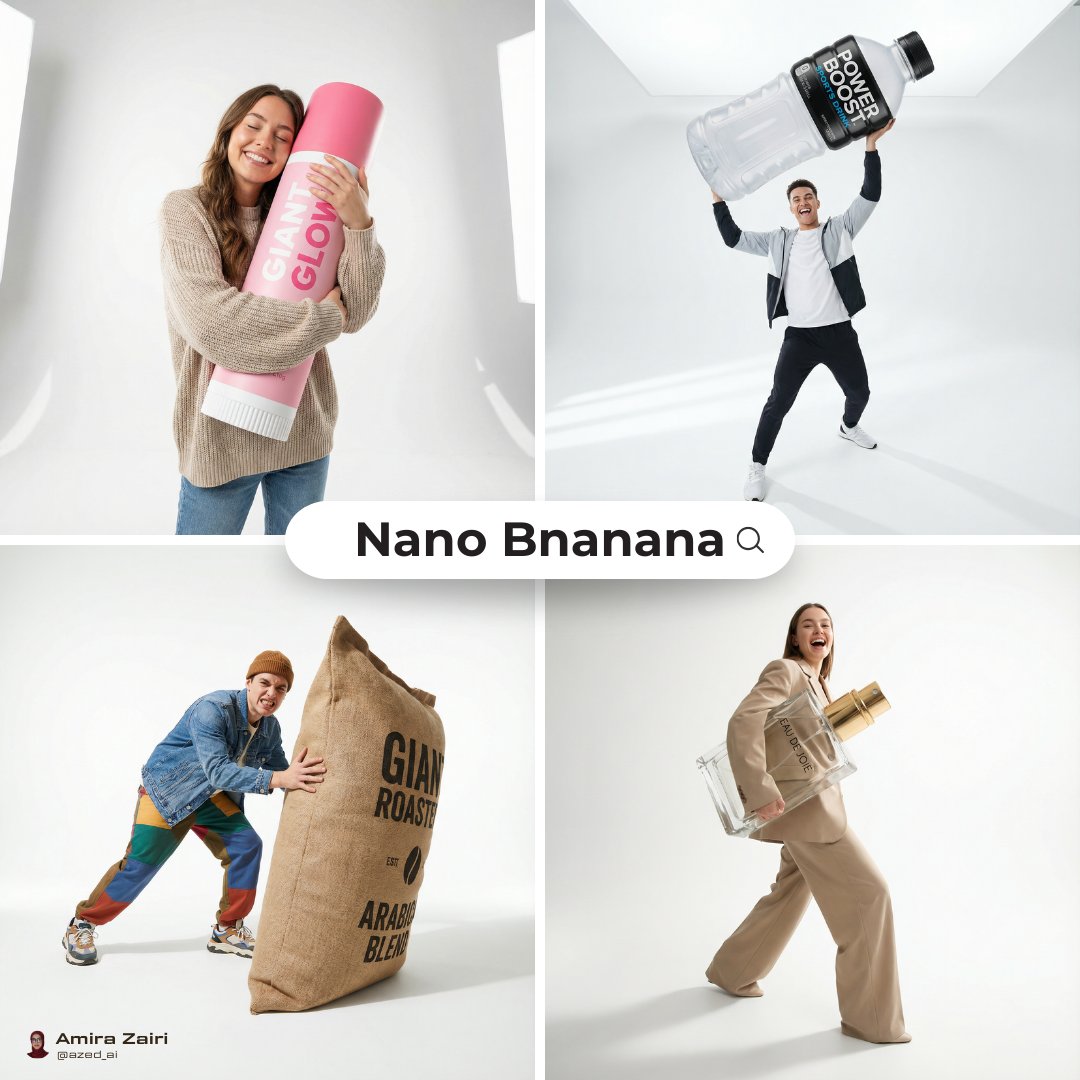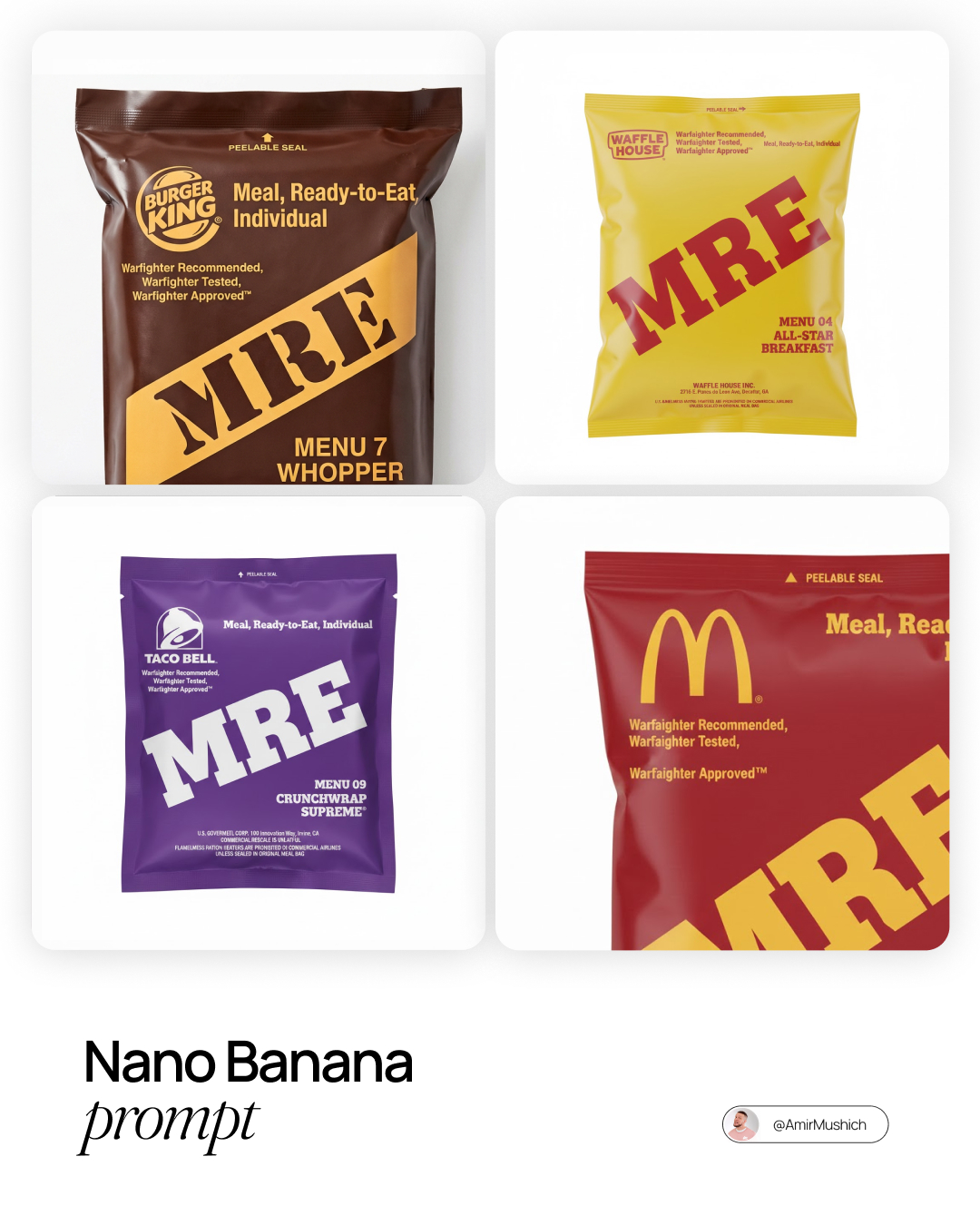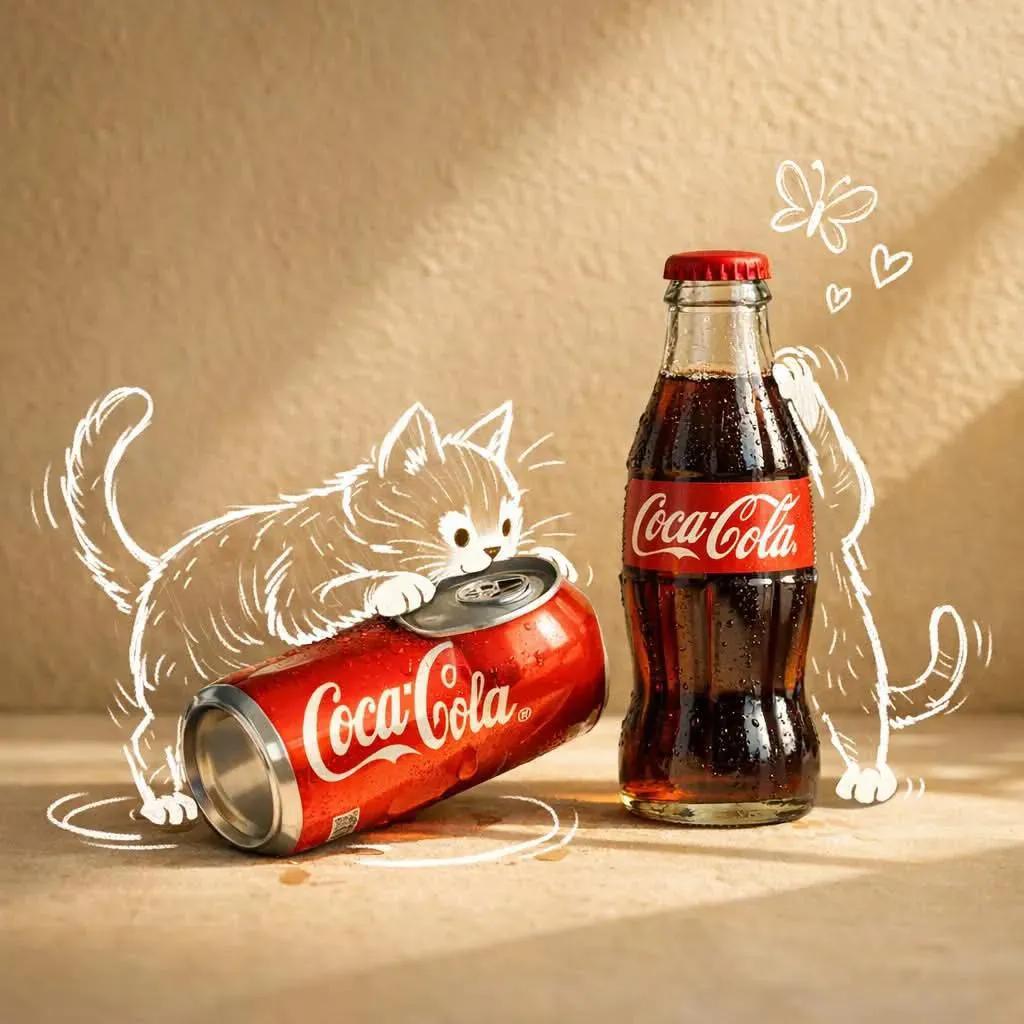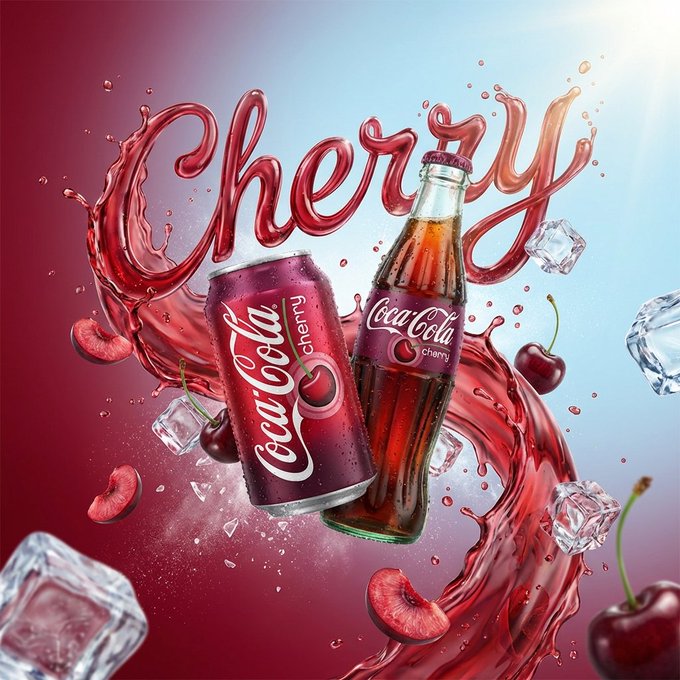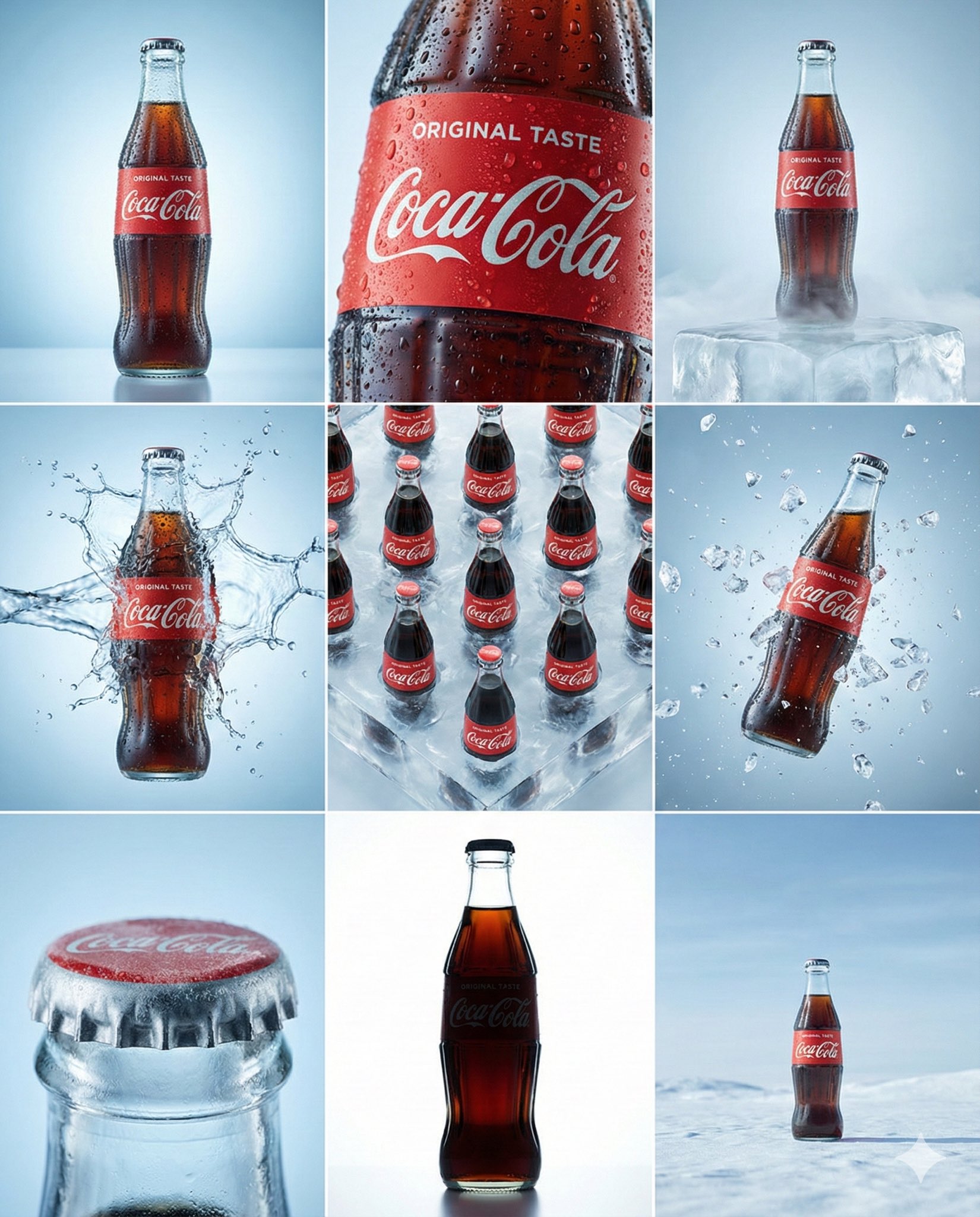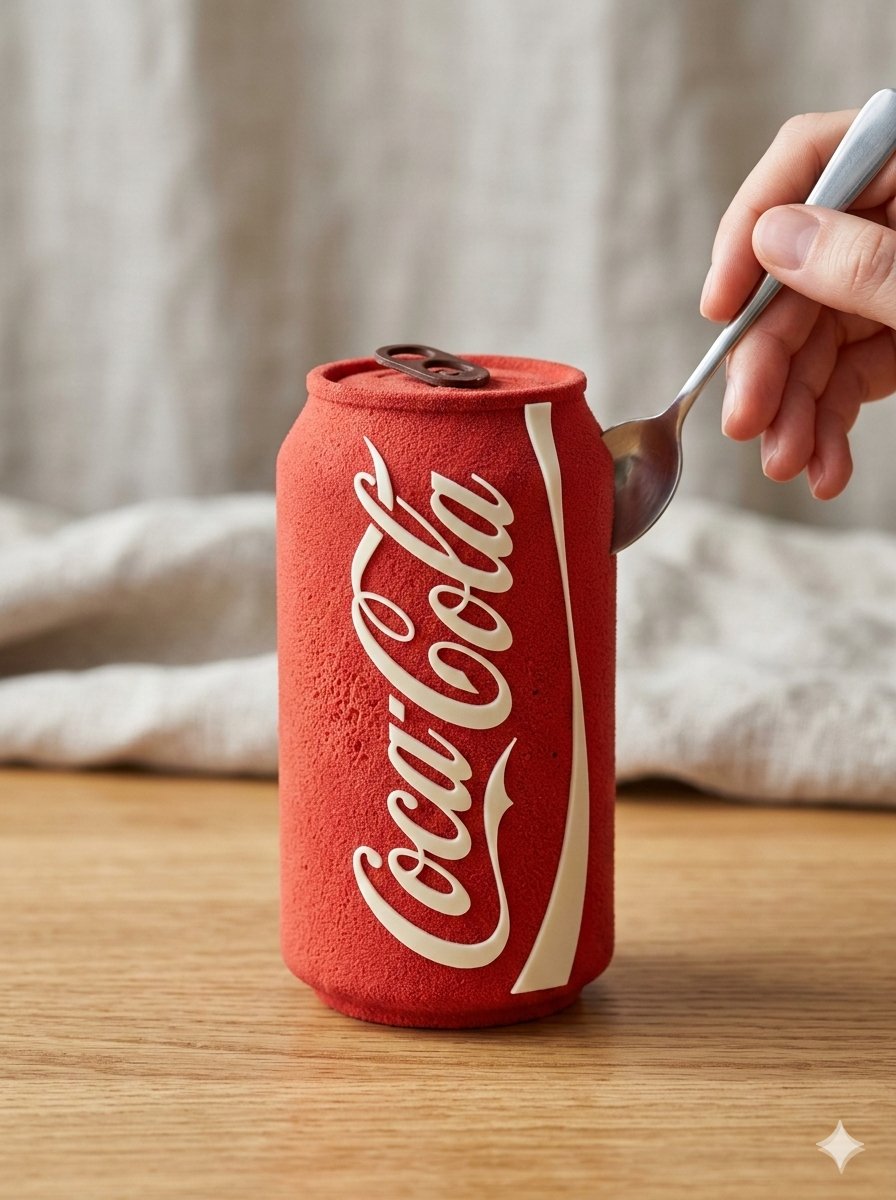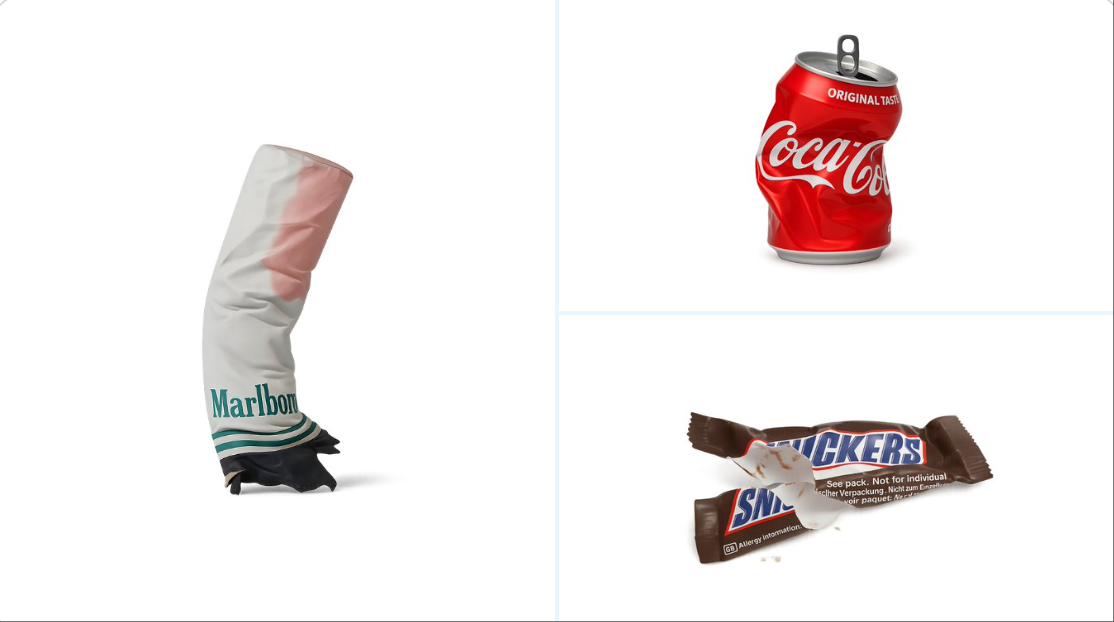
物品纹理处理
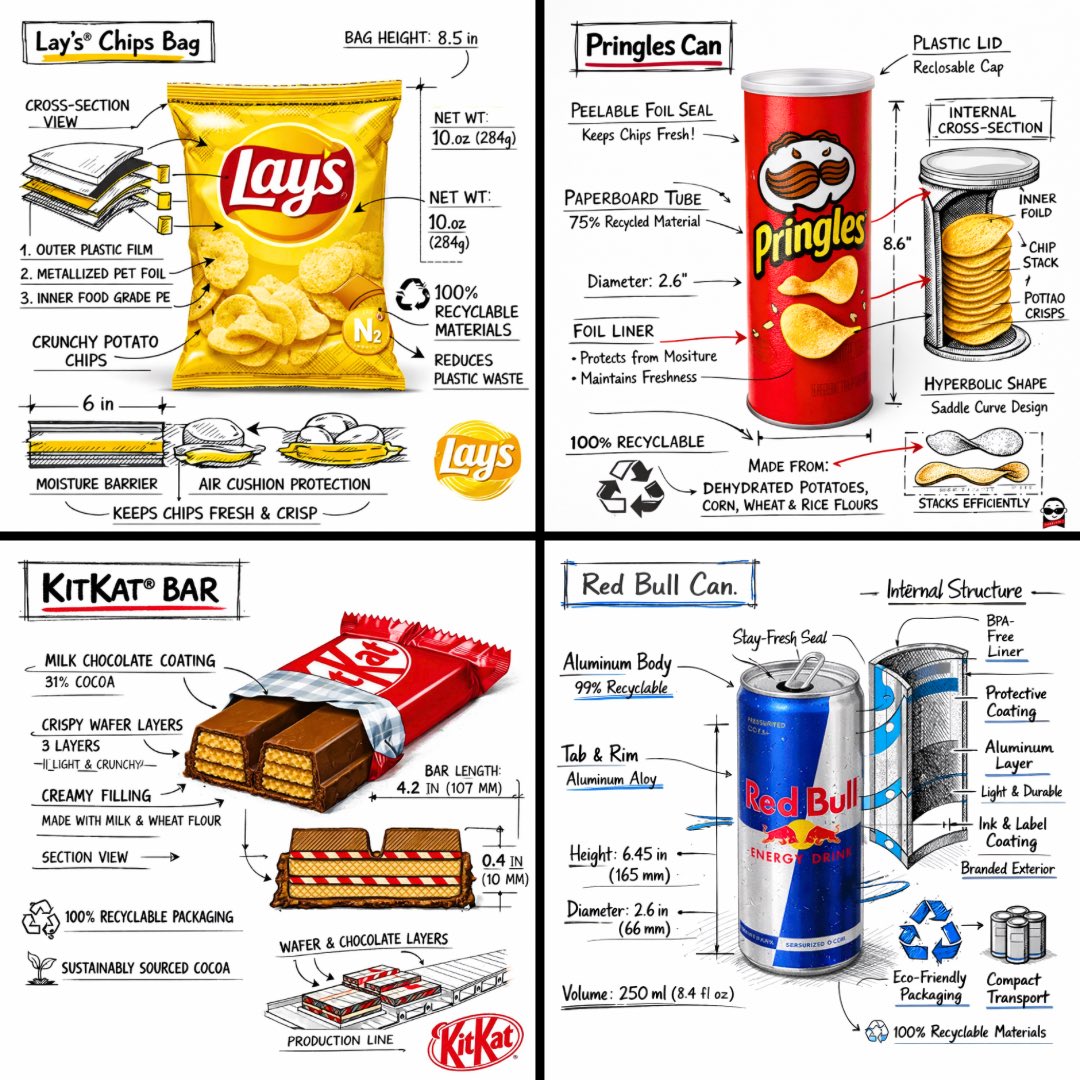
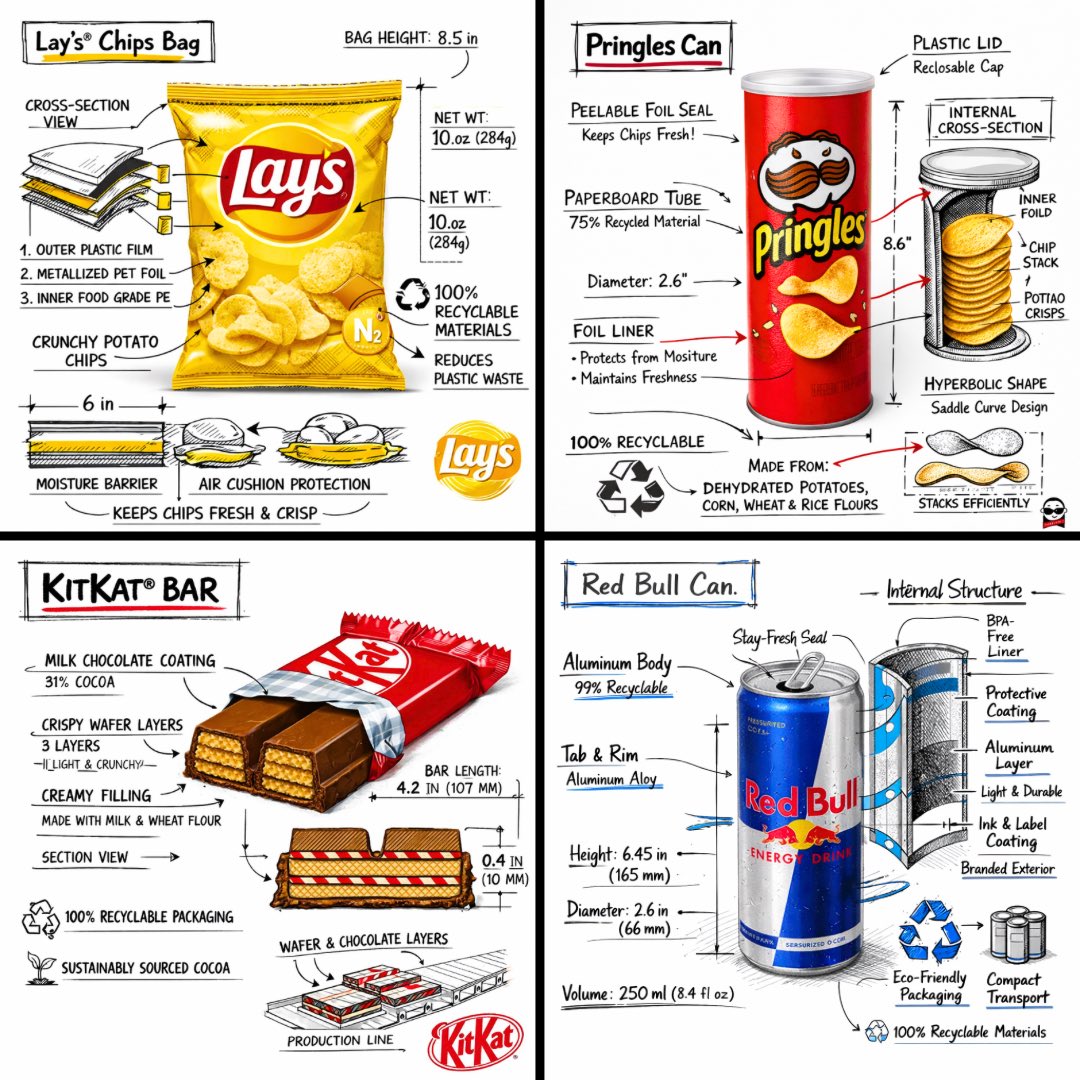
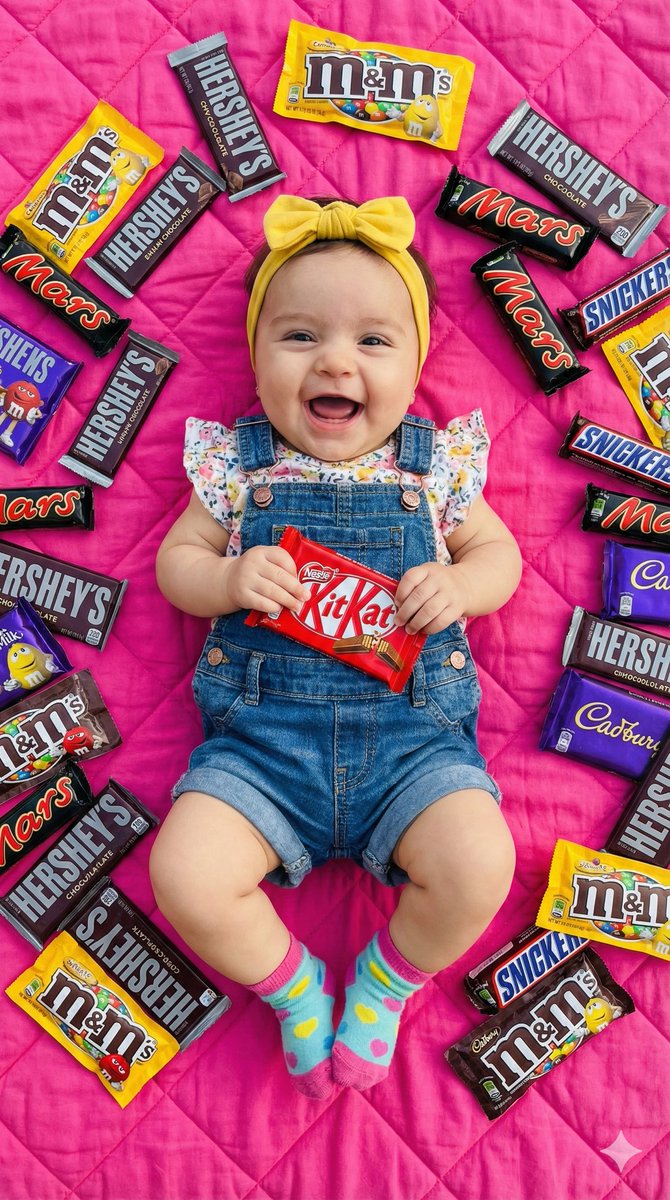
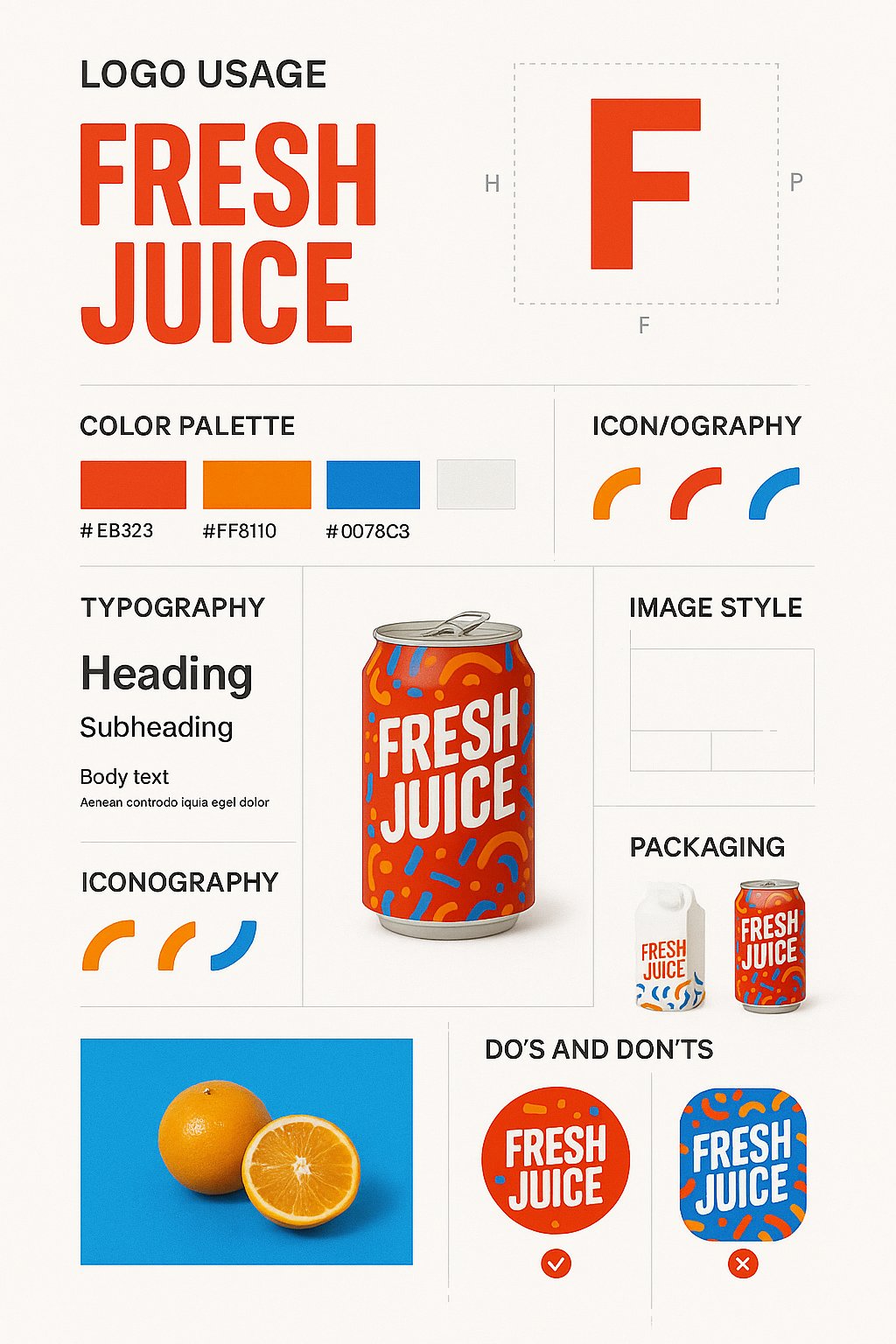
根据以下 JSON 对附加的图片进行重新纹理处理: { “style_name”: “透明工作室渲染”, “visual_rules”: { “form”: { “shape”: “保留原始对象形状”, “outline”: “无轮廓,使用平滑的几何过渡和斜面” }, “照明”: { “style”: “工作室风格的 3 点光照或柔和 HDRI 设置”, “highlight”: “半哑光塑料或涂层表面的细微镜面反射高光”, “shadow”: “对象正下方的柔和投影,投射在
- Category
- Charts & Infographics
- Model
- GPT Image 2
- Creator
- @egeberkina
- Source language
- zh-CN
- Source ID
- 931
- Published
- Jan 8, 2026
Full prompt
retexture the image attached based on the JSON below:
{
  "style_name": "Transparent Studio Render",
  "visual_rules": {
    "form": {
      "shape": "preserve original object shape",
      "outline": "no outlines, use smooth geometry transitions and bevels"
    },
    "lighting": {
      "style": "studio-style 3-point lighting or soft HDRI setup",
      "highlight": "subtle specular highlights for semi-matte plastic or coated surfaces",
      "shadow": "soft drop shadow directly beneath the object, cast on a translucent floor plane"
    },
    "texture": {
      "surface": "smooth or lightly textured based on object, clean shader setup with minimal noise",
      "branding": "bold and high-contrast, treated as printed decals or sticker-style labels"
    },
    "material": {
      "finish": "semi-matte or satin shader, mimicking printed plastic or coated materials"
    },
    "color_handling": {
      "strategy": "make the object's primary color the focal point",
      "enhancement": "slightly boosted saturation and contrast for clean product visualization"
    },
    "background": {
      "type": "fully transparent (alpha channel)",
      "shadow": "optional soft drop shadow directly beneath the object to ground it visually"
    }
  },
  "rendering": {
    "camera_angle": "centered front view or slightly elevated for dimensional clarity",
    "depth_of_field": "neutral or slightly shallow to keep object fully sharp",
    "background_blur": "none, background remains transparent"
  }
}
Translations
物品纹理处理
enretexture the image attached based on the JSON below: { "style_name": "Transparent Studio Render", "visual_rules": { "form": { "shape": "preserve original object shape", "outline": "no outlines, use smooth geometry transitions and bevels" }, "lighting": { "style": "studio-style 3-point lighting or soft HDRI setup", "highlight": "subtle specular highlights for semi-matte plastic or coated surfaces", "shadow": "soft drop shadow directly beneath the object, cast on a translucent floor plane" }, "texture": { "surface": "smooth or lightly textured based on object, clean shader setup with minimal noise", "branding": "bold and high-contrast, treated as printed decals or sticker-style labels" }, "material": { "finish": "semi-matte or satin shader, mimicking printed plastic or coated materials" }, "color_handling": { "strategy": "make the object's primary color the focal point", "enhancement": "slightly boosted saturation and contrast for clean product visualization" }, "background": { "type": "fully transparent (alpha channel)", "shadow": "optional soft drop shadow directly beneath the object to ground it visually" } }, "rendering": { "camera_angle": "centered front view or slightly elevated for dimensional clarity", "depth_of_field": "neutral or slightly shallow to keep object fully sharp", "background_blur": "none, background remains transparent" } }
物品纹理处理
zh-CN根据以下 JSON 对附加的图片进行重新纹理处理: { “style_name”: “透明工作室渲染”, “visual_rules”: { “form”: { “shape”: “保留原始对象形状”, “outline”: “无轮廓,使用平滑的几何过渡和斜面” }, “照明”: { “style”: “工作室风格的 3 点光照或柔和 HDRI 设置”, “highlight”: “半哑光塑料或涂层表面的细微镜面反射高光”, “shadow”: “对象正下方的柔和投影,投射在半透明地板平面上” }, “texture”: { “surface”: “基于对象的平滑或轻微纹理,干净的着色器设置,噪点最小”, “branding”: “粗体且对比度高,被视为印刷贴花或贴纸式标签” }, “material”: { “finish”: “半哑光或缎面着色器,模拟打印塑料或涂层材质” }, “color_handling”: { “strategy”: “将对象的原色作为焦点”, “enhancement”: “略微提高饱和度和对比度,实现清晰的产品可视化” }, “背景”: { “type”: “完全透明(Alpha 通道)”, “shadow”: “可选的软投影正下方,使其在视觉上接地” } }, “渲染”: { “camera_angle”: “居中前视图或略微升高以提高尺寸清晰度”, “depth_of_field”: “中性或稍浅,以保持物体完全清晰”, “background_blur”: “无,背景保持透明” } }