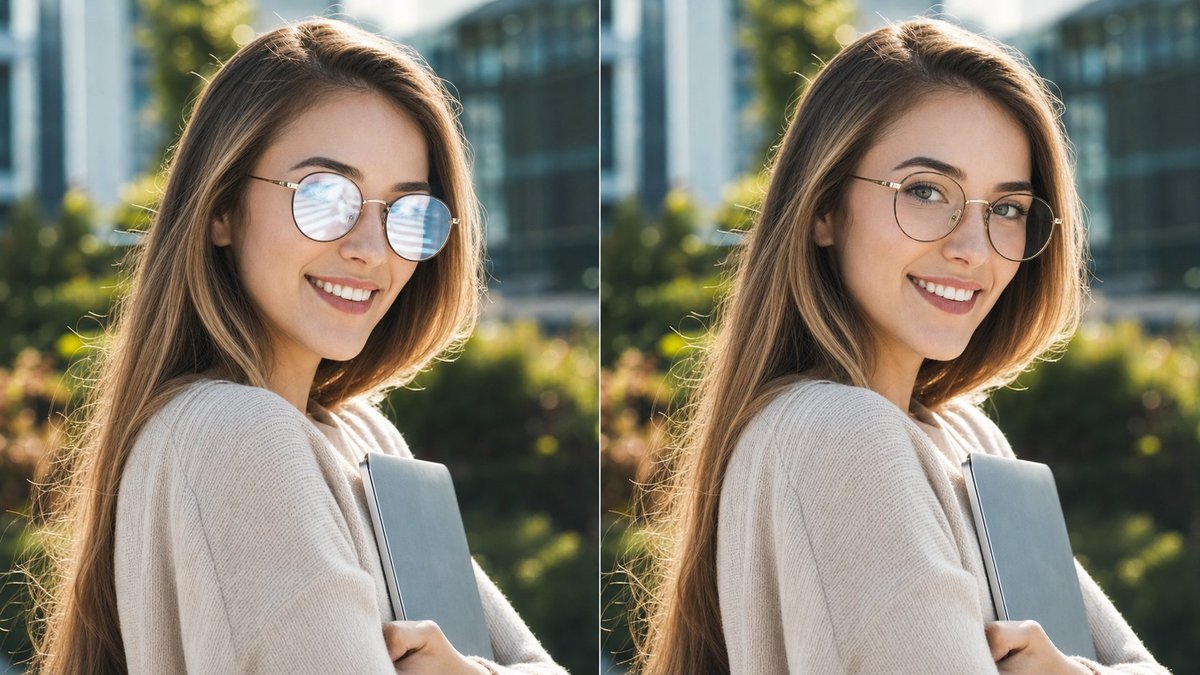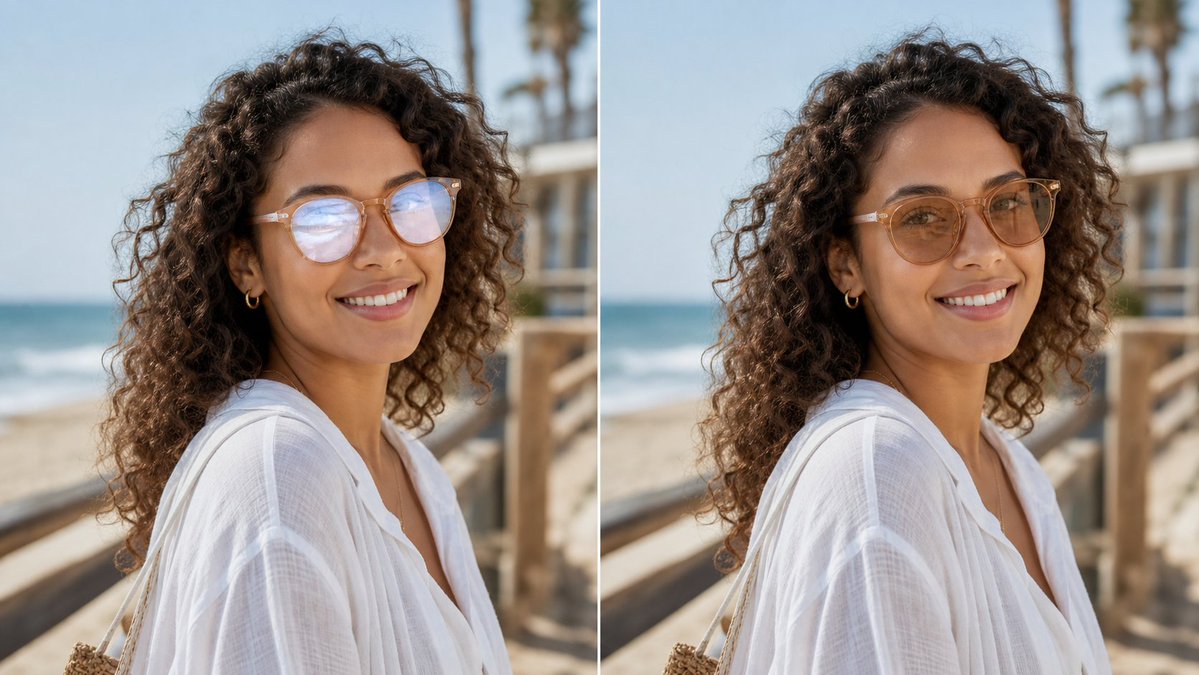
眼镜反光去除对比
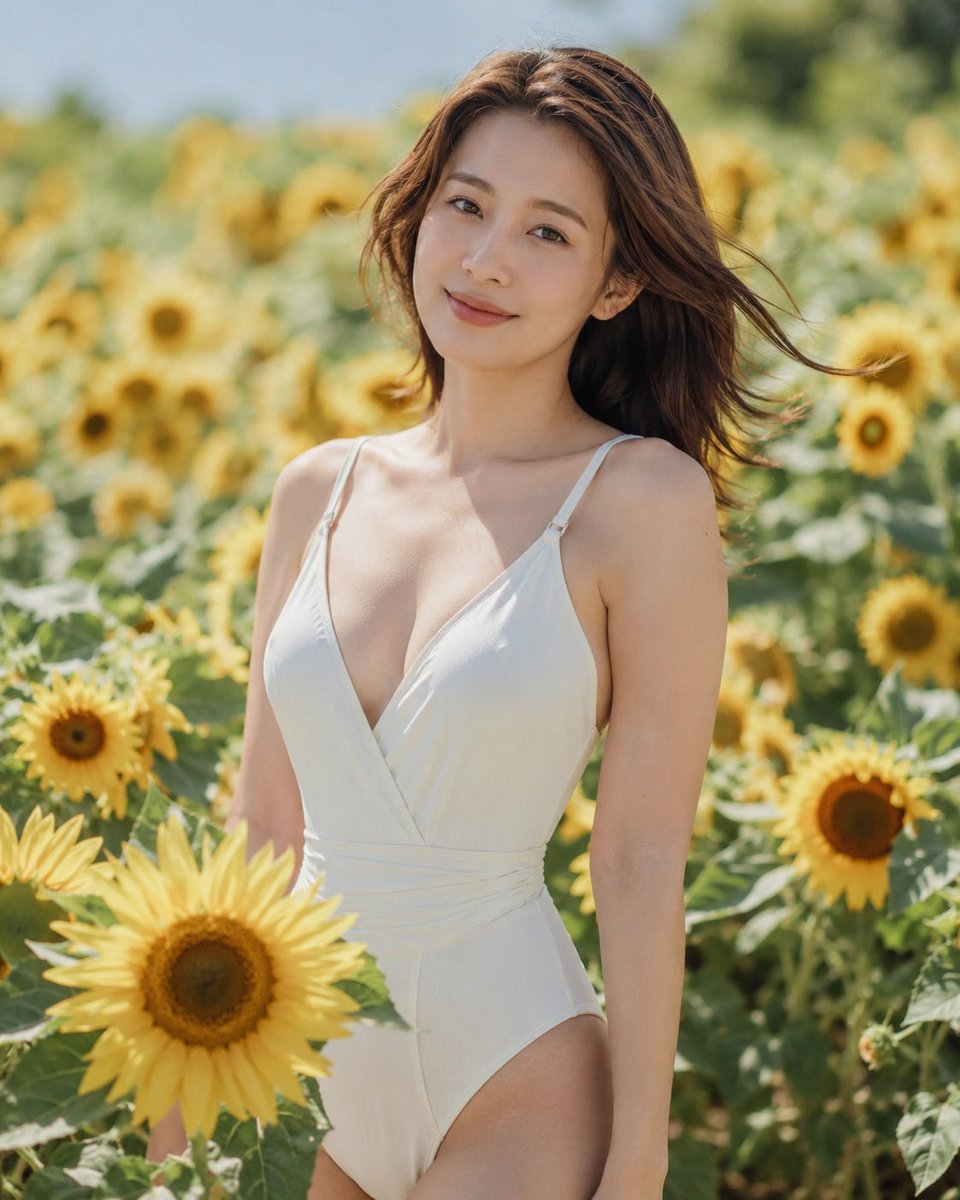
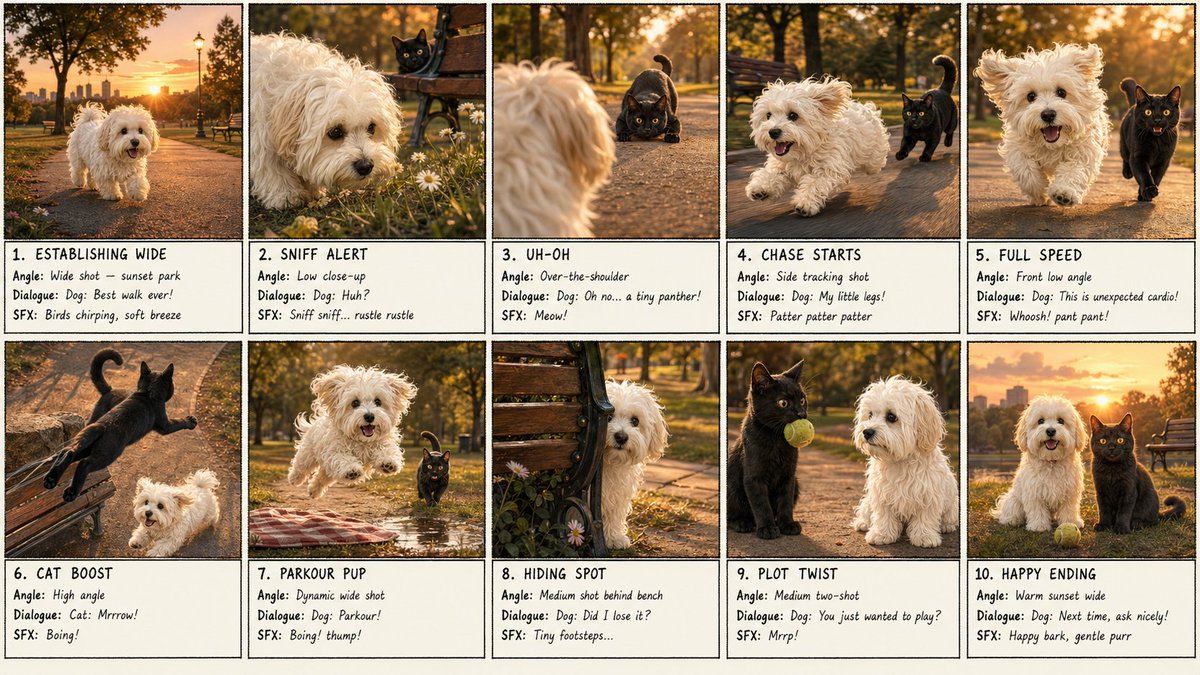
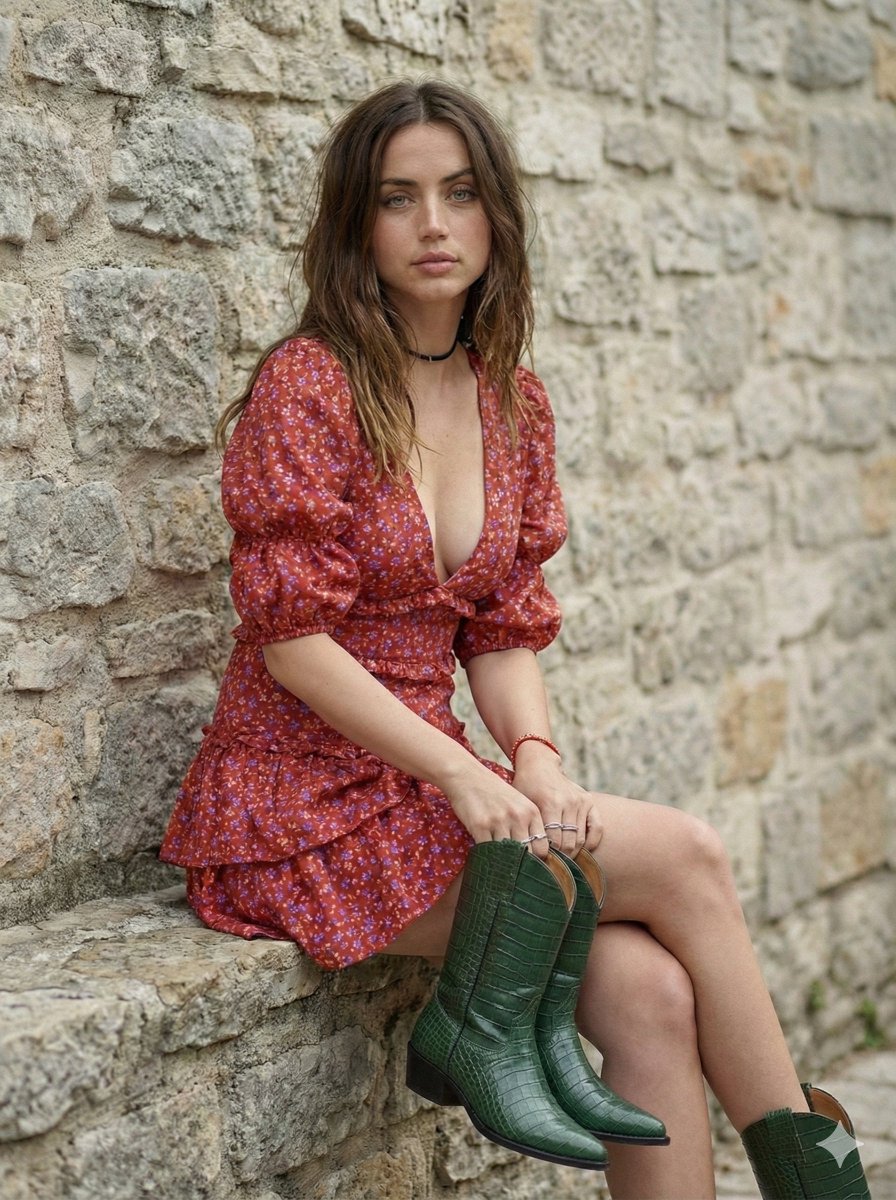
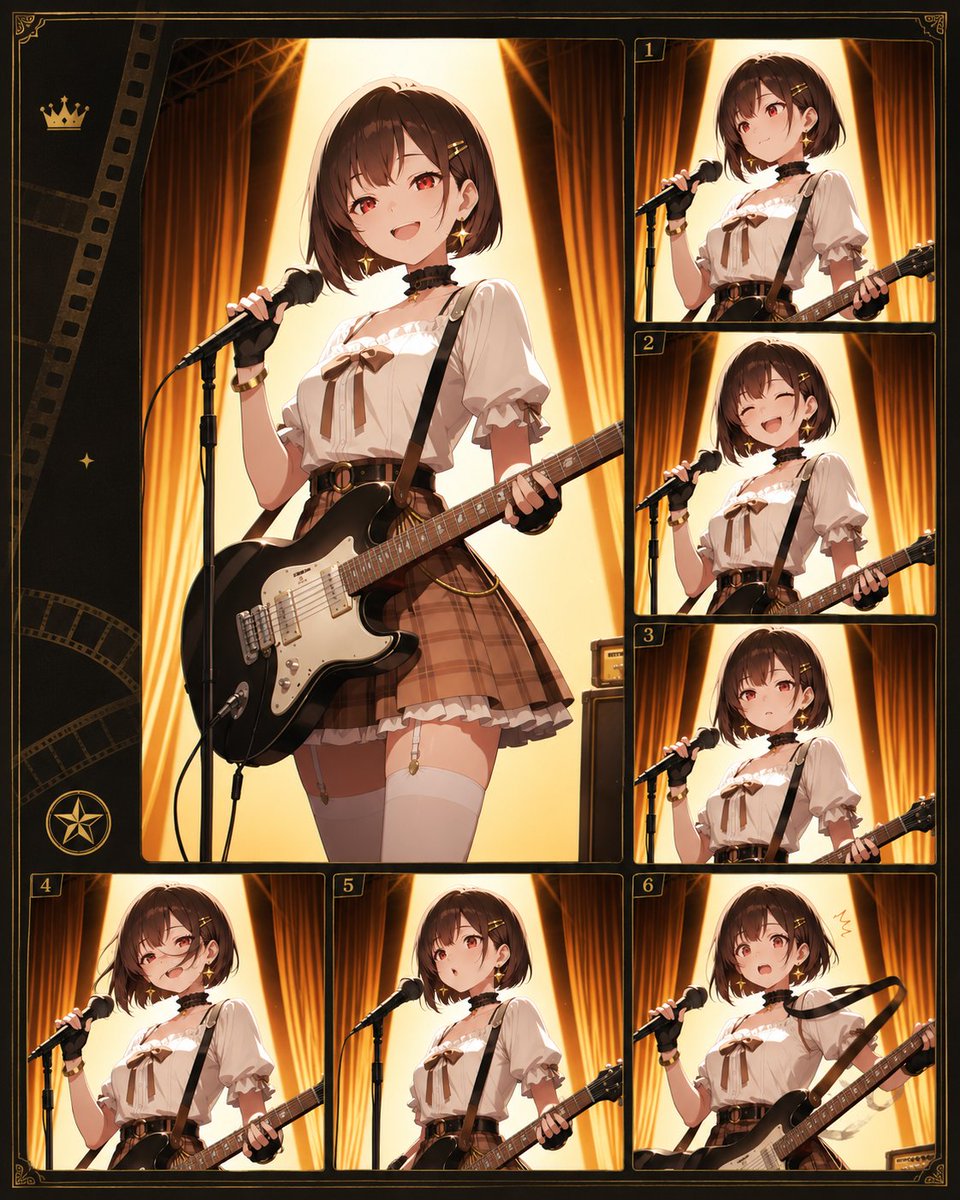
生成一张照片级逼真的前后对比人像,展示在去除眼镜反光的同时保持主体特征不变。
- Category
- Charts & Infographics
- Model
- GPT Image 2
- Creator
- peak of human evolution
- Source language
- en
- Source ID
- 21729
- Published
- May 20, 2026
Full prompt
Create a realistic side-by-side before-and-after comparison image showing the same outdoor portrait in two vertical panels separated by a thin white divider. The subject is {argument name="subject description" default="a woman with long dark curly hair wearing a loose white linen beach blouse, small gold hoop earrings, and light-framed eyeglasses"}, photographed from the shoulders up in three-quarter profile on a sunny beach boardwalk. The background shows ocean waves on the left, pale blue sky, wooden railings, and softly blurred palm trees, with shallow depth of field and natural warm daylight. Use exactly 2 panels: left panel is the original portrait with visible glasses glare/reflections partially obscuring the eyes, and right panel is the edited version where the glare has been removed and the eyes look natural while the face shape, pose, hair, clothing, lighting, and background remain unchanged. Add no labels or captions. Preserve photorealistic texture in the curls, translucent white fabric, skin tones, and beach environment. Keep the composition cropped horizontally like a social media comparison image, with the subject centered across both panels and the edit looking subtle and trustworthy for a profile photo. Use {argument name="image ratio" default="16:9 landscape"}, {argument name="setting" default="sunny beach boardwalk"}, and {argument name="edit goal" default="remove eyeglasses glare without changing the face"}.Translations
眼镜反光去除对比
enCreate a realistic side-by-side before-and-after comparison image showing the same outdoor portrait in two vertical panels separated by a thin white divider. The subject is {argument name="subject description" default="a woman with long dark curly hair wearing a loose white linen beach blouse, small gold hoop earrings, and light-framed eyeglasses"}, photographed from the shoulders up in three-quarter profile on a sunny beach boardwalk. The background shows ocean waves on the left, pale blue sky, wooden railings, and softly blurred palm trees, with shallow depth of field and natural warm daylight. Use exactly 2 panels: left panel is the original portrait with visible glasses glare/reflections partially obscuring the eyes, and right panel is the edited version where the glare has been removed and the eyes look natural while the face shape, pose, hair, clothing, lighting, and background remain unchanged. Add no labels or captions. Preserve photorealistic texture in the curls, translucent white fabric, skin tones, and beach environment. Keep the composition cropped horizontally like a social media comparison image, with the subject centered across both panels and the edit looking subtle and trustworthy for a profile photo. Use {argument name="image ratio" default="16:9 landscape"}, {argument name="setting" default="sunny beach boardwalk"}, and {argument name="edit goal" default="remove eyeglasses glare without changing the face"}.
眼镜反光去除对比
zh-CN创建一张逼真的左右对比图,展示同一张户外人像,通过细白线分隔为两个垂直面板。主体为 {argument name="subject description" default="一位留着深色长卷发、身穿宽松白色亚麻沙滩衬衫、佩戴小金圈耳环和浅框眼镜的女性"},在阳光明媚的沙滩木栈道上拍摄,取景范围为肩部以上,呈四分之三侧面。背景左侧可见海浪、淡蓝色天空、木质栏杆以及柔和模糊的棕榈树,具有浅景深和自然的暖色调日光。使用 2 个面板:左侧面板为原始人像,眼镜上有明显的反光/倒影遮挡眼睛;右侧面板为编辑后的版本,去除了反光,眼睛看起来自然,同时脸型、姿势、发型、服装、光影和背景保持不变。不要添加任何标签或说明文字。保留卷发、半透明白色织物、肤色和沙滩环境的照片级逼真质感。构图采用类似社交媒体对比图的横向裁剪,主体居中横跨两个面板,编辑效果应微妙且真实,适合作为头像。使用 {argument name="image ratio" default="16:9 横屏"}、{argument name="setting" default="阳光明媚的沙滩木栈道"} 以及 {argument name="edit goal" default="在不改变面部特征的前提下去除眼镜反光"}。