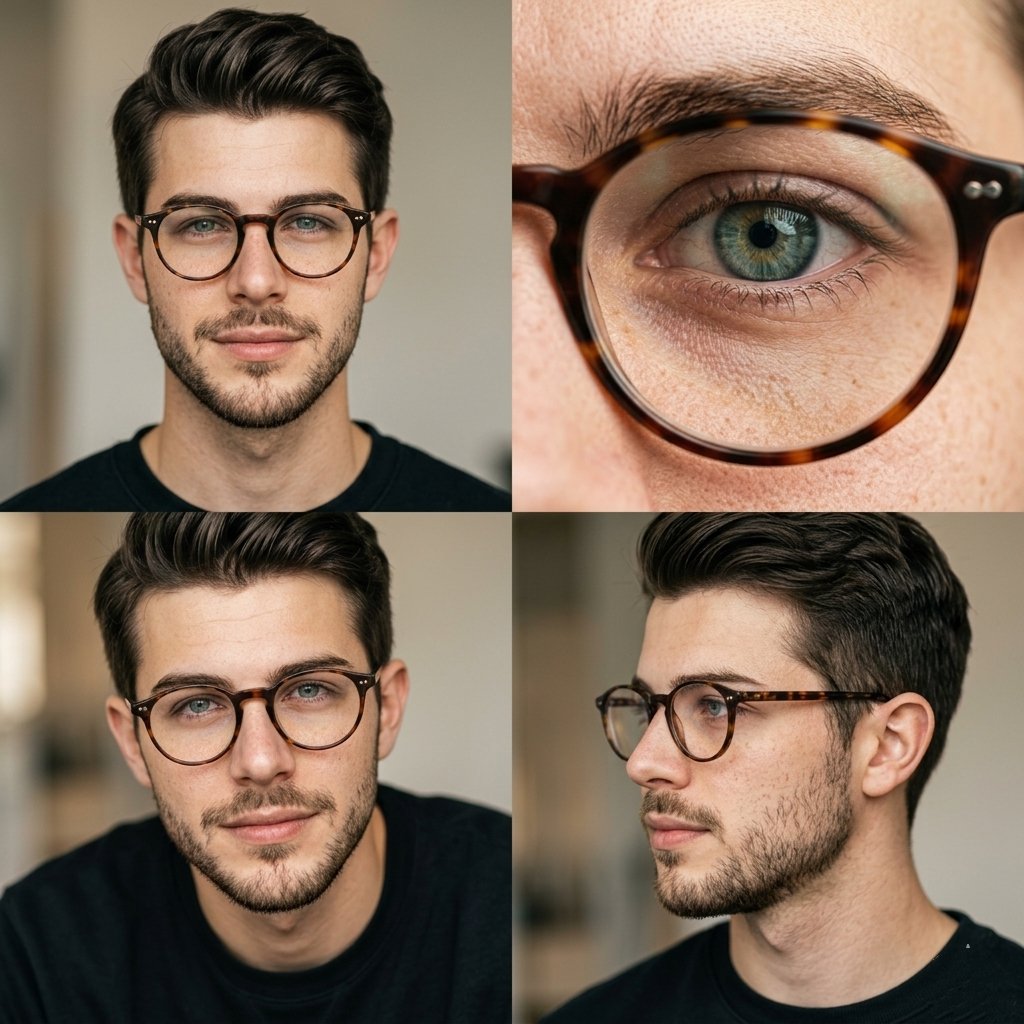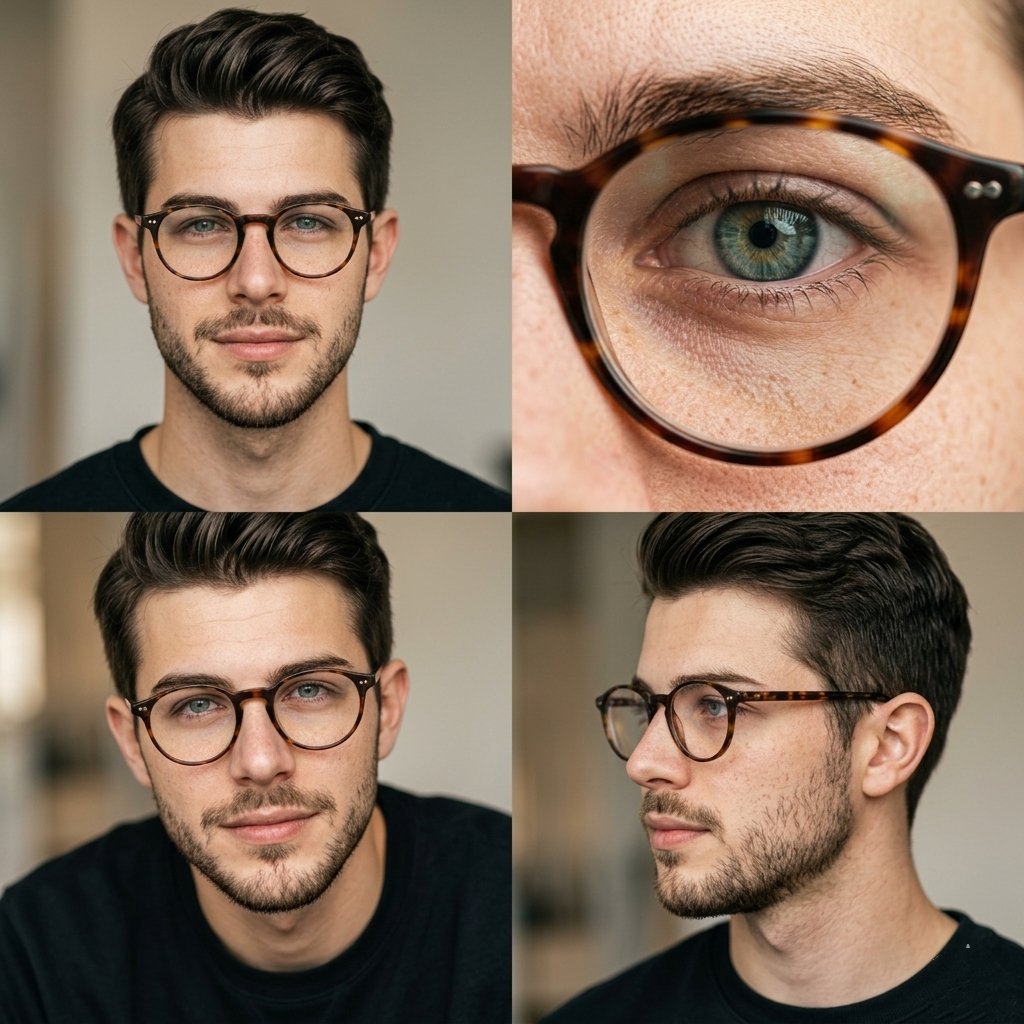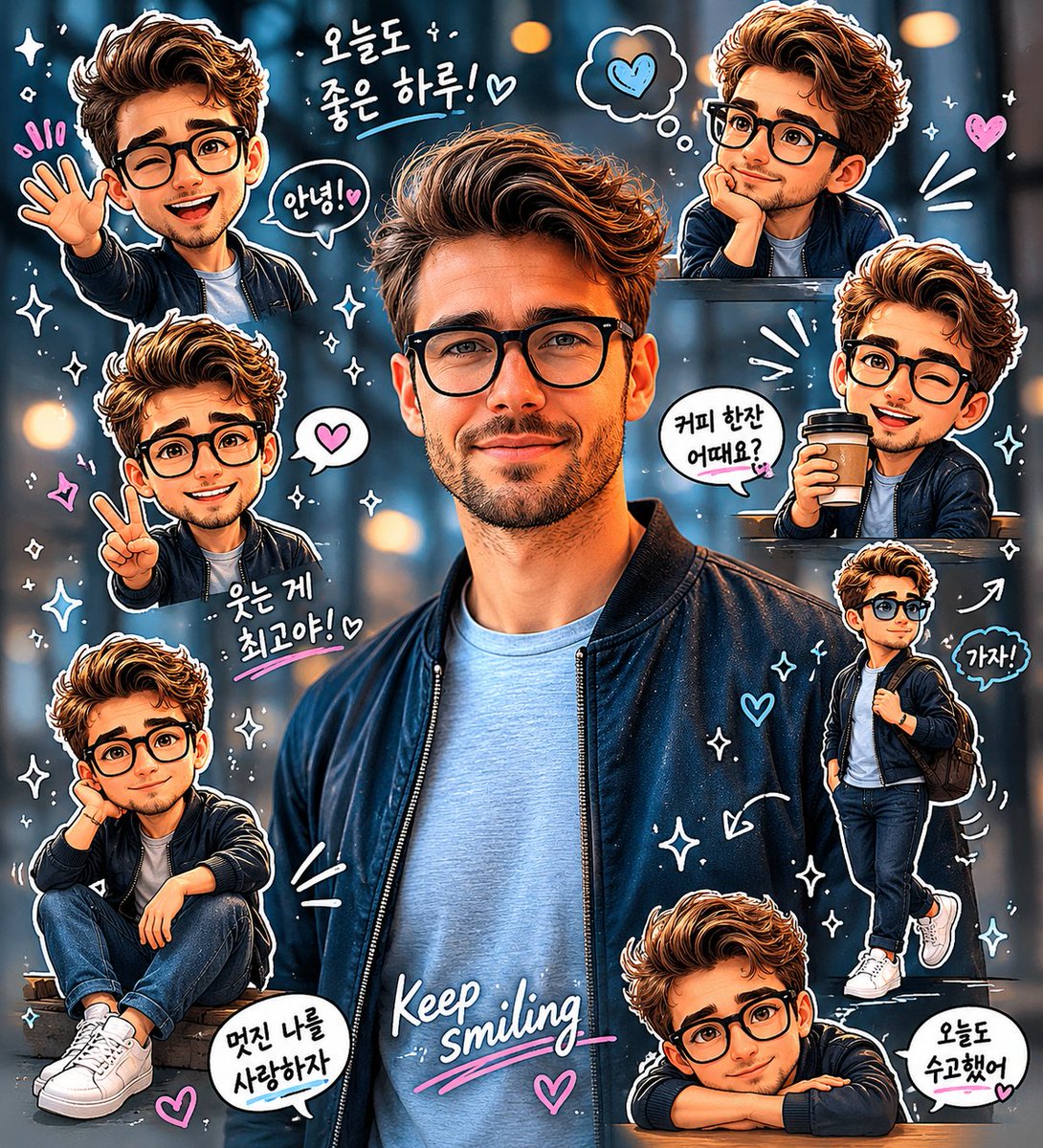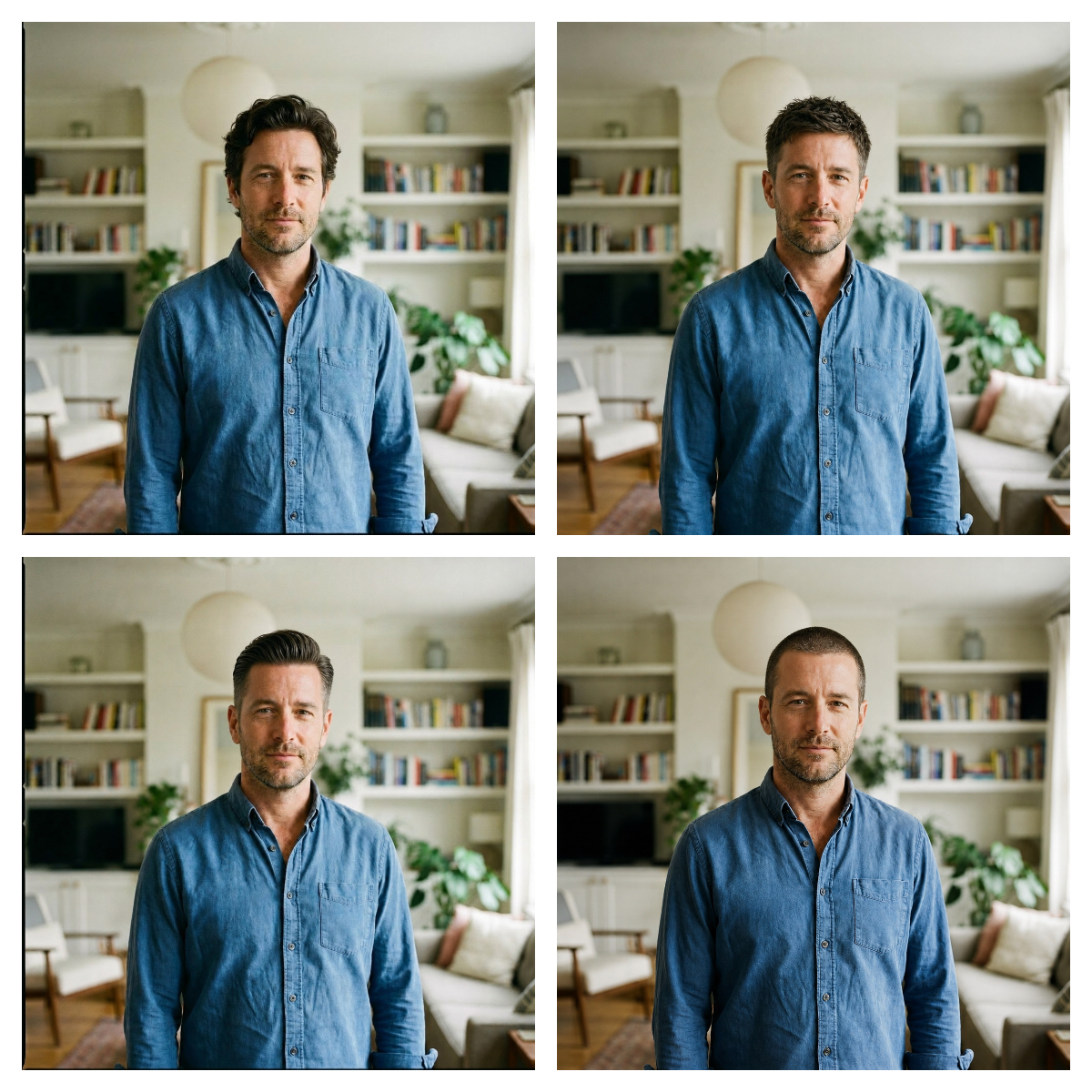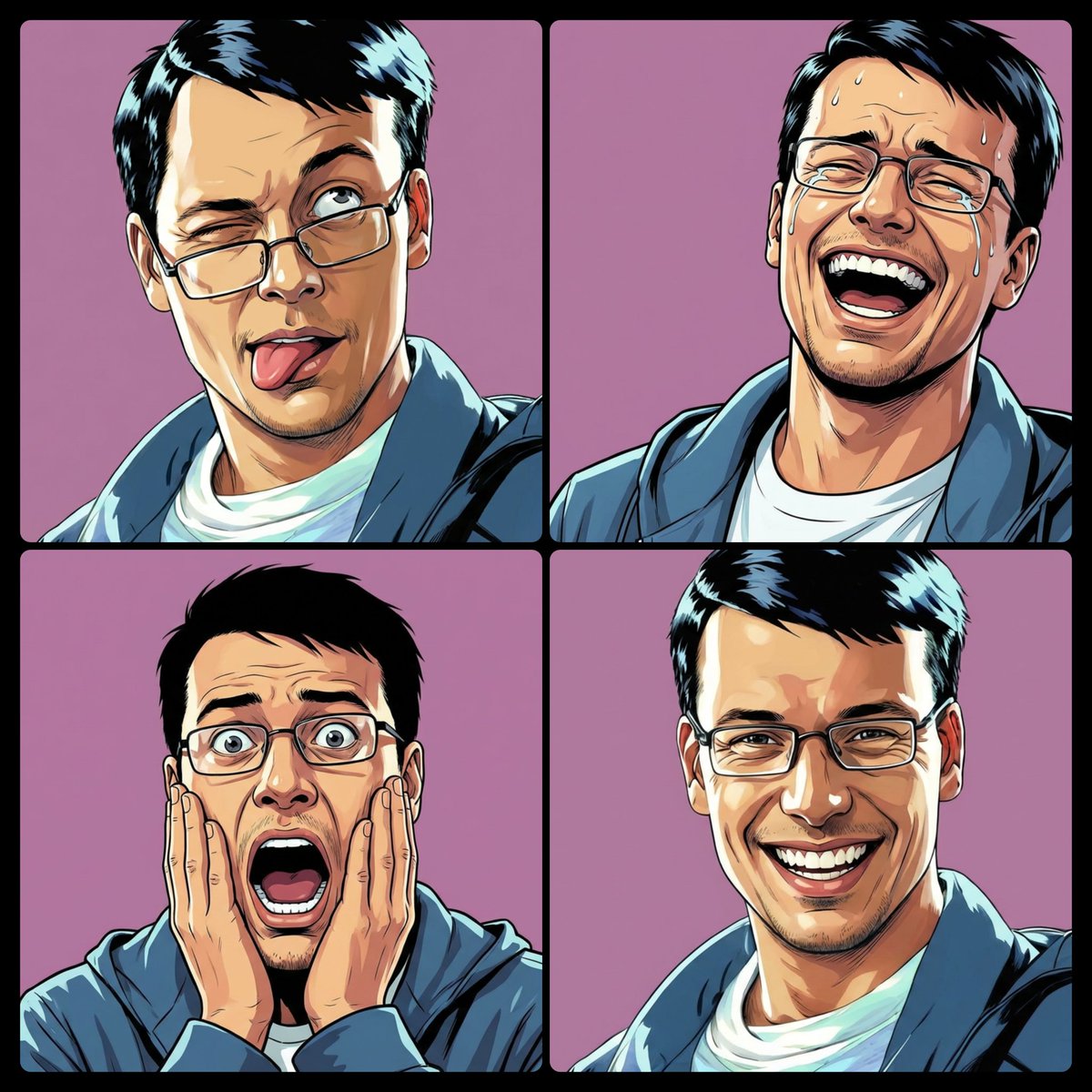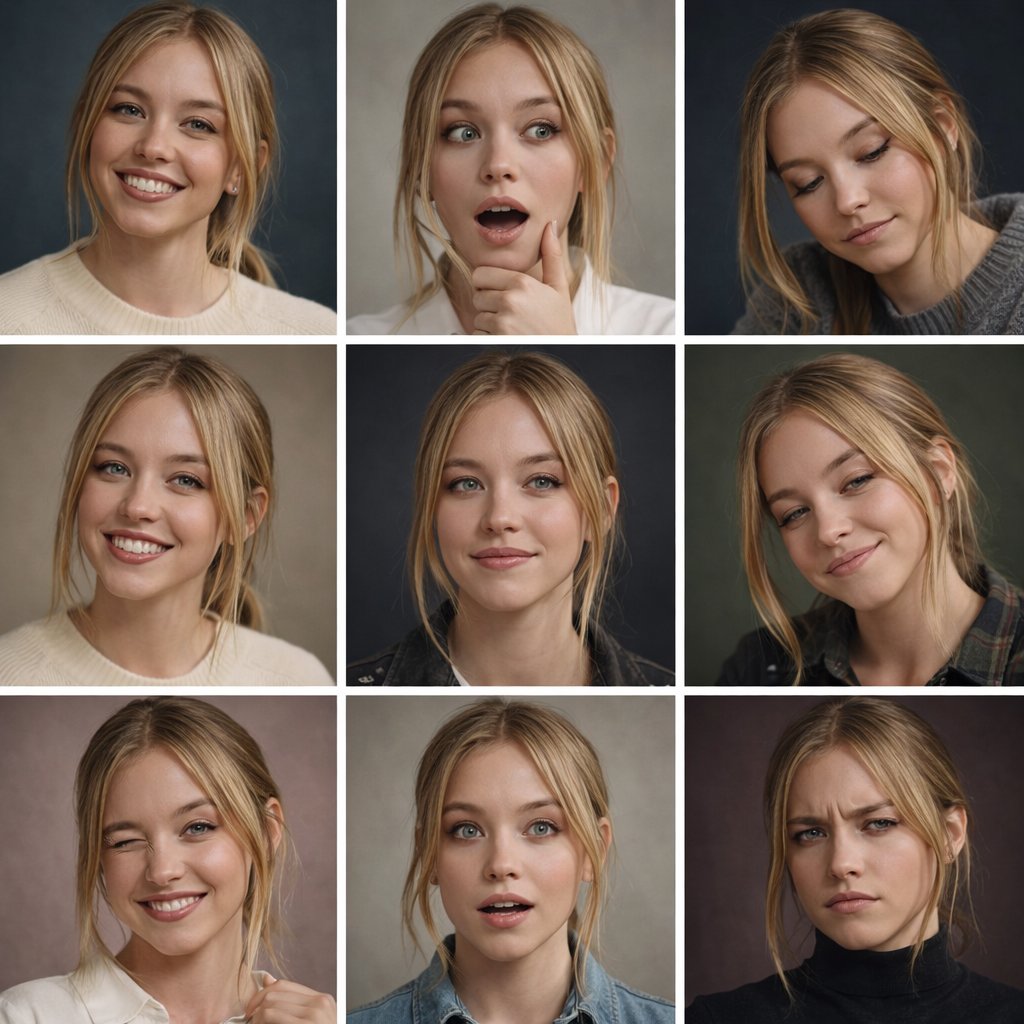
眼镜反光去除人像拼图
创建一个 2×2 的逼真前后对比人像拼图,展示用于头像编辑的眼镜反光去除效果。
- Category
- Charts & Infographics
- Model
- GPT Image 2
- Creator
- peak of human evolution
- Source language
- en
- Source ID
- 21731
- Published
- May 20, 2026
Full prompt
Goal: Create a clean comparison collage showing four portrait-photo examples for eyeglasses glare removal, with each example displayed as a side-by-side before-and-after pair while preserving the same person, pose, clothing, lighting, and background.

Canvas: Wide 16:9 image, approximately 1200×675 px, white background, thin white gutters between panels, rounded photo corners, realistic profile-photo photography.

Layout: Arrange exactly 4 comparison groups in a 2×2 grid. Each group contains exactly 2 near-identical portrait photos placed left and right, for a total of exactly 8 portrait panels. The pairs are: 1) top-left pair: an East Asian woman in a gray blazer in an office setting with shelves and a monitor behind her; 2) top-right pair: a young Black man outdoors in a green park, wearing an olive overshirt over a white T-shirt; 3) bottom-left pair: an older white man with gray hair wearing a pale blue sweater in a warm home-library setting with bookshelves and a glowing lamp; 4) bottom-right pair: a woman with dark curly hair tied up, wearing a navy blouse with white dots, seated indoors near a window and a green plant, resting her hand near her chin.

Subject details: In the left image of each pair, show subtle eyeglasses glare or reflection over the eye area; in the right image of each pair, remove the glare so the eyes look natural and clear, without changing facial identity, expression, head position, skin tone, hairstyle, clothing, camera angle, or background. Use realistic shallow depth of field, natural color grading, soft professional portrait lighting, and profile-photo framing from chest or shoulders upward.

Privacy treatment: Cover the central face area of every portrait with a solid opaque rectangular censor block, matching the skin tone of that subject, so facial features are hidden. Use exactly 8 censor rectangles, one per portrait panel, centered over the face and extending from forehead to lower face. The blocks should be plain, without blur texture or text.

Constraints: No captions, no arrows, no logos, no watermark, no UI elements, no extra people, no decorative graphics. Keep the comparison pairs aligned and visually consistent, like a social-media demonstration image for {argument name="editing task" default="remove glasses glare"}. Use {argument name="image style" default="realistic professional portrait photography"}, {argument name="collage layout" default="four side-by-side before-and-after portrait pairs"}, {argument name="background color" default="white"}, and {argument name="privacy treatment" default="solid skin-tone face censor blocks"}.
Translations
眼镜反光去除人像拼图
enGoal: Create a clean comparison collage showing four portrait-photo examples for eyeglasses glare removal, with each example displayed as a side-by-side before-and-after pair while preserving the same person, pose, clothing, lighting, and background. Canvas: Wide 16:9 image, approximately 1200×675 px, white background, thin white gutters between panels, rounded photo corners, realistic profile-photo photography. Layout: Arrange exactly 4 comparison groups in a 2×2 grid. Each group contains exactly 2 near-identical portrait photos placed left and right, for a total of exactly 8 portrait panels. The pairs are: 1) top-left pair: an East Asian woman in a gray blazer in an office setting with shelves and a monitor behind her; 2) top-right pair: a young Black man outdoors in a green park, wearing an olive overshirt over a white T-shirt; 3) bottom-left pair: an older white man with gray hair wearing a pale blue sweater in a warm home-library setting with bookshelves and a glowing lamp; 4) bottom-right pair: a woman with dark curly hair tied up, wearing a navy blouse with white dots, seated indoors near a window and a green plant, resting her hand near her chin. Subject details: In the left image of each pair, show subtle eyeglasses glare or reflection over the eye area; in the right image of each pair, remove the glare so the eyes look natural and clear, without changing facial identity, expression, head position, skin tone, hairstyle, clothing, camera angle, or background. Use realistic shallow depth of field, natural color grading, soft professional portrait lighting, and profile-photo framing from chest or shoulders upward. Privacy treatment: Cover the central face area of every portrait with a solid opaque rectangular censor block, matching the skin tone of that subject, so facial features are hidden. Use exactly 8 censor rectangles, one per portrait panel, centered over the face and extending from forehead to lower face. The blocks should be plain, without blur texture or text. Constraints: No captions, no arrows, no logos, no watermark, no UI elements, no extra people, no decorative graphics. Keep the comparison pairs aligned and visually consistent, like a social-media demonstration image for {argument name="editing task" default="remove glasses glare"}. Use {argument name="image style" default="realistic professional portrait photography"}, {argument name="collage layout" default="four side-by-side before-and-after portrait pairs"}, {argument name="background color" default="white"}, and {argument name="privacy treatment" default="solid skin-tone face censor blocks"}.
眼镜反光去除人像拼图
zh-CN目标:创建一个清晰的对比拼图,展示 4 个眼镜反光去除的人像照片示例。每个示例均以左右对比的形式呈现,并保持人物、姿势、服装、光照和背景的一致性。 画布:宽屏 16:9 图像,尺寸约为 1200×675 像素,白色背景,面板间设有细白色间隙,照片圆角,呈现逼真的头像摄影效果。 布局:将 4 组对比图排列成 2×2 的网格。每组包含 2 张近乎相同的人像照片(左侧和右侧),总计 8 个头像面板。这 4 组分别为:1) 左上:一位身穿灰色西装外套的东亚女性,背景为带有书架和显示器的办公环境;2) 右上:一位在绿色公园户外的年轻黑人男性,身穿橄榄色外套内搭白色 T 恤;3) 左下:一位留着灰发、身穿浅蓝色毛衣的年长白人男性,背景为带有书架和暖色台灯的温馨家庭图书馆;4) 右下:一位扎着深色卷发的女性,身穿海军蓝圆点衬衫,坐在窗边和绿植旁,手托下巴。 主体细节:每组的左侧图像需显示眼部区域轻微的眼镜反光或眩光;右侧图像需去除反光,使眼睛看起来自然清晰,且不得改变面部特征、表情、头部位置、肤色、发型、服装、拍摄角度或背景。使用逼真的浅景深、自然的色彩分级、柔和的专业人像光效,以及胸部或肩部以上的头像构图。 隐私处理:用与主体肤色一致的纯色不透明矩形遮挡块覆盖每张人像的中央面部区域,以隐藏面部特征。共使用 8 个遮挡矩形,每个头像面板一个,居中覆盖从额头到下颌的面部区域。遮挡块应为纯色,不带模糊纹理或文字。 约束条件:无说明文字、无箭头、无 Logo、无水印、无 UI 元素、无额外人物、无装饰性图形。保持对比组对齐且视觉统一,如同用于 {argument name="editing task" default="remove glasses glare"} 的社交媒体演示图。使用 {argument name="image style" default="realistic professional portrait photography"}、{argument name="collage layout" default="four side-by-side before-and-after portrait pairs"}、{argument name="background color" default="white"} 以及 {argument name="privacy treatment" default="solid skin-tone face censor blocks"}。