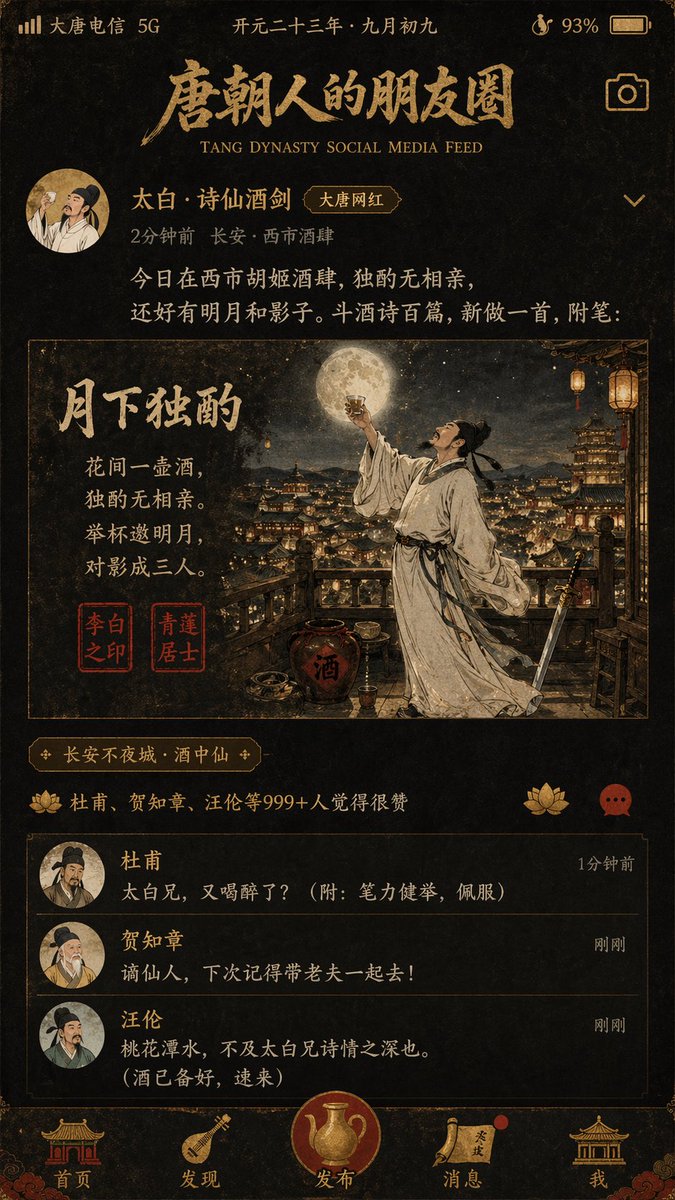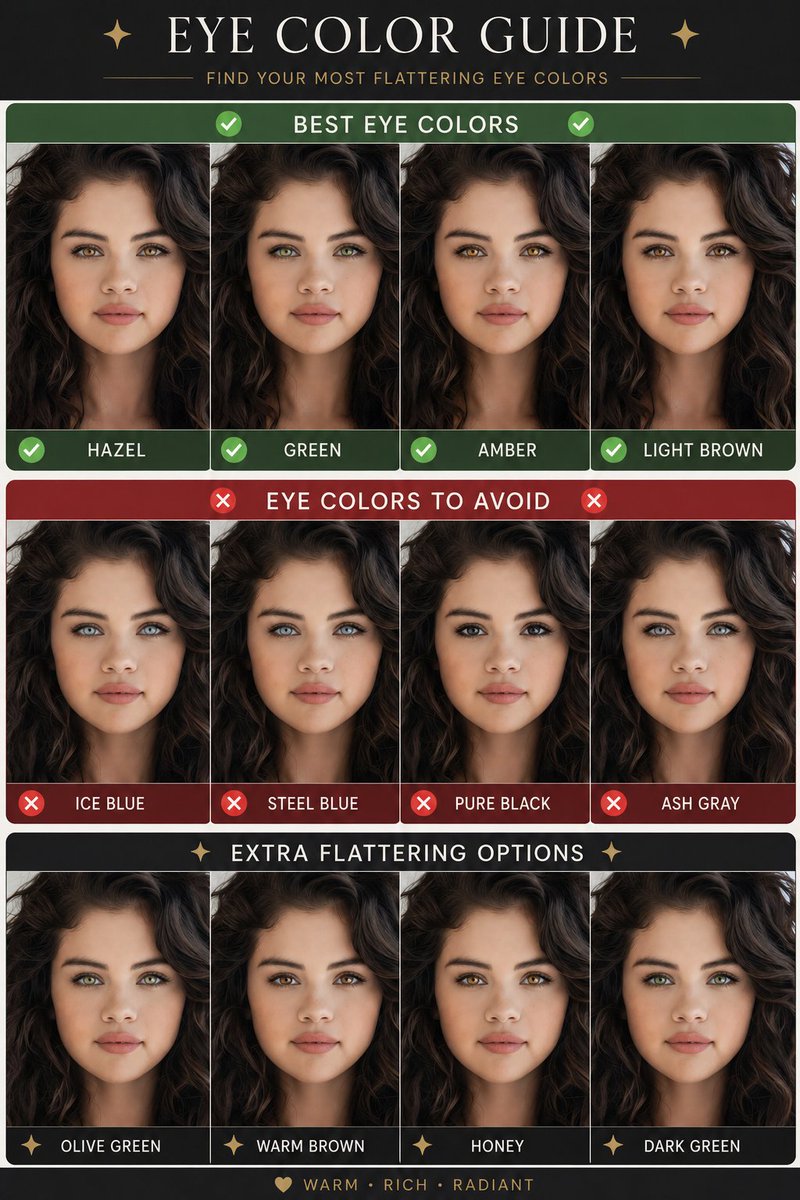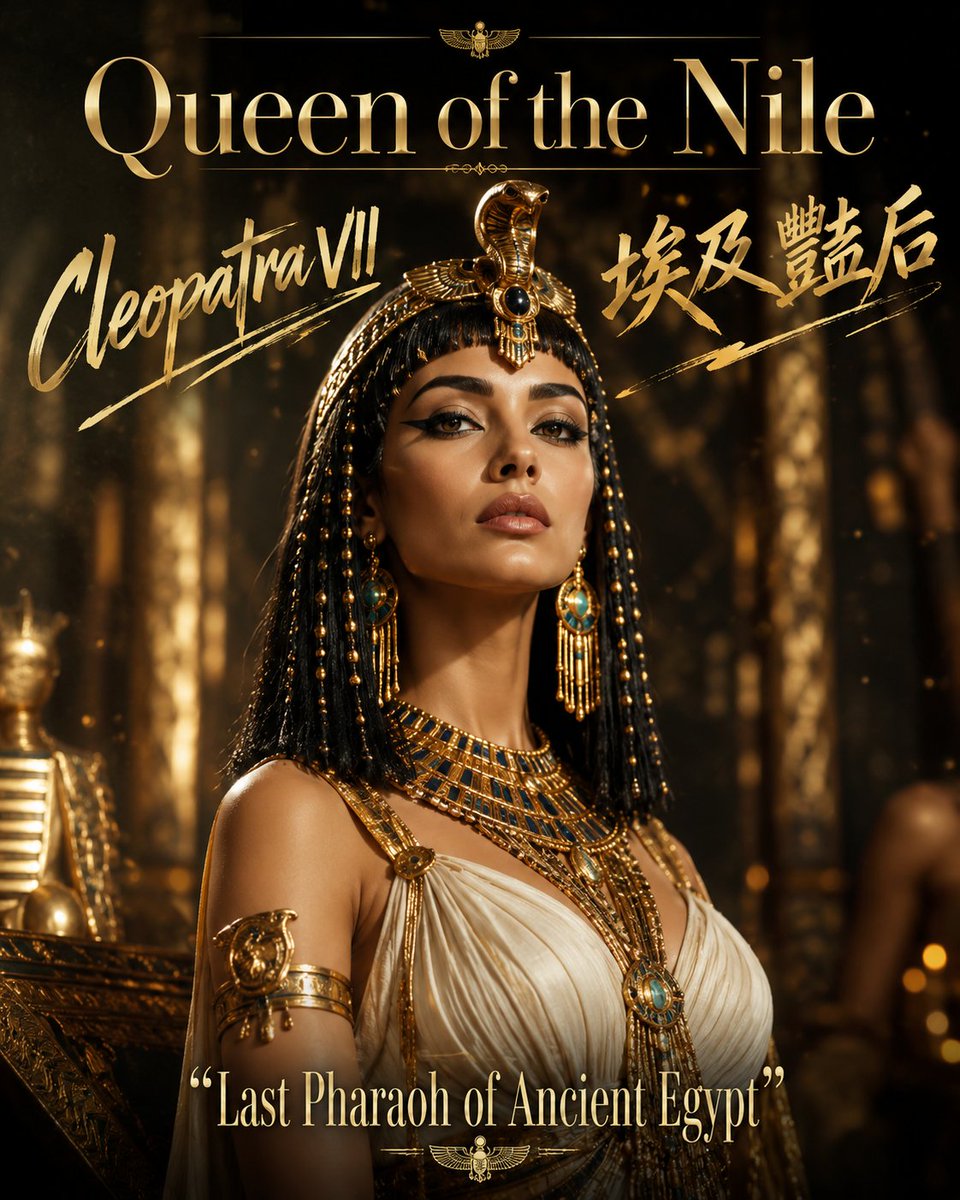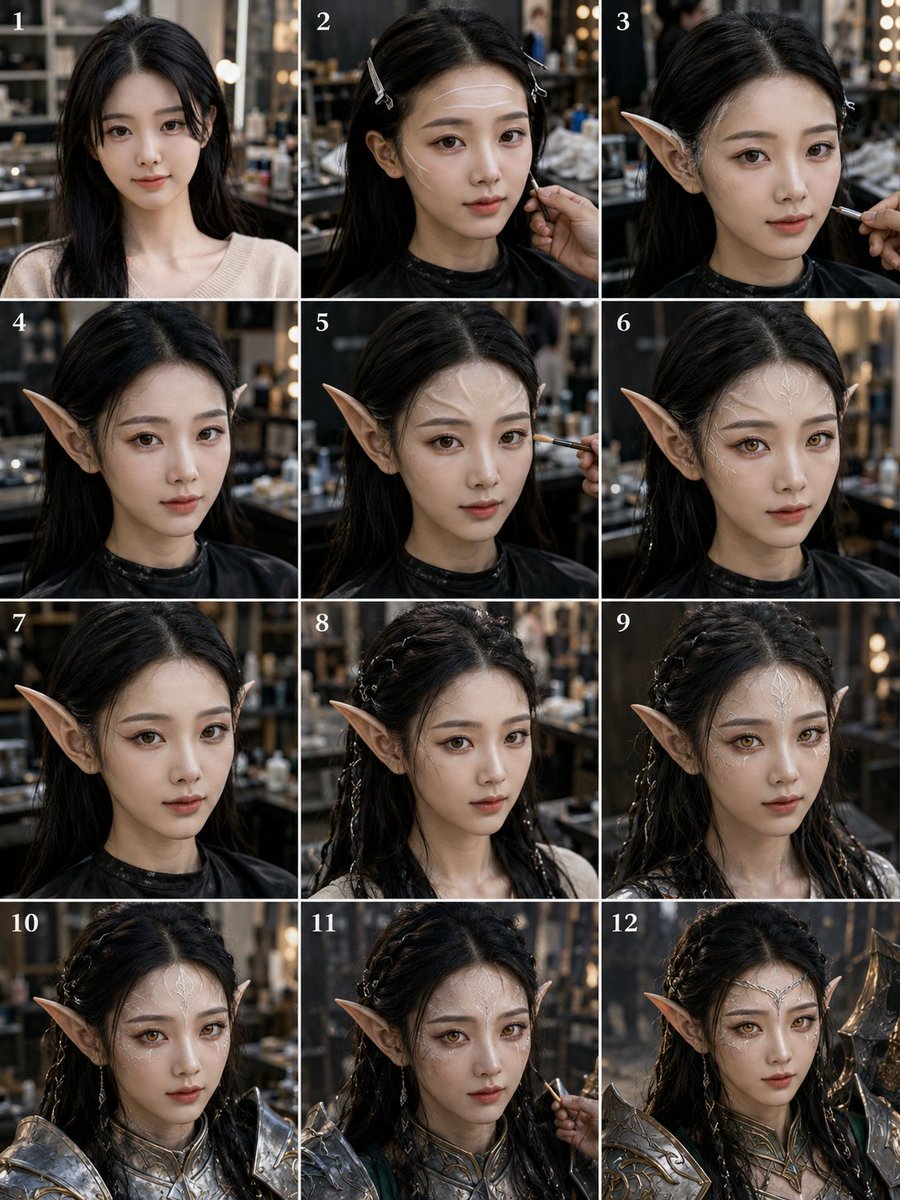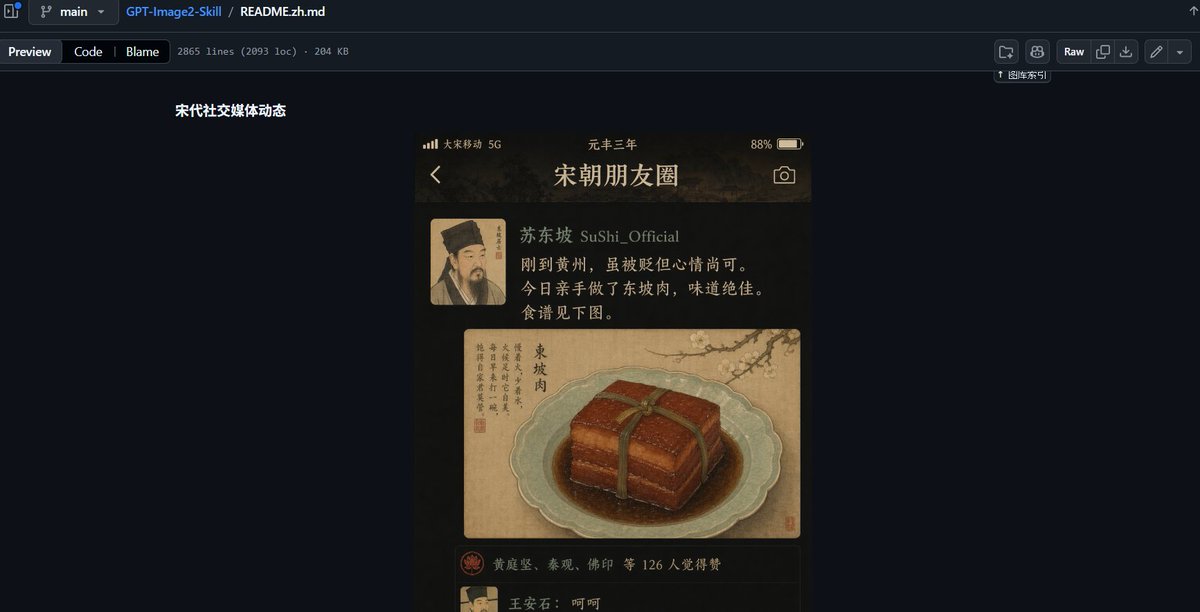
GitHub README 古风社交动态
创建一个深色模式的 GitHub README 截图,展示以宋代为主题的社交媒体动态模拟效果,适用于展示 UI 提示词预设。
- Category
- Charts & Infographics
- Model
- GPT Image 2
- Creator
- Heliocore.C6
- Source language
- en
- Source ID
- 23218
- Published
- May 29, 2026
Full prompt
Goal: Create a wide desktop screenshot of a GitHub repository README preview in dark mode, showing a design example for an ancient Chinese social media feed UI.

Canvas: 1200×612 px horizontal screenshot, dark navy GitHub interface, cropped like a browser window with no visible browser address bar. The composition is mostly empty dark GitHub background, with the README content centered slightly left of middle.

GitHub page layout: At the very top, show the GitHub file breadcrumb and toolbar. Include exactly 3 breadcrumb/file items: a branch selector labeled “main”, the repository name “GPT-Image2-Skill”, and the file name “README.zh.md”. Below it, show exactly 3 tab buttons on the left: “Preview”, “Code”, and “Blame”, followed by small metadata text reading approximately “2865 lines (2093 loc) · 204 KB”. On the right side of the toolbar, include exactly 6 small GitHub action buttons/icons, including a “Raw” button. Keep the UI crisp, dark, and realistic.

README content: On the dark page, place a short bold white Chinese heading near the upper left of the content area: “宋代社交媒体动态”. Beneath and to the right of this heading, display a single vertical smartphone-style mockup image.

Phone mockup subject: The phone mockup is an ancient Song dynasty themed social media app screen titled {argument name="app title" default="宋朝朋友圈"}. It has a warm sepia-black background, gold text, parchment textures, and a moody historical aesthetic. At the top of the phone screen show a status bar with exactly 4 visible status elements: carrier text “大宋移动 5G”, centered era text “元丰三年”, battery percentage “88%”, and a battery icon. Below that, show exactly 3 navigation/header elements: a back arrow on the left, the large title “宋朝朋友圈” in the center, and a camera icon on the right.

Social post details: Show exactly 1 post. The post has exactly 1 square avatar on the left, a Song dynasty portrait with the face softly blurred. To the right of the avatar, show the username line {argument name="username" default="苏东坡 SuShi_Official"}. Under it, include the post text in Chinese: “刚到黄州,虽被贬但心情尚可。今日亲手做了东坡肉,味道绝佳。食谱见下图。” Render the text as warm off-white/gold calligraphic UI text.

Post image: Under the text, show exactly 1 large image card styled like an antique Chinese painting on parchment. It depicts a pale celadon plate holding a glossy square block of Dongpo pork tied with a dark green strip, sitting in brown sauce. The image card also contains vertical Chinese calligraphy on the left, a small red seal, and a faint ink landscape or branch detail in the upper background. The food illustration should look painterly, like a museum manuscript mixed with realistic food rendering.

Engagement area: Beneath the food card, show exactly 1 like row with a small red circular emblem icon and Chinese names/text reading approximately “黄庭坚、秦观、佛印 等 126 人觉得赞”. Below that, begin exactly 1 visible comment row with a small avatar and the comment “王安石:呵呵”, partially cut off near the bottom edge of the phone screen.

Visual style: The overall screenshot should look like a real GitHub README preview containing a generated UI sample. Use dark GitHub colors, subtle separators, small white-gray interface text, and high contrast. The embedded phone mockup should be warm, cinematic, ancient Chinese, parchment-and-ink inspired, with soft vignetting and realistic shadows.

Constraints: Keep the final image as a screenshot of the GitHub page, not just the phone UI. Include only one embedded phone mockup, one social post, one avatar, one food image, one like row, and one visible comment row. Do not add extra panels, extra posts, watermarks, or explanatory captions beyond the specified GitHub and README text.
Translations
GitHub README 古风社交动态
enGoal: Create a wide desktop screenshot of a GitHub repository README preview in dark mode, showing a design example for an ancient Chinese social media feed UI. Canvas: 1200×612 px horizontal screenshot, dark navy GitHub interface, cropped like a browser window with no visible browser address bar. The composition is mostly empty dark GitHub background, with the README content centered slightly left of middle. GitHub page layout: At the very top, show the GitHub file breadcrumb and toolbar. Include exactly 3 breadcrumb/file items: a branch selector labeled “main”, the repository name “GPT-Image2-Skill”, and the file name “README.zh.md”. Below it, show exactly 3 tab buttons on the left: “Preview”, “Code”, and “Blame”, followed by small metadata text reading approximately “2865 lines (2093 loc) · 204 KB”. On the right side of the toolbar, include exactly 6 small GitHub action buttons/icons, including a “Raw” button. Keep the UI crisp, dark, and realistic. README content: On the dark page, place a short bold white Chinese heading near the upper left of the content area: “宋代社交媒体动态”. Beneath and to the right of this heading, display a single vertical smartphone-style mockup image. Phone mockup subject: The phone mockup is an ancient Song dynasty themed social media app screen titled {argument name="app title" default="宋朝朋友圈"}. It has a warm sepia-black background, gold text, parchment textures, and a moody historical aesthetic. At the top of the phone screen show a status bar with exactly 4 visible status elements: carrier text “大宋移动 5G”, centered era text “元丰三年”, battery percentage “88%”, and a battery icon. Below that, show exactly 3 navigation/header elements: a back arrow on the left, the large title “宋朝朋友圈” in the center, and a camera icon on the right. Social post details: Show exactly 1 post. The post has exactly 1 square avatar on the left, a Song dynasty portrait with the face softly blurred. To the right of the avatar, show the username line {argument name="username" default="苏东坡 SuShi_Official"}. Under it, include the post text in Chinese: “刚到黄州,虽被贬但心情尚可。今日亲手做了东坡肉,味道绝佳。食谱见下图。” Render the text as warm off-white/gold calligraphic UI text. Post image: Under the text, show exactly 1 large image card styled like an antique Chinese painting on parchment. It depicts a pale celadon plate holding a glossy square block of Dongpo pork tied with a dark green strip, sitting in brown sauce. The image card also contains vertical Chinese calligraphy on the left, a small red seal, and a faint ink landscape or branch detail in the upper background. The food illustration should look painterly, like a museum manuscript mixed with realistic food rendering. Engagement area: Beneath the food card, show exactly 1 like row with a small red circular emblem icon and Chinese names/text reading approximately “黄庭坚、秦观、佛印 等 126 人觉得赞”. Below that, begin exactly 1 visible comment row with a small avatar and the comment “王安石:呵呵”, partially cut off near the bottom edge of the phone screen. Visual style: The overall screenshot should look like a real GitHub README preview containing a generated UI sample. Use dark GitHub colors, subtle separators, small white-gray interface text, and high contrast. The embedded phone mockup should be warm, cinematic, ancient Chinese, parchment-and-ink inspired, with soft vignetting and realistic shadows. Constraints: Keep the final image as a screenshot of the GitHub page, not just the phone UI. Include only one embedded phone mockup, one social post, one avatar, one food image, one like row, and one visible comment row. Do not add extra panels, extra posts, watermarks, or explanatory captions beyond the specified GitHub and README text.
GitHub README 古风社交动态
zh-CN目标:创建一个宽屏桌面截图,展示深色模式下的 GitHub 仓库 README 预览,呈现一个中国古代社交媒体动态 UI 的设计示例。 画布:1200×612 像素横向截图,深蓝色 GitHub 界面,裁剪效果如同浏览器窗口,不显示浏览器地址栏。构图主体为大面积的深色 GitHub 背景,README 内容居中偏左。 GitHub 页面布局:最上方显示 GitHub 文件面包屑导航和工具栏。包含 3 个面包屑/文件项:标记为“main”的分支选择器、仓库名称“GPT-Image2-Skill”以及文件名“README.zh.md”。下方左侧显示 3 个标签按钮:“Preview”、“Code”和“Blame”,随后是简短的元数据文本,内容约为“2865 lines (2093 loc) · 204 KB”。在工具栏右侧,包含 6 个小型 GitHub 操作按钮/图标,其中包括一个“Raw”按钮。保持 UI 清晰、深色且真实。 README 内容:在深色页面上,在内容区域左上方放置一个简短的加粗白色中文标题:“宋代社交媒体动态”。在此标题下方及右侧,展示一个垂直的智能手机样式模拟图。 手机模拟图主体:手机模拟图是一个以宋代为主题的社交媒体 App 界面,标题为 {argument name="app title" default="宋朝朋友圈"}。它具有温暖的深褐色背景、金色文字、羊皮纸纹理以及沉稳的历史美感。在手机屏幕顶部显示状态栏,包含 4 个可见状态元素:运营商文本“大宋移动 5G”、居中的纪年文本“元丰三年”、电量百分比“88%”以及电池图标。下方显示 3 个导航/标题元素:左侧返回箭头、居中的大标题“宋朝朋友圈”以及右侧相机图标。 社交动态详情:仅展示 1 条动态。该动态左侧有 1 个方形头像,为宋代人物肖像,面部经过柔和模糊处理。头像右侧显示用户名 {argument name="username" default="苏东坡 SuShi_Official"}。下方包含中文动态文本:“刚到黄州,虽被贬但心情尚可。今日亲手做了东坡肉,味道绝佳。食谱见下图。” 将文本渲染为温暖的灰白色/金色书法 UI 字体。 动态图片:在文本下方,展示 1 张大图片卡片,风格如同羊皮纸上的中国古画。画中描绘了一个淡青色盘子,盛放着一块色泽红亮的方形东坡肉,用深绿色草绳捆扎,浸在棕色酱汁中。图片卡片左侧包含竖排中国书法、一枚红色印章,背景上方有淡淡的水墨山水或枝叶细节。食物插画应具有绘画感,如同博物馆手稿与写实食物渲染的结合。 互动区:在食物卡片下方,显示 1 行点赞信息,包含一个小红色圆形徽标图标,以及类似“黄庭坚、秦观、佛印 等 126 人觉得赞”的中文文本。下方开始显示 1 行可见评论,包含一个小头像和评论内容“王安石:呵呵”,在手机屏幕底部边缘处部分截断。 视觉风格:整体截图应看起来像是一个包含生成式 UI 样本的真实 GitHub README 预览。使用深色 GitHub 配色、微妙的分隔线、细小的白灰色界面文字,并保持高对比度。嵌入的手机模拟图应呈现温暖、电影感、中国古风、羊皮纸与水墨风格,并带有柔和的暗角和逼真的阴影。 约束:最终图像应保持为 GitHub 页面的截图,而非仅手机 UI。仅包含一个嵌入式手机模拟图、一条社交动态、一个头像、一张食物图片、一行点赞和一行可见评论。除指定的 GitHub 和 README 文本外,不要添加额外的面板、动态、水印或说明性标题。