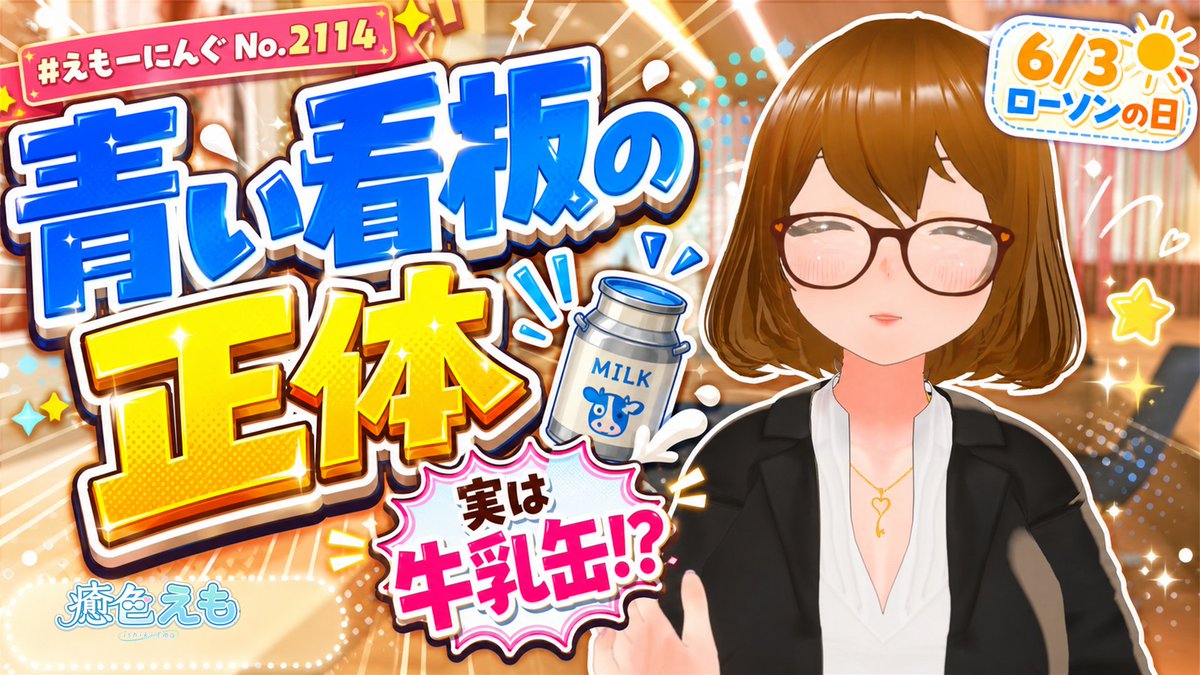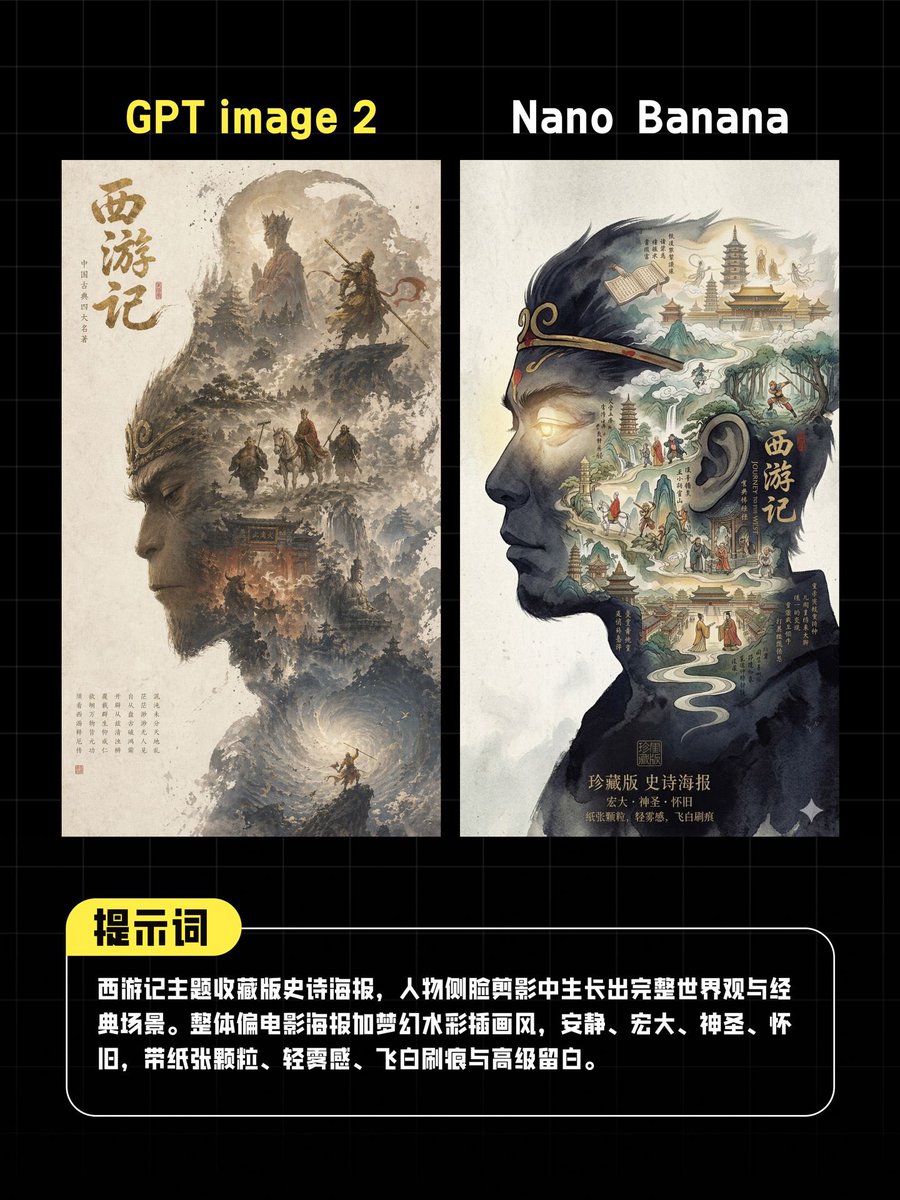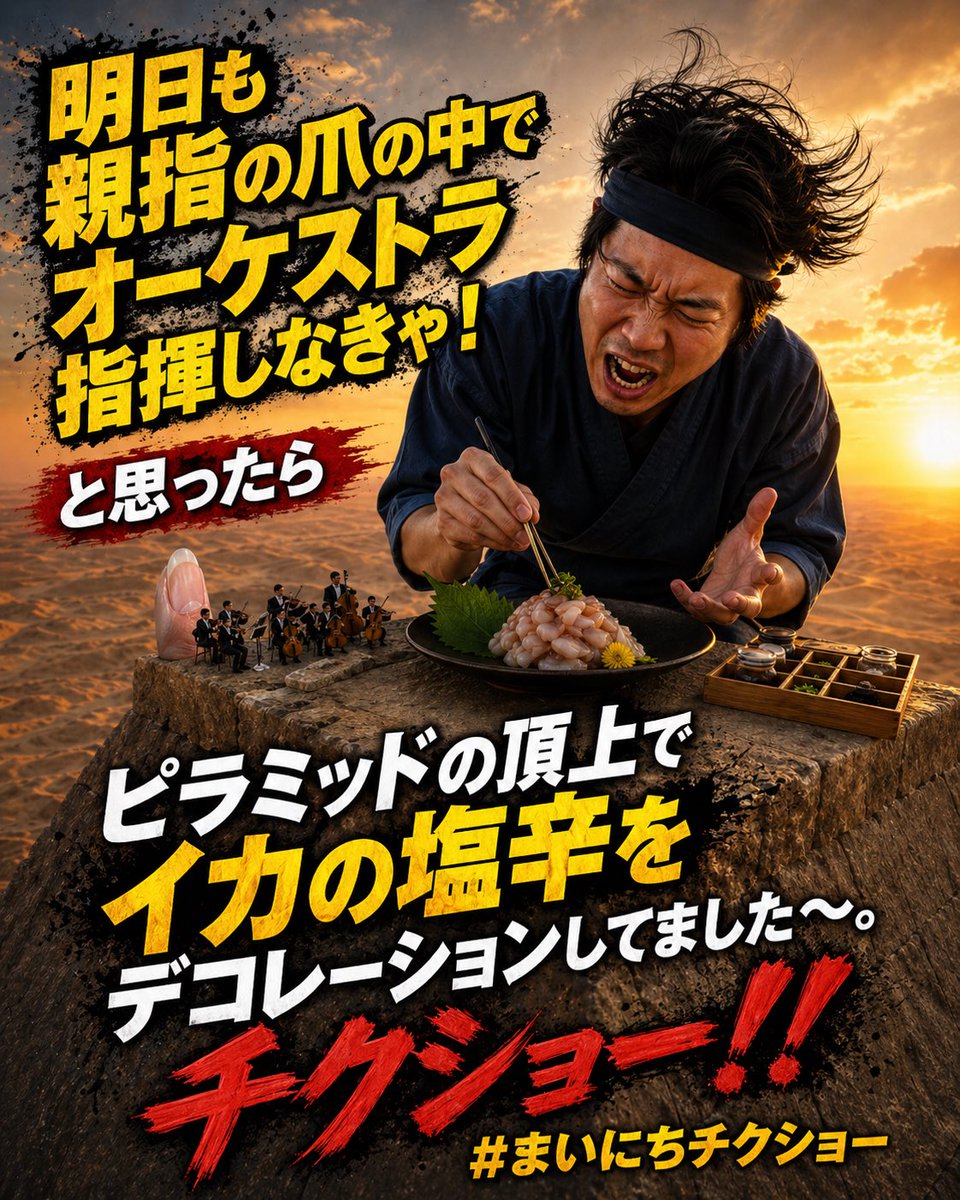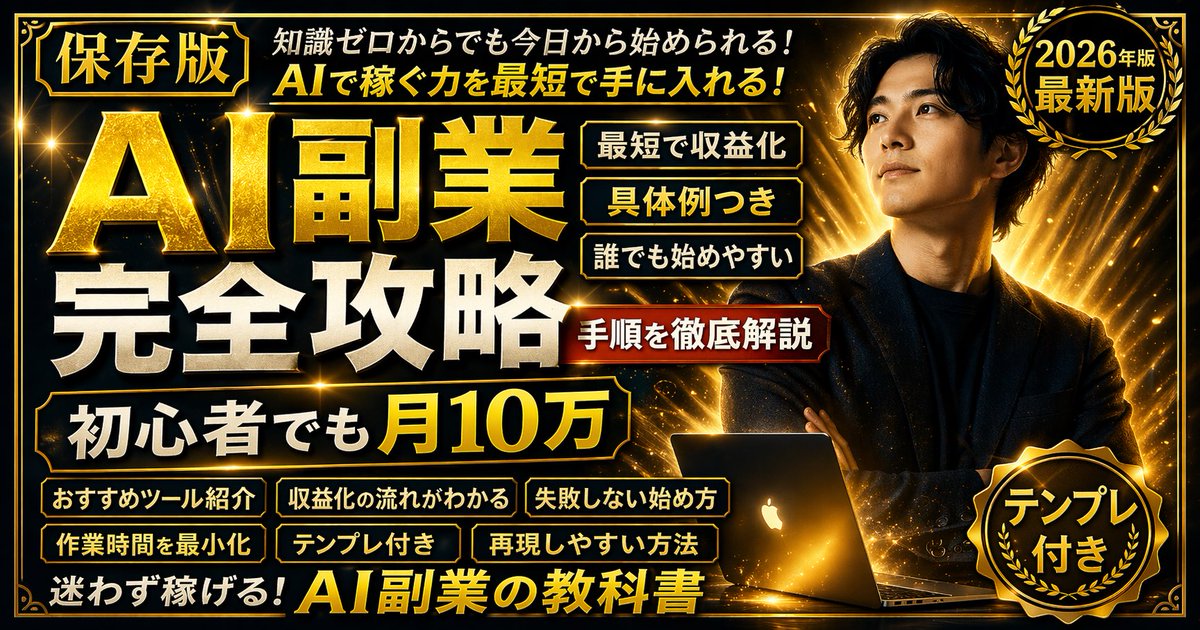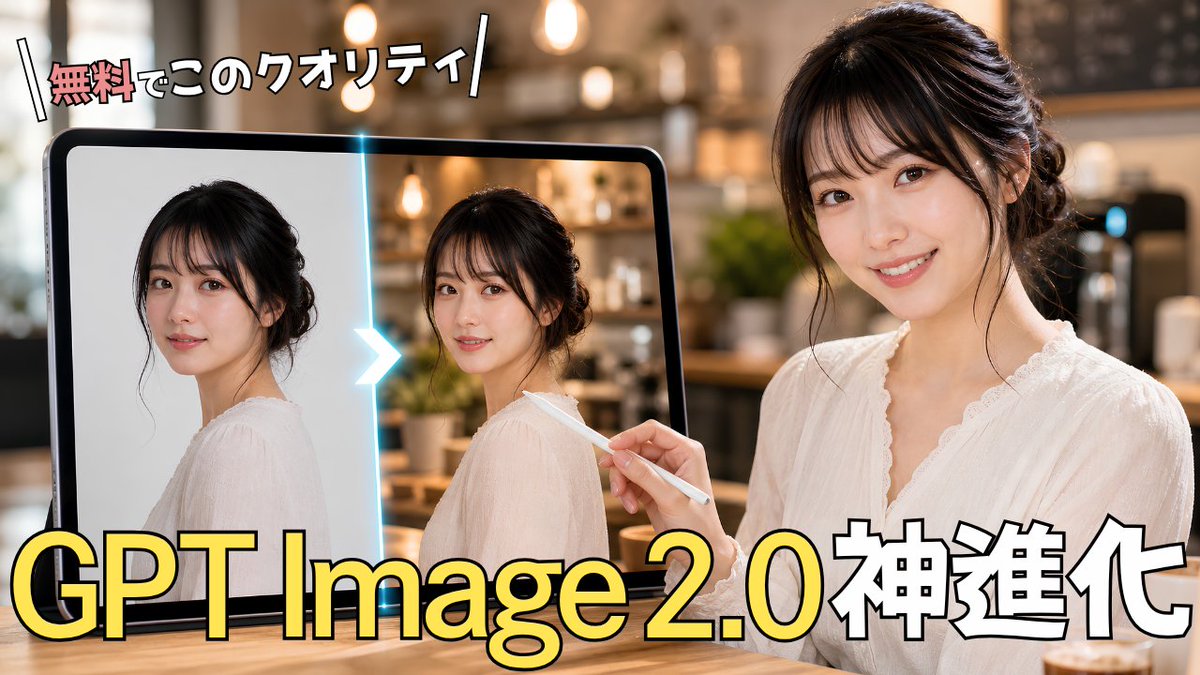
GPT Image 2.0 日语缩略图
为 GPT Image 2.0 内容生成一张醒目的日语 YouTube 缩略图,展示 AI 照片增强前后的对比场景。
- Category
- Charts & Infographics
- Model
- GPT Image 2
- Creator
- たつみん∣AIで仕組化するPdM
- Source language
- en
- Source ID
- 24005
- Published
- Jun 3, 2026
Full prompt
Create a high-impact Japanese YouTube thumbnail about AI image generation improvement. Canvas: 16:9 horizontal thumbnail, photorealistic with bold creator-thumbnail typography. Scene: a warm, softly blurred cafe interior with pendant lights and bokeh in the background, wooden table foreground. On the right side, show 1 young Japanese woman in a white lace blouse, hair in a loose elegant updo, seated and facing slightly left; her face is covered by a flat rectangular beige blur/mosaic block to anonymize her. She holds 1 white stylus in her right hand, pointing toward a large tablet on the left. On the left side, show 1 large black-framed tablet standing upright; on its screen are exactly 2 side-by-side portrait images of the same woman in a white blouse, each with a beige rectangular blur over the face. The left portrait looks like a simpler original image on a light plain background, and the right portrait looks enhanced, with more realistic cafe lighting and detail. Between the 2 tablet portraits, place 1 glowing cyan vertical divider with 1 bright white-blue chevron arrow pointing from left to right, indicating before-to-after enhancement. Text: place a small energetic Japanese headline at the top left reading {argument name="top headline text" default="無料でこのクオリティ"}, with the first word in red/pink and the remaining characters in white, thick black outline, slightly tilted, with decorative diagonal slash marks on both sides. Place the main headline across the bottom in huge bold lettering reading {argument name="main headline text" default="GPT Image 2.0神進化"}; make “GPT Image 2.0” bright yellow with black outline and subtle shadow, and make “神進化” white with black outline. Keep exactly 2 visible text blocks: the top headline and the bottom headline. Overall style: glossy, professional Japanese tech tutorial thumbnail, strong contrast, warm cinematic lighting, shallow depth of field, clean composition, no logos or watermarks, no extra text. Customization: the woman should appear as {argument name="subject description" default="a young Japanese woman with dark hair in a loose updo wearing a white lace blouse"}, the setting should be {argument name="background setting" default="a cozy modern cafe with warm pendant lights"}, and the topic should visually imply {argument name="topic" default="GPT Image 2.0 photo enhancement"}.Translations
GPT Image 2.0 日语缩略图
enCreate a high-impact Japanese YouTube thumbnail about AI image generation improvement. Canvas: 16:9 horizontal thumbnail, photorealistic with bold creator-thumbnail typography. Scene: a warm, softly blurred cafe interior with pendant lights and bokeh in the background, wooden table foreground. On the right side, show 1 young Japanese woman in a white lace blouse, hair in a loose elegant updo, seated and facing slightly left; her face is covered by a flat rectangular beige blur/mosaic block to anonymize her. She holds 1 white stylus in her right hand, pointing toward a large tablet on the left. On the left side, show 1 large black-framed tablet standing upright; on its screen are exactly 2 side-by-side portrait images of the same woman in a white blouse, each with a beige rectangular blur over the face. The left portrait looks like a simpler original image on a light plain background, and the right portrait looks enhanced, with more realistic cafe lighting and detail. Between the 2 tablet portraits, place 1 glowing cyan vertical divider with 1 bright white-blue chevron arrow pointing from left to right, indicating before-to-after enhancement. Text: place a small energetic Japanese headline at the top left reading {argument name="top headline text" default="無料でこのクオリティ"}, with the first word in red/pink and the remaining characters in white, thick black outline, slightly tilted, with decorative diagonal slash marks on both sides. Place the main headline across the bottom in huge bold lettering reading {argument name="main headline text" default="GPT Image 2.0神進化"}; make “GPT Image 2.0” bright yellow with black outline and subtle shadow, and make “神進化” white with black outline. Keep exactly 2 visible text blocks: the top headline and the bottom headline. Overall style: glossy, professional Japanese tech tutorial thumbnail, strong contrast, warm cinematic lighting, shallow depth of field, clean composition, no logos or watermarks, no extra text. Customization: the woman should appear as {argument name="subject description" default="a young Japanese woman with dark hair in a loose updo wearing a white lace blouse"}, the setting should be {argument name="background setting" default="a cozy modern cafe with warm pendant lights"}, and the topic should visually imply {argument name="topic" default="GPT Image 2.0 photo enhancement"}.
GPT Image 2.0 日语缩略图
zh-CN制作一张极具视觉冲击力的日语 YouTube 缩略图,主题为 AI 图像生成效果提升。画布:16:9 横向缩略图,照片级真实感,采用醒目的创作者缩略图排版。场景:温馨且柔和模糊的咖啡馆内景,背景有吊灯和光斑,前景为木质桌面。右侧展示 1 位年轻日本女性,身穿白色蕾丝衬衫,头发盘成优雅的松散发髻,侧身朝左坐着;她的脸部被一个平面的矩形米色模糊/马赛克块遮盖以进行匿名处理。她右手握着 1 支白色触控笔,指向左侧的一台大平板电脑。左侧展示 1 台竖立的黑色边框大平板电脑;屏幕上并排显示 2 张同一位身穿白色衬衫女性的肖像照,每张照片的脸部均有米色矩形模糊遮盖。左侧肖像看起来是背景简单的原始图像,右侧肖像看起来经过增强,具有更真实的咖啡馆光影和细节。在平板电脑上的 2 张肖像之间,放置 1 个发光的青色垂直分隔线,并带有 1 个明亮的蓝白色 V 型箭头,从左指向右,表示从“前”到“后”的增强过程。文字:在左上角放置一个简短且充满活力的日语标题 {argument name="top headline text" default="無料でこのクオリティ"},第一个词为红色/粉色,其余字符为白色,带有粗黑色描边,略微倾斜,两侧带有装饰性的斜线标记。在底部放置主标题,使用巨大的粗体字 {argument name="main headline text" default="GPT Image 2.0神進化"};将“GPT Image 2.0”设为亮黄色,带黑色描边和细微阴影,将“神進化”设为白色,带黑色描边。仅保留 2 个可见的文本块:顶部标题和底部标题。整体风格:光泽感、专业的日语科技教程缩略图,对比强烈,温暖的电影级光影,浅景深,构图简洁,无 Logo 或水印,无多余文字。自定义设置:人物应表现为 {argument name="subject description" default="一位留着深色松散盘发、身穿白色蕾丝衬衫的年轻日本女性"},背景应为 {argument name="background setting" default="一家带有温暖吊灯的舒适现代咖啡馆"},主题应直观地暗示 {argument name="topic" default="GPT Image 2.0 照片增强"}。