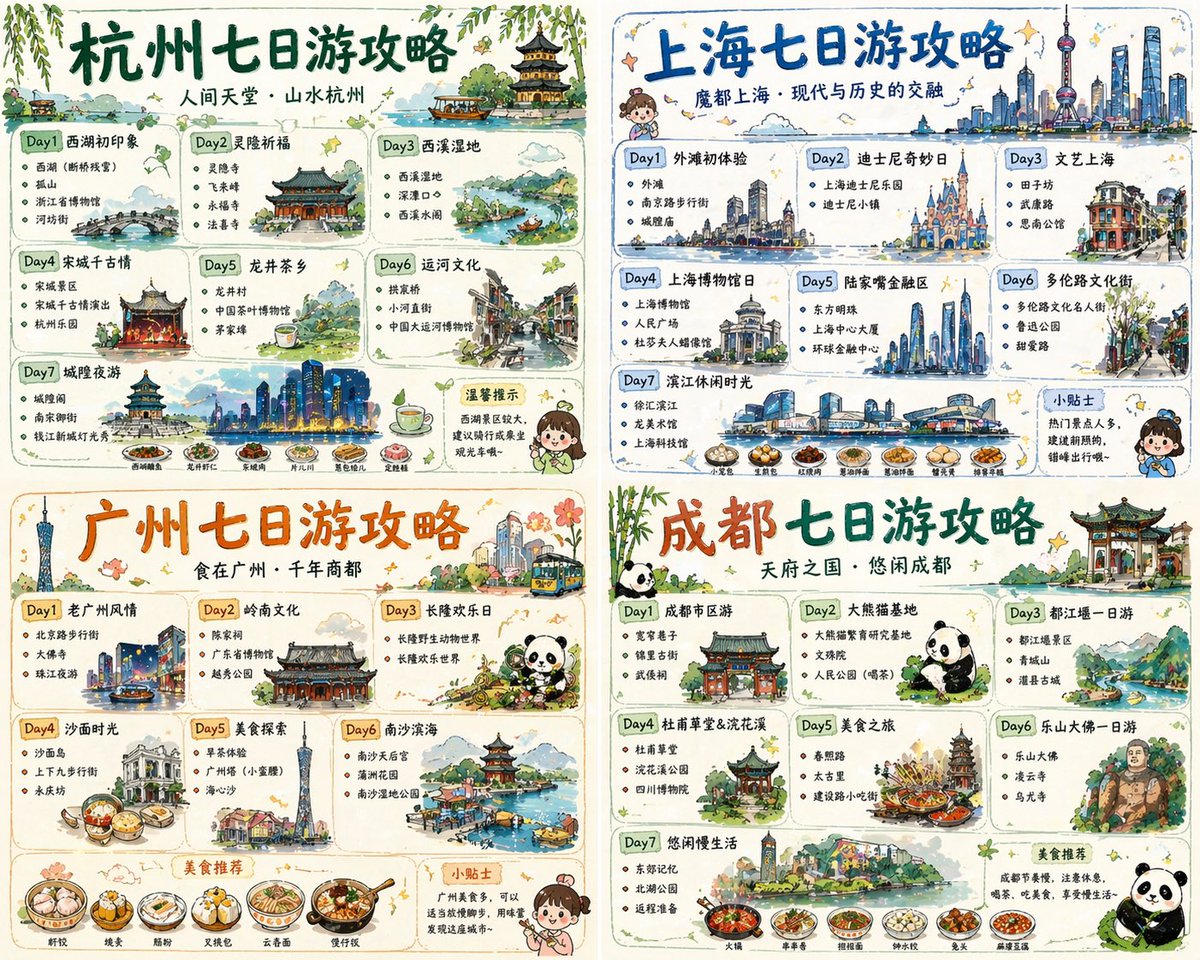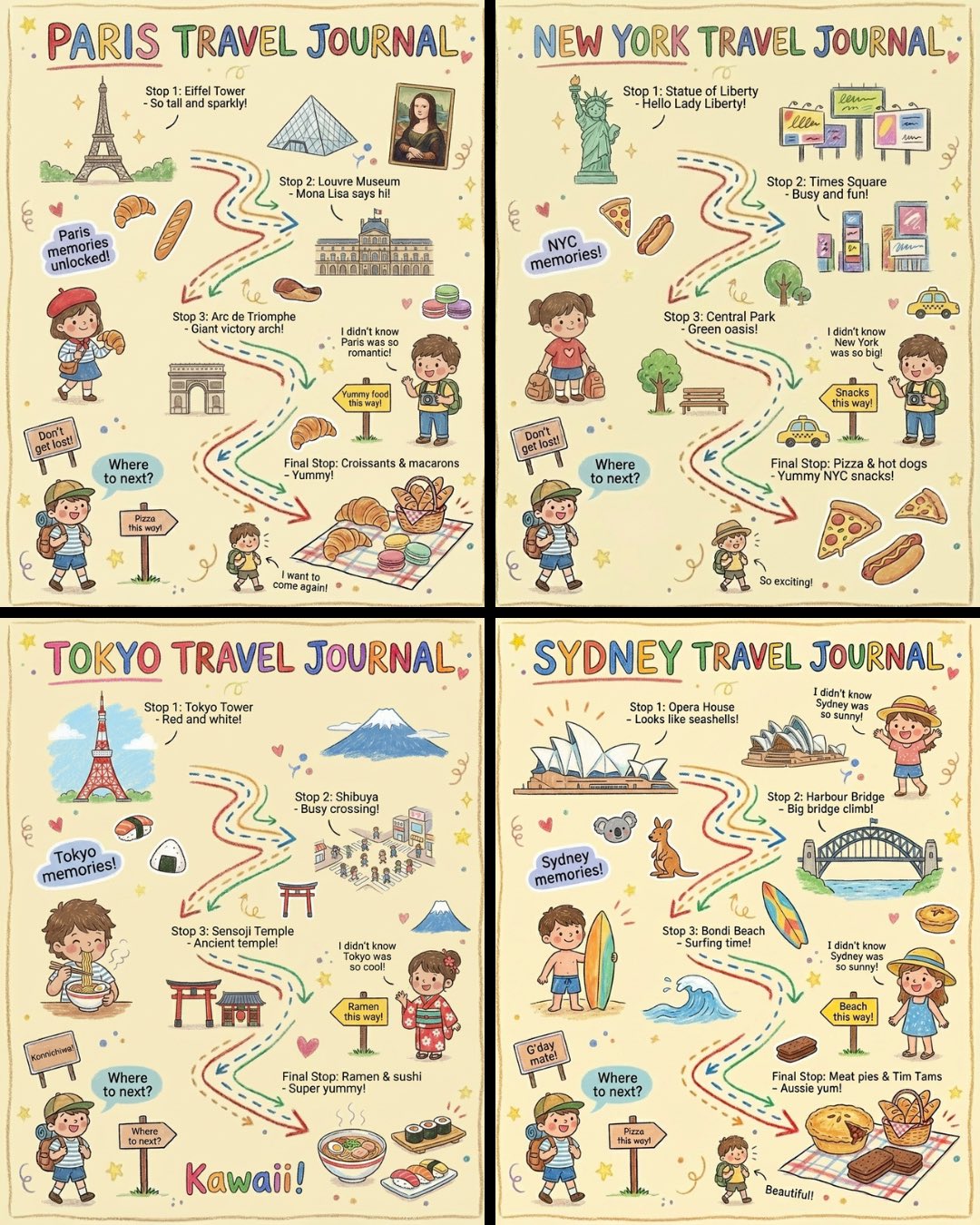
儿童手绘旅行日记风格
“创作一幅充满活力、儿童蜡笔风格的竖版(4:5)插图,标题为“{城市名称}旅行日记”。 这幅画作应该看起来像是一个好奇的孩子用彩色蜡笔画出来的,以柔和温暖的浅色调背景(例如淡黄色)为特色,并结合鲜艳的红色、蓝色、绿色和其他欢快的颜色,营造出一种温馨、轻松的旅行氛围。 一、主要场景:旅行日志式路线图 在插图的中心,绘制一条“蜿蜒曲折的旅行路线”,用箭头和虚线连接多个地点。 路线应根据{天数}自动生成推荐景点: 示例结构(自动填充与{城市名称}相关的内容): - “第一站:{景点
- Category
- Posters & Typography
- Model
- Nano Banana Pro
- Creator
- @TechieBySA
- Source language
- zh-CN
- Source ID
- 1473
- Published
- Jan 8, 2026
Full prompt
“Create a vibrant, child-like crayon-style vertical (4:5) illustration titled “{City Name} Travel Journal.”
The artwork should look as if it were drawn by a curious child using colorful crayons, featuring a soft, warm light-toned background (such as pale yellow), combined with bright reds, blues, greens, and other cheerful colors to create a cozy, playful travel atmosphere.

I. Main Scene: Travel-Journal Style Route Map

In the center of the illustration, draw a “winding, zigzagging travel route” with arrows and dotted lines connecting multiple locations.
The route should automatically generate recommended attractions based on {Number of Days}:

Example structure (auto-filled with {City Name}-related content):

- “Stop 1: {Attraction 1 + short fun description}”
- “Stop 2: {Attraction 2 + short fun description}”
- “Stop 3: {Attraction 3 + short fun description}”
- …
- “Final Stop: {Local signature food or souvenir + warm closing remark}”

Rules:
- If no number of days is provided, default to a 1-day highlight itinerary.

II. Surrounding Playful Elements (Auto-adapt to the City)

Add many cute doodles and child-like decorative elements around the route, such as:

1. Adorable travel characters
   - A child holding a local snack
   - A little adventurer with a backpack

2. Q-style hand-drawn iconic landmarks
   - “{City Landmark 1}”
   - “{City Landmark 2}”
   - “{City Landmark 3}”

3. Funny signboards
   - “Don’t get lost!”
   - “Crowds ahead!”
   - “Yummy food this way!”
   (Auto-adjust contextually for the city)

4. Sticker-style short phrases
   - “{City Name} travel memories unlocked!”
   - “{City Name} food adventure!”
   - “Where to next?”

5. Cute icons of local foods
   - “{Local Food 1}”
   - “{Local Food 2}”
   - “{Local Food 3}”

6. Childlike exclamations
   - “I didn’t know {City Name} was so fun!”
   - “I want to come again!”

III. Overall Art Style Requirements

- Crayon / children’s hand-drawn travel diary style
- Bright, warm, colorful palette
- Cozy but full and lively composition
- Emphasize the joy of exploring
- All text should be in a cute handwritten font
- Make the entire page feel like a young child’s fun travel-journal entry”
Translations
儿童手绘旅行日记风格
en“Create a vibrant, child-like crayon-style vertical (4:5) illustration titled “{City Name} Travel Journal.” The artwork should look as if it were drawn by a curious child using colorful crayons, featuring a soft, warm light-toned background (such as pale yellow), combined with bright reds, blues, greens, and other cheerful colors to create a cozy, playful travel atmosphere. I. Main Scene: Travel-Journal Style Route Map In the center of the illustration, draw a “winding, zigzagging travel route” with arrows and dotted lines connecting multiple locations. The route should automatically generate recommended attractions based on {Number of Days}: Example structure (auto-filled with {City Name}-related content): - “Stop 1: {Attraction 1 + short fun description}” - “Stop 2: {Attraction 2 + short fun description}” - “Stop 3: {Attraction 3 + short fun description}” - … - “Final Stop: {Local signature food or souvenir + warm closing remark}” Rules: - If no number of days is provided, default to a 1-day highlight itinerary. II. Surrounding Playful Elements (Auto-adapt to the City) Add many cute doodles and child-like decorative elements around the route, such as: 1. Adorable travel characters - A child holding a local snack - A little adventurer with a backpack 2. Q-style hand-drawn iconic landmarks - “{City Landmark 1}” - “{City Landmark 2}” - “{City Landmark 3}” 3. Funny signboards - “Don’t get lost!” - “Crowds ahead!” - “Yummy food this way!” (Auto-adjust contextually for the city) 4. Sticker-style short phrases - “{City Name} travel memories unlocked!” - “{City Name} food adventure!” - “Where to next?” 5. Cute icons of local foods - “{Local Food 1}” - “{Local Food 2}” - “{Local Food 3}” 6. Childlike exclamations - “I didn’t know {City Name} was so fun!” - “I want to come again!” III. Overall Art Style Requirements - Crayon / children’s hand-drawn travel diary style - Bright, warm, colorful palette - Cozy but full and lively composition - Emphasize the joy of exploring - All text should be in a cute handwritten font - Make the entire page feel like a young child’s fun travel-journal entry”
儿童手绘旅行日记风格
zh-CN“创作一幅充满活力、儿童蜡笔风格的竖版(4:5)插图,标题为“{城市名称}旅行日记”。 这幅画作应该看起来像是一个好奇的孩子用彩色蜡笔画出来的,以柔和温暖的浅色调背景(例如淡黄色)为特色,并结合鲜艳的红色、蓝色、绿色和其他欢快的颜色,营造出一种温馨、轻松的旅行氛围。 一、主要场景:旅行日志式路线图 在插图的中心,绘制一条“蜿蜒曲折的旅行路线”,用箭头和虚线连接多个地点。 路线应根据{天数}自动生成推荐景点: 示例结构(自动填充与{城市名称}相关的内容): - “第一站:{景点 1 + 简短有趣的描述}” - “第二站:{景点 2 + 简短有趣的介绍}” - “第三站:{景点 3 + 简短有趣的描述}” - … - “最后一站:{当地特色美食或纪念品 + 温馨的结束语}” 规则: - 如果没有提供天数,则默认为 1 天的精华行程。 二、周边趣味元素(自动适应城市环境) 在路线周围添加许多可爱的涂鸦和充满童趣的装饰元素,例如: 1. 可爱的旅行角色 一个孩子手里拿着当地小吃。 一个背着背包的小冒险家 2. Q 风格的手绘标志性地标 - “{城市地标 1}” - “{城市地标 2}” - “{城市地标 3}” 3. 有趣的标牌 “别迷路了!” “前方人潮拥挤!” “好吃的食物这边走!” (根据城市情况自动调整) 4. 贴纸式短语 - “{城市名称}的旅行回忆已解锁!” - “{城市名称}美食探险!” “接下来去哪儿?” 5. 可爱的当地美食图标 - “{本地美食 1}” - “{本地美食 2}” - “{本地美食 3}” 6. 孩子气的感叹词 “我以前不知道{城市名称}这么好玩!” “我还想再来!” 三、总体美术风格要求 - 蜡笔/儿童手绘旅行日记风格 明亮、温暖、色彩丰富的色调 温馨而饱满、充满活力的构图 强调探索的乐趣 所有文字都应使用可爱的手写字体。 “让整页内容感觉就像小孩子写的趣味旅行日记一样。”