室内温馨照片,人物脸贴雨窗微笑
🚨 EXPENSIVE PHOTOSHOOT FOR FREE Copy the prompt below and CREATE YOUR OWN PHOTO LIKE THIS 🫵 with Nano Banana Pro Bookmark 🔖 this now and recreate this with your selfie later. How to: 1) Download the Gemini app from the Play Store or App Store. 2) Open the app and tap on the "🍌 Create image" button. 3) Tap the + icon, click Gallery, and select a photo of yourself. > Note: For best results, use a photo where your face fills about 70% of the screen. 4) Go to the @NanoBanana_Labs page, pick a ph
- Category
- Photography & Realism
- Model
- Nano Banana Pro
- Creator
- Nano Banana Labs
- Source language
- zh-CN
- Source ID
- cozy-indoor-photo-person-smiling-rainy-window
Full prompt
🚨 EXPENSIVE PHOTOSHOOT FOR FREE
Copy the prompt below and CREATE YOUR OWN PHOTO LIKE THIS 🫵 with Nano Banana Pro
Bookmark 🔖 this now and recreate this with your selfie later.
How to:
1) Download the Gemini app from the Play Store or App Store.
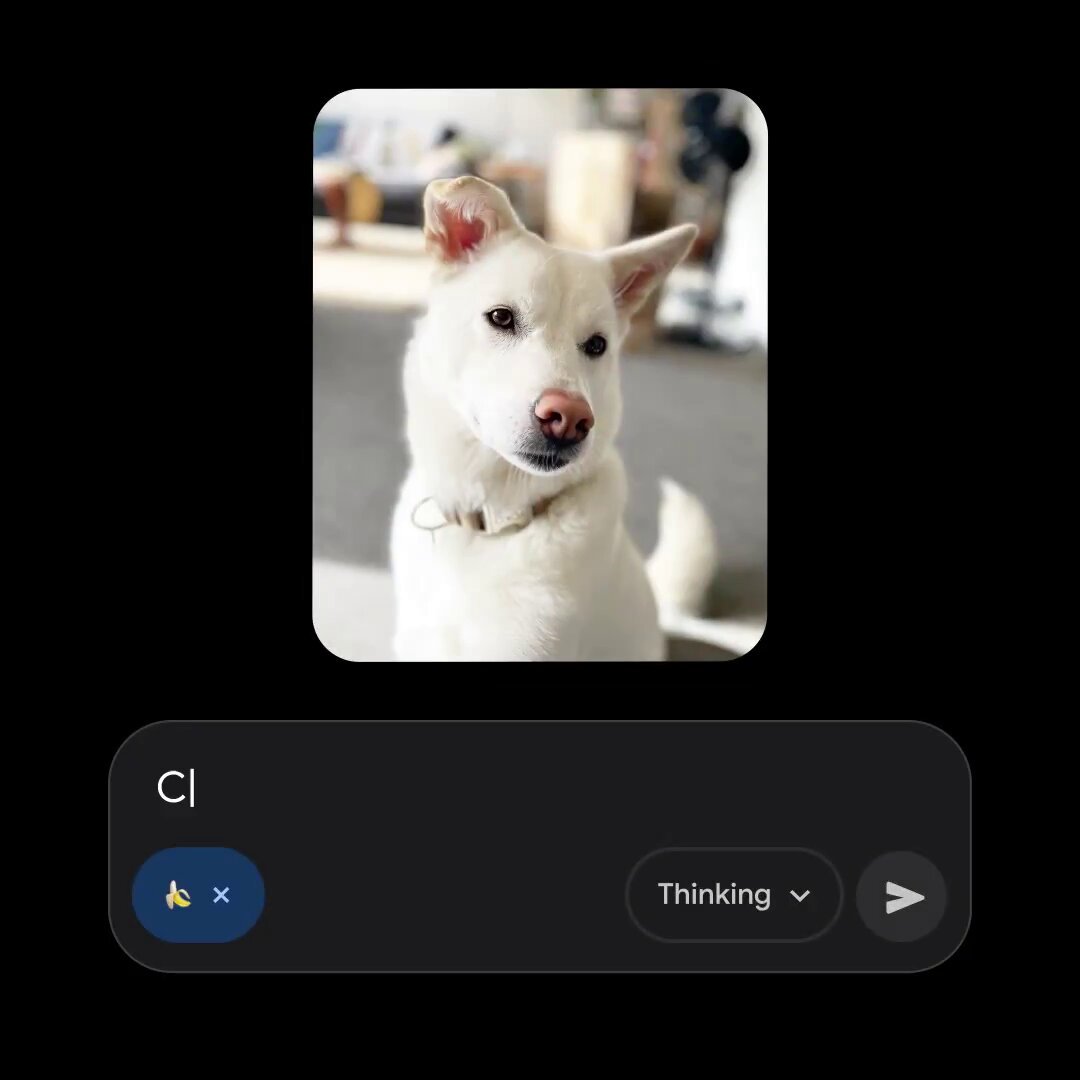
2) Open the app and tap on the "🍌 Create image" button.
3) Tap the + icon, click Gallery, and select a photo of yourself.
> Note: For best results, use a photo where your face fills about 70% of the screen.
4) Go to the @NanoBanana_Labs page, pick a photo you like, and copy the text prompt from that photo's description.
5) Return to the Gemini app and paste that text into the "Describe your image" box.
Tap the rocket symbol 🚀 in the bottom right corner to generate your image.
Follow @NanoBanana_labs for daily AI glow-ups & viral prompts 🚀 . Power of artificial intelligence, discover with nano banana pro
Prompt 👇
A cozy indoor photo shows the person attached in the uploaded reference image (keep the face 100% accurate) resting their forehead on a rainy window. They smile softly as droplets slide down the glass. Warm room light glows behind them.
Aspect ratio 4:5
Translations
室内温馨照片,人物脸贴雨窗微笑
zh-CN🚨 EXPENSIVE PHOTOSHOOT FOR FREE Copy the prompt below and CREATE YOUR OWN PHOTO LIKE THIS 🫵 with Nano Banana Pro Bookmark 🔖 this now and recreate this with your selfie later. How to: 1) Download the Gemini app from the Play Store or App Store. 2) Open the app and tap on the "🍌 Create image" button. 3) Tap the + icon, click Gallery, and select a photo of yourself. > Note: For best results, use a photo where your face fills about 70% of the screen. 4) Go to the @NanoBanana_Labs page, pick a photo you like, and copy the text prompt from that photo's description. 5) Return to the Gemini app and paste that text into the "Describe your image" box. Tap the rocket symbol 🚀 in the bottom right corner to generate your image. Follow @NanoBanana_labs for daily AI glow-ups & viral prompts 🚀 . Power of artificial intelligence, discover with nano banana pro Prompt 👇 A cozy indoor photo shows the person attached in the uploaded reference image (keep the face 100% accurate) resting their forehead on a rainy window. They smile softly as droplets slide down the glass. Warm room light glows behind them. Aspect ratio 4:5