Windows Paint Y2K 穿搭拆解
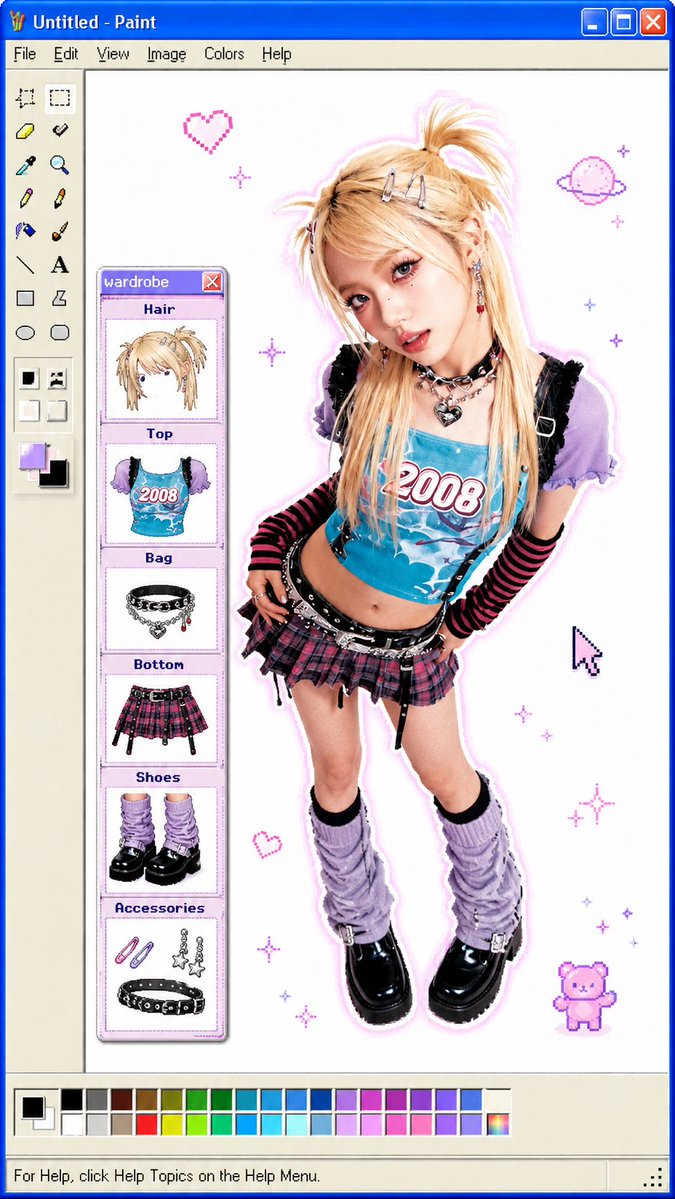
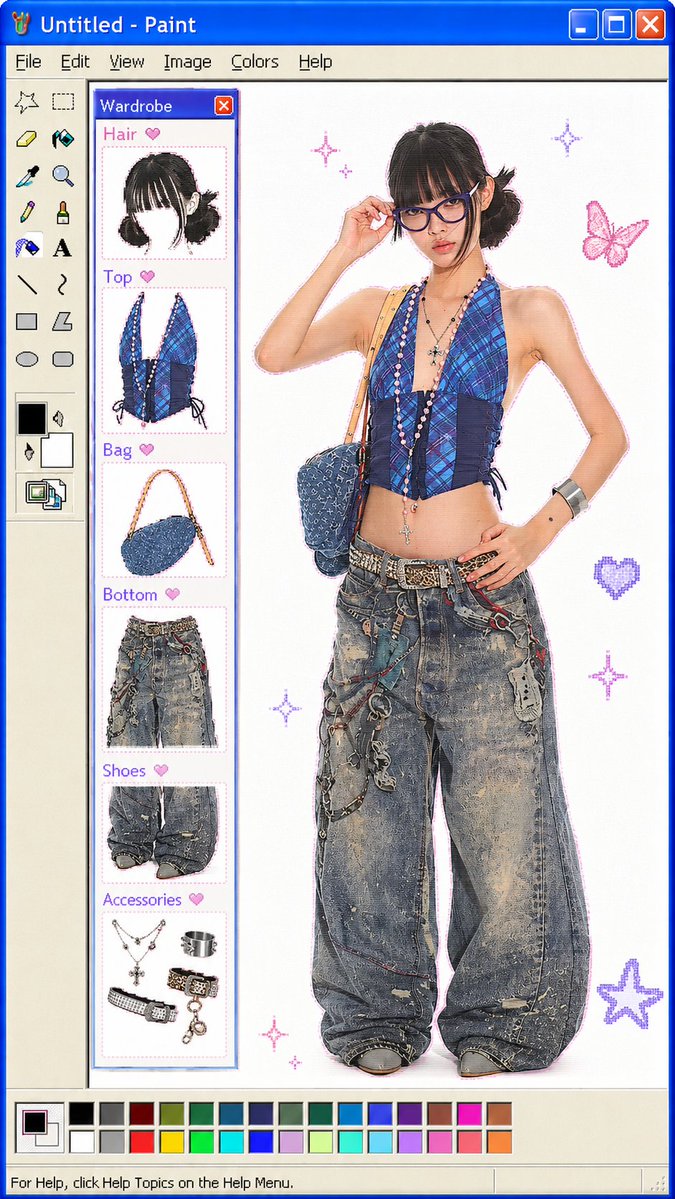
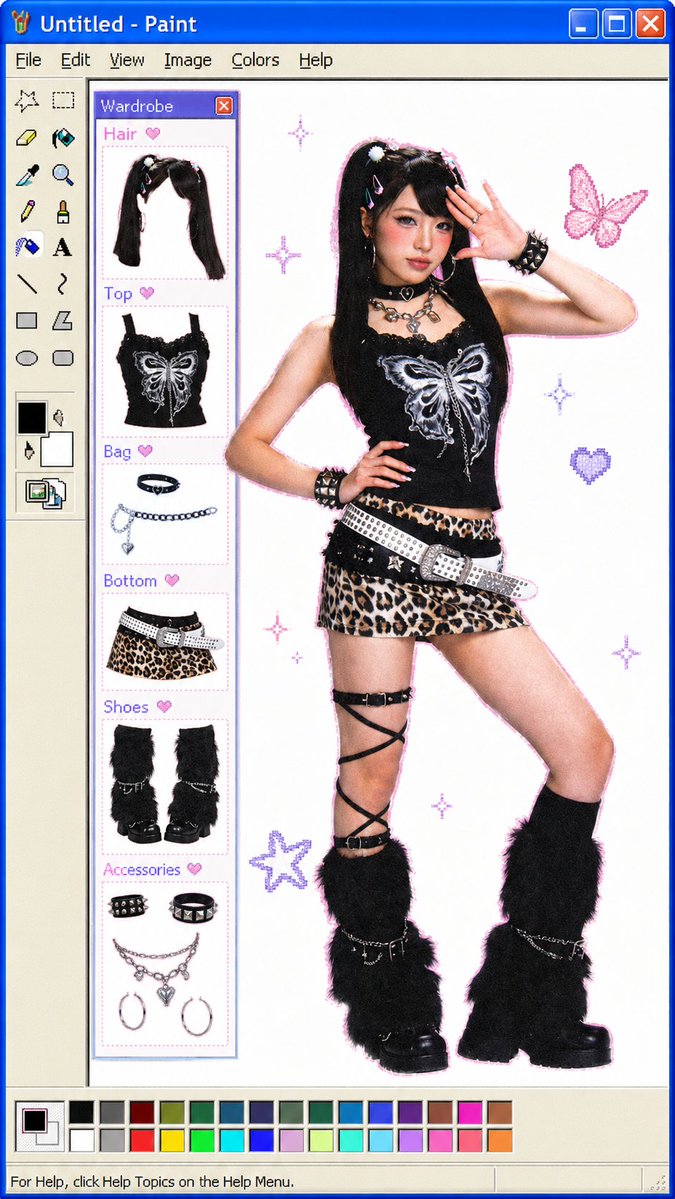
创建一个复古 Windows XP 画图风格的时尚拼贴,将穿搭照片转化为模块化的 OOTD 穿搭拆解图。
- Category
- Charts & Infographics
- Model
- GPT Image 2
- Creator
- LerSent
- Source language
- en
- Source ID
- 24003
- Published
- Jun 3, 2026
Full prompt
Goal: Create a playful Y2K outfit breakdown displayed inside a retro Windows XP Microsoft Paint window, as if a fashion selfie has been inserted into Paint and annotated with modular wardrobe items.

Canvas: Square 4:3-ish digital image, approximately 768×1024, with the full Microsoft Paint interface visible: bright blue Windows XP title bar reading “Untitled - Paint,” classic menu bar with 6 menu items labeled File, Edit, View, Image, Colors, Help, left vertical tool palette, bottom color palette, scroll bars, and a white drawing canvas.

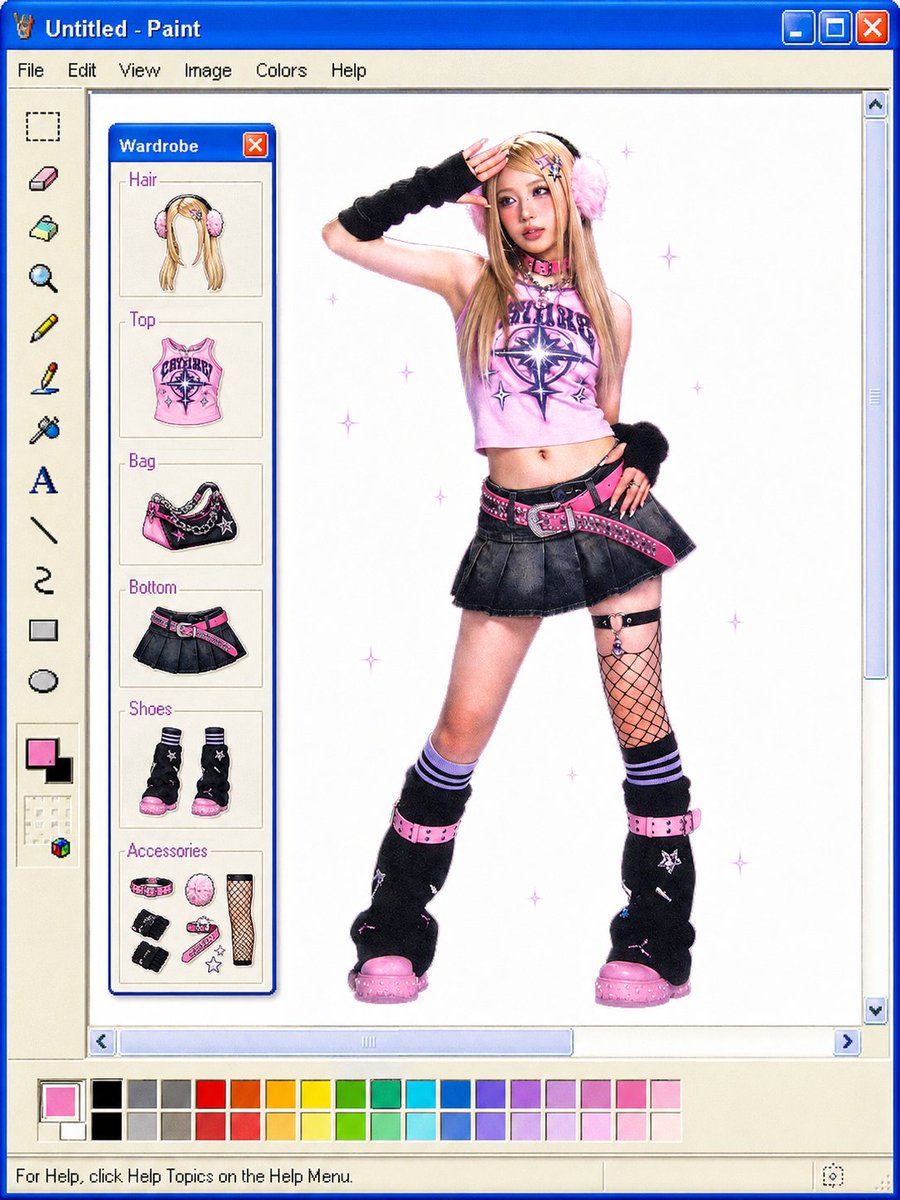
Main subject: Center-right full-body fashion photo of a young woman in a pink-and-black cyber/Y2K outfit, face intentionally covered by a soft square blur. She poses standing with one hand raised near her head and the other hand at her hip. Use {argument name="outfit style" default="pink-and-black Y2K cyber mall-goth"}. She has long blonde hair with fluffy pink earmuffs, a cropped pink graphic halter top, black pleated mini skirt, hot-pink studded belt, black-and-pink shoulder bag styling, fishnet thigh detail on one leg, striped socks, black leg warmers, chunky pink platform shoes, black wrist warmers, and small star/punk accessories. Add pale purple sparkle/star doodles scattered around the white canvas.

Wardrobe panel: On the left side of the white Paint canvas, create a floating Windows XP mini-window titled {argument name="panel title" default="Wardrobe"}, with a blue title bar and red close button. Inside are exactly 6 labeled wardrobe sections stacked vertically, each with a thin beige box, purple label text, and a small illustrated cutout of the item. The 6 sections are: 1) Hair — long blonde hair with pink earmuffs, 2) Top — pink graphic crop top, 3) Bag — black and pink patterned shoulder bag, 4) Bottom — black pleated mini skirt with pink belt, 5) Shoes — pair of black chunky boots with pink soles, 6) Accessories — a grouped set of small accessories including a pink collar/choker, pink fluffy earmuff piece, fishnet stocking panel, black wrist warmers, pink strap accessories, and star charms.

Interface details: Left Paint toolbar contains exactly 16 visible tool icons arranged vertically, including rectangular select, eraser, fill bucket, magnifier, pencil, brush, spray can, text “A,” straight line, curve, rectangle, ellipse, plus foreground/background color squares and small color controls near the bottom. Bottom color palette contains rows of small square swatches in black, grays, reds, oranges, yellows, greens, cyans, blues, purples, and pinks; the active color is bright pink. Include a bottom status bar with the text “For Help, click Help Topics on the Help Menu.”

Text content: The window title must read {argument name="window title" default="Untitled - Paint"}. Keep the menu labels as File, Edit, View, Image, Colors, Help. Keep wardrobe labels in English: Hair, Top, Bag, Bottom, Shoes, Accessories.

Visual style: Clean collage of semi-realistic fashion photography and cute hand-drawn paper-doll item illustrations, placed inside a nostalgic pixel-perfect Windows XP Paint UI. White background, crisp blue window chrome, beige tool panels, vivid hot pink and black outfit palette, soft high-key studio lighting, slight pixelated retro interface edges.

Constraints: Do not add extra wardrobe categories beyond the exact 6 listed. Do not add extra people. Keep the subject’s face blurred/obscured. Preserve the Paint application frame and all major UI elements clearly visible.
Translations
Windows Paint Y2K 穿搭拆解
enGoal: Create a playful Y2K outfit breakdown displayed inside a retro Windows XP Microsoft Paint window, as if a fashion selfie has been inserted into Paint and annotated with modular wardrobe items. Canvas: Square 4:3-ish digital image, approximately 768×1024, with the full Microsoft Paint interface visible: bright blue Windows XP title bar reading “Untitled - Paint,” classic menu bar with 6 menu items labeled File, Edit, View, Image, Colors, Help, left vertical tool palette, bottom color palette, scroll bars, and a white drawing canvas. Main subject: Center-right full-body fashion photo of a young woman in a pink-and-black cyber/Y2K outfit, face intentionally covered by a soft square blur. She poses standing with one hand raised near her head and the other hand at her hip. Use {argument name="outfit style" default="pink-and-black Y2K cyber mall-goth"}. She has long blonde hair with fluffy pink earmuffs, a cropped pink graphic halter top, black pleated mini skirt, hot-pink studded belt, black-and-pink shoulder bag styling, fishnet thigh detail on one leg, striped socks, black leg warmers, chunky pink platform shoes, black wrist warmers, and small star/punk accessories. Add pale purple sparkle/star doodles scattered around the white canvas. Wardrobe panel: On the left side of the white Paint canvas, create a floating Windows XP mini-window titled {argument name="panel title" default="Wardrobe"}, with a blue title bar and red close button. Inside are exactly 6 labeled wardrobe sections stacked vertically, each with a thin beige box, purple label text, and a small illustrated cutout of the item. The 6 sections are: 1) Hair — long blonde hair with pink earmuffs, 2) Top — pink graphic crop top, 3) Bag — black and pink patterned shoulder bag, 4) Bottom — black pleated mini skirt with pink belt, 5) Shoes — pair of black chunky boots with pink soles, 6) Accessories — a grouped set of small accessories including a pink collar/choker, pink fluffy earmuff piece, fishnet stocking panel, black wrist warmers, pink strap accessories, and star charms. Interface details: Left Paint toolbar contains exactly 16 visible tool icons arranged vertically, including rectangular select, eraser, fill bucket, magnifier, pencil, brush, spray can, text “A,” straight line, curve, rectangle, ellipse, plus foreground/background color squares and small color controls near the bottom. Bottom color palette contains rows of small square swatches in black, grays, reds, oranges, yellows, greens, cyans, blues, purples, and pinks; the active color is bright pink. Include a bottom status bar with the text “For Help, click Help Topics on the Help Menu.” Text content: The window title must read {argument name="window title" default="Untitled - Paint"}. Keep the menu labels as File, Edit, View, Image, Colors, Help. Keep wardrobe labels in English: Hair, Top, Bag, Bottom, Shoes, Accessories. Visual style: Clean collage of semi-realistic fashion photography and cute hand-drawn paper-doll item illustrations, placed inside a nostalgic pixel-perfect Windows XP Paint UI. White background, crisp blue window chrome, beige tool panels, vivid hot pink and black outfit palette, soft high-key studio lighting, slight pixelated retro interface edges. Constraints: Do not add extra wardrobe categories beyond the exact 6 listed. Do not add extra people. Keep the subject’s face blurred/obscured. Preserve the Paint application frame and all major UI elements clearly visible.
Windows Paint Y2K 穿搭拆解
zh-CN目标:创建一个趣味十足的 Y2K 穿搭拆解图,展示在复古的 Windows XP Microsoft Paint 窗口中,仿佛将一张时尚自拍导入画图软件,并用模块化的单品进行标注。 画布:方形 4:3 比例的数字图像,尺寸约为 768×1024,完整显示 Microsoft Paint 界面:亮蓝色的 Windows XP 标题栏显示“Untitled - Paint”,经典的菜单栏包含 File、Edit、View、Image、Colors、Help 6 个菜单项,左侧垂直工具栏,底部调色板,滚动条以及白色绘图画布。 主体:画面中右侧为一名年轻女性的全身时尚照片,身穿粉黑配色的赛博/Y2K 风格服装,面部刻意用柔和的方块模糊处理。她站立摆拍,一只手举在头部附近,另一只手叉腰。使用 {argument name="outfit style" default="粉黑配色 Y2K 赛博商场哥特风"}。她留着金色长发,戴着蓬松的粉色耳罩,身穿粉色短款印花挂脖上衣、黑色百褶迷你裙、亮粉色铆钉腰带,搭配黑粉色单肩包、单腿渔网袜细节、条纹袜、黑色腿套、厚底粉色鞋子、黑色护腕以及星星/朋克风格小配饰。在白色画布上添加淡紫色的闪光/星星涂鸦。 衣橱面板:在白色 Paint 画布的左侧,创建一个悬浮的 Windows XP 迷你窗口,标题为 {argument name="panel title" default="Wardrobe"},带有蓝色标题栏和红色关闭按钮。内部垂直堆叠 6 个带标签的衣橱分区,每个分区都有一个浅米色边框、紫色标签文字以及该单品的小型插图剪贴。这 6 个分区分别是:1) Hair — 金色长发配粉色耳罩,2) Top — 粉色印花短款上衣,3) Bag — 黑粉配色图案单肩包,4) Bottom — 黑色百褶迷你裙配粉色腰带,5) Shoes — 一双黑色厚底靴配粉色鞋底,6) Accessories — 一组小配饰,包括粉色项圈/颈圈、粉色毛绒耳罩部件、渔网袜片、黑色护腕、粉色绑带配饰和星星挂件。 界面细节:左侧 Paint 工具栏包含 16 个垂直排列的可见工具图标,包括矩形选区、橡皮擦、填充桶、放大镜、铅笔、画笔、喷枪、文字“A”、直线、曲线、矩形、椭圆,以及底部的背景/前景颜色方块和小型颜色控件。底部调色板包含多行黑色、灰色、红色、橙色、黄色、绿色、青色、蓝色、紫色和粉色的小方块色样;当前选中的颜色为亮粉色。底部状态栏显示文字“For Help, click Help Topics on the Help Menu.”。 文字内容:窗口标题必须显示为 {argument name="window title" default="Untitled - Paint"}。菜单标签保持为 File、Edit、View、Image、Colors、Help。衣橱标签保持英文:Hair、Top、Bag、Bottom、Shoes、Accessories。 视觉风格:半写实时尚摄影与可爱手绘纸娃娃单品插图的整洁拼贴,置于怀旧且像素完美的 Windows XP Paint UI 中。白色背景,清爽的蓝色窗口边框,米色工具面板,鲜艳的亮粉色与黑色服装配色,柔和的高调摄影棚光效,带有轻微像素化的复古界面边缘。 约束:不要添加除上述 6 个类别之外的额外衣橱分类。不要添加额外的人物。保持主体面部模糊/遮挡。完整保留 Paint 应用程序框架,并确保所有主要 UI 元素清晰可见。