提示词
Creating a renovation transformation video takes just three steps:

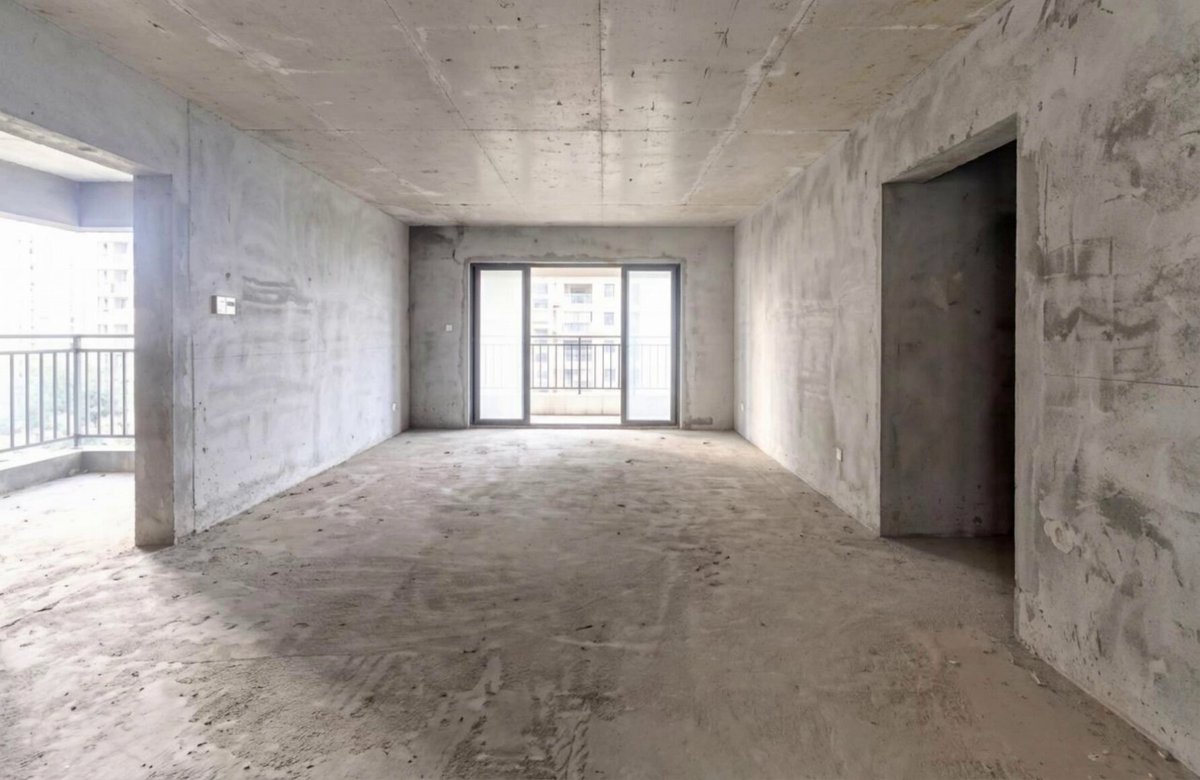
1. Find a photo of the house before renovation
Choose a clear image that shows the structure and layout of the space (unfinished, old, or unrenovated).
Use Nano Banana Pro to generate the renovated version
2. Based on the original photo, generate a visually upgraded “after renovation” image with the desired style and materials.
3. Use Kling’s first-and-last-frame feature to generate the video
Set the “before renovation” image as the first frame and the “after renovation” image as the last frame, and let Kling automatically create a smooth renovation transition video.
By Anonymous·1/12/2026
参数
模型
Nano banana pro
难度
简单
参考图
0
质量
-
👁 14 浏览📋 0 复制