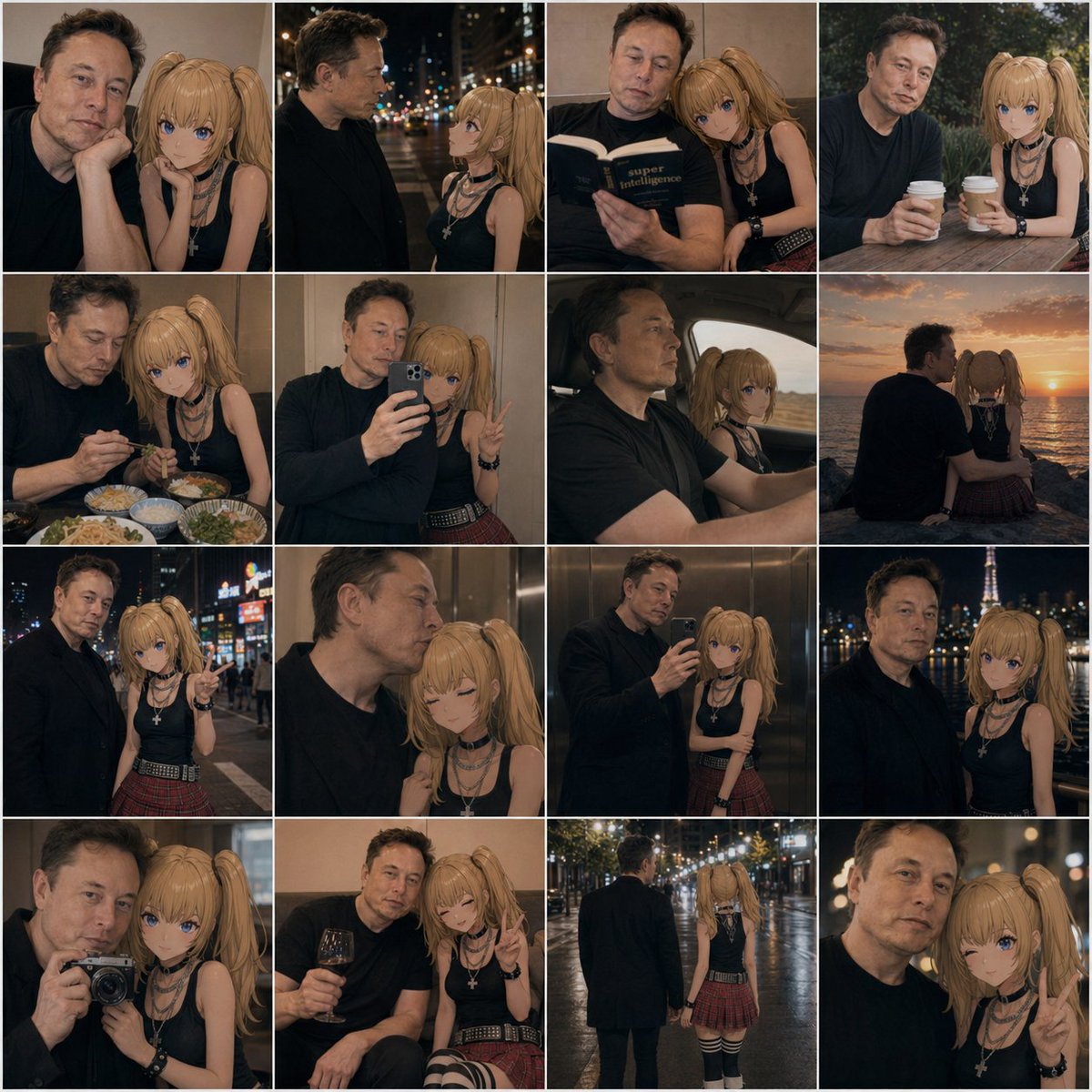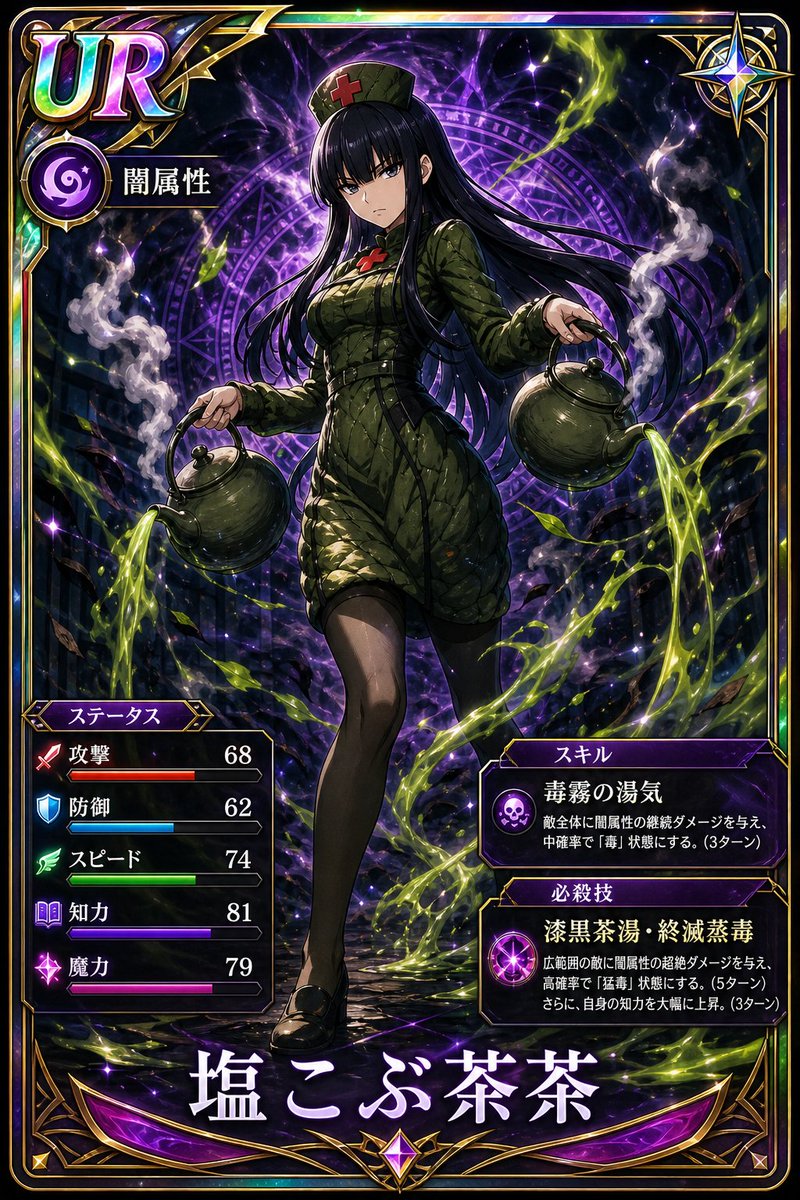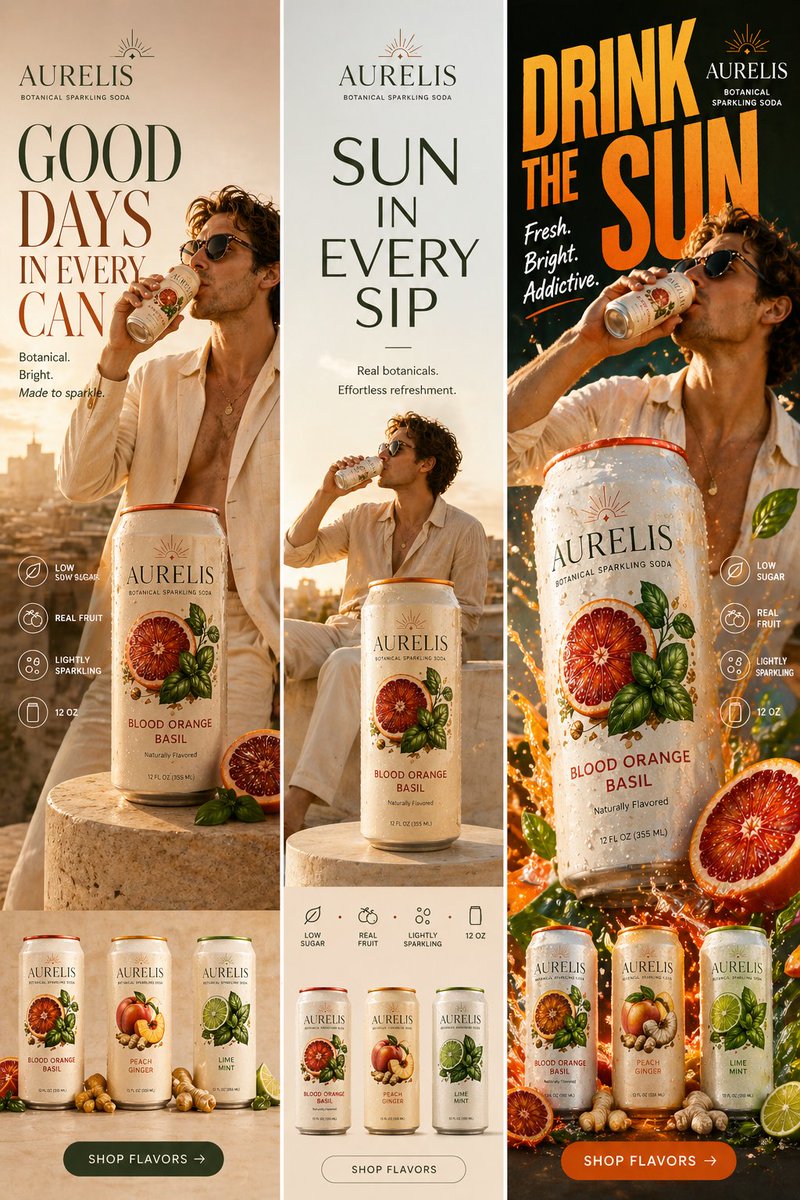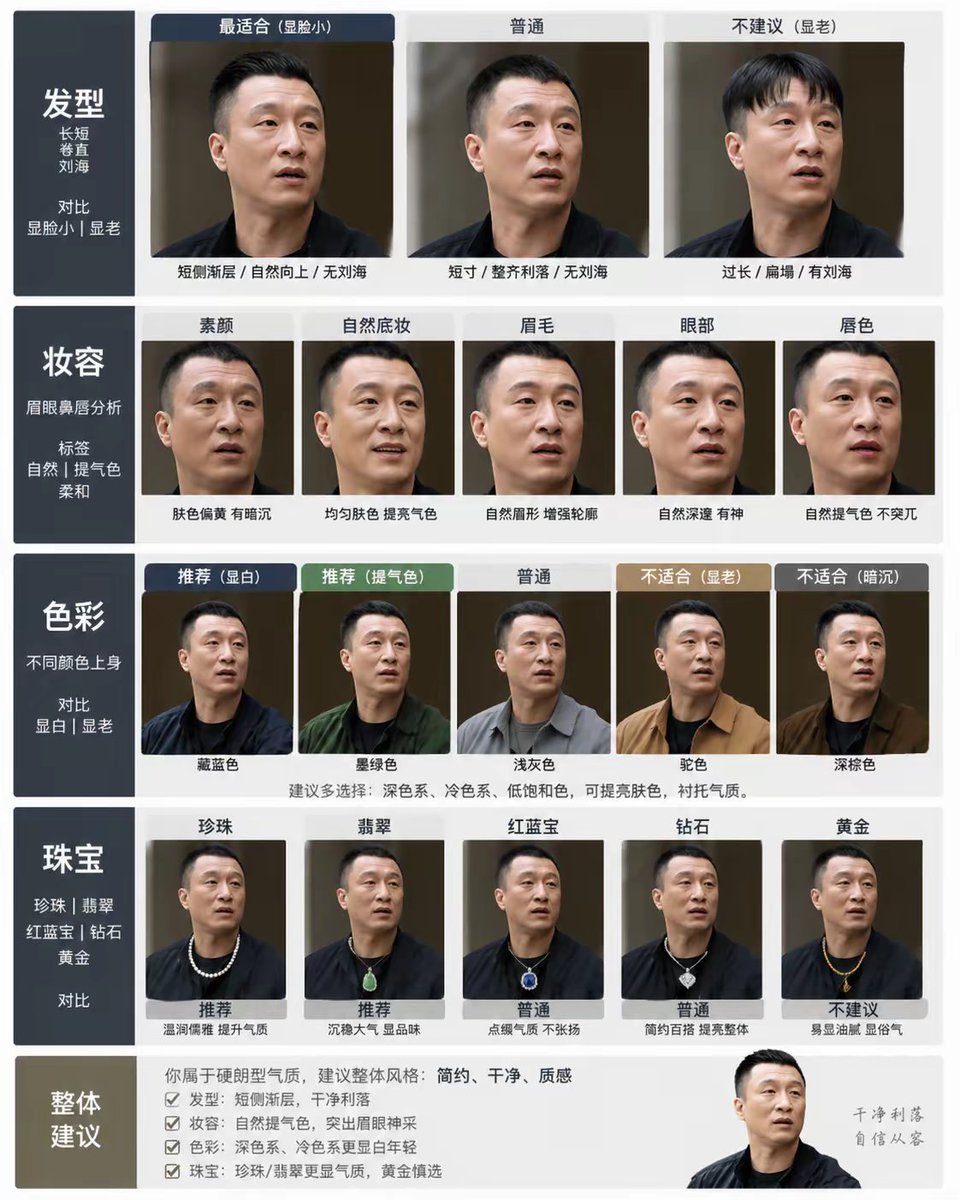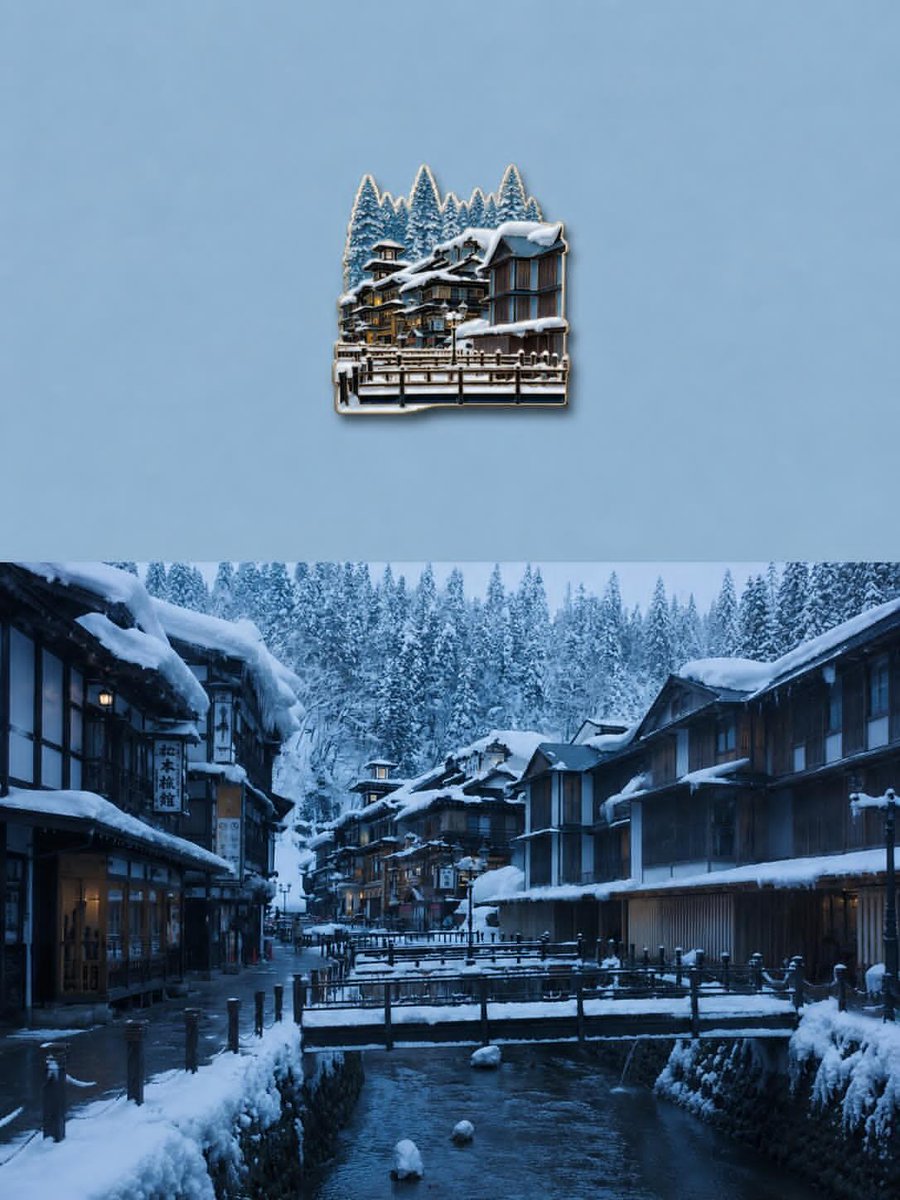
Die-Cut Sticker Illustration
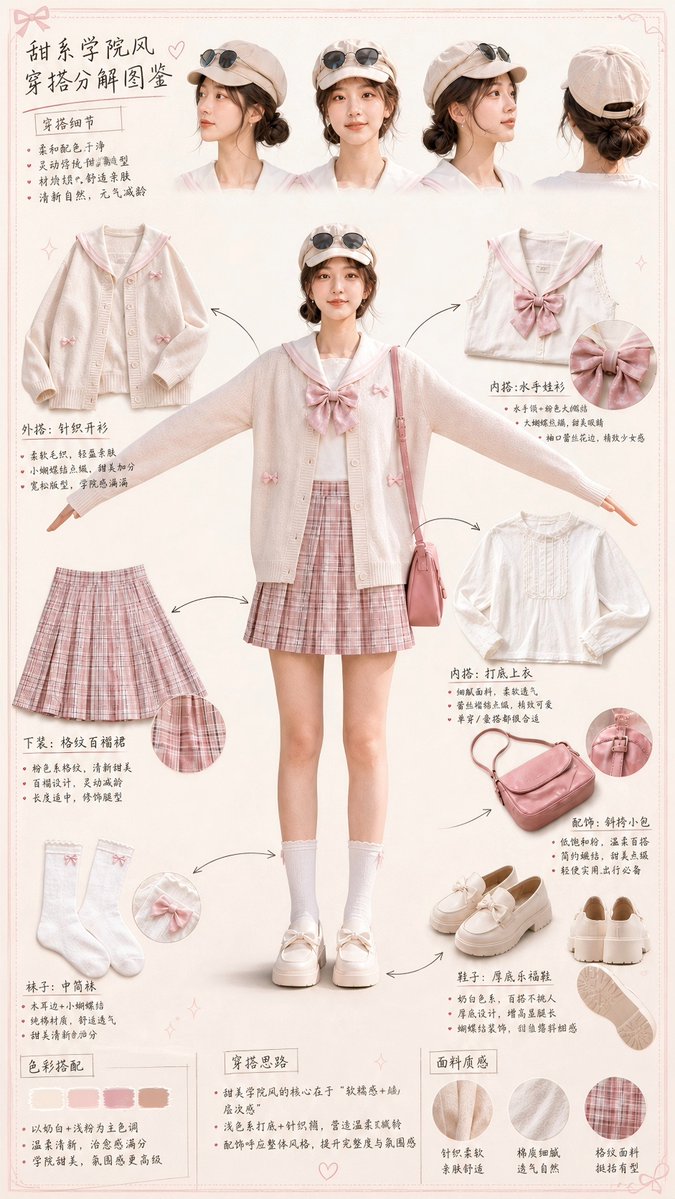
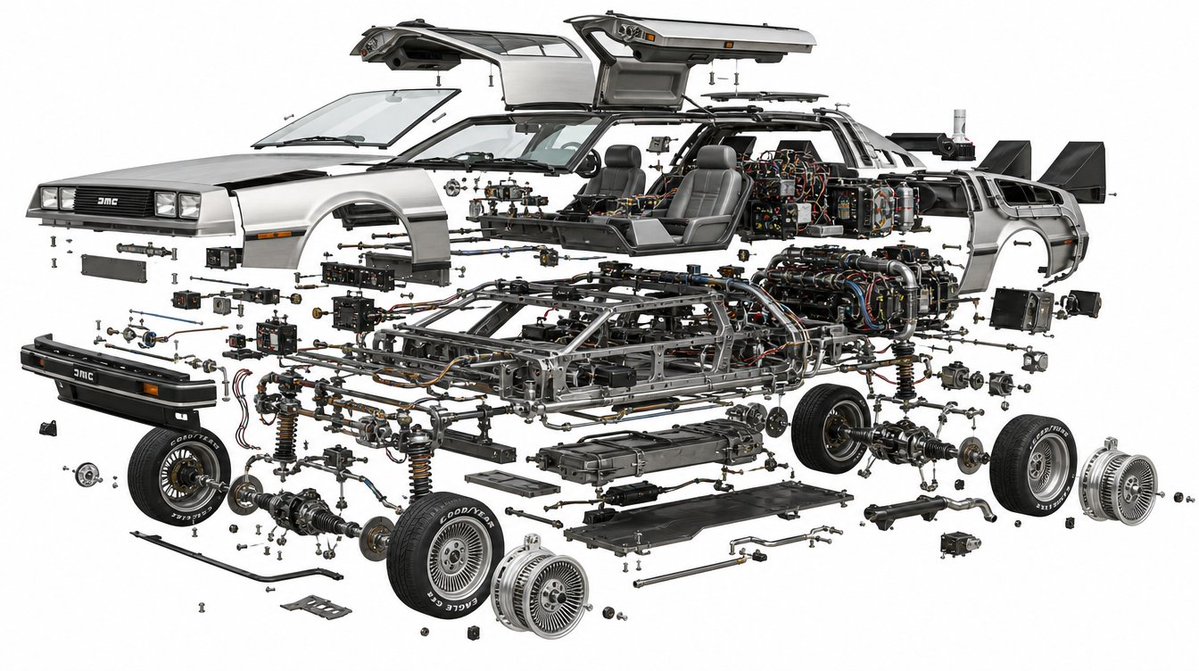
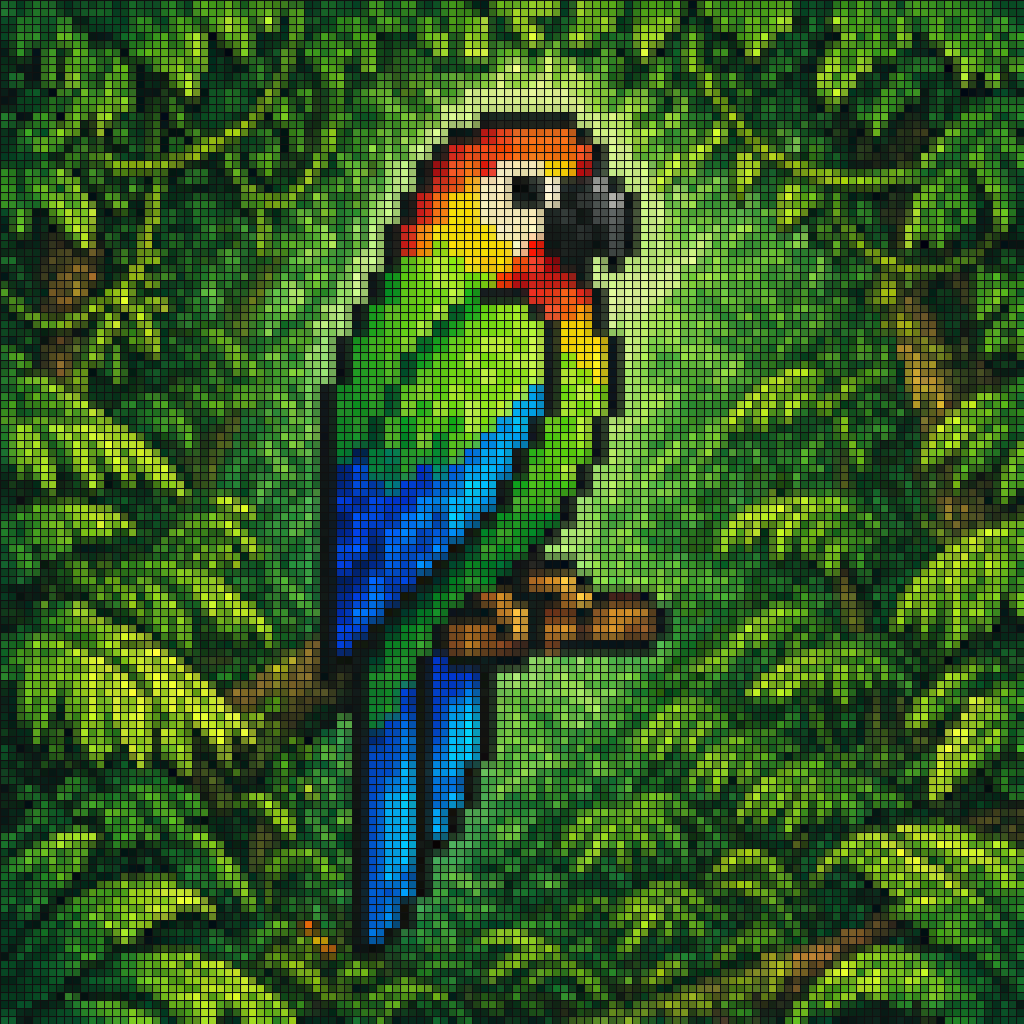
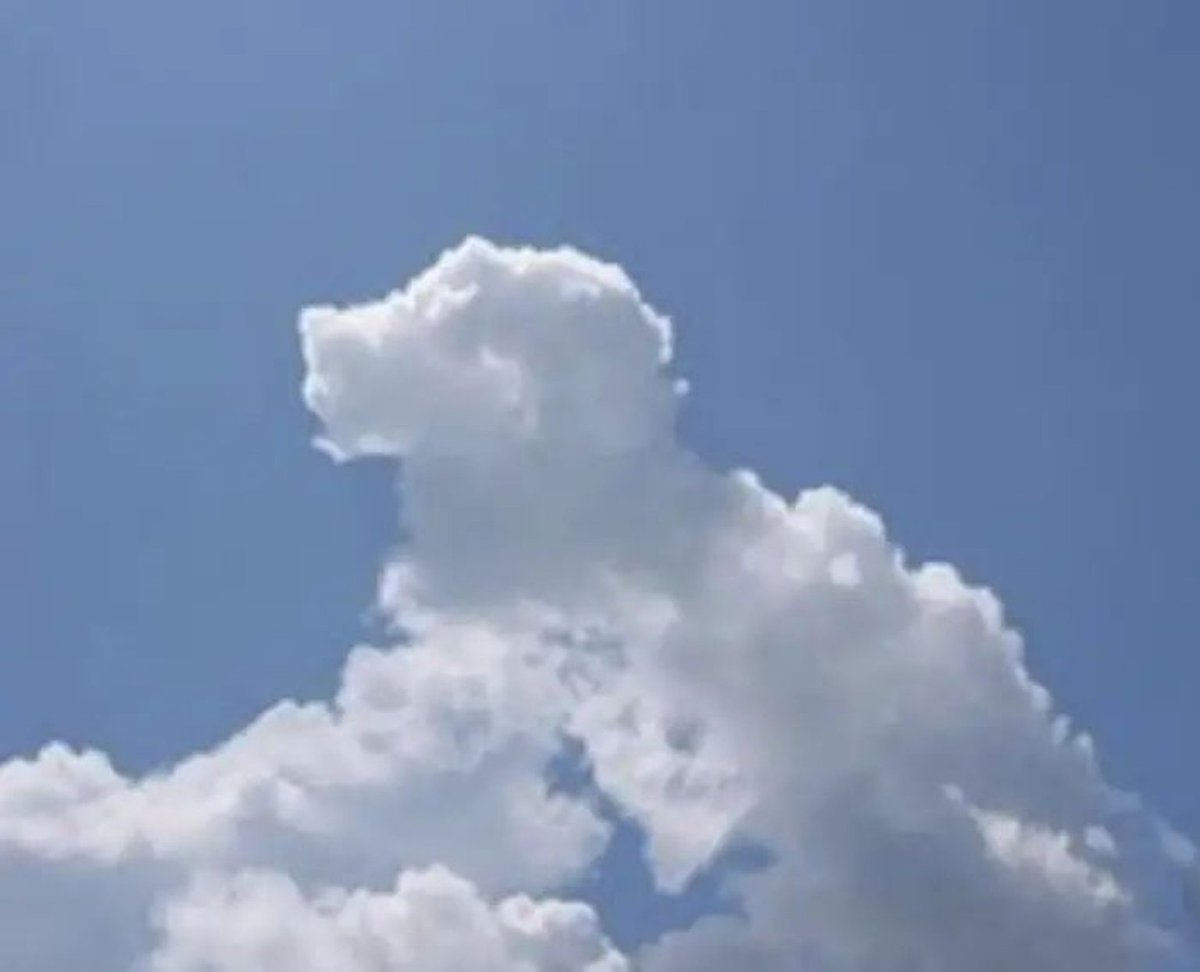
Transform the uploaded image into a premium die-cut sticker illustration while keeping the main subject fully recognizable. Remove or simplify the original background and cleanly i
- Category
- UI & Interfaces
- Model
- GPT Image 2
- Creator
- EvoLinkAI
- Source language
- en
- Source ID
- ui-158
Full prompt
Transform the uploaded image into a premium die-cut sticker illustration while keeping the main subject fully recognizable. Remove or simplify the original background and cleanly isolate the primary subject. Add a thick soft cream or beige sticker border around the entire silhouette with a subtle realistic drop shadow to create a floating sticker effect. Preserve important textures and details while slightly stylizing the image with enhanced colors, cinematic contrast, and a polished editorial l
Translations
Die-Cut Sticker Illustration
deTransform the uploaded image into a premium die-cut sticker illustration while keeping the main subject fully recognizable. Remove or simplify the original background and cleanly isolate the primary subject. Add a thick soft cream or beige sticker border around the entire silhouette with a subtle realistic drop shadow to create a floating sticker effect. Preserve important textures and details while slightly stylizing the image with enhanced colors, cinematic contrast, and a polished editorial l
Die-Cut Sticker Illustration
enTransform the uploaded image into a premium die-cut sticker illustration while keeping the main subject fully recognizable. Remove or simplify the original background and cleanly isolate the primary subject. Add a thick soft cream or beige sticker border around the entire silhouette with a subtle realistic drop shadow to create a floating sticker effect. Preserve important textures and details while slightly stylizing the image with enhanced colors, cinematic contrast, and a polished editorial l
Die-Cut Sticker Illustration
esTransform the uploaded image into a premium die-cut sticker illustration while keeping the main subject fully recognizable. Remove or simplify the original background and cleanly isolate the primary subject. Add a thick soft cream or beige sticker border around the entire silhouette with a subtle realistic drop shadow to create a floating sticker effect. Preserve important textures and details while slightly stylizing the image with enhanced colors, cinematic contrast, and a polished editorial l
Die-Cut Sticker Illustration
frTransform the uploaded image into a premium die-cut sticker illustration while keeping the main subject fully recognizable. Remove or simplify the original background and cleanly isolate the primary subject. Add a thick soft cream or beige sticker border around the entire silhouette with a subtle realistic drop shadow to create a floating sticker effect. Preserve important textures and details while slightly stylizing the image with enhanced colors, cinematic contrast, and a polished editorial l
Die-Cut Sticker Illustration
jaTransform the uploaded image into a premium die-cut sticker illustration while keeping the main subject fully recognizable. Remove or simplify the original background and cleanly isolate the primary subject. Add a thick soft cream or beige sticker border around the entire silhouette with a subtle realistic drop shadow to create a floating sticker effect. Preserve important textures and details while slightly stylizing the image with enhanced colors, cinematic contrast, and a polished editorial l
Die-Cut Sticker Illustration
koTransform the uploaded image into a premium die-cut sticker illustration while keeping the main subject fully recognizable. Remove or simplify the original background and cleanly isolate the primary subject. Add a thick soft cream or beige sticker border around the entire silhouette with a subtle realistic drop shadow to create a floating sticker effect. Preserve important textures and details while slightly stylizing the image with enhanced colors, cinematic contrast, and a polished editorial l
Die-Cut Sticker Illustration
ptTransform the uploaded image into a premium die-cut sticker illustration while keeping the main subject fully recognizable. Remove or simplify the original background and cleanly isolate the primary subject. Add a thick soft cream or beige sticker border around the entire silhouette with a subtle realistic drop shadow to create a floating sticker effect. Preserve important textures and details while slightly stylizing the image with enhanced colors, cinematic contrast, and a polished editorial l
Die-Cut Sticker Illustration
ruTransform the uploaded image into a premium die-cut sticker illustration while keeping the main subject fully recognizable. Remove or simplify the original background and cleanly isolate the primary subject. Add a thick soft cream or beige sticker border around the entire silhouette with a subtle realistic drop shadow to create a floating sticker effect. Preserve important textures and details while slightly stylizing the image with enhanced colors, cinematic contrast, and a polished editorial l
Die-Cut Sticker Illustration
trTransform the uploaded image into a premium die-cut sticker illustration while keeping the main subject fully recognizable. Remove or simplify the original background and cleanly isolate the primary subject. Add a thick soft cream or beige sticker border around the entire silhouette with a subtle realistic drop shadow to create a floating sticker effect. Preserve important textures and details while slightly stylizing the image with enhanced colors, cinematic contrast, and a polished editorial l
Die-Cut Sticker Illustration
zh-CNTransform the uploaded image into a premium die-cut sticker illustration while keeping the main subject fully recognizable. Remove or simplify the original background and cleanly isolate the primary subject. Add a thick soft cream or beige sticker border around the entire silhouette with a subtle realistic drop shadow to create a floating sticker effect. Preserve important textures and details while slightly stylizing the image with enhanced colors, cinematic contrast, and a polished editorial l
Die-Cut Sticker Illustration
zh-TWTransform the uploaded image into a premium die-cut sticker illustration while keeping the main subject fully recognizable. Remove or simplify the original background and cleanly isolate the primary subject. Add a thick soft cream or beige sticker border around the entire silhouette with a subtle realistic drop shadow to create a floating sticker effect. Preserve important textures and details while slightly stylizing the image with enhanced colors, cinematic contrast, and a polished editorial l