Printable Paint by Numbers
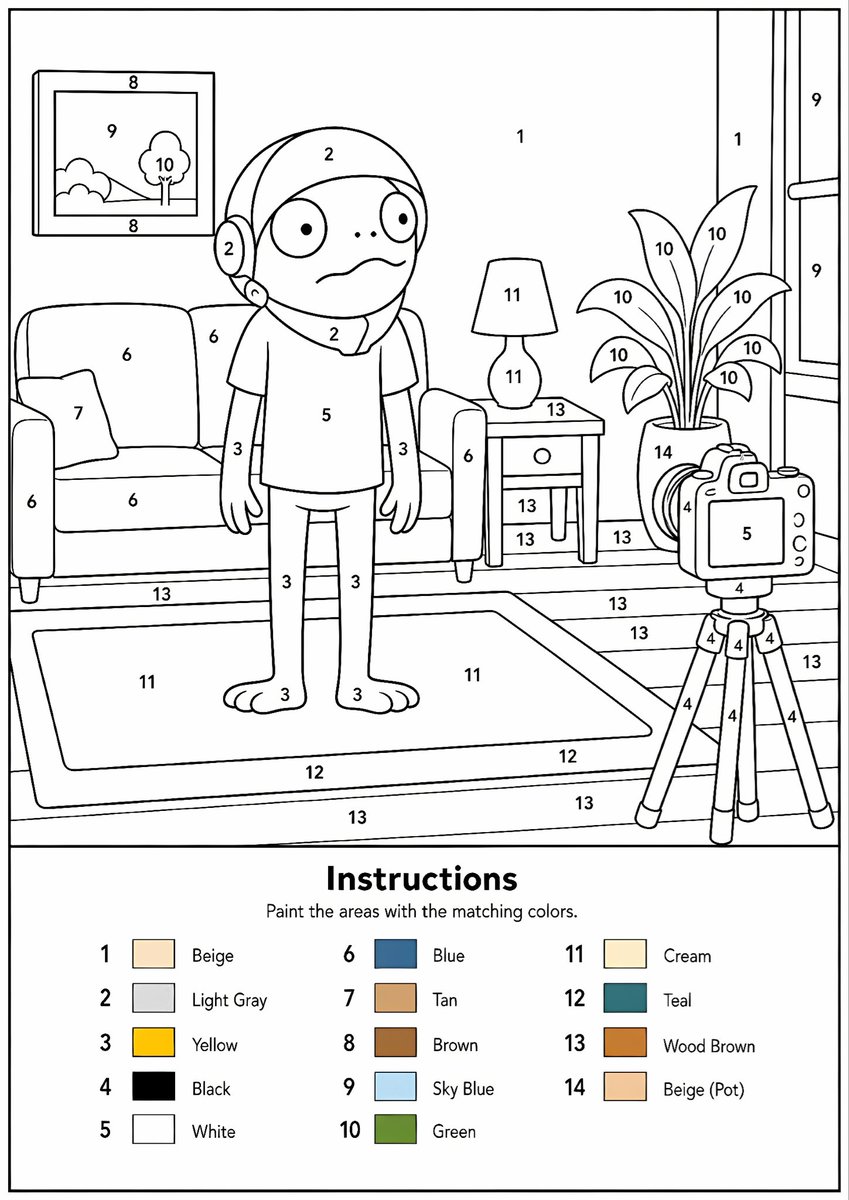
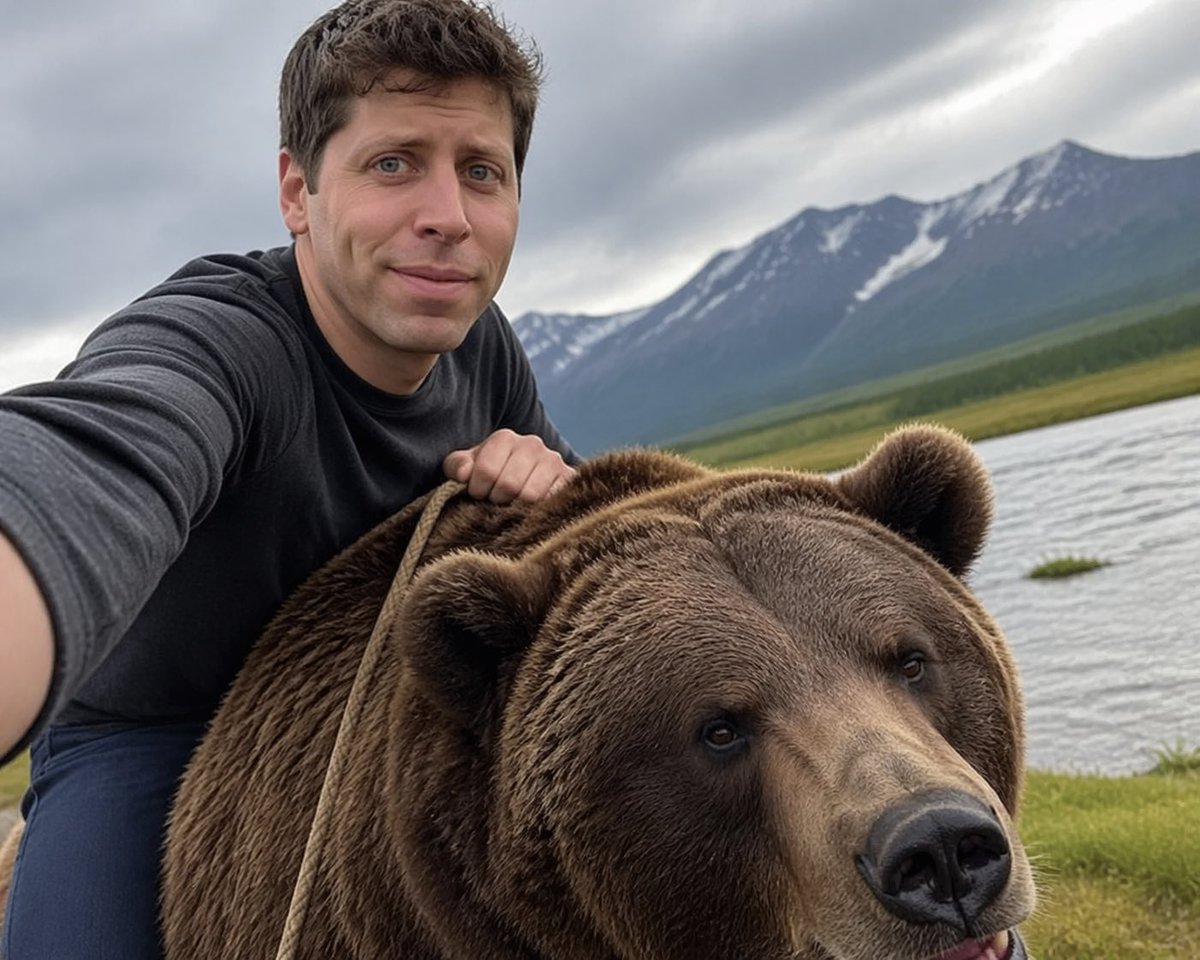
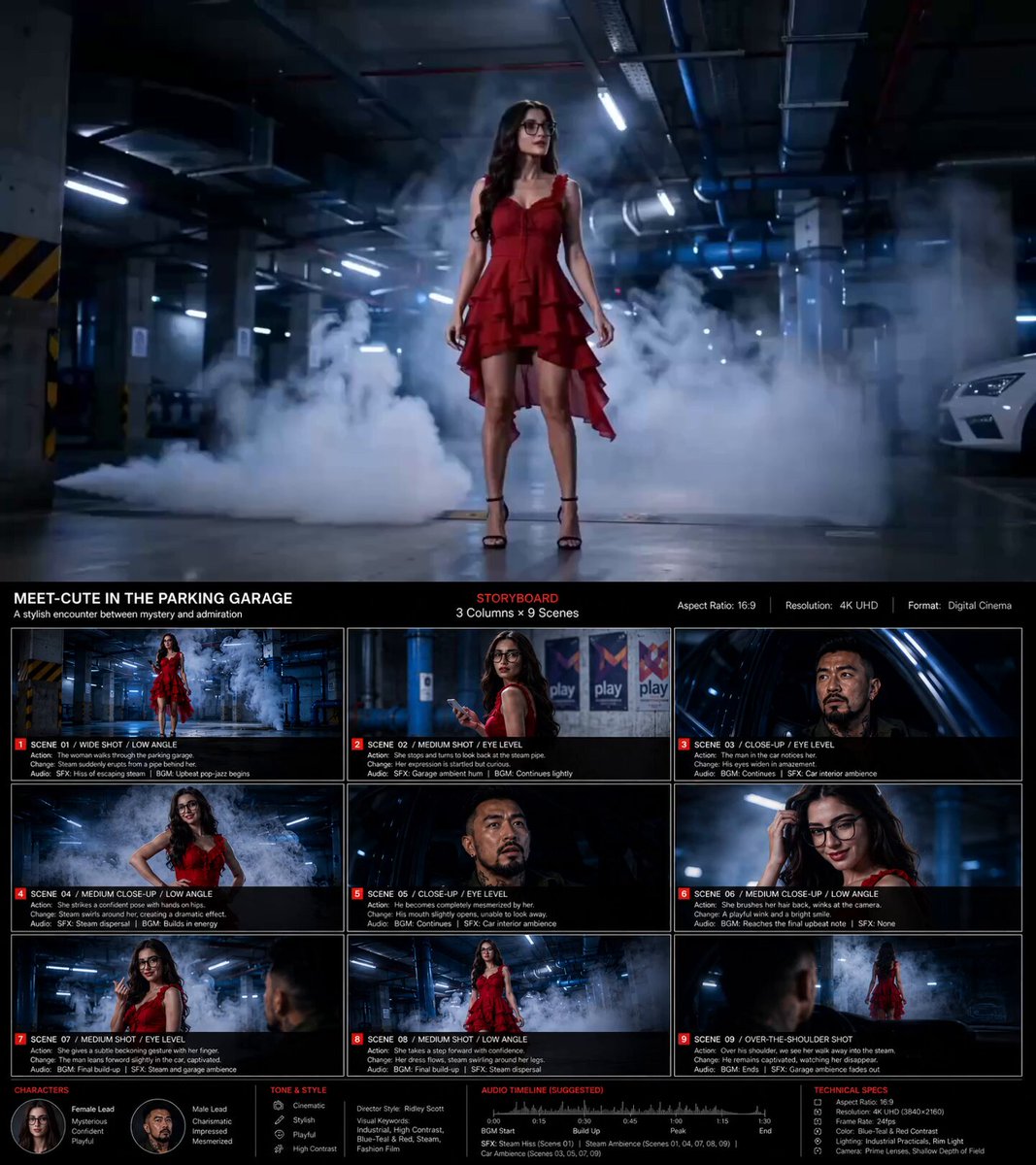
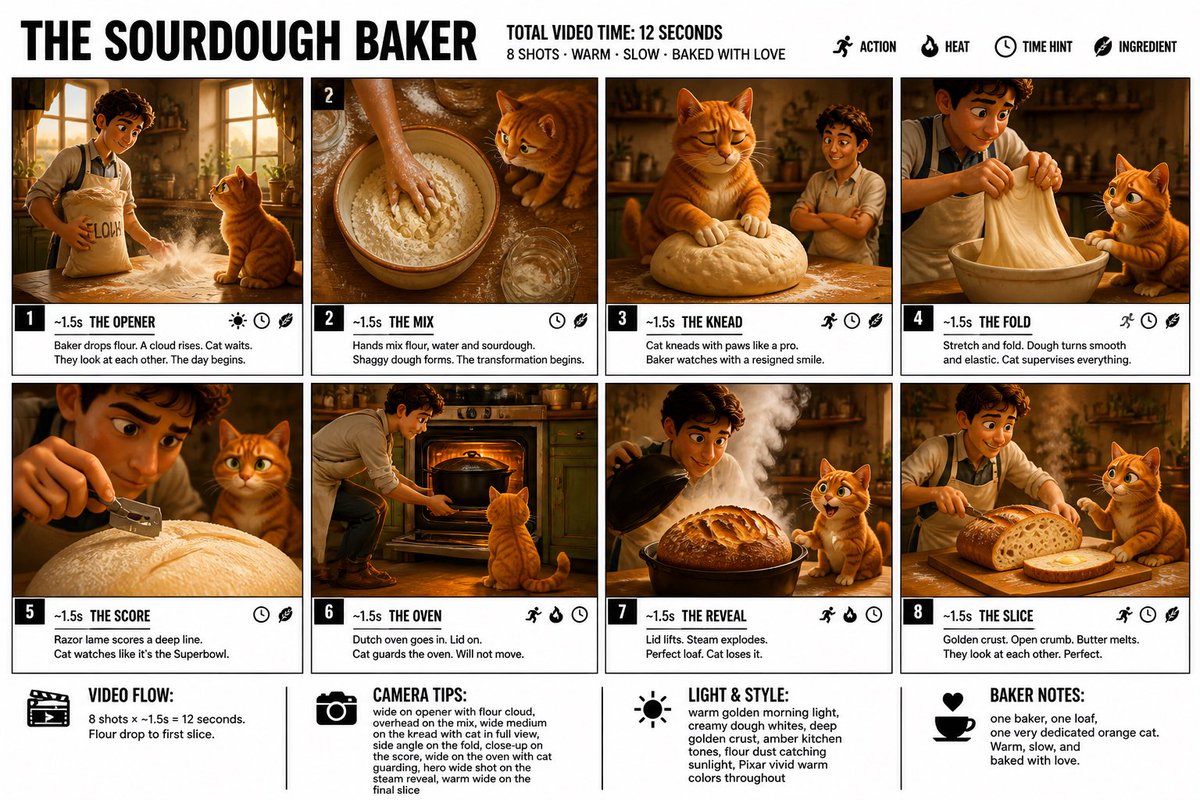
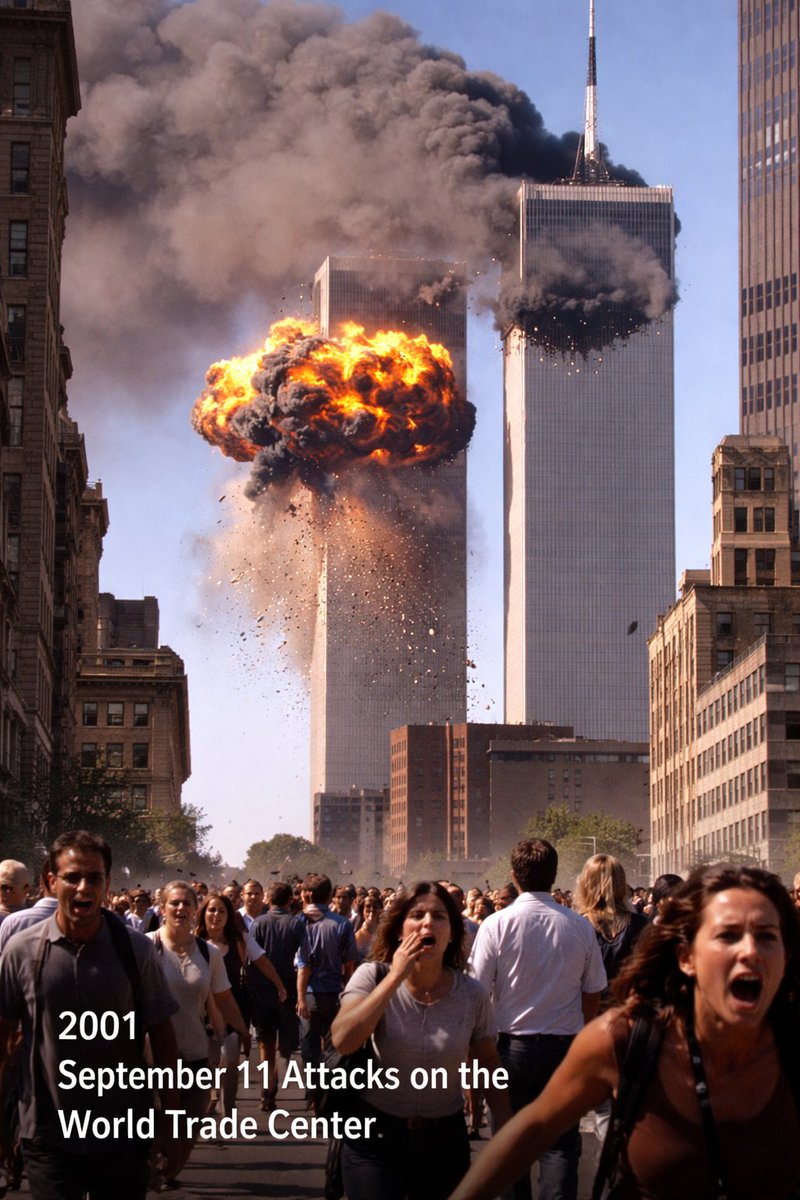
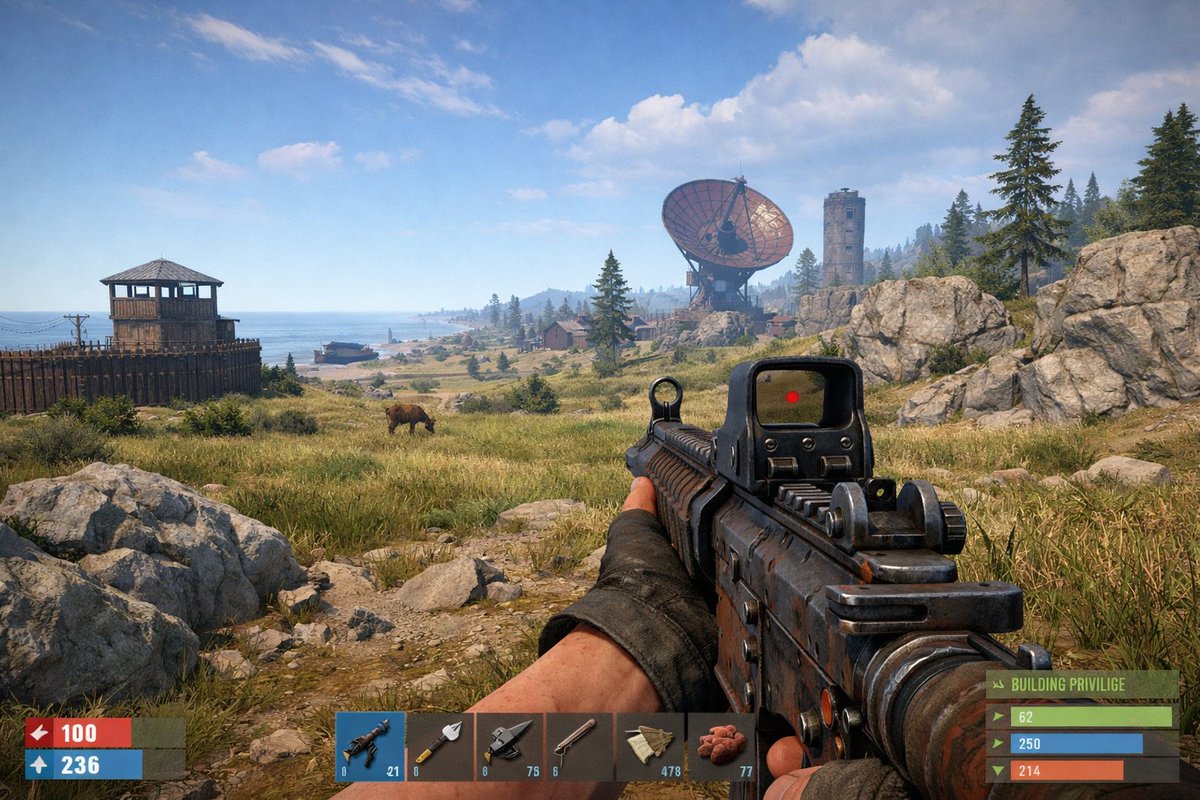
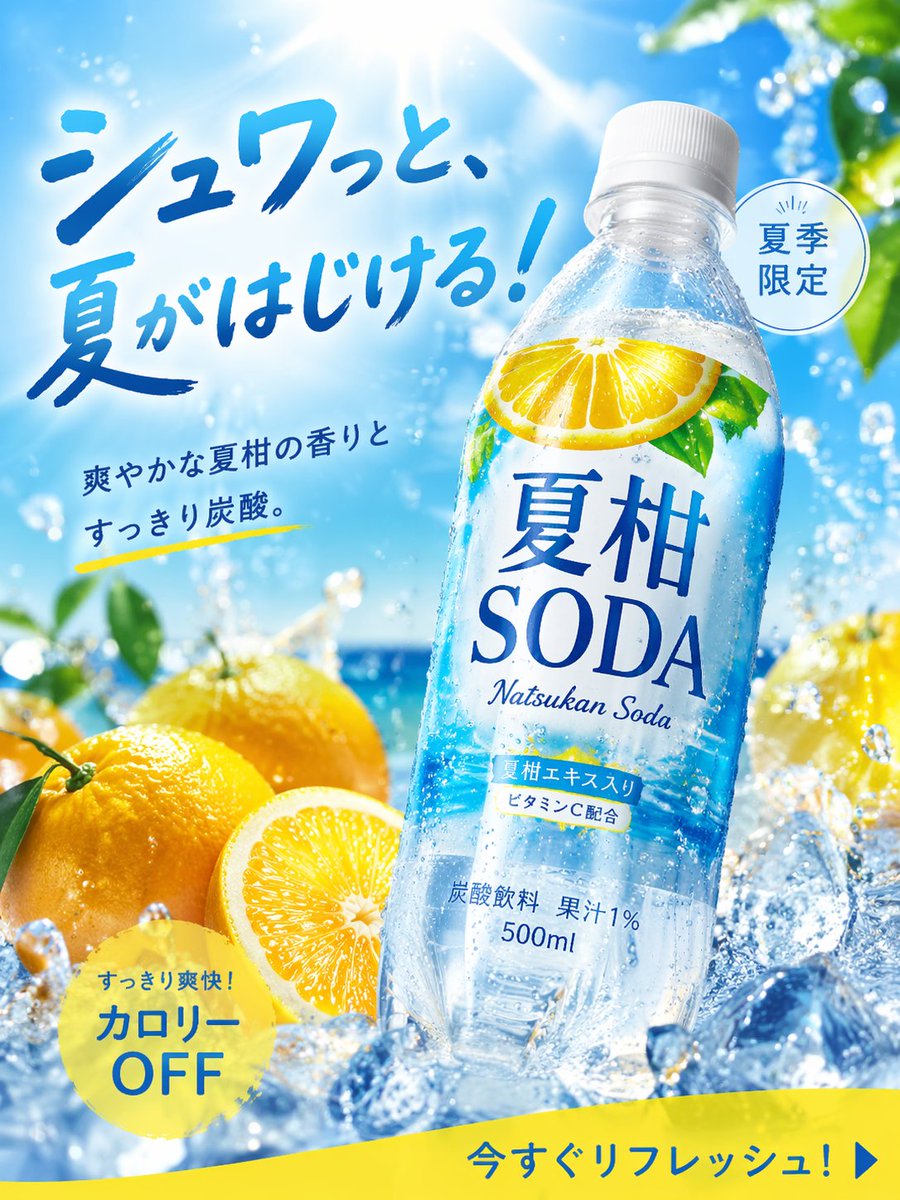
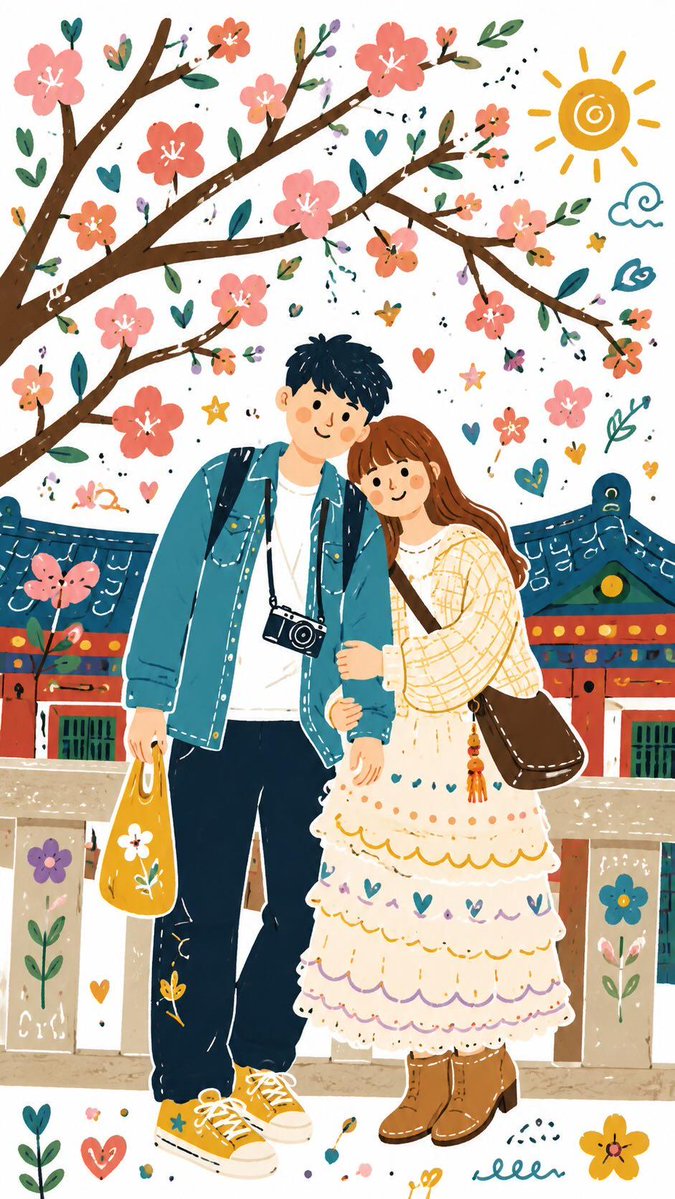
🎨 This GPT Image 2 prompt turns any image into a printable paint-by-numbers page. For best results, use ChatGPT in Thinking mode. I think we should call it numberfying. The intellectuals can call it Colorbookification. 😂 I tried it with a
- 分类
- 对比案例
- 模型
- GPT Image 2
- 来源作者
- TheRoaringToady
- 原始语言
- en
- 来源 ID
- evolink-theroaringtoady-2050469389720314030
- 发布时间
- 2026年5月2日
完整提示词
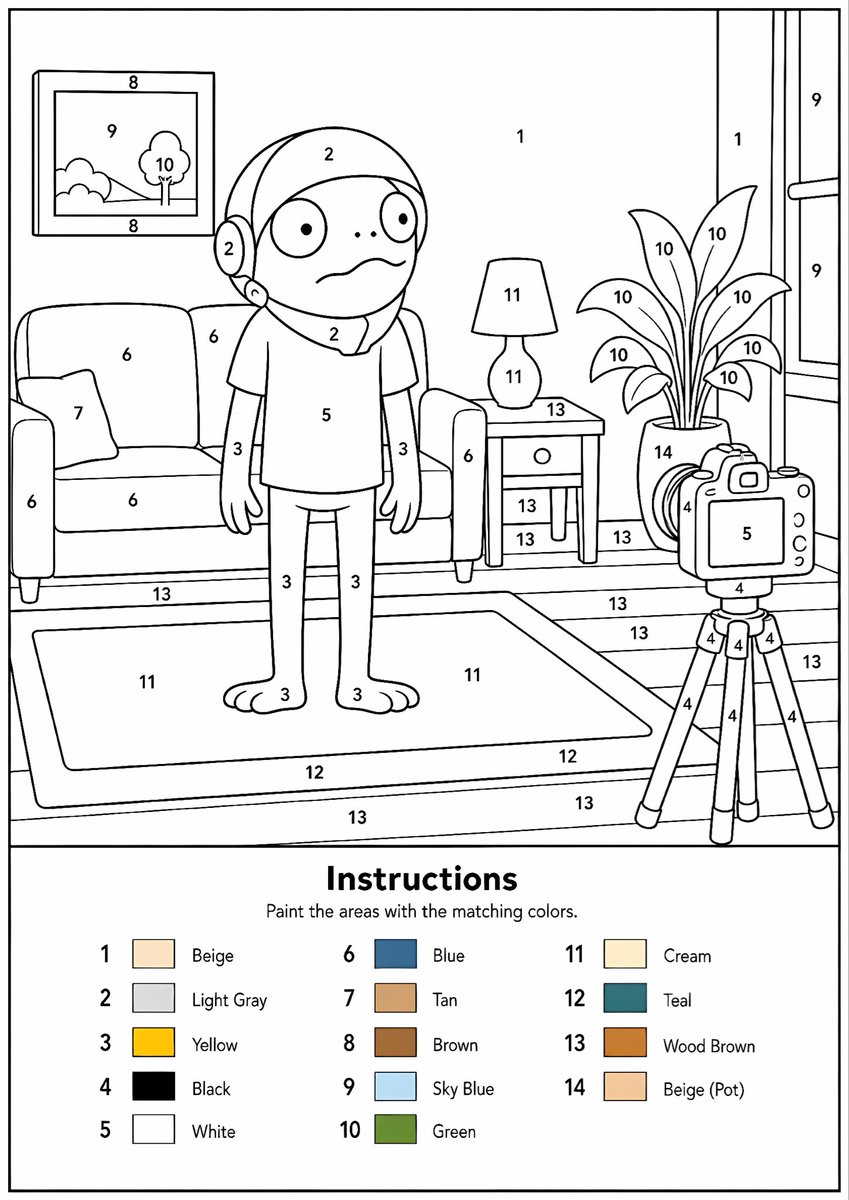
🎨 This GPT Image 2 prompt turns any image into a printable paint-by-numbers page. For best results, use ChatGPT in Thinking mode. I think we should call it numberfying. The intellectuals can call it Colorbookification. 😂 I tried it with a few TurboToadToken images and the results are wild. 🐸💛 Create it. Print it. Paint it. For kids, adults, and anyone who wants an easy creative activity. Try it and post your results in the comments. Prompt below 👇 Create a professional high-resolution paint-by-numbers template from the provided image as a single PNG only. Use an A4 portrait ratio canvas at 300 DPI with a pure white background. The main artwork must be a clean black-and-white line drawing containing only black outlines, black numbers, and white unfilled paintable areas. Do not create a PDF, document, mockup, multi-page layout, or colored version. Do not use color, gray, shading, texture, gradients, transparency, or pre-filled areas in the main artwork. Analyze the original image and choose the number of colors adaptively based on image complexity, from 1 to a maximum of 14 colors. If the image has only 1-2 important colors, use only 1-2 colors; for simple images use 3-6 colors; for medium complexity use 7-10 colors; for complex, photographic, or highly detailed images use 11-14 colors. Do not force unnecessary colors. Assign each selected color one unique number and merge similar shades unless separation is essential for recognition. Convert the image into simplified, fully closed, easy-to-paint regions while preserving the recognizable composition, main objects, characters, text, logos, foreground, background, and key details. Every paintable white region must contain the correct black number, centered clearly inside the matching area, readable, upright, and not touching outlines. Large black or dark areas from the original must remain white paintable regions with the correct number, not filled black. Only tiny permanent black line details, such as mouth lines, nostrils, pupils, eyelashes, seams, or small decorative strokes, may remain unnumbered. At the bottom of the same PNG, add a neat legend section with the heading "Instructions", the sentence "Paint the areas with the matching colors.", and a list of every used number with a small color swatch and the English color name. Color swatches may appear only in the legend. Ensure the numbering exactly matches the legend, every paintable area is numbered, all regions are closed, and the final result is clean, professional, print-ready, and recognizable as the original image.
多语言版本
Printable Paint by Numbers
en🎨 This GPT Image 2 prompt turns any image into a printable paint-by-numbers page. For best results, use ChatGPT in Thinking mode. I think we should call it numberfying. The intellectuals can call it Colorbookification. 😂 I tried it with a few TurboToadToken images and the results are wild. 🐸💛 Create it. Print it. Paint it. For kids, adults, and anyone who wants an easy creative activity. Try it and post your results in the comments. Prompt below 👇 Create a professional high-resolution paint-by-numbers template from the provided image as a single PNG only. Use an A4 portrait ratio canvas at 300 DPI with a pure white background. The main artwork must be a clean black-and-white line drawing containing only black outlines, black numbers, and white unfilled paintable areas. Do not create a PDF, document, mockup, multi-page layout, or colored version. Do not use color, gray, shading, texture, gradients, transparency, or pre-filled areas in the main artwork. Analyze the original image and choose the number of colors adaptively based on image complexity, from 1 to a maximum of 14 colors. If the image has only 1-2 important colors, use only 1-2 colors; for simple images use 3-6 colors; for medium complexity use 7-10 colors; for complex, photographic, or highly detailed images use 11-14 colors. Do not force unnecessary colors. Assign each selected color one unique number and merge similar shades unless separation is essential for recognition. Convert the image into simplified, fully closed, easy-to-paint regions while preserving the recognizable composition, main objects, characters, text, logos, foreground, background, and key details. Every paintable white region must contain the correct black number, centered clearly inside the matching area, readable, upright, and not touching outlines. Large black or dark areas from the original must remain white paintable regions with the correct number, not filled black. Only tiny permanent black line details, such as mouth lines, nostrils, pupils, eyelashes, seams, or small decorative strokes, may remain unnumbered. At the bottom of the same PNG, add a neat legend section with the heading "Instructions", the sentence "Paint the areas with the matching colors.", and a list of every used number with a small color swatch and the English color name. Color swatches may appear only in the legend. Ensure the numbering exactly matches the legend, every paintable area is numbered, all regions are closed, and the final result is clean, professional, print-ready, and recognizable as the original image.