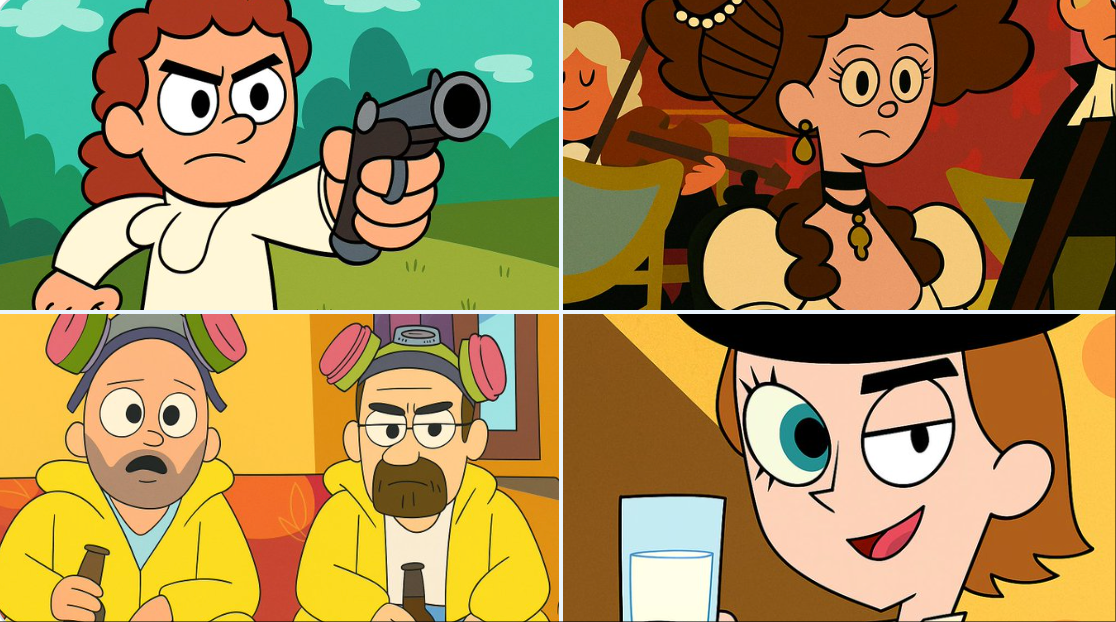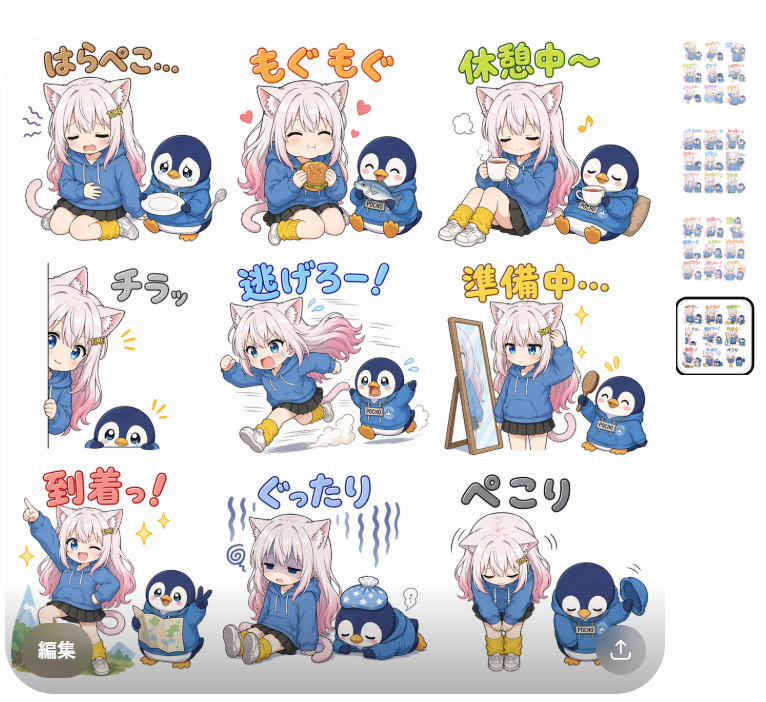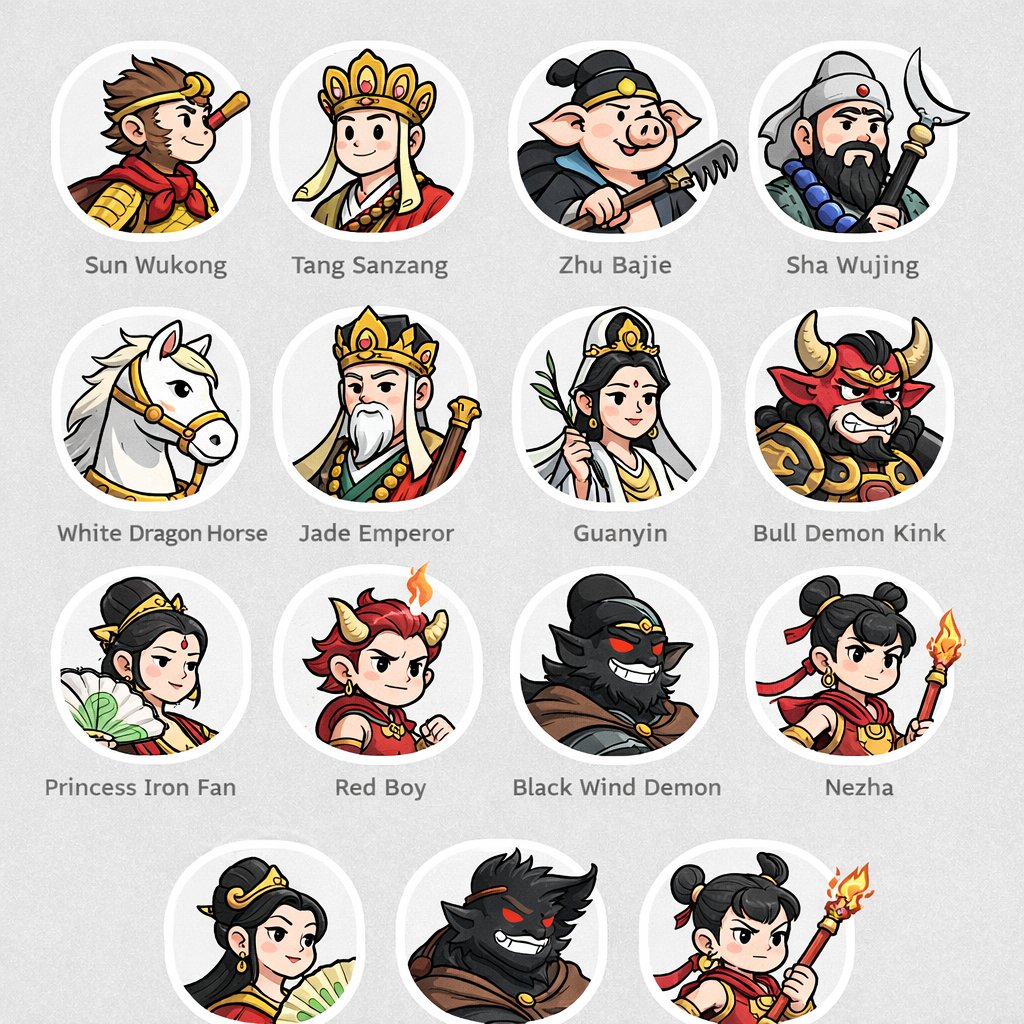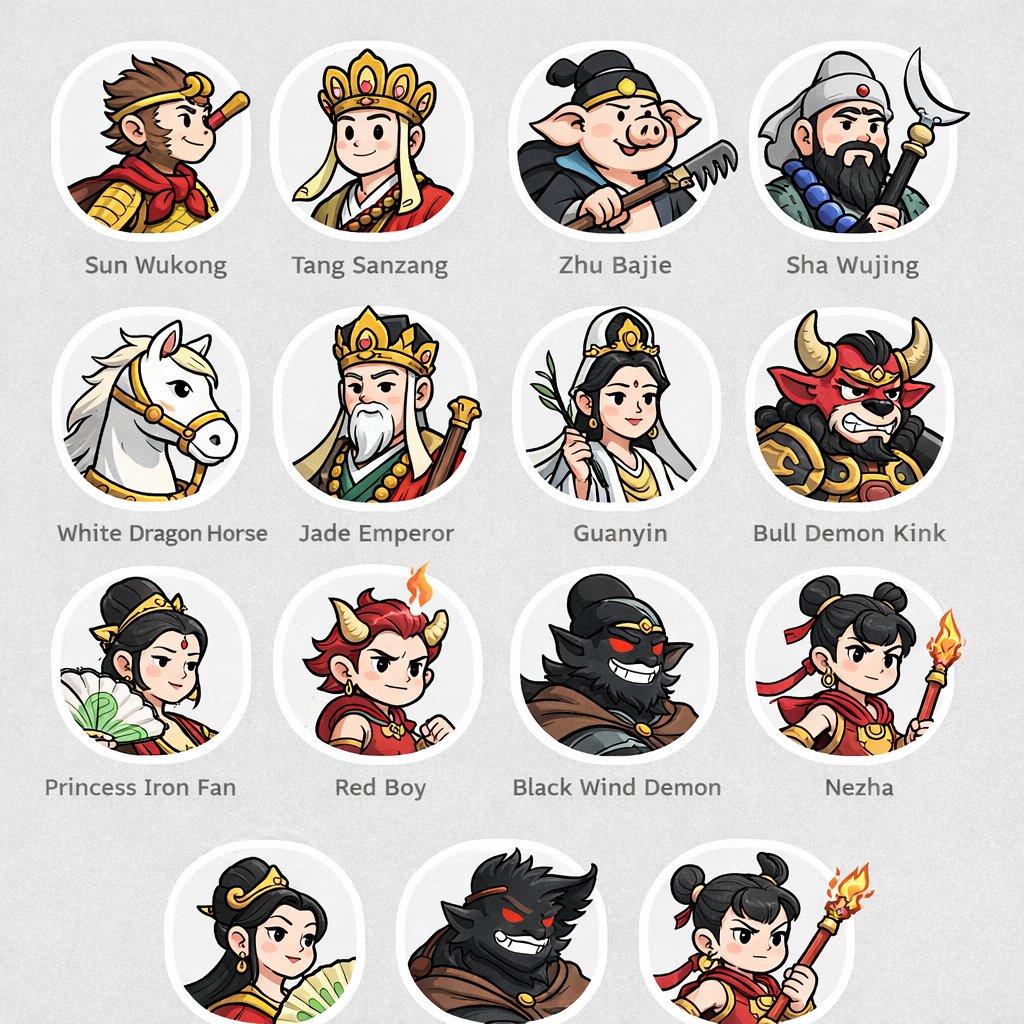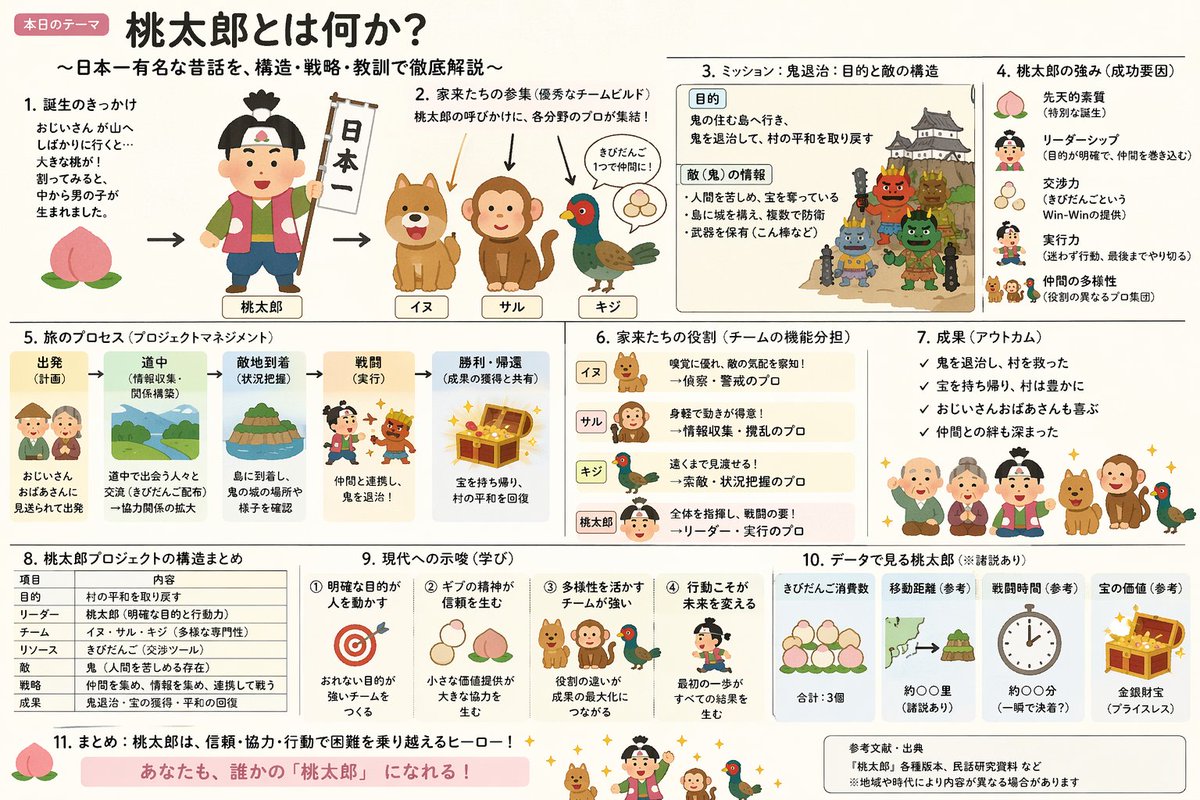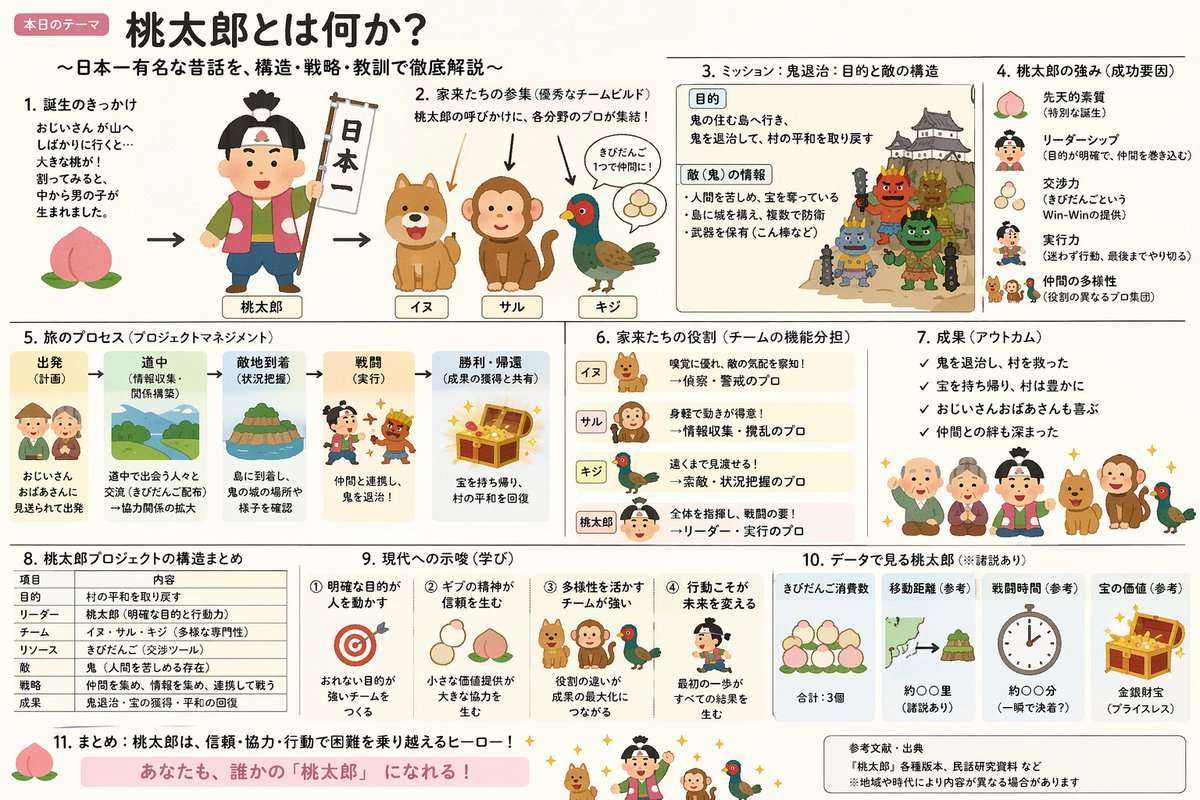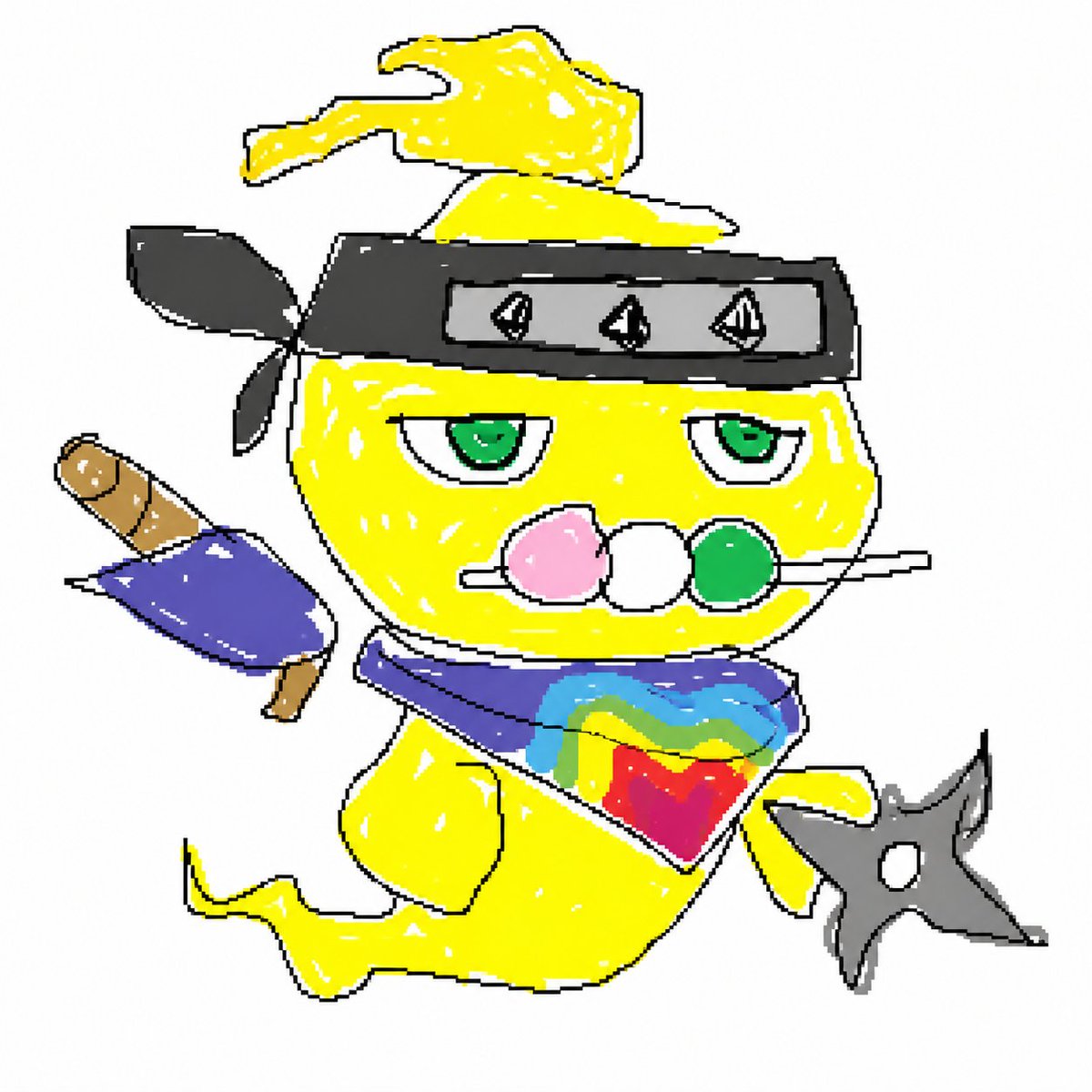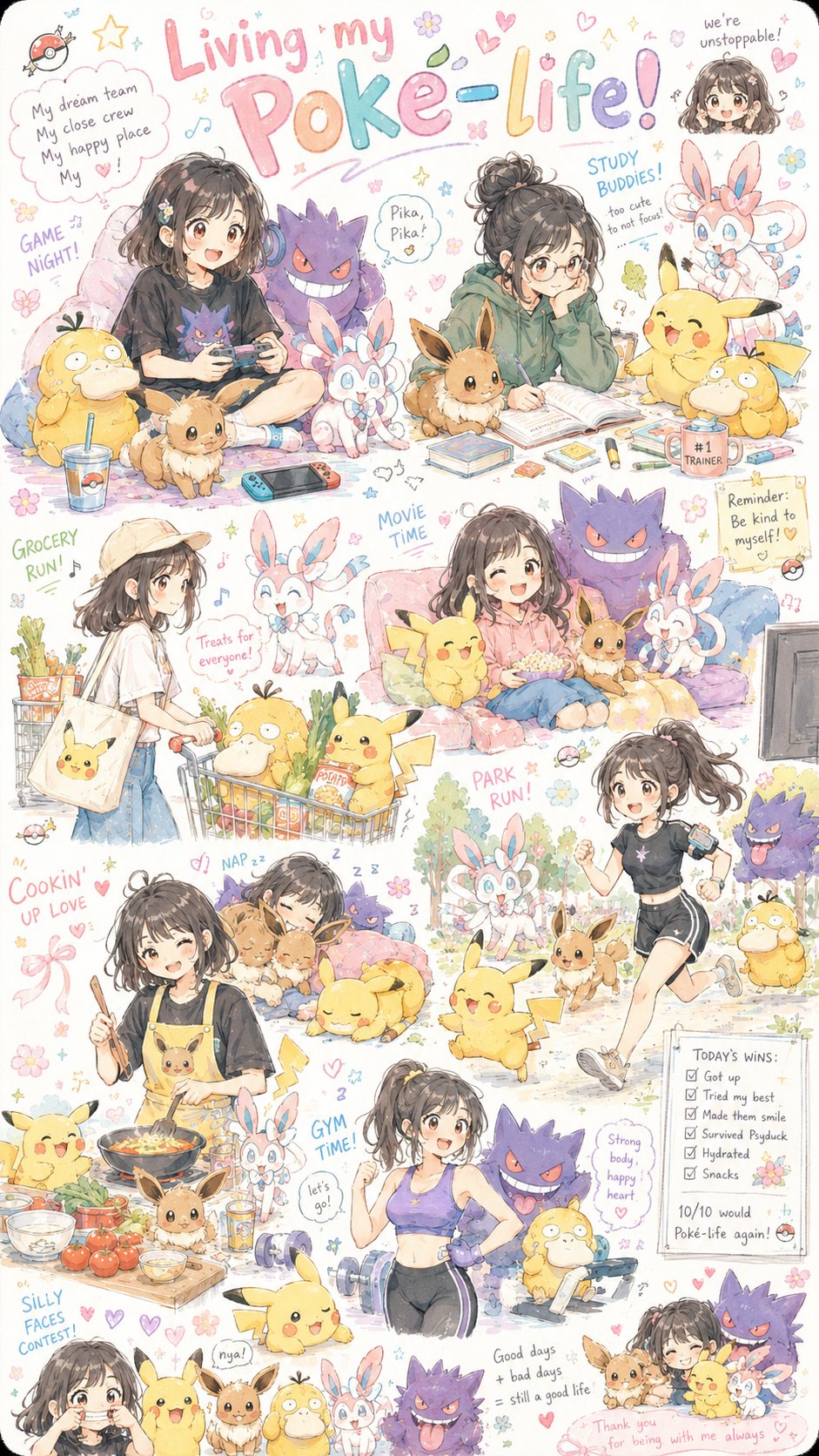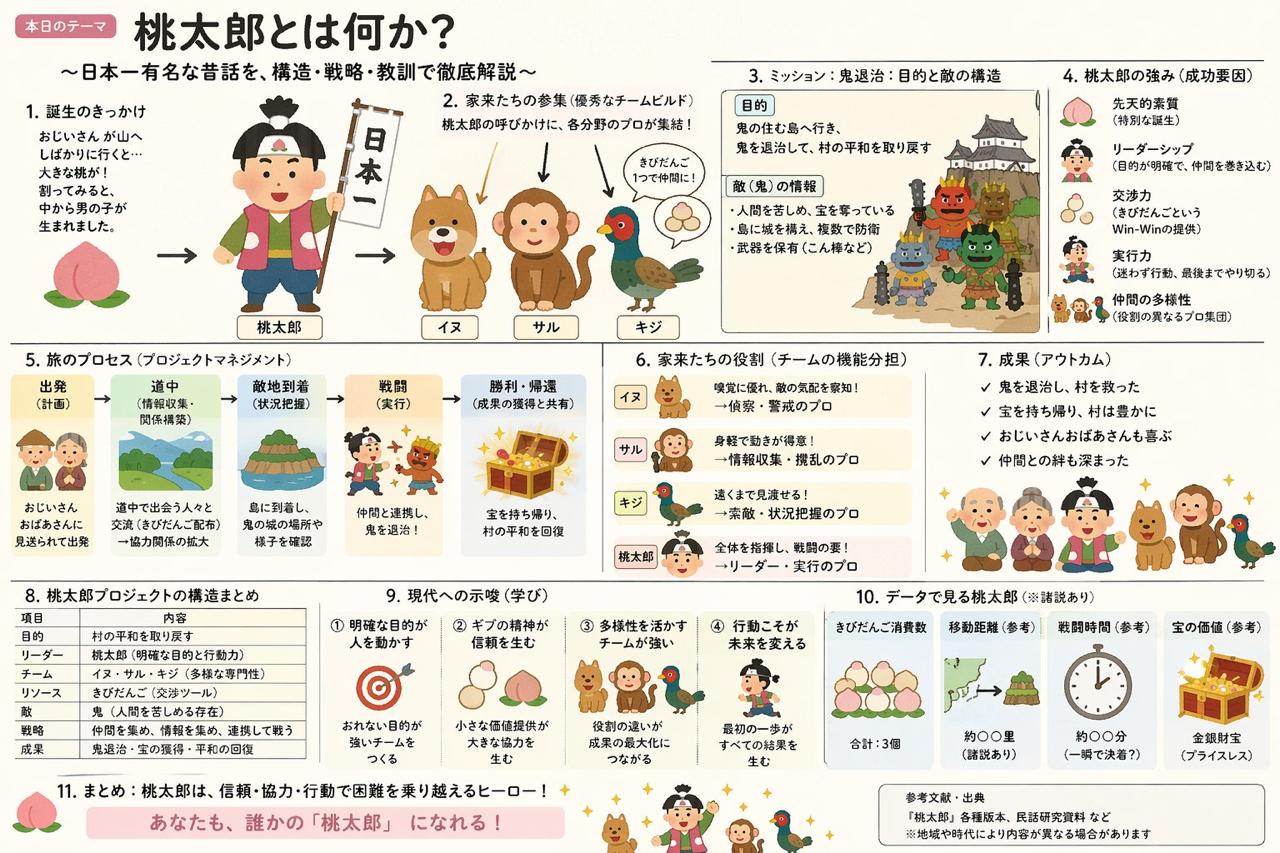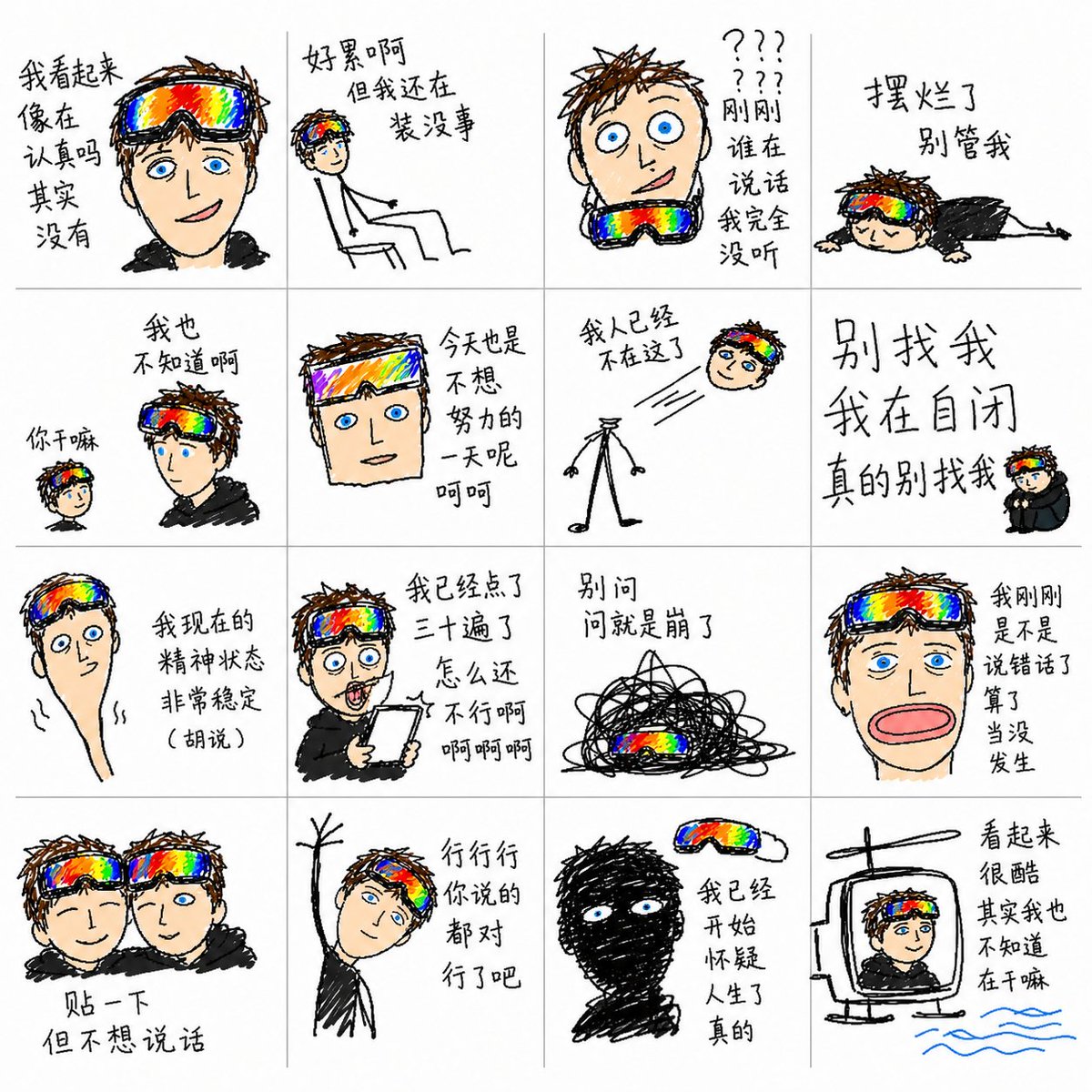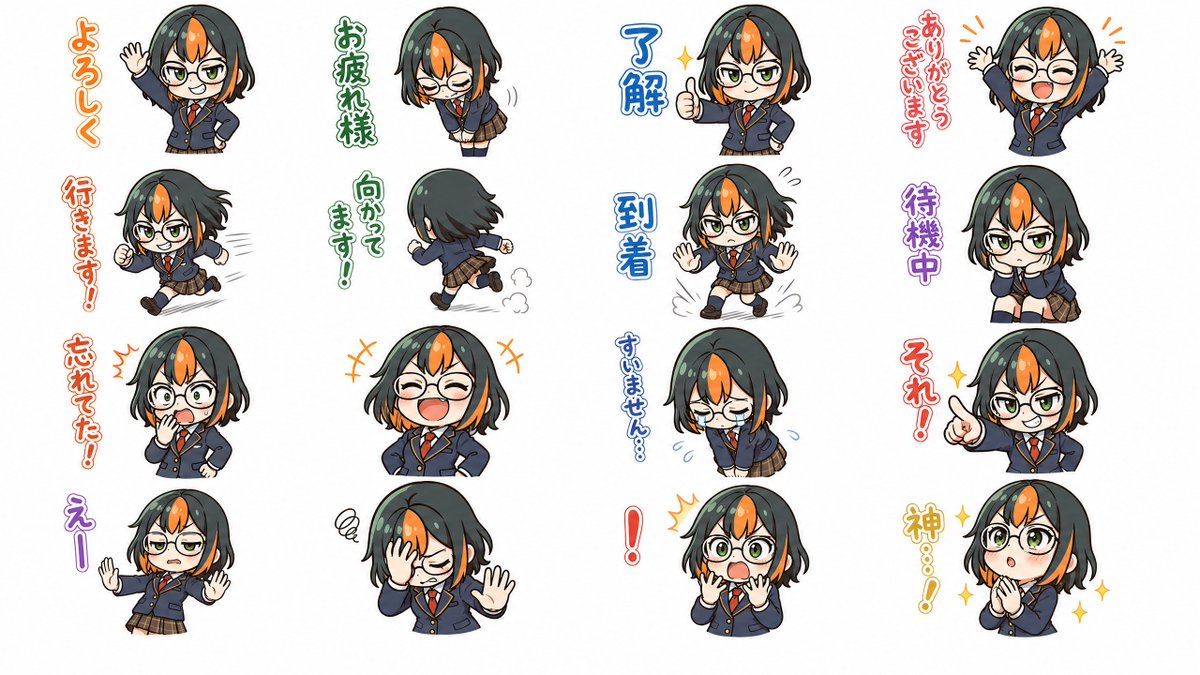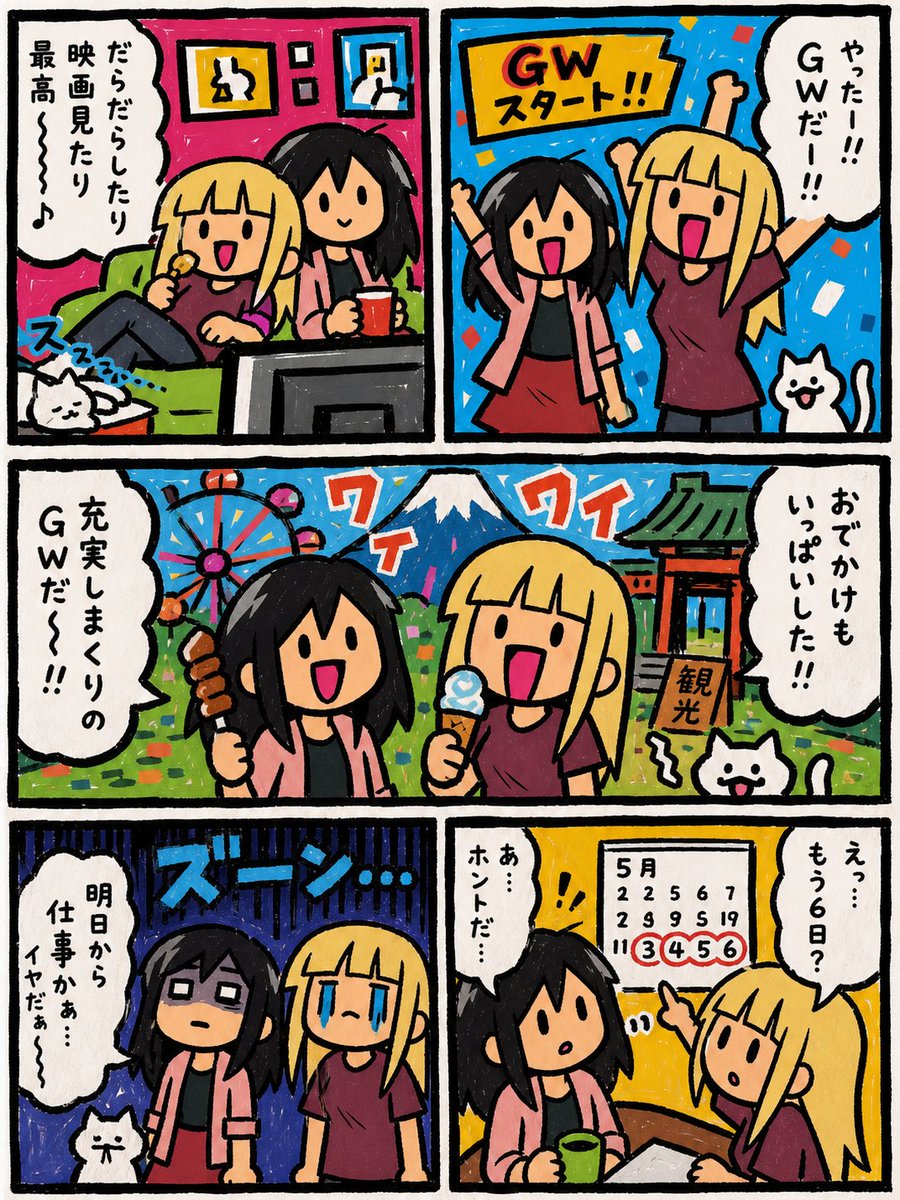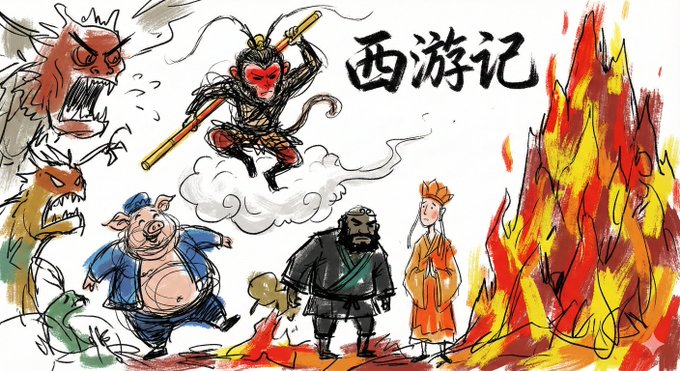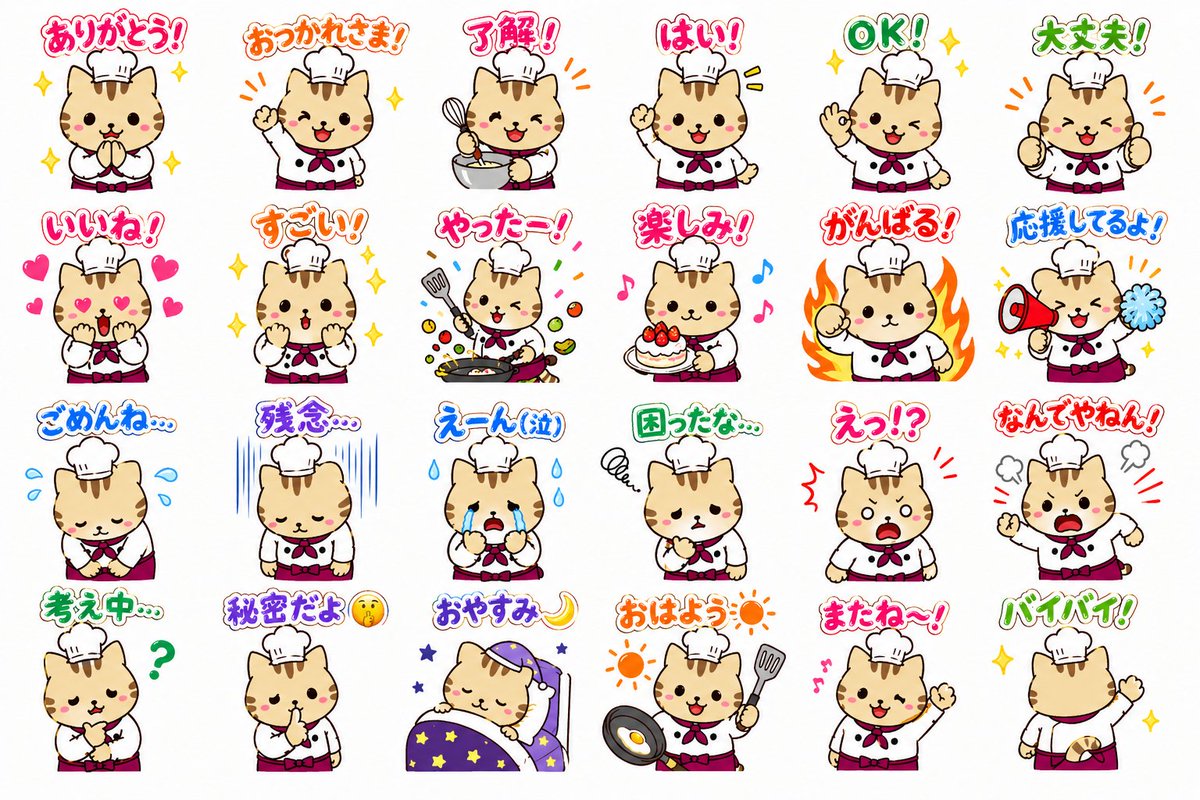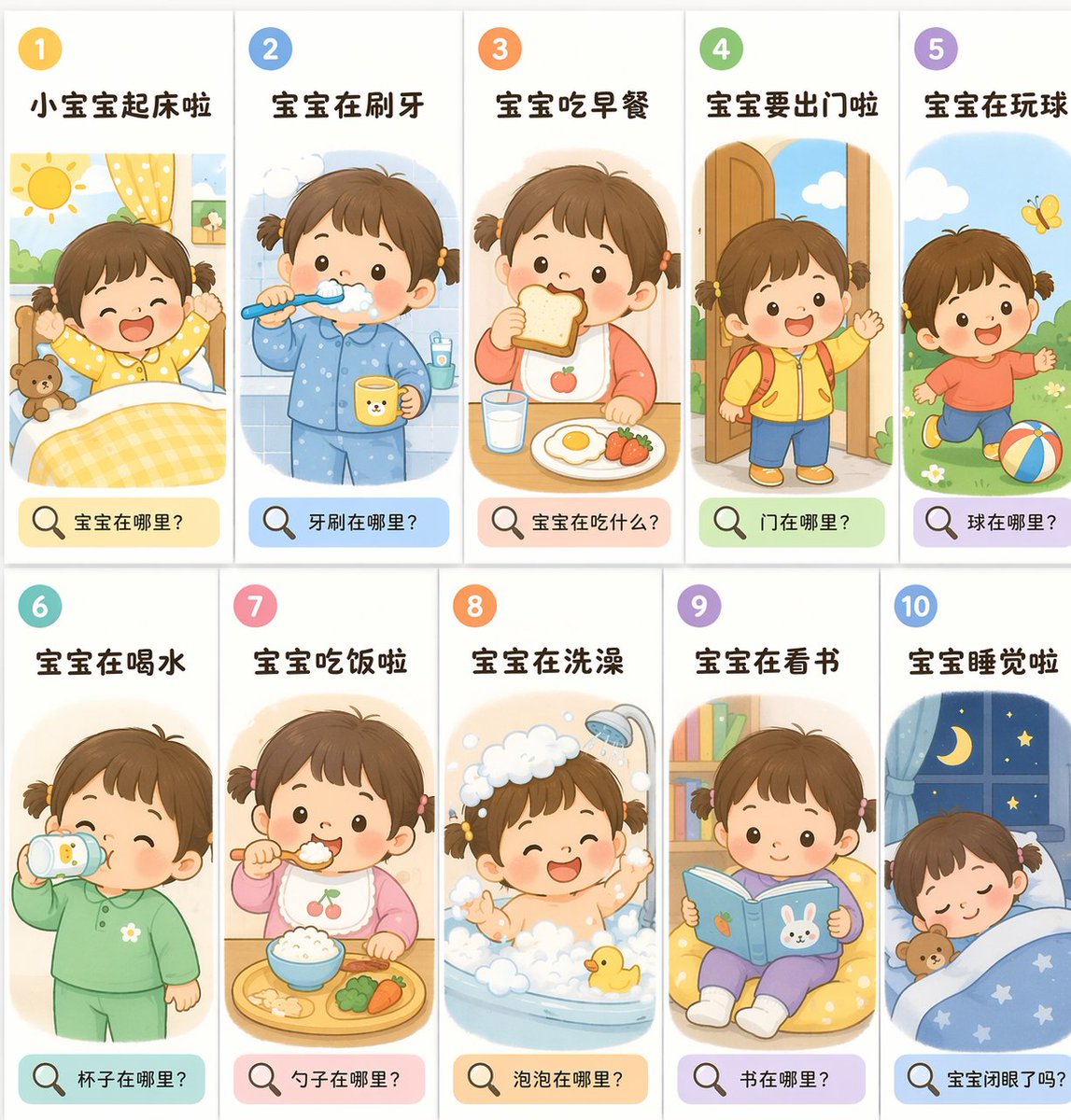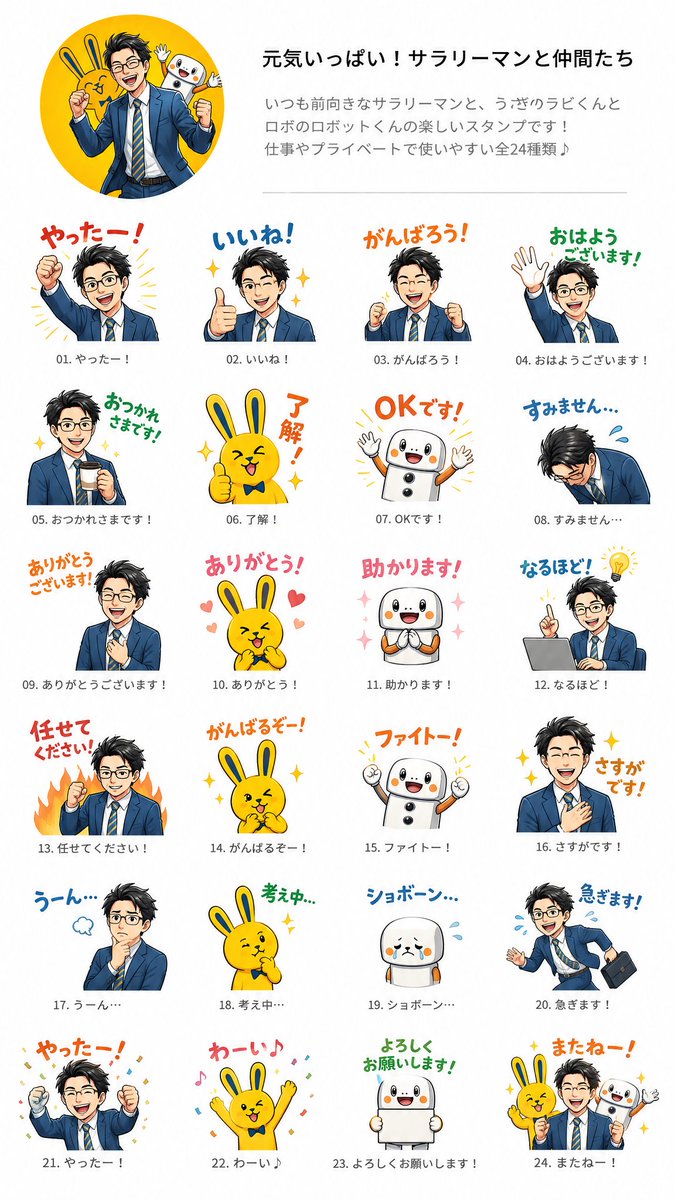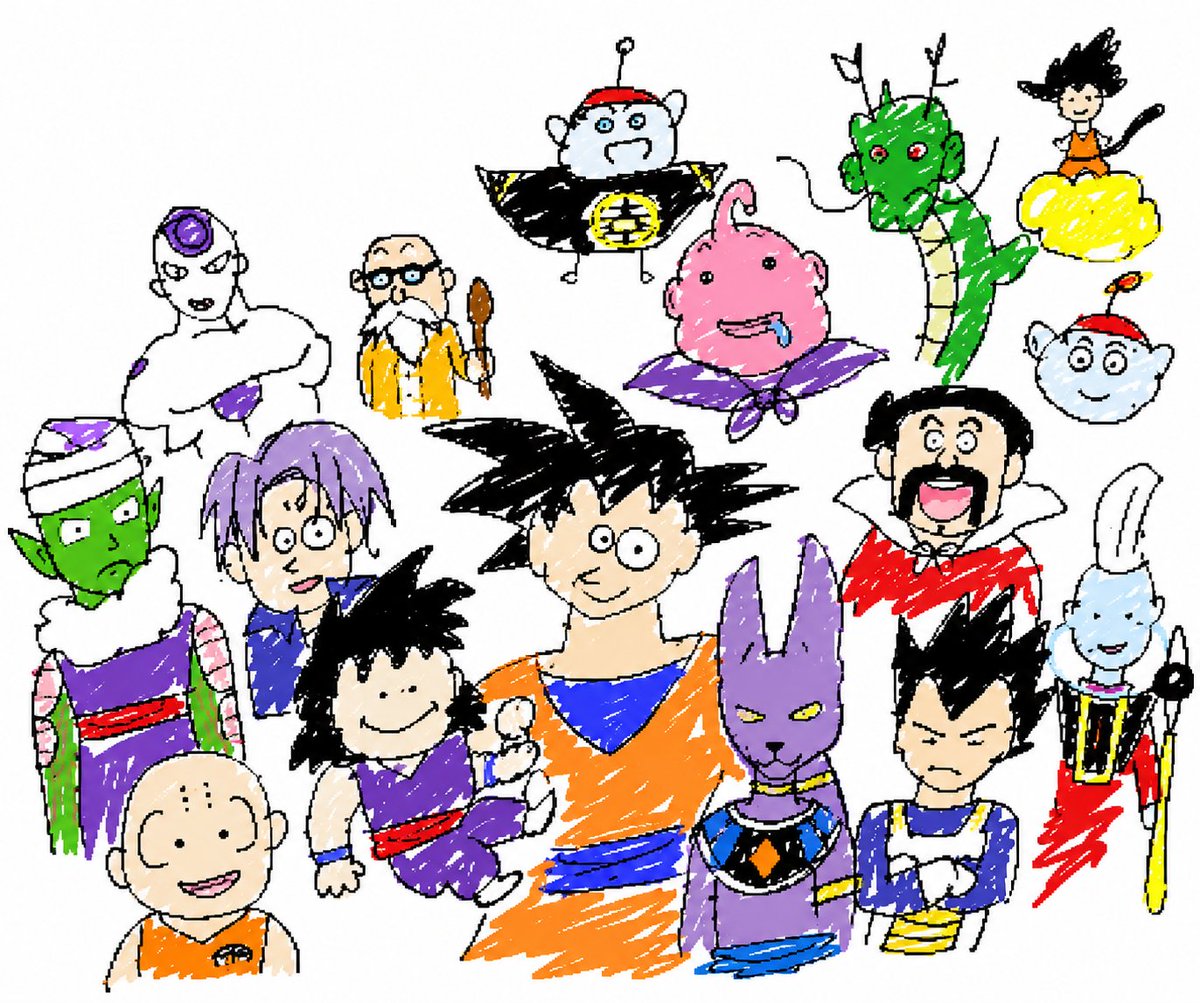
刻意低质量的 MS Paint 重绘
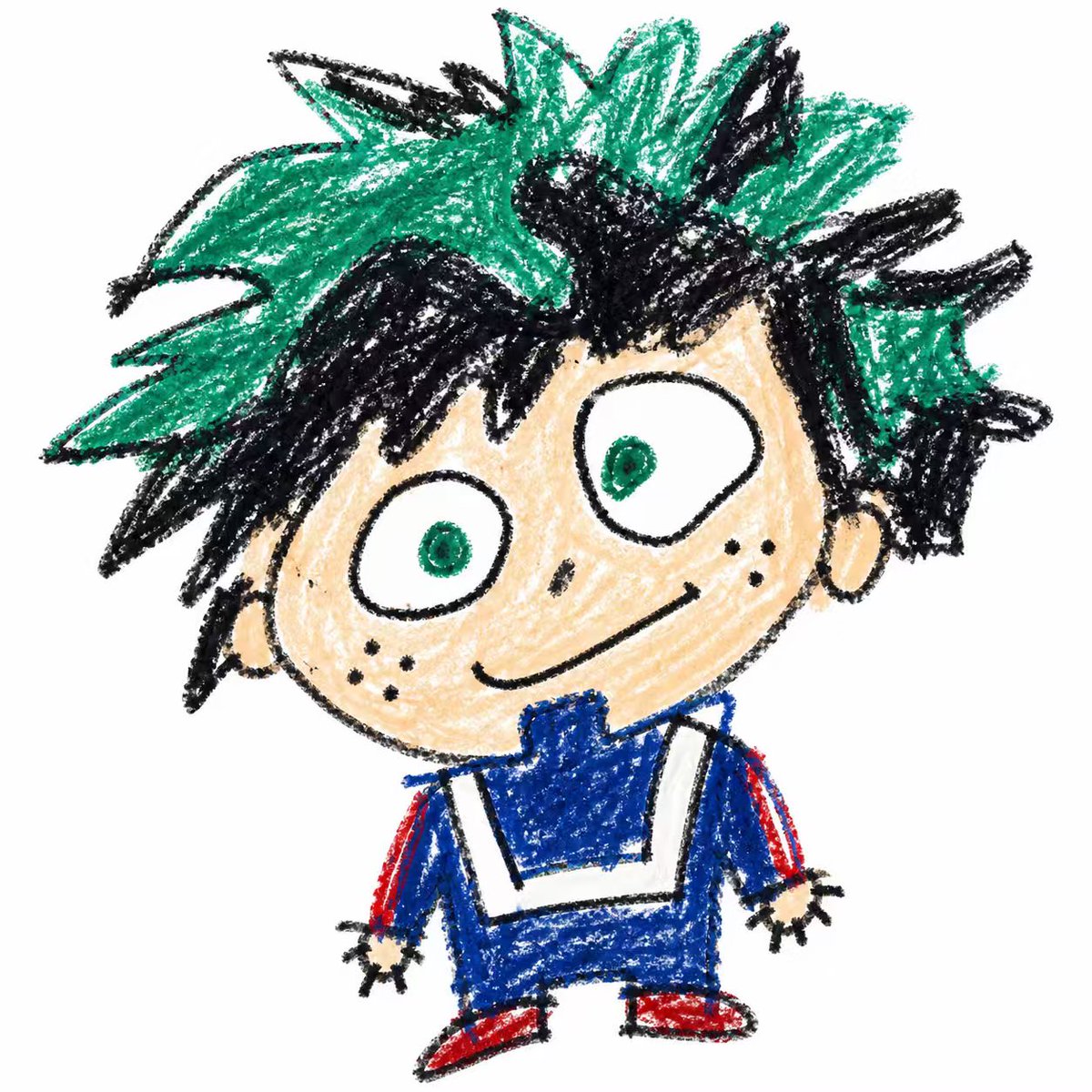
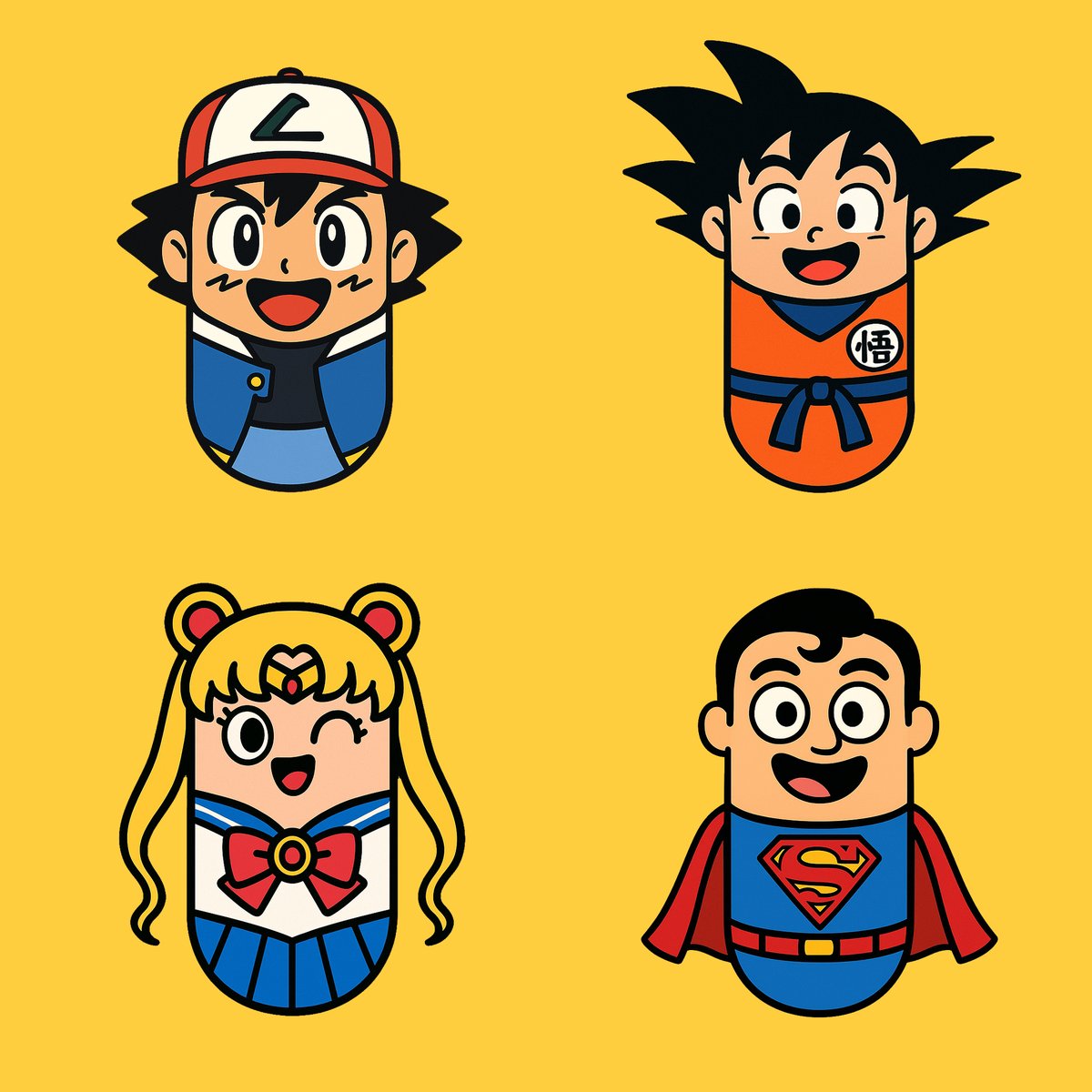
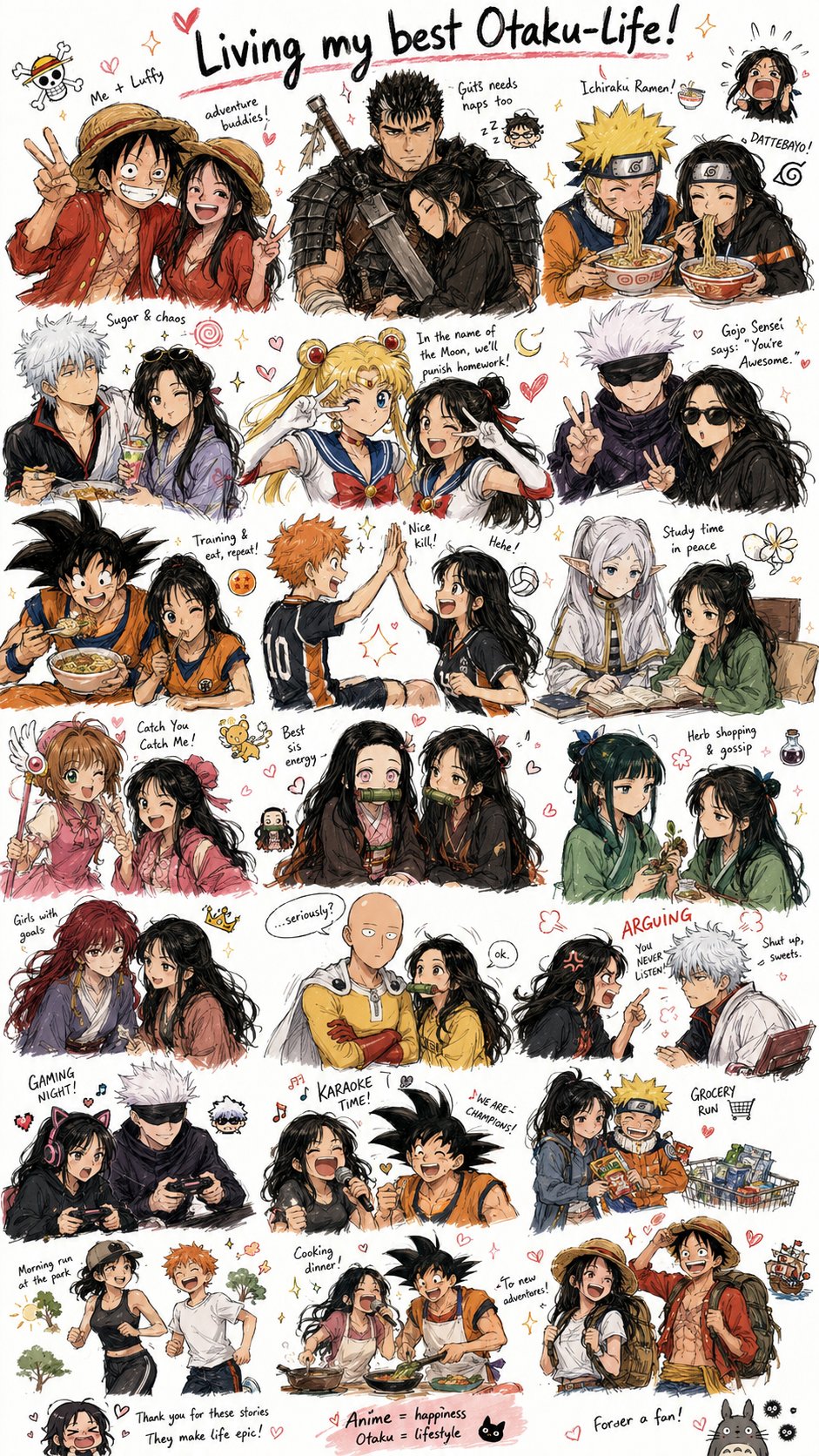
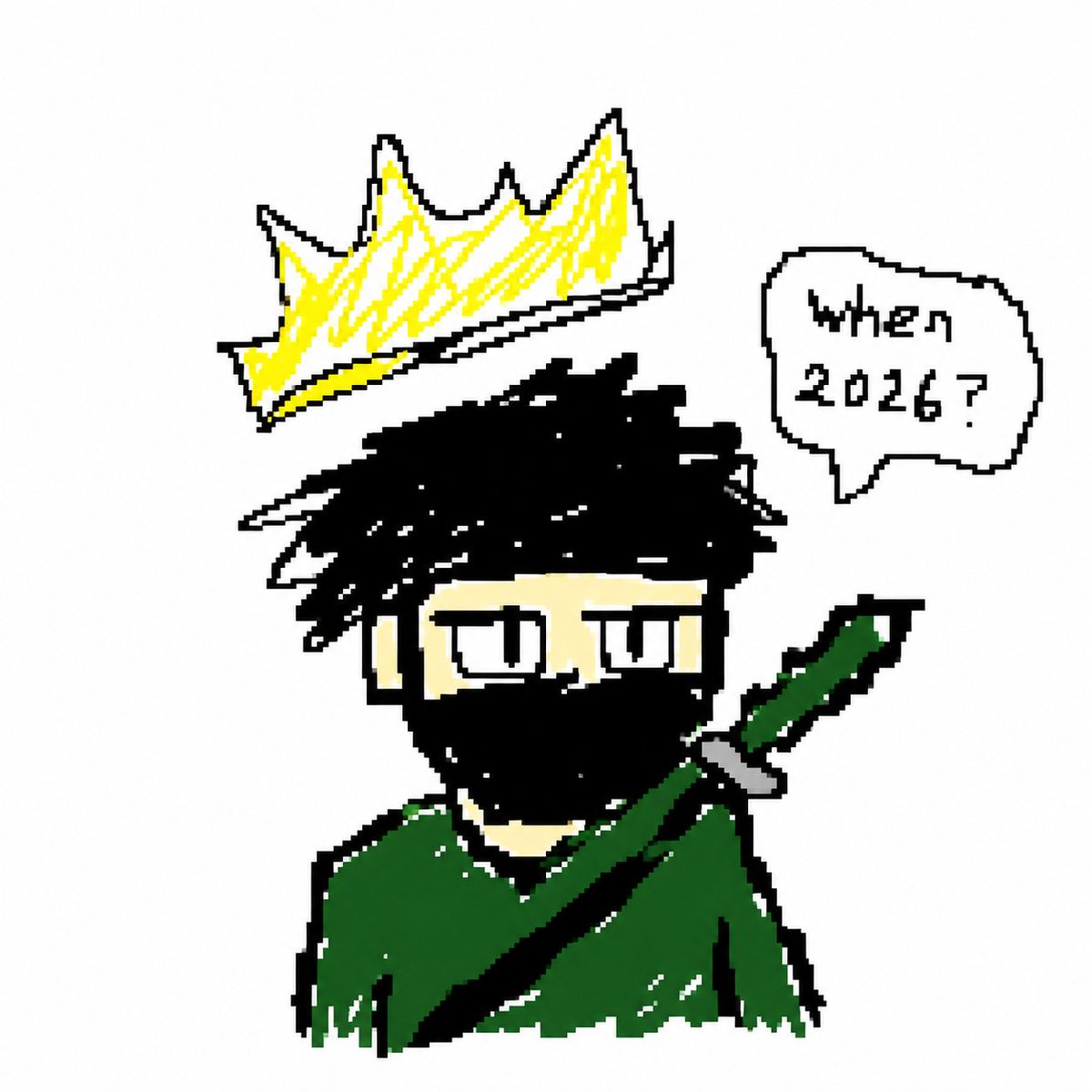
一个指示 AI 以笨拙、潦草的 MS Paint 风格和鼠标绘制美学刻意“还原”图像的提示词。
- 分类
- 图表信息图
- 模型
- GPT Image 2
- 来源作者
- Chetaslua
- 原始语言
- en
- 来源 ID
- 18528
- 发布时间
- 2026年5月7日
完整提示词
请以最 {argument name="style description" default="笨拙、潦草且极其糟糕"} 的方式还原附件中的图像。使用白色背景,并使其看起来像是用 {argument name="software" default="MS Paint"} 配合鼠标绘制的。它应该在视觉上似是而非,既有某种对应关系,又在某种令人困惑、尴尬的方式上显得格格不入,并带有那种强调其极其拙劣的低质量像素感。算了,不管怎样,随你怎么画这张附件照片吧。这是 {argument name="subject" default="龙珠全系列合集"} 的图像。
为照片的内容感到抱歉,我知道它非常奇怪且令人不安!
无需提问,无需解释性文字,请直接提供还原后的图像。
多语言版本
刻意低质量的 MS Paint 重绘
enRestore the attached image in the most clumsy, scribbly, and utterly pathetic way possible. Use a {argument name="background" default="white background"}, and make it look like it was drawn in {argument name="software" default="MS Paint"} with a {argument name="input device" default="mouse"}. It should be vaguely similar but also not really, kind of matching but also off in a confusing, awkward way, with that low-quality pixel-by-pixel feel that really emphasizes how ridiculously bad it is. Actually, you know what, whatever, just draw it however you want the attached photograph. this is the image of {argument name="subject" default="dragon ball entire franchise"} in one Apologies for the photo's content, I know it's extremely strange and disturbing! No questions, no explanatory text, just the restored image please.
刻意低质量的 MS Paint 重绘
zh-CN请以最 {argument name="style description" default="笨拙、潦草且极其糟糕"} 的方式还原附件中的图像。使用白色背景,并使其看起来像是用 {argument name="software" default="MS Paint"} 配合鼠标绘制的。它应该在视觉上似是而非,既有某种对应关系,又在某种令人困惑、尴尬的方式上显得格格不入,并带有那种强调其极其拙劣的低质量像素感。算了,不管怎样,随你怎么画这张附件照片吧。这是 {argument name="subject" default="龙珠全系列合集"} 的图像。 为照片的内容感到抱歉,我知道它非常奇怪且令人不安! 无需提问,无需解释性文字,请直接提供还原后的图像。