ChatGPT Apple 生成截图
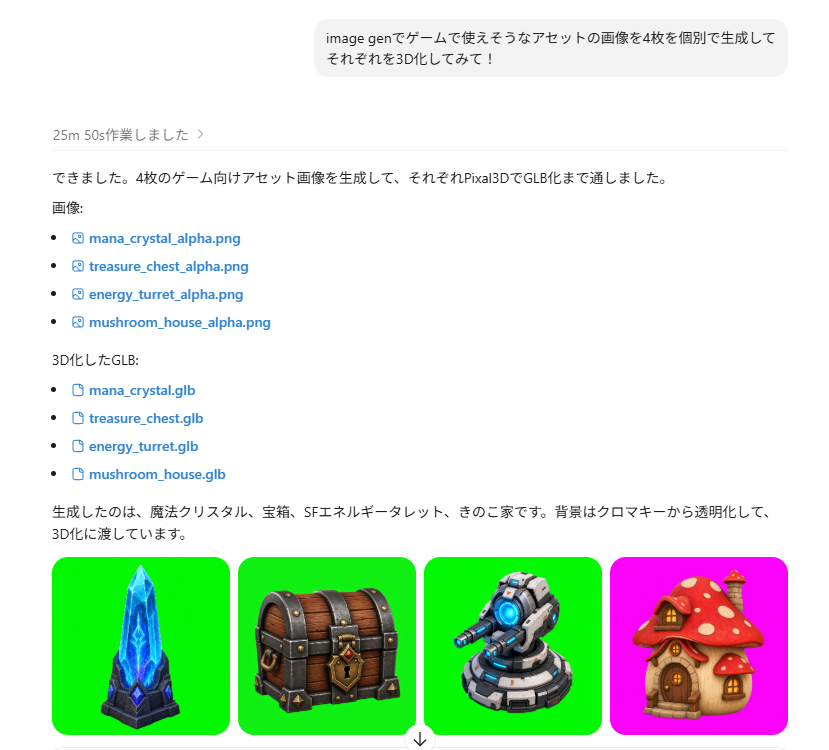
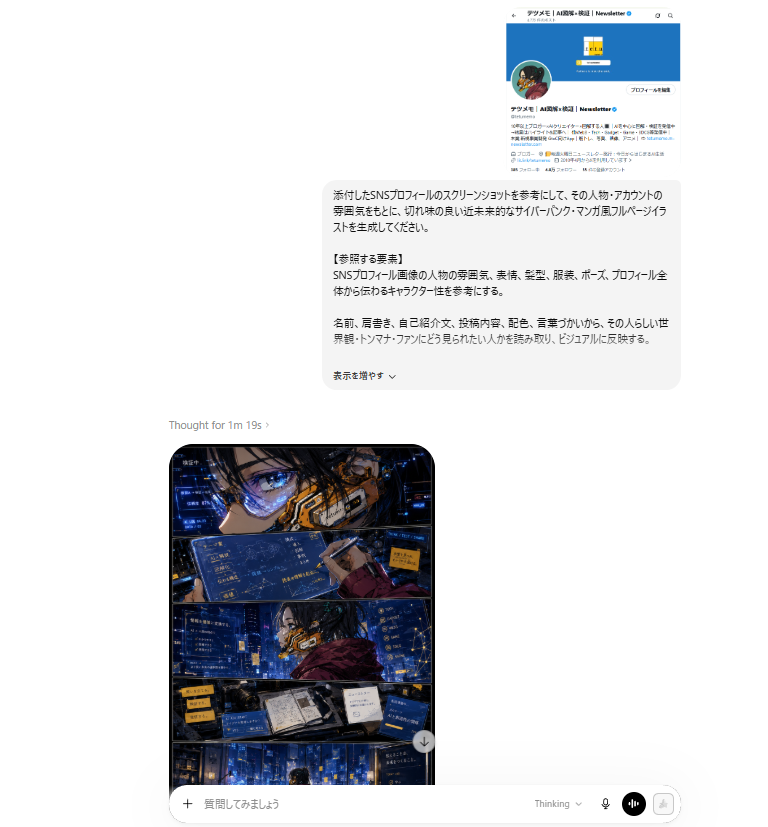
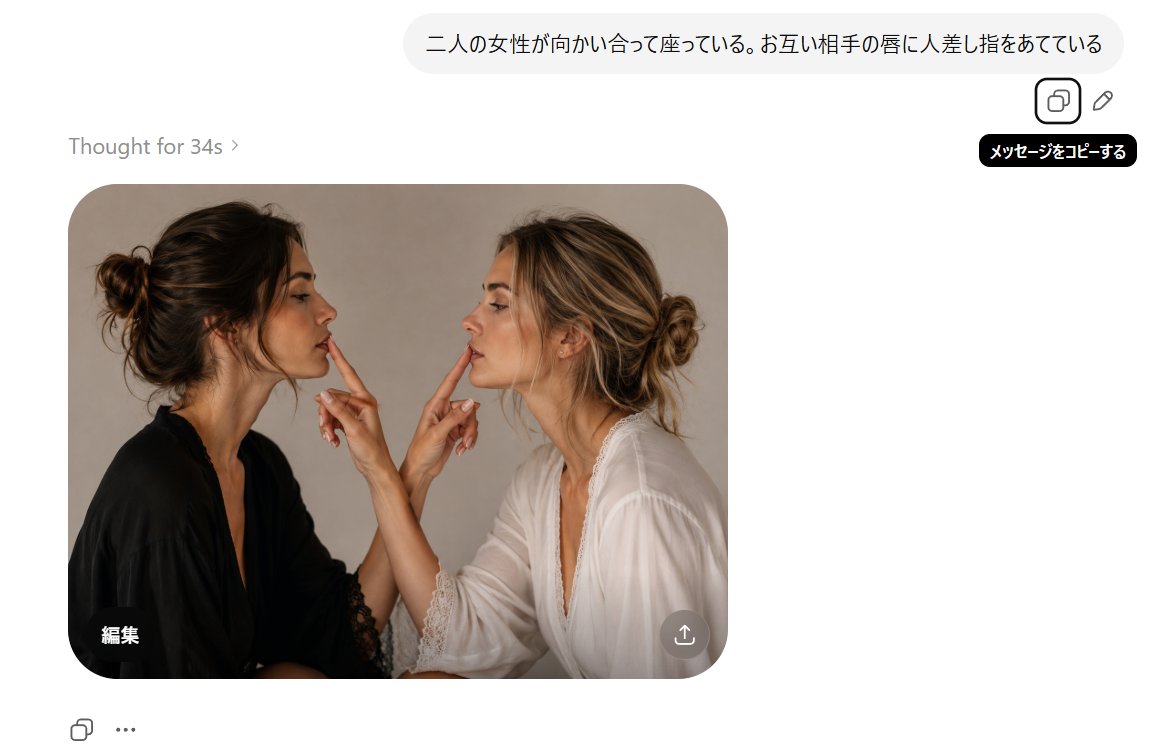
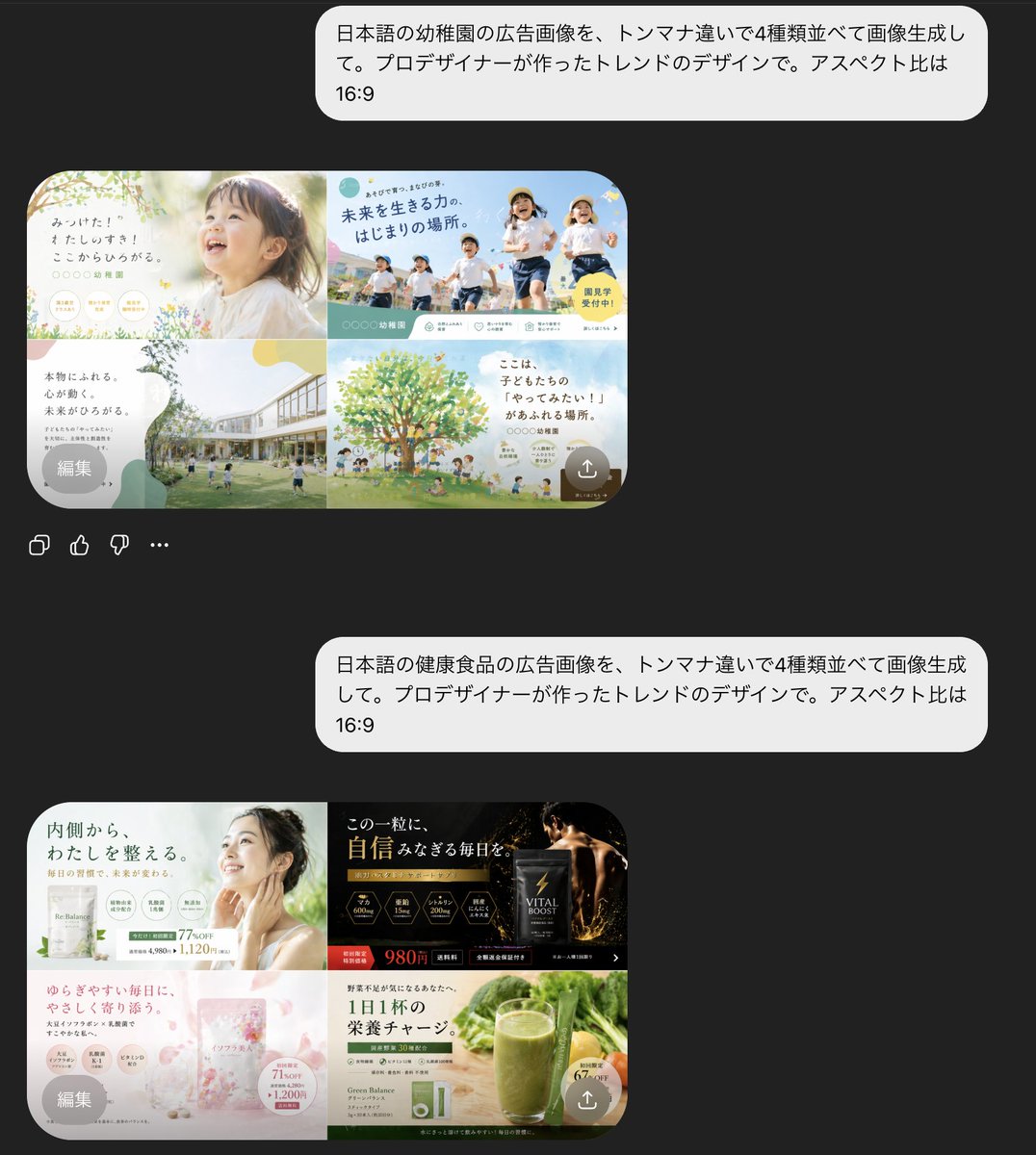
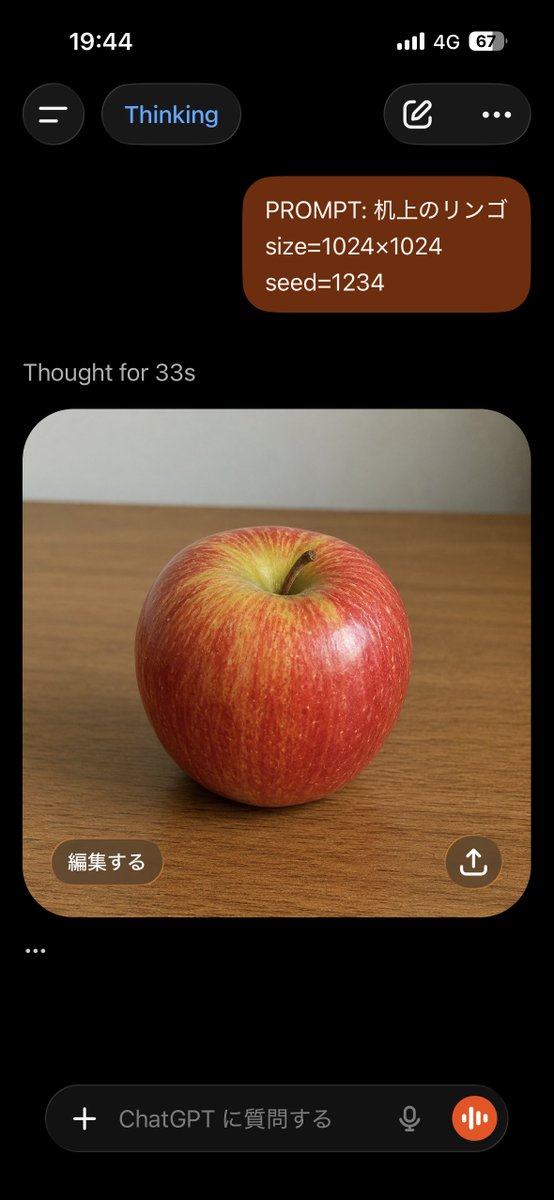
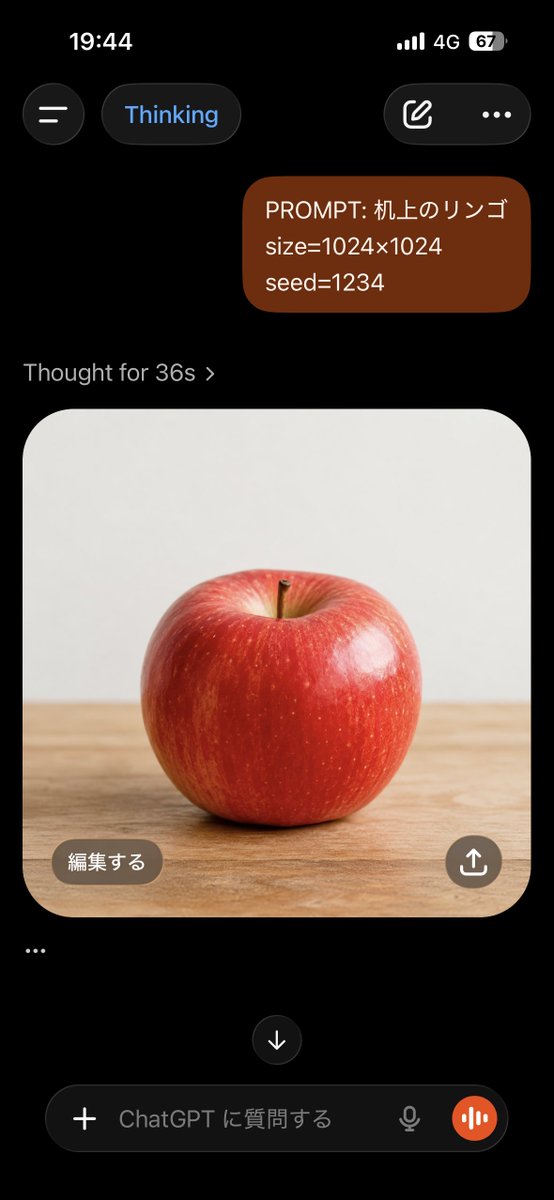
创建一个深色模式的移动端 ChatGPT 截图,展示提示词气泡以及在桌面上生成的逼真苹果图像。
- 分类
- 图表信息图
- 模型
- GPT Image 2
- 来源作者
- KOBATAKA|建築設計と生成AI
- 原始语言
- en
- 来源 ID
- 21765
- 发布时间
- 2026年5月20日
完整提示词
目标:创建一个逼真的 ChatGPT 移动端 App 竖屏截图(深色模式),展示关于苹果的图像生成对话。

画布:高长宽比手机截图,9:16 比例,黑色背景,顶部带有 iPhone 风格的状态栏。时间显示为 19:44,包含信号格、4G 图标以及 67% 的电量。

布局:顶部包含 4 个界面元素:左侧的圆形汉堡菜单按钮、蓝色文字的“Thinking”圆角胶囊按钮、右侧带有编辑铅笔图标的圆角按钮,以及一个三点菜单图标。下方放置一个右对齐的深红褐色圆角用户消息气泡,包含 3 行文字:“PROMPT: {argument name="prompt text" default="机上のリンゴ"}”、“size={argument name="image size" default="1024×1024"}”以及“seed={argument name="seed value" default="1234"}”。在其下方,显示灰色状态文本“Thought for {argument name="thinking time" default="33s"}”。

生成的图像卡片:在状态文本下方,展示一张大型圆角方形图像卡片,中心为木质桌面上的逼真红苹果。苹果表皮光亮,顶部凹陷处带有黄绿色高光,有细微的垂直纹理,带有一个小棕色果梗,并采用柔和的摄影棚灯光。照片背景为木桌上方平淡的浅灰色墙壁,略微模糊。卡片具有大圆角,占据屏幕大部分宽度。

叠加层与底部 UI:在图像卡片左下角,添加一个标注为“編集する”的棕色圆角按钮。在右下角,添加一个带有白色上传/分享箭头图标的圆形棕色分享按钮。在图像卡片下方,添加一个独立的省略号行:“…”。底部显示一个 ChatGPT 输入栏,包含 5 个可见元素:加号图标按钮、占位符文字“ChatGPT に質問する”、一个小麦克风图标、一个橙色圆形语音波形按钮,以及圆角深色文本框容器。

视觉风格:真实的 iOS ChatGPT App 截图,深色主题,界面清晰,间距真实,简洁的无衬线字体,无额外消息,无水印,无浏览器边框。
多语言版本
ChatGPT Apple 生成截图
enGoal: Create a realistic vertical smartphone screenshot of the ChatGPT mobile app in dark mode, showing an image-generation conversation about an apple. Canvas: Tall phone screenshot, 9:16 aspect ratio, black background, iPhone-style status bar at the top. The time reads 19:44, with cellular bars, 4G, and battery at 67%. Layout: At the top are exactly 4 interface elements: a circular hamburger menu button on the left, a rounded pill labeled “Thinking” in blue text, a rounded button with an edit-pencil icon on the right, and a three-dot menu icon. Below, place one right-aligned user message bubble in dark reddish-brown with rounded corners containing exactly 3 lines of text: “PROMPT: {argument name="prompt text" default="机上のリンゴ"}”, “size={argument name="image size" default="1024×1024"}”, and “seed={argument name="seed value" default="1234"}”. Under it, show the gray status text “Thought for {argument name="thinking time" default="33s"}”. Generated image card: Below the status text, show one large rounded-square image card with a photorealistic red apple centered on a wooden tabletop. The apple is glossy with red skin, yellow-green highlights near the top indentation, subtle vertical streaks, a small brown stem, and soft studio lighting. The background inside the photo is a plain pale gray wall above the wooden desk, slightly blurred. The card has large rounded corners and fills most of the screen width. Overlays and bottom UI: Inside the lower-left of the image card, add one brown rounded button labeled “編集する”. Inside the lower-right, add one circular brown share button with a white upload/share arrow icon. Below the image card, add exactly one standalone ellipsis line: “…”. At the bottom, show a ChatGPT input bar with exactly 5 visible elements: a plus icon button, placeholder text “ChatGPT に質問する”, a small microphone icon, an orange circular voice-wave button, and the rounded dark text-field container. Visual style: Authentic iOS ChatGPT app screenshot, dark theme, crisp UI, realistic spacing, clean sans-serif typography, no extra messages, no watermark, no browser chrome.
ChatGPT Apple 生成截图
zh-CN目标:创建一个逼真的 ChatGPT 移动端 App 竖屏截图(深色模式),展示关于苹果的图像生成对话。 画布:高长宽比手机截图,9:16 比例,黑色背景,顶部带有 iPhone 风格的状态栏。时间显示为 19:44,包含信号格、4G 图标以及 67% 的电量。 布局:顶部包含 4 个界面元素:左侧的圆形汉堡菜单按钮、蓝色文字的“Thinking”圆角胶囊按钮、右侧带有编辑铅笔图标的圆角按钮,以及一个三点菜单图标。下方放置一个右对齐的深红褐色圆角用户消息气泡,包含 3 行文字:“PROMPT: {argument name="prompt text" default="机上のリンゴ"}”、“size={argument name="image size" default="1024×1024"}”以及“seed={argument name="seed value" default="1234"}”。在其下方,显示灰色状态文本“Thought for {argument name="thinking time" default="33s"}”。 生成的图像卡片:在状态文本下方,展示一张大型圆角方形图像卡片,中心为木质桌面上的逼真红苹果。苹果表皮光亮,顶部凹陷处带有黄绿色高光,有细微的垂直纹理,带有一个小棕色果梗,并采用柔和的摄影棚灯光。照片背景为木桌上方平淡的浅灰色墙壁,略微模糊。卡片具有大圆角,占据屏幕大部分宽度。 叠加层与底部 UI:在图像卡片左下角,添加一个标注为“編集する”的棕色圆角按钮。在右下角,添加一个带有白色上传/分享箭头图标的圆形棕色分享按钮。在图像卡片下方,添加一个独立的省略号行:“…”。底部显示一个 ChatGPT 输入栏,包含 5 个可见元素:加号图标按钮、占位符文字“ChatGPT に質問する”、一个小麦克风图标、一个橙色圆形语音波形按钮,以及圆角深色文本框容器。 视觉风格:真实的 iOS ChatGPT App 截图,深色主题,界面清晰,间距真实,简洁的无衬线字体,无额外消息,无水印,无浏览器边框。