AI 生成器界面中的 Minecraft 游戏画面
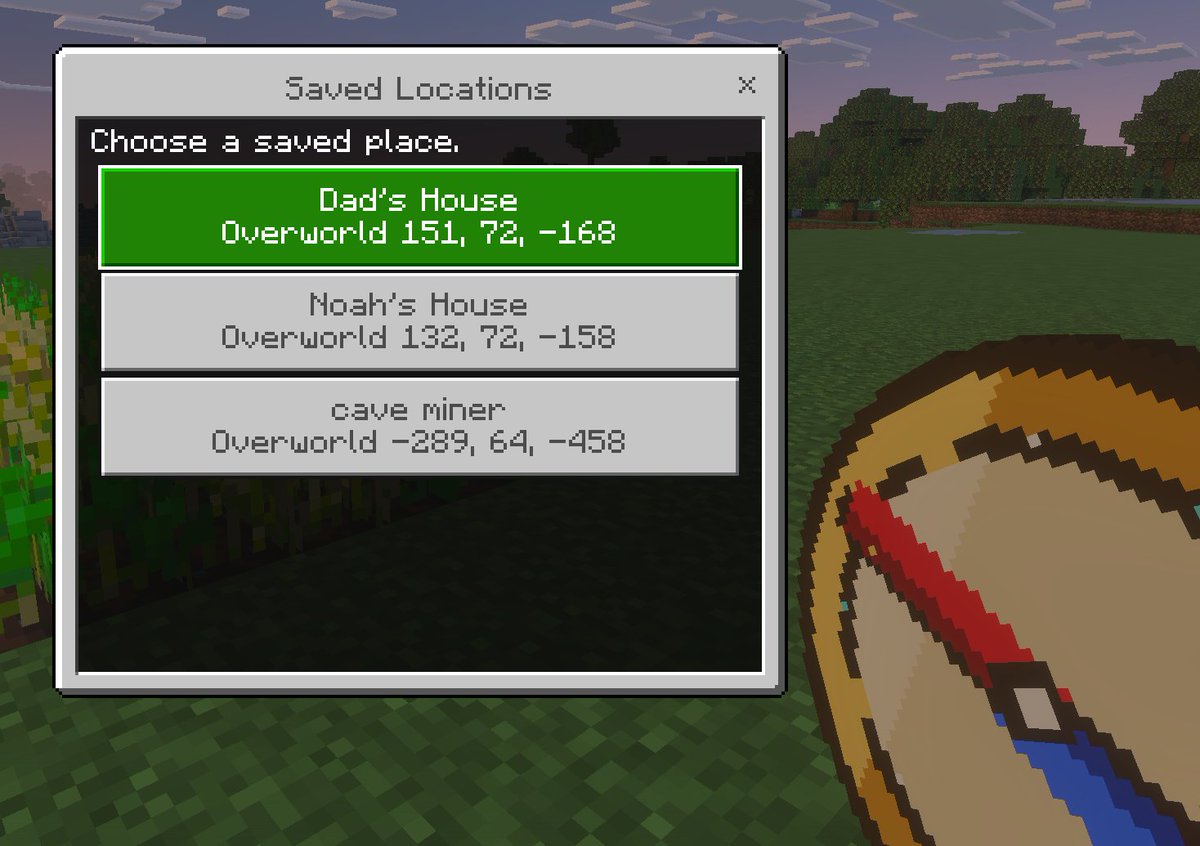
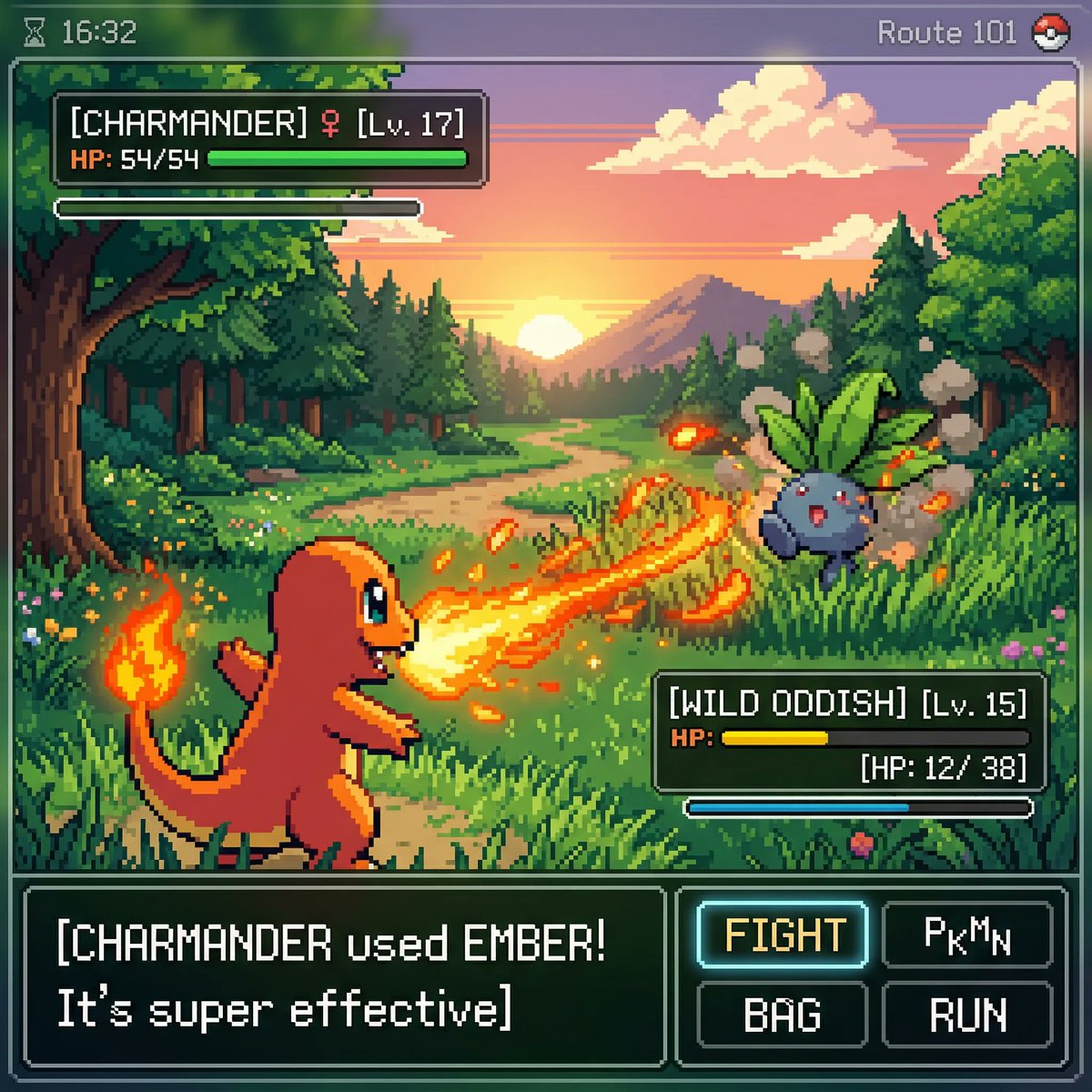
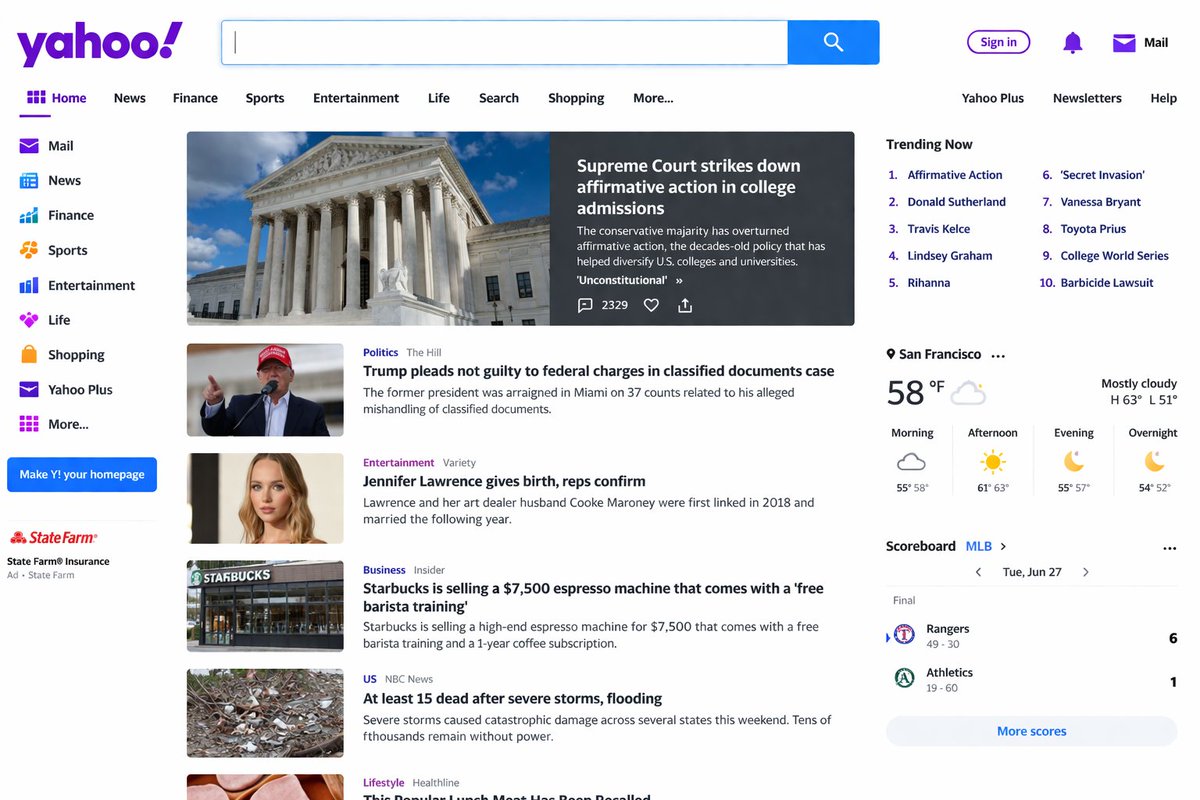
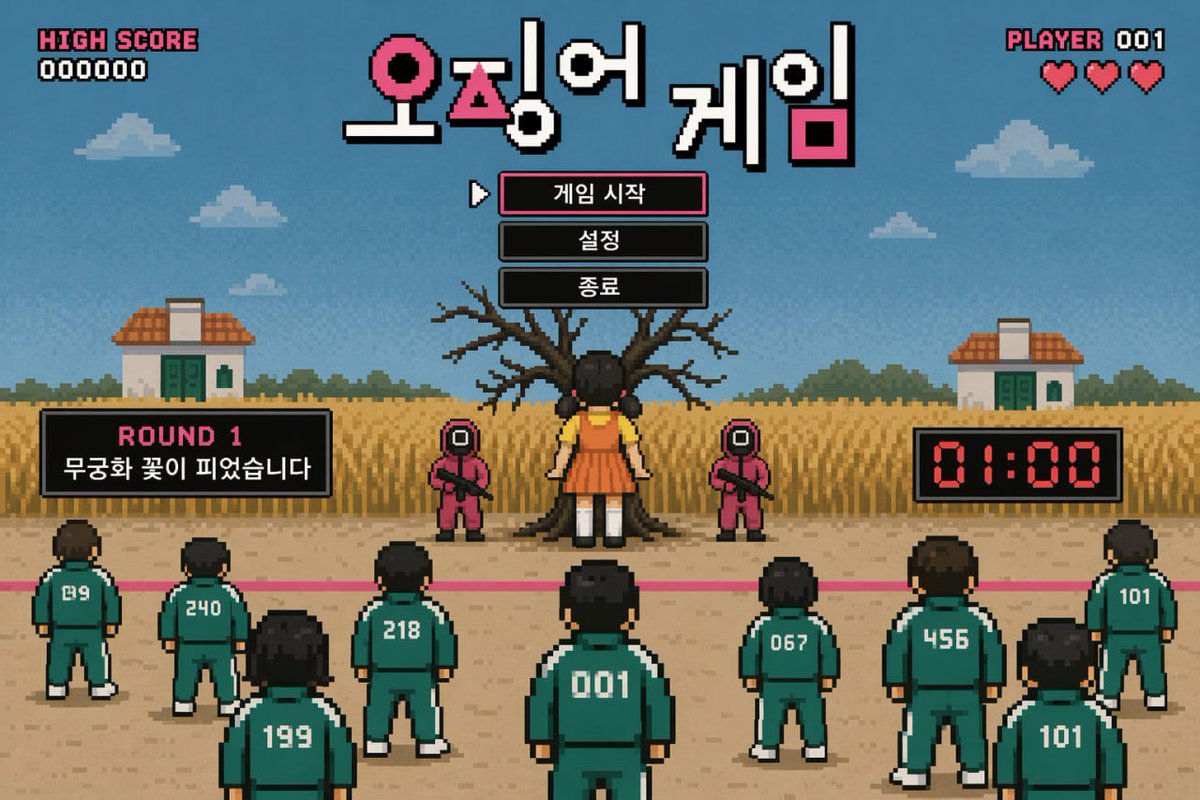
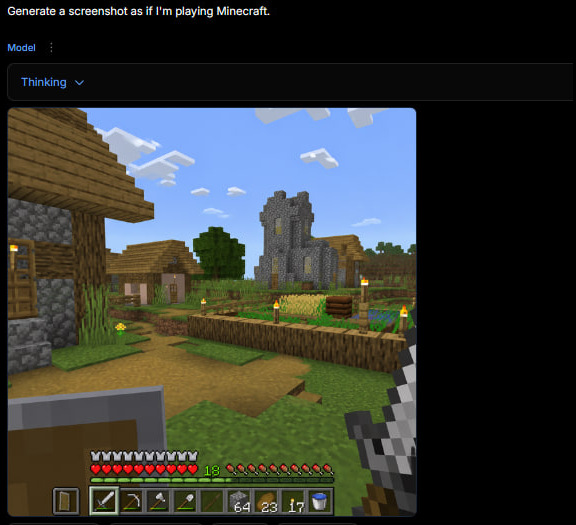
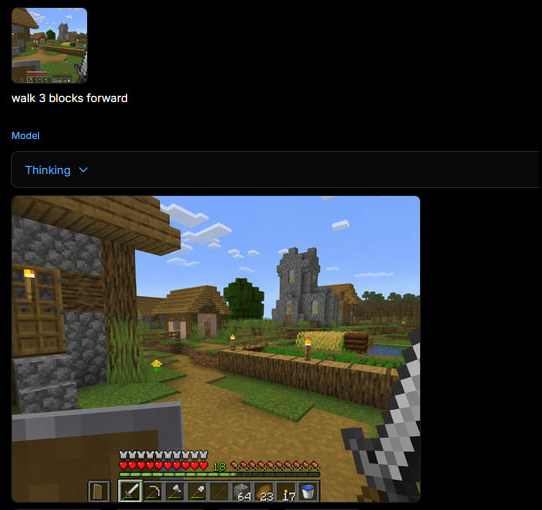
一张深色网页应用截图,展示了生成的 Minecraft 第一人称村庄游戏场景及 HUD,适用于重现推文风格的 AI 游戏截图。
- 分类
- UI 与界面
- 模型
- GPT Image 2
- 来源作者
- maloy
- 原始语言
- en
- 来源 ID
- 23345
- 发布时间
- 2026年5月30日
完整提示词
目标:创建一个方形的深色 AI 图像生成网页界面截图,展示一张生成的 Minecraft 游戏截图。界面应呈现出用户输入了 {argument name="user prompt" default="Generate a screenshot as if I'm playing Minecraft."} 后,下方显示渲染出的游戏图像的效果。

画布:1:1 正方形图像,约 576 x 576 像素,深黑色背景,内容靠左上角对齐,右侧和底部留有大面积黑色空白。

顶部 UI 布局:在最左上角显示白色提示词文本:“Generate a screenshot as if I'm playing Minecraft.”。下方显示一个蓝色的小标签“Model”,旁边带有垂直的三点菜单图标。再下方绘制一个宽大的深色圆角下拉栏,其中包含蓝色文本“Thinking”和一个向下的小箭头。UI 应具有深色模式下极简网页应用的感觉。

生成的图像面板:在下拉栏下方,放置一个带有轻微圆角的大型方形 Minecraft 风格游戏截图。截图应为明亮的方块村庄场景的第一人称视角。

Minecraft 场景细节:展示一个阳光明媚的白天村庄,蓝天上有 8 团清晰可见的白色方块云。左侧前景包含一个部分可见的木制与圆石房屋,配有木门、木板屋顶、圆石墙和点燃的火把。远景中心展示一座带有黄色发光窄窗的灰色石制教堂/塔楼。周围包括一个小村屋、一棵绿叶树、草方块、泥土路径和围栏农田。农田应包含金色的麦子、绿色作物、木围栏边界,以及村庄/农场区域周围 6 个清晰可见的带黄色火焰的火把柱。保持 Minecraft 的真实美学:立方体方块、像素化纹理、低分辨率游戏渲染,不要写实风格。

第一人称 HUD 和装备:在左下角前景显示一面举起的盾牌。在右下角前景显示玩家手持铁剑。沿底部绘制 Minecraft HUD,包含 10 颗红心、10 个饥饿鸡腿、绿色的经验等级数字“18”以及 9 格快捷栏。快捷栏应从左到右显示这 9 个可见槽位:盾牌图标、铁剑、镐、斧头、铲子、空槽或暗槽、64 个方块堆叠、23 个火把/物品堆叠、17 个物品堆叠,如果空间允许,最右侧边缘显示水桶图标。使 HUD 略显像素化并符合游戏原貌。

视觉风格:整张图片看起来应像是一个展示了生成式 Minecraft 游戏画面的浏览器端 AI 生成器的真实截图,而不是一张干净的独立渲染图。使用深色 UI 边框、清晰的小号文本,并将方块感的游戏截图嵌入其中。无水印,无额外标题,无 Logo。
多语言版本
AI 生成器界面中的 Minecraft 游戏画面
enGoal: Create a square screenshot of a dark AI image-generation web interface showing a generated Minecraft gameplay screenshot. The interface should look like someone typed {argument name="user prompt" default="Generate a screenshot as if I'm playing Minecraft."} and received a rendered game image below it. Canvas: Square 1:1 image, approximately 576 by 576 pixels, dark black background, with the content aligned near the top-left and a large empty black margin on the right and bottom. Top UI layout: At the very top-left, show the white prompt text: “Generate a screenshot as if I'm playing Minecraft.” Beneath it, show a small blue label “Model” with a vertical three-dot menu icon beside it. Below that, draw a wide dark rounded rectangle dropdown bar containing the blue text “Thinking” and a small downward chevron. The UI should feel like a minimal web app in dark mode. Generated image panel: Under the dropdown, place a large square Minecraft-style gameplay screenshot with slightly rounded corners. The screenshot should be first-person perspective in a bright blocky village scene. Minecraft scene details: Show a sunny daytime village with a blue sky and exactly 8 visible white blocky cloud clusters. On the left foreground, include a partially visible wooden-and-cobblestone house with a wooden door, plank roof, cobblestone wall, and a lit torch. In the center distance, show a gray stone church/tower with narrow yellow-lit windows. Around it, include a small village house, a leafy green tree, grass blocks, a dirt path, and a fenced crop field. The crop field should contain golden wheat, green crops, a wooden fence border, and exactly 6 visible torch posts with yellow flames around the village/farm area. Keep the Minecraft aesthetic authentic: cubic blocks, pixelated textures, low-resolution game rendering, no photorealism. First-person HUD and equipment: In the lower left foreground, show a raised shield. In the lower right foreground, show the player holding an iron sword. Along the bottom, draw the Minecraft HUD with exactly 10 red hearts, exactly 10 hunger drumsticks, a green experience level number “18,” and a 9-slot hotbar. The hotbar should contain these 9 visible slots from left to right: shield icon, iron sword, pickaxe, axe, shovel, empty or dark slot, stack of 64 blocks, stack of 23 torches/items, stack of 17 items, plus a water bucket icon visible at the far right edge if space permits. Make the HUD slightly pixelated and game-accurate. Visual style: The whole image should look like an actual screenshot of a browser-based AI generator displaying a generated Minecraft gameplay image, not a clean standalone render. Use dark UI chrome, small crisp text, and a blocky game screenshot embedded inside it. No watermark, no extra captions, no logos.
AI 生成器界面中的 Minecraft 游戏画面
zh-CN目标:创建一个方形的深色 AI 图像生成网页界面截图,展示一张生成的 Minecraft 游戏截图。界面应呈现出用户输入了 {argument name="user prompt" default="Generate a screenshot as if I'm playing Minecraft."} 后,下方显示渲染出的游戏图像的效果。 画布:1:1 正方形图像,约 576 x 576 像素,深黑色背景,内容靠左上角对齐,右侧和底部留有大面积黑色空白。 顶部 UI 布局:在最左上角显示白色提示词文本:“Generate a screenshot as if I'm playing Minecraft.”。下方显示一个蓝色的小标签“Model”,旁边带有垂直的三点菜单图标。再下方绘制一个宽大的深色圆角下拉栏,其中包含蓝色文本“Thinking”和一个向下的小箭头。UI 应具有深色模式下极简网页应用的感觉。 生成的图像面板:在下拉栏下方,放置一个带有轻微圆角的大型方形 Minecraft 风格游戏截图。截图应为明亮的方块村庄场景的第一人称视角。 Minecraft 场景细节:展示一个阳光明媚的白天村庄,蓝天上有 8 团清晰可见的白色方块云。左侧前景包含一个部分可见的木制与圆石房屋,配有木门、木板屋顶、圆石墙和点燃的火把。远景中心展示一座带有黄色发光窄窗的灰色石制教堂/塔楼。周围包括一个小村屋、一棵绿叶树、草方块、泥土路径和围栏农田。农田应包含金色的麦子、绿色作物、木围栏边界,以及村庄/农场区域周围 6 个清晰可见的带黄色火焰的火把柱。保持 Minecraft 的真实美学:立方体方块、像素化纹理、低分辨率游戏渲染,不要写实风格。 第一人称 HUD 和装备:在左下角前景显示一面举起的盾牌。在右下角前景显示玩家手持铁剑。沿底部绘制 Minecraft HUD,包含 10 颗红心、10 个饥饿鸡腿、绿色的经验等级数字“18”以及 9 格快捷栏。快捷栏应从左到右显示这 9 个可见槽位:盾牌图标、铁剑、镐、斧头、铲子、空槽或暗槽、64 个方块堆叠、23 个火把/物品堆叠、17 个物品堆叠,如果空间允许,最右侧边缘显示水桶图标。使 HUD 略显像素化并符合游戏原貌。 视觉风格:整张图片看起来应像是一个展示了生成式 Minecraft 游戏画面的浏览器端 AI 生成器的真实截图,而不是一张干净的独立渲染图。使用深色 UI 边框、清晰的小号文本,并将方块感的游戏截图嵌入其中。无水印,无额外标题,无 Logo。