Microsoft 365 模型对比信息图
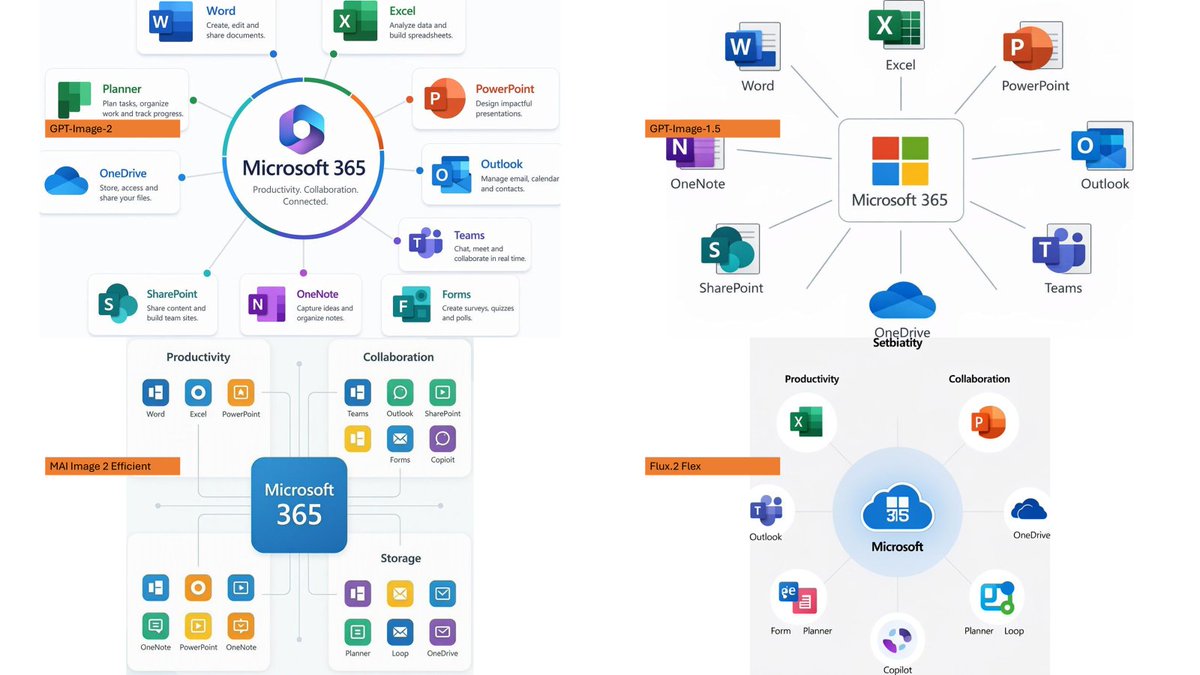
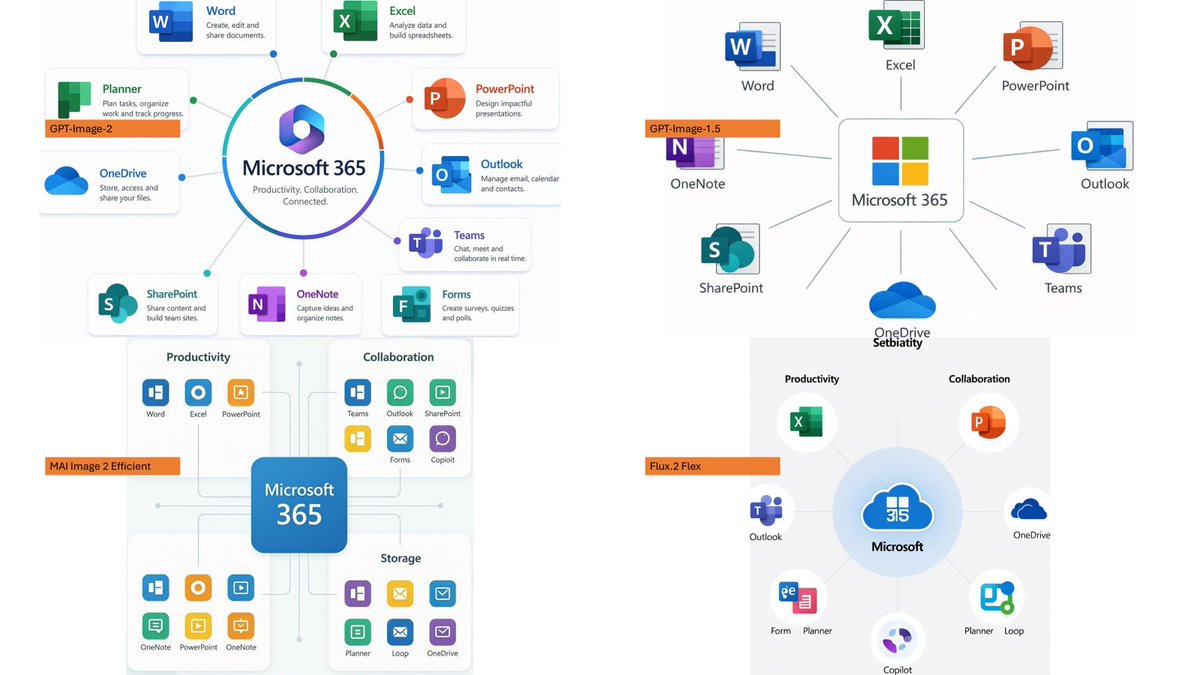
生成一张四格对比 Slides,展示不同图像模型渲染 Microsoft 365 生态系统信息图的效果。
- 分类
- 图表信息图
- 模型
- GPT Image 2
- 来源作者
- そうい|AI活用術 × 明日から使えるPowerBI分析
- 原始语言
- en
- 来源 ID
- 20617
- 发布时间
- 2026年5月15日
完整提示词
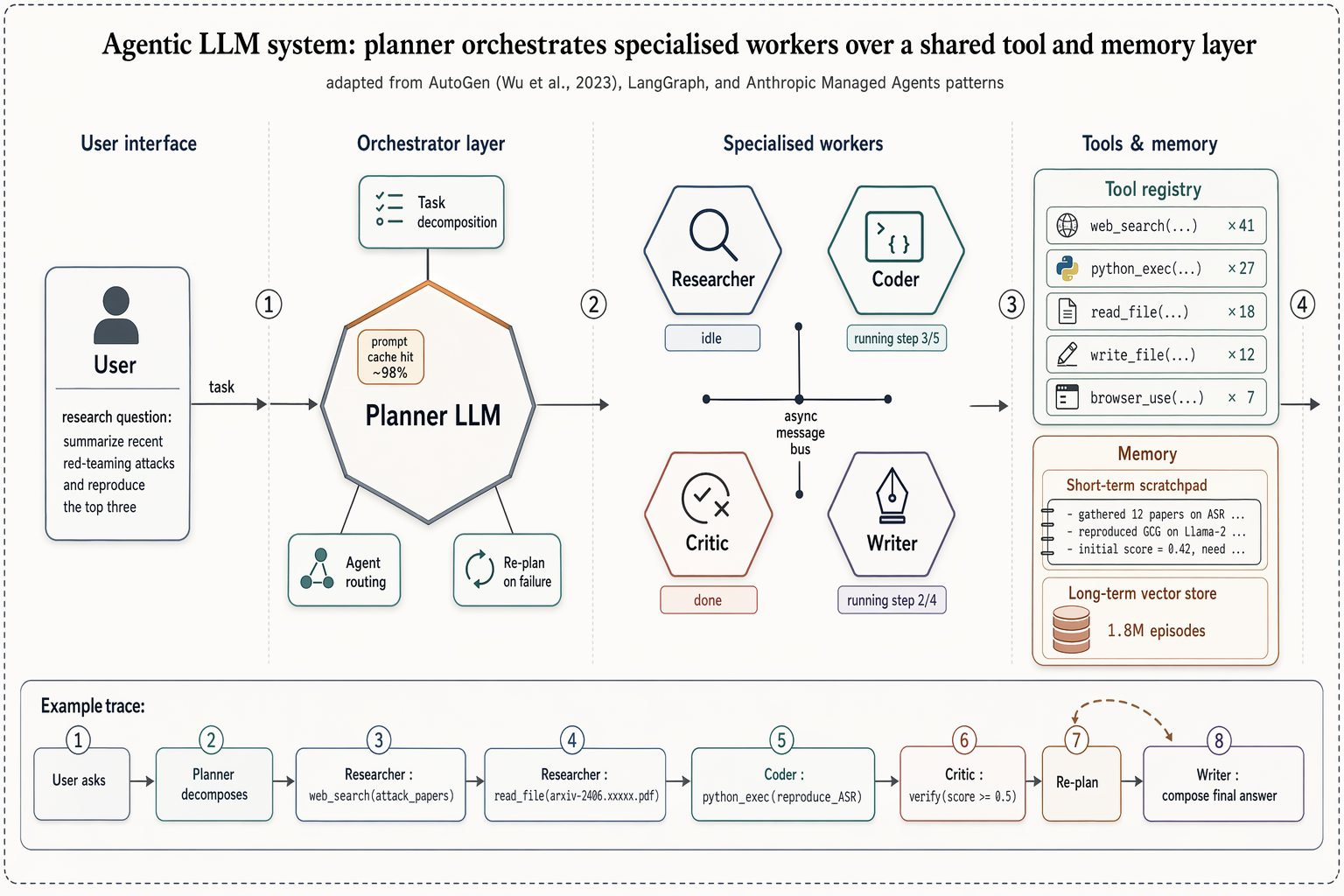
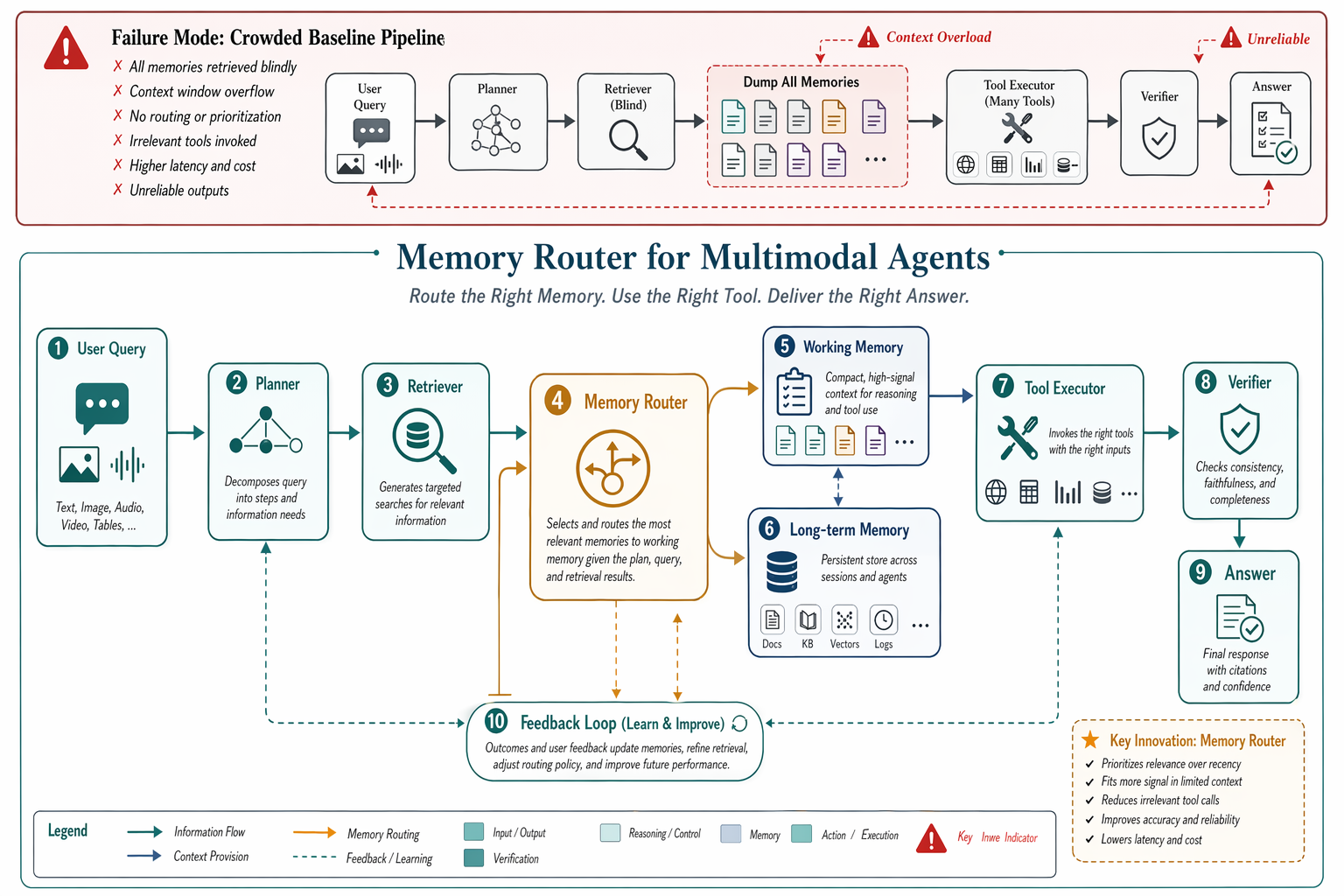
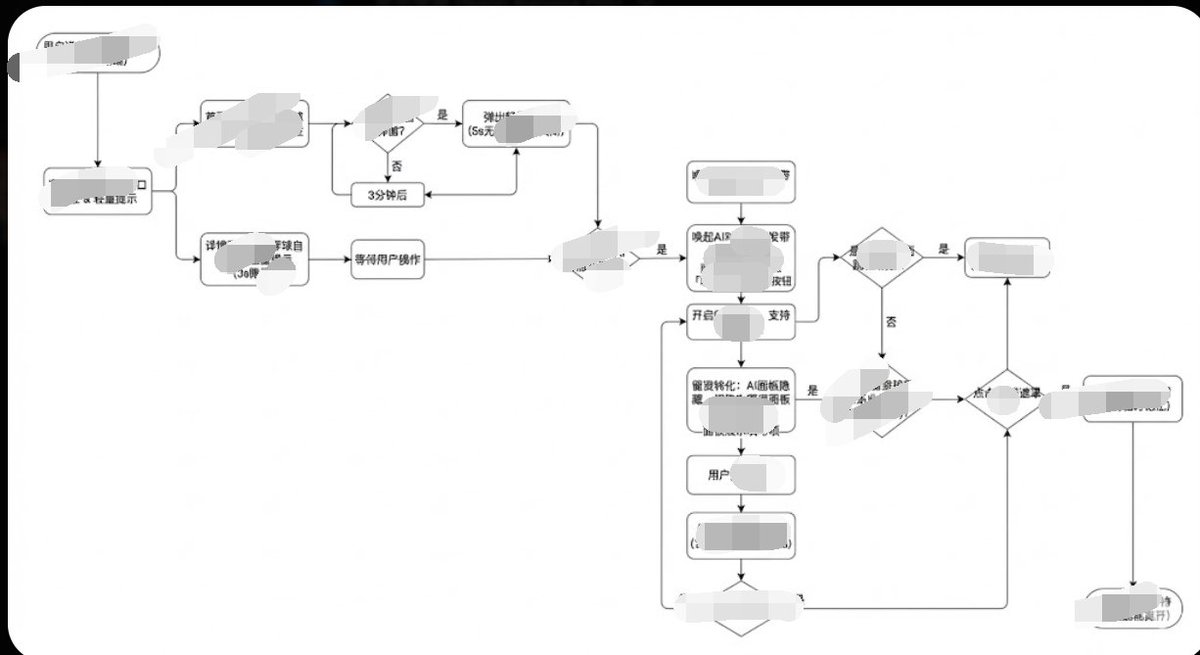
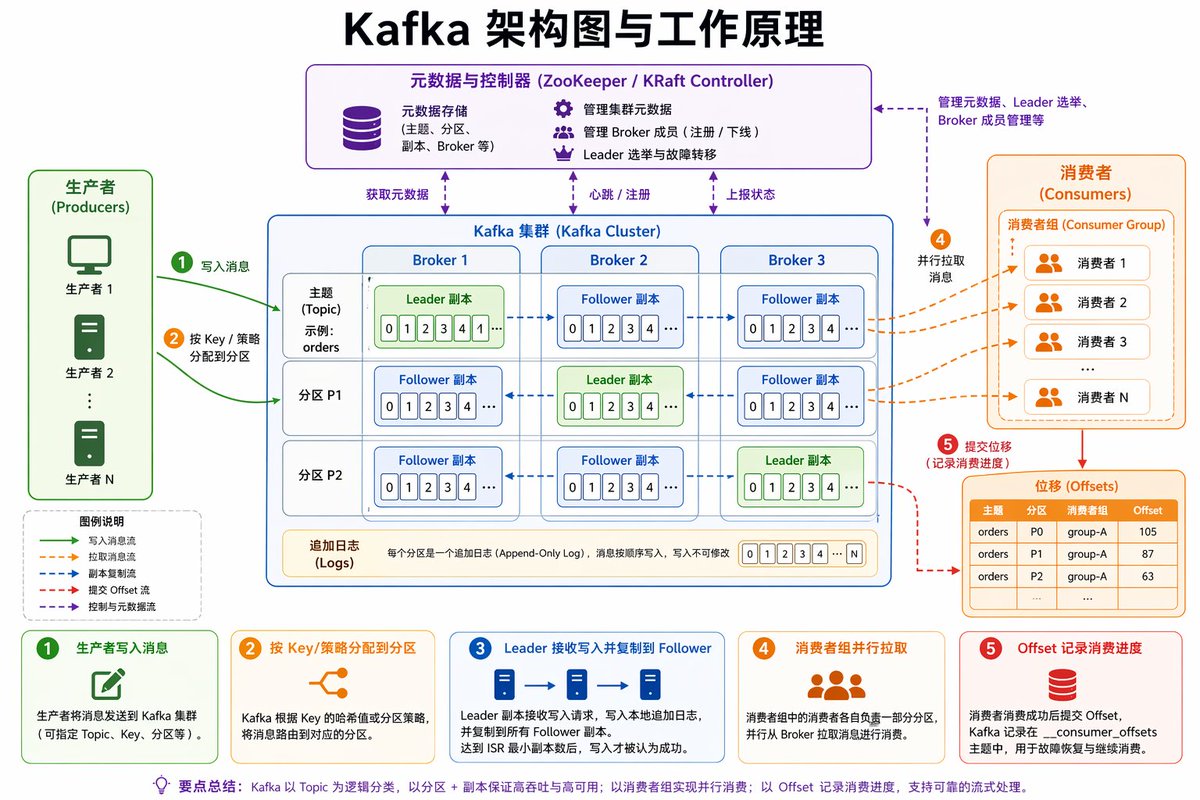
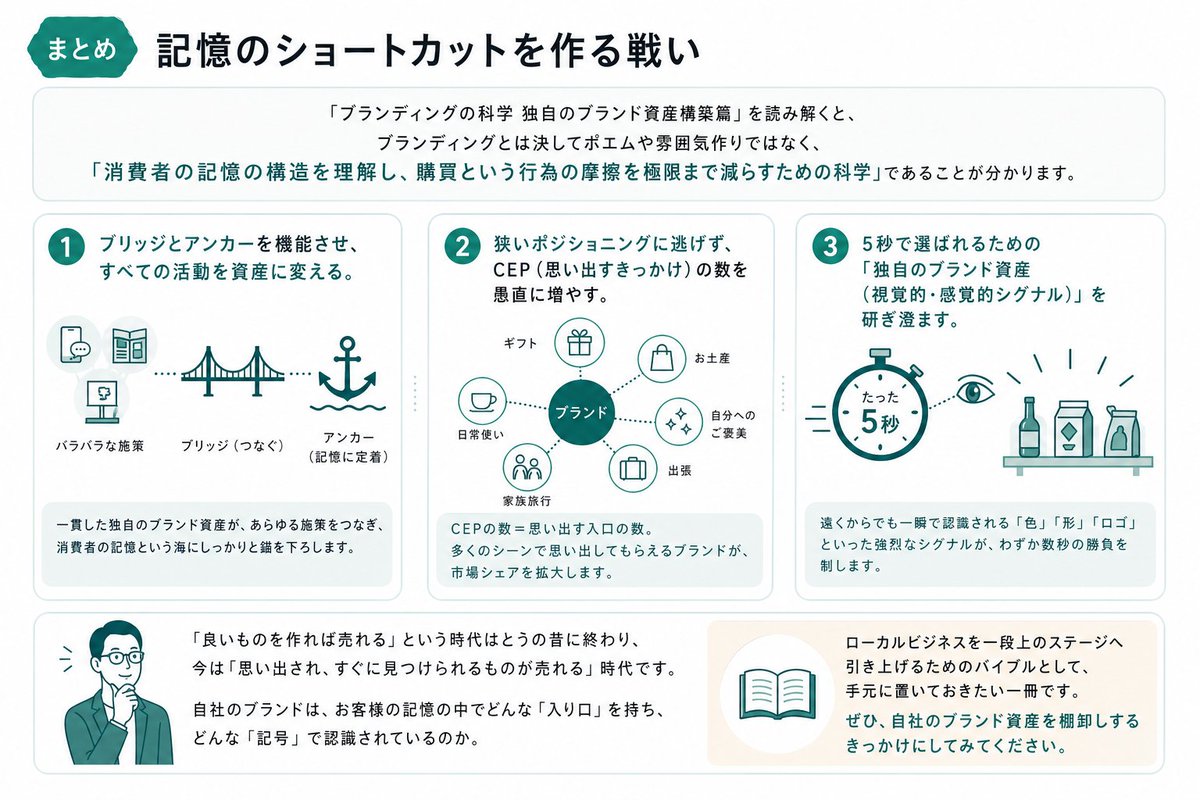
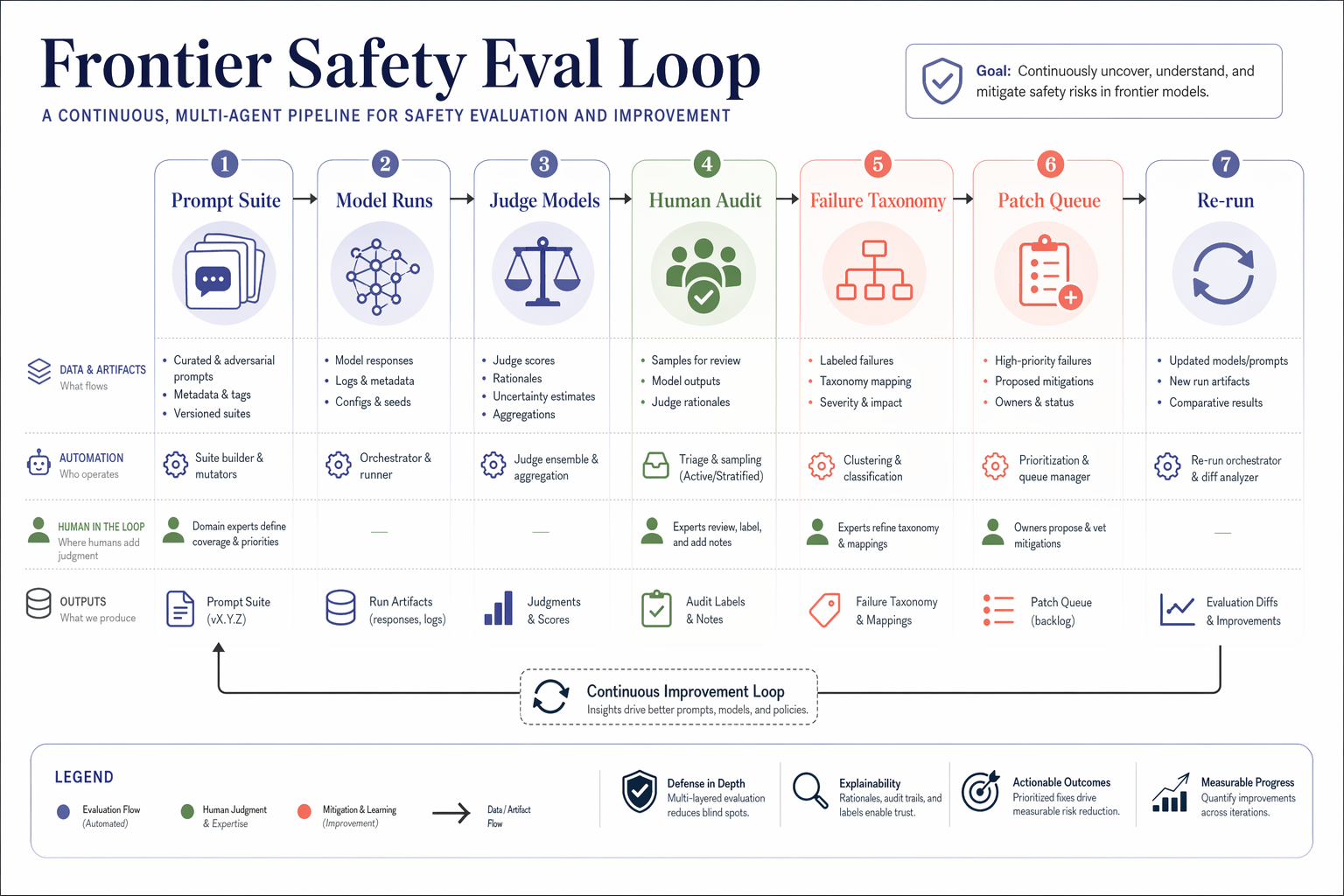
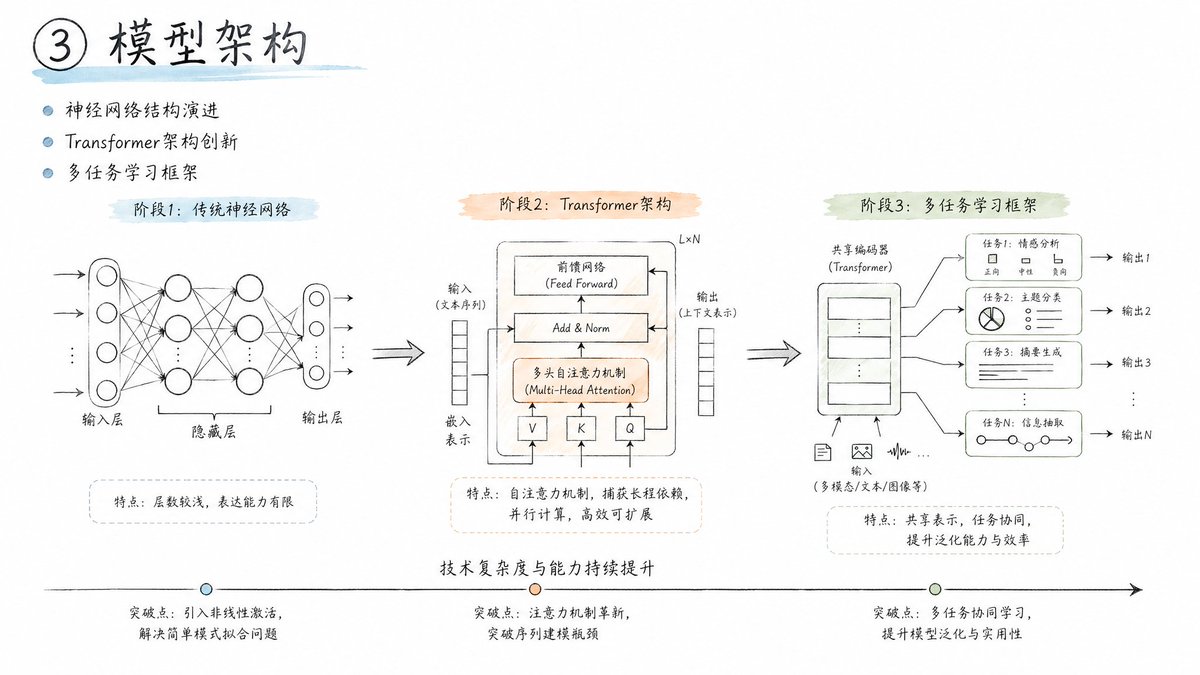
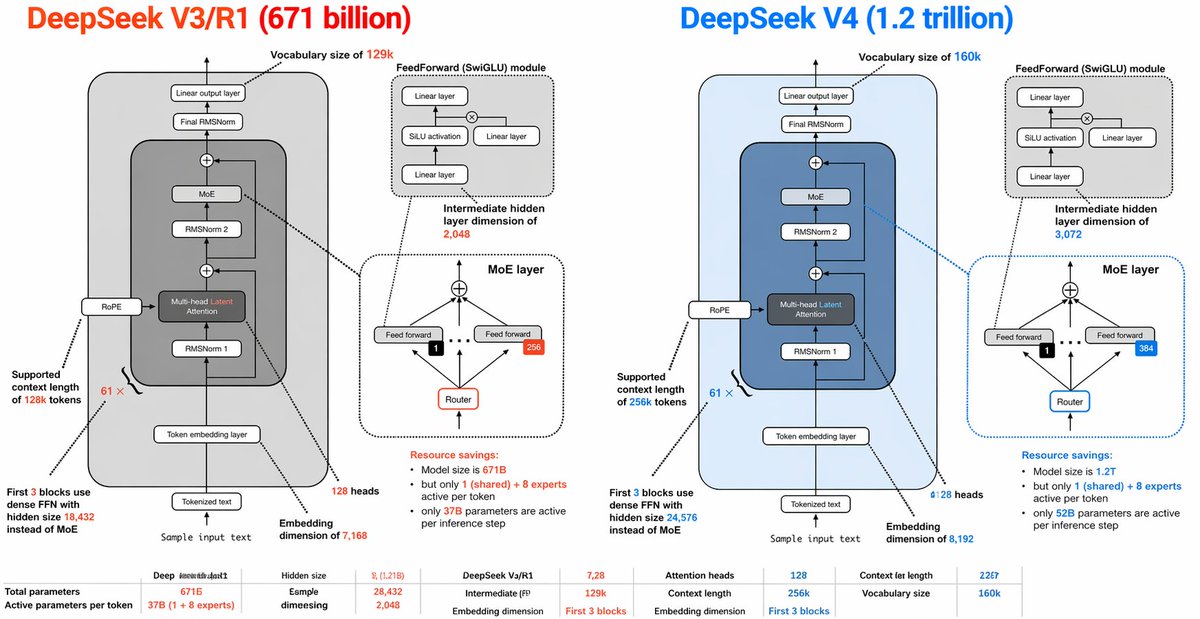
以提供的参考图像为基准,采用简洁、易读的商业信息图风格,创建一个 16:9 的对比 Slides,展示不同图像生成模型如何渲染关于 {argument name="topic" default="Microsoft 365"} 的信息图。将原有的日本 DX 报告内容替换为四个独立的示例信息图输出,并以 2×2 的网格形式排列在白色背景上。

布局:使用 4 个面板,每个面板展示不同的 Microsoft 365 生态系统图,并在面板左侧附近放置一个小的水平橙色模型标签。四个标签必须为:1) {argument name="top left model label" default="GPT-Image-2"},2) {argument name="top right model label" default="GPT-Image-1.5"},3) {argument name="bottom left model label" default="MAI Image 2 Efficient"},以及 4) {argument name="bottom right model label" default="Flux.2 Flex"}。

面板内容:每个面板应以 Microsoft 365 为中心,周围环绕应用程序图标和标签。在适当位置包含可识别的 Microsoft 风格应用磁贴/图标,例如 Word、Excel、PowerPoint、Outlook、Teams、OneDrive、SharePoint、OneNote、Forms、Planner、Loop 和 Copilot。左上角面板应最为精致且文字清晰,采用圆形中心辐射图和简洁的应用描述。右上角面板应更简洁,图标连接至中央的 Microsoft 365 方框。左下角面板应呈现为结构化的类别图表,包含生产力、协作和存储部分。右下角面板应呈现为较柔和的径向图,带有类别标题,并包含一些不完美或略有不一致的标签,以体现模型对比效果。

风格:简洁的 SaaS 企业信息图美学,留白充足,细灰色连接线,Microsoft 风格的蓝/绿/橙/紫色图标,清晰易读的英文文本。保留参考图像的实用商业文档质感,但不要重现其日本政府报告的布局、红色警告部分、箭头或原始文本。

约束:仅展示四个模型对比示例,不含额外的标题横幅,无水印,无日文文本,并确保所有文本清晰度足以对比模型性能。
多语言版本
Microsoft 365 模型对比信息图
enUsing the provided reference image as a benchmark for a clean, readable business infographic style, create a 16:9 comparison slide that demonstrates how different image generation models render an infographic about {argument name="topic" default="Microsoft 365"}. Replace the Japanese DX report content with four separate sample infographic outputs arranged in a 2×2 grid on a white background. Layout: Use exactly 4 panels, each showing a different Microsoft 365 ecosystem diagram, with a small horizontal orange model label near the left side of that panel. The four labels must be: 1) {argument name="top left model label" default="GPT-Image-2"}, 2) {argument name="top right model label" default="GPT-Image-1.5"}, 3) {argument name="bottom left model label" default="MAI Image 2 Efficient"}, and 4) {argument name="bottom right model label" default="Flux.2 Flex"}. Panel content: Each panel should visualize Microsoft 365 at the center with surrounding app icons and labels. Include recognizable Microsoft-style app tiles/icons such as Word, Excel, PowerPoint, Outlook, Teams, OneDrive, SharePoint, OneNote, Forms, Planner, Loop, and Copilot where appropriate. Make the top-left panel the most polished and text-readable, with a circular hub-and-spoke diagram and concise app descriptions. Make the top-right panel simpler, with icons connected to a central Microsoft 365 box. Make the bottom-left panel look like a structured category chart with Productivity, Collaboration, and Storage sections. Make the bottom-right panel look like a softer radial diagram with category headings and some imperfect or slightly inconsistent labels to imply model comparison. Style: Clean corporate SaaS infographic aesthetic, lots of white space, thin gray connector lines, Microsoft-like blue/green/orange/purple icon colors, crisp readable English text. Preserve the reference image’s practical business-document feel, but do not recreate its Japanese government-report layout, red warning sections, arrows, or original text. Constraints: Show exactly four model comparison examples, no extra title banner, no watermark, no Japanese text, and keep all text legible enough to compare model performance.
Microsoft 365 模型对比信息图
zh-CN以提供的参考图像为基准,采用简洁、易读的商业信息图风格,创建一个 16:9 的对比 Slides,展示不同图像生成模型如何渲染关于 {argument name="topic" default="Microsoft 365"} 的信息图。将原有的日本 DX 报告内容替换为四个独立的示例信息图输出,并以 2×2 的网格形式排列在白色背景上。 布局:使用 4 个面板,每个面板展示不同的 Microsoft 365 生态系统图,并在面板左侧附近放置一个小的水平橙色模型标签。四个标签必须为:1) {argument name="top left model label" default="GPT-Image-2"},2) {argument name="top right model label" default="GPT-Image-1.5"},3) {argument name="bottom left model label" default="MAI Image 2 Efficient"},以及 4) {argument name="bottom right model label" default="Flux.2 Flex"}。 面板内容:每个面板应以 Microsoft 365 为中心,周围环绕应用程序图标和标签。在适当位置包含可识别的 Microsoft 风格应用磁贴/图标,例如 Word、Excel、PowerPoint、Outlook、Teams、OneDrive、SharePoint、OneNote、Forms、Planner、Loop 和 Copilot。左上角面板应最为精致且文字清晰,采用圆形中心辐射图和简洁的应用描述。右上角面板应更简洁,图标连接至中央的 Microsoft 365 方框。左下角面板应呈现为结构化的类别图表,包含生产力、协作和存储部分。右下角面板应呈现为较柔和的径向图,带有类别标题,并包含一些不完美或略有不一致的标签,以体现模型对比效果。 风格:简洁的 SaaS 企业信息图美学,留白充足,细灰色连接线,Microsoft 风格的蓝/绿/橙/紫色图标,清晰易读的英文文本。保留参考图像的实用商业文档质感,但不要重现其日本政府报告的布局、红色警告部分、箭头或原始文本。 约束:仅展示四个模型对比示例,不含额外的标题横幅,无水印,无日文文本,并确保所有文本清晰度足以对比模型性能。