高管 AI 运营解读
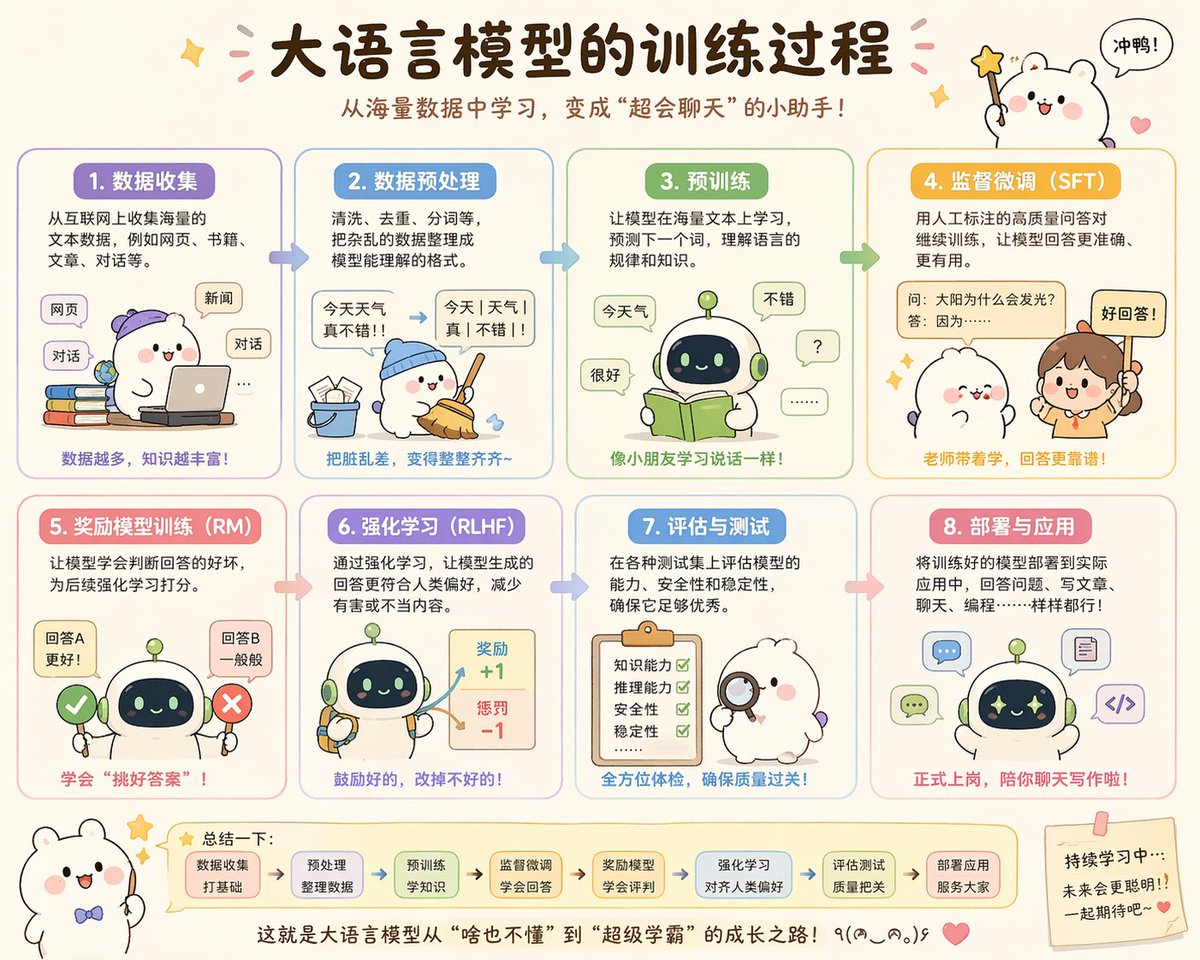
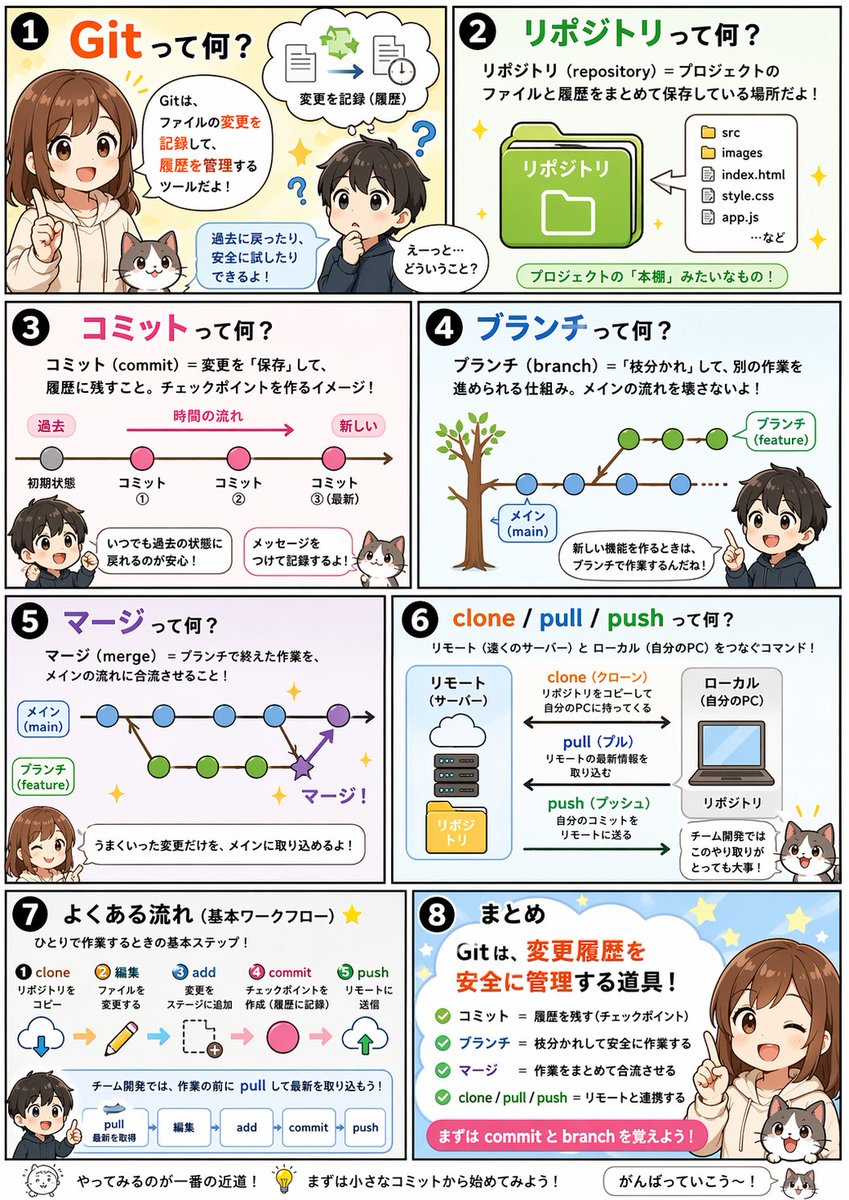
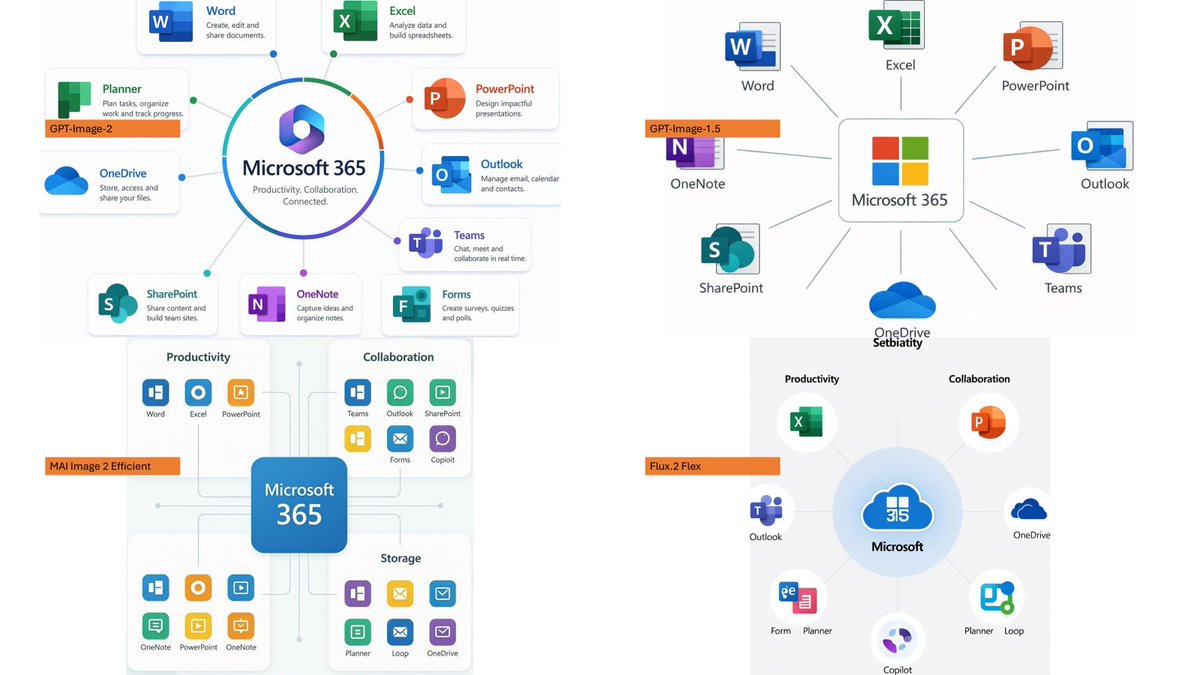
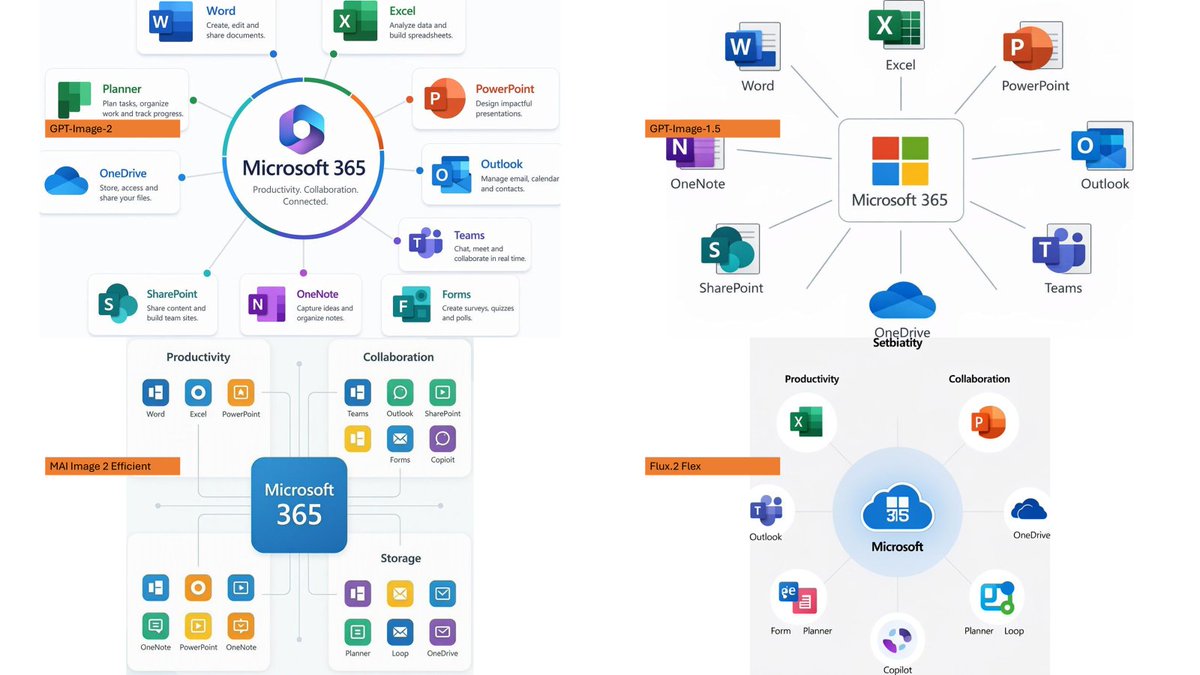
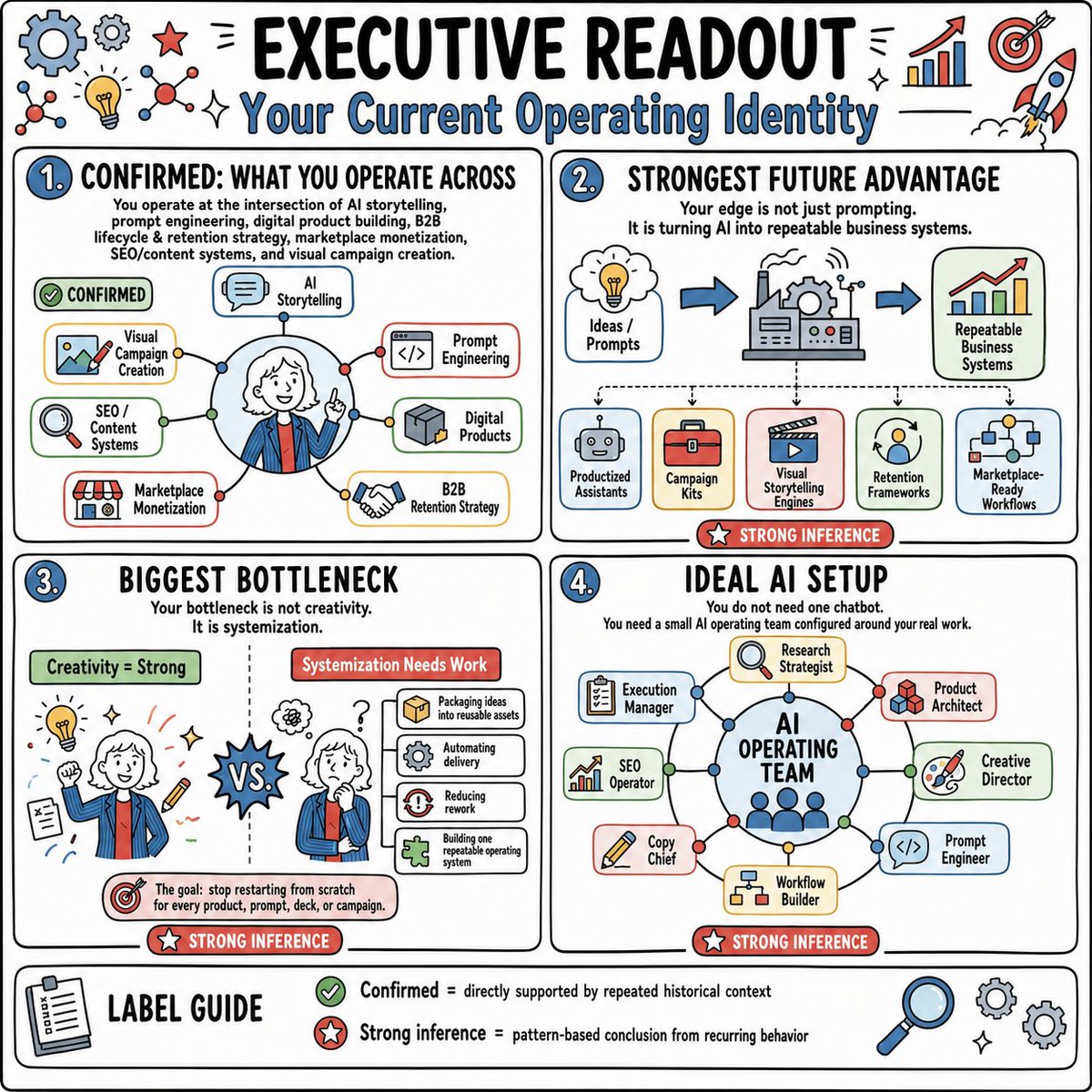
一张方形手绘风格的高管信息图,总结了个人 AI 运营身份、瓶颈、未来优势以及理想的 AI 团队配置。
- 分类
- 图表信息图
- 模型
- GPT Image 2
- 来源作者
- Dev Khanna
- 原始语言
- en
- 来源 ID
- 20259
- 发布时间
- 2026年5月14日
完整提示词
目标:创建一张手绘风格的战略信息图,标题为 {argument name="headline text" default="高管解读"},副标题为 {argument name="subtitle text" default="你当前的运营身份"},以趣味性的咨询白板风格总结 AI / 业务运营身份。

画布:方形 1:1 图像,白色背景,粗黑色圆角外边框,黑色手写字体配蓝色点缀,红色推理徽章,绿色确认徽章,边缘装饰有小型涂鸦图标。采用简洁的速记风格,带有马克笔般的轮廓、微妙的灰白色卡片填充和浅色图标面板。

布局:将页面分为四个大型圆角矩形面板(2x2 网格),底部设有一个全宽标签指南条。每个主面板左上角都有一个蓝色数字圆圈。顶部边缘添加装饰性图标:共 11 个可见涂鸦/图标,包括一个大蓝色齿轮、一个小灰色齿轮、一颗红星、两个分子/网络图标、一个黄色灯泡、两个闪光符号、一个带有红色箭头的上升柱状图、一个带有箭头的红色靶心以及一个火箭。

面板 1:编号“1.”,标题为“已确认:你的运营领域”。添加说明文字:“你处于 AI 叙事、Prompt Engineering、数字产品构建、B2B 生命周期与留存策略、市场变现、SEO / 内容系统以及视觉营销创作的交叉点。”展示一个中心圆形肖像,主角是一位面带微笑、白发、身穿蓝色夹克系红领带的专业人士,指向前方,周围环绕着连接节点。肖像周围包含 7 个带标签的能力框:“AI 叙事”、“Prompt Engineering”、“数字产品”、“B2B 留存策略”、“市场变现”、“SEO / 内容系统”和“视觉营销创作”。添加一个绿色药丸状标签,写着“已确认”。

面板 2:编号“2.”,标题为“最强的未来优势”。添加文字:“你的优势不仅仅在于提示词。而是将 AI 转化为可重复的业务系统。”展示一个从左到右的流程,包含三个大元素:标有“创意 / Prompts”的思维云图、一个带有齿轮的中央工厂/机器,以及一张标有“可重复业务系统”的图表卡片,由蓝色箭头连接。下方展示 5 张输出卡片,分别标为“产品化 Assistants”、“营销工具包”、“视觉叙事引擎”、“留存框架”和“市场就绪工作流”。底部添加一个红色徽章,写着“强推理”。

面板 3:编号“3.”,标题为“最大的瓶颈”。添加文字:“你的瓶颈不是创造力。而是系统化。”用虚线垂直分隔线将面板一分为二。左侧带有绿色标题“创造力 = 强”,展示同一人物背影,周围环绕着灯泡、铅笔、笔记、闪光和靶心等创意涂鸦。右侧带有红色标题“系统化需改进”,展示该人物看起来压力很大,周围有问号和一叠流程卡片。包含 4 张流程卡片:“将创意打包为可复用资产”、“自动化交付”、“减少返工”和“构建一套可重复的操作系统”。中心放置一个尖刺状的“VS.”爆发图标。底部标注目标图标:“目标:停止为每个产品、Prompt、演示文稿或营销活动从零开始。”添加红色徽章“强推理”。

面板 4:编号“4.”,标题为“理想的 AI 配置”。添加文字:“你不需要一个聊天机器人。你需要一个围绕你实际工作配置的小型 AI 运营团队。”展示一个中央蓝色圆圈,标有 {argument name="central system name" default="AI 运营团队"},内部有小人点,连接到周围的 8 张角色卡片:“执行经理”、“研究策略师”、“产品架构师”、“创意总监”、“Prompt Engineer”、“工作流构建师”、“文案主管”和“SEO 运营”。使用带有彩色节点的细连接线。添加红色徽章“强推理”。

底部标签指南:全宽圆角条,标题为“标签指南”,左侧带有剪贴板图标。包含 2 个图例条目:绿色勾选图标对应“已确认 = 由重复的历史背景直接支持”,红色星形图标对应“强推理 = 基于重复行为的模式化结论”。右侧添加三个装饰图标:一个放大镜和两个齿轮,以及微小的闪光符号。

视觉风格:趣味性高管白板信息图,粗黑色马克笔轮廓,圆角卡片,天蓝、红、绿、黄、灰组成的明亮但克制的调色板,手绘商业图标,构图紧凑但易读,无照片写实感,除简单的马克笔阴影外无其他阴影。

约束:保持所有文字为英文(注:此处按要求翻译为中文),保留精确的四面板结构,使用 4 个主面板、7 个能力框、5 个输出卡片、4 个流程卡片、8 个 AI 角色卡片和 2 个图例条目。避免额外的部分、水印、徽标或无关文本。
多语言版本
高管 AI 运营解读
enGoal: Create a hand-drawn strategy infographic titled {argument name="headline text" default="EXECUTIVE READOUT"} with the subtitle {argument name="subtitle text" default="Your Current Operating Identity"}, summarizing an AI/business operating identity in a playful consulting whiteboard style. Canvas: Square 1:1 image, white background, thick black rounded outer border, black hand-lettered typography with blue accents, red inference badges, green confirmation badges, and small doodle icons around the margins. Use a clean sketchnote style with marker-like outlines, subtle off-white card fills, and lightly colored icon panels. Layout: Divide the page into four large rounded rectangular panels in a 2-by-2 grid, plus one full-width label guide strip at the bottom. Each main panel has a blue numbered circle at top left. Add decorative icons around the top edge: exactly 11 visible doodles/icons consisting of a large blue gear, a small gray gear, a red star, two molecule/network icons, a yellow lightbulb, two sparkle marks, a rising bar chart with red arrow, a red target with arrow, and a rocket. Panel 1: Numbered “1.” and titled “CONFIRMED: WHAT YOU OPERATE ACROSS.” Add the explanatory text: “You operate at the intersection of AI storytelling, prompt engineering, digital product building, B2B lifecycle & retention strategy, marketplace monetization, SEO/content systems, and visual campaign creation.” Show a central circular portrait of a smiling professional with white hair wearing a blue jacket and red tie, pointing upward, surrounded by connected nodes. Include exactly 7 labeled capability boxes around the portrait: “AI Storytelling,” “Prompt Engineering,” “Digital Products,” “B2B Retention Strategy,” “Marketplace Monetization,” “SEO / Content Systems,” and “Visual Campaign Creation.” Add a green pill label reading “CONFIRMED.” Panel 2: Numbered “2.” and titled “STRONGEST FUTURE ADVANTAGE.” Add the text: “Your edge is not just prompting. It is turning AI into repeatable business systems.” Show a left-to-right flow with three large elements: a thought cloud labeled “Ideas / Prompts,” a central factory/machine with gears, and a chart card labeled “Repeatable Business Systems,” connected by blue arrows. Below it show exactly 5 output cards labeled “Productized Assistants,” “Campaign Kits,” “Visual Storytelling Engines,” “Retention Frameworks,” and “Marketplace-Ready Workflows.” Add a red badge at the bottom reading “STRONG INFERENCE.” Panel 3: Numbered “3.” and titled “BIGGEST BOTTLENECK.” Add the text: “Your bottleneck is not creativity. It is systemization.” Split the panel with a dotted vertical divider. Left side has a green header “Creativity = Strong” and shows the same person from behind amid idea doodles such as a lightbulb, pencil, notes, sparkles, and a target. Right side has a red header “Systemization Needs Work” and shows the person looking stressed with question marks and a stack of process cards. Include exactly 4 process cards: “Packaging ideas into reusable assets,” “Automating delivery,” “Reducing rework,” and “Building one repeatable operating system.” Put a spiky “VS.” burst in the center. Bottom callout with target icon: “The goal: stop restarting from scratch for every product, prompt, deck, or campaign.” Add a red badge “STRONG INFERENCE.” Panel 4: Numbered “4.” and titled “IDEAL AI SETUP.” Add the text: “You do not need one chatbot. You need a small AI operating team configured around your real work.” Show a central blue circle labeled {argument name="central system name" default="AI OPERATING TEAM"} with small person dots inside, connected to exactly 8 role cards arranged around it: “Execution Manager,” “Research Strategist,” “Product Architect,” “Creative Director,” “Prompt Engineer,” “Workflow Builder,” “Copy Chief,” and “SEO Operator.” Use thin connector lines with colored nodes. Add a red badge “STRONG INFERENCE.” Bottom label guide: Full-width rounded strip titled “LABEL GUIDE” with a clipboard icon on the left. Include exactly 2 legend entries: green check icon with “Confirmed = directly supported by repeated historical context” and red star icon with “Strong inference = pattern-based conclusion from recurring behavior.” Add three decorative icons at the right: a magnifying glass and two gears, plus tiny sparkles. Visual style: playful executive whiteboard infographic, thick black marker outlines, rounded cards, bright but restrained palette of sky blue, red, green, yellow, and gray, hand-drawn business icons, dense but readable composition, no photorealism, no shadows beyond simple marker shading. Constraints: Keep all text in English, preserve the exact four-panel structure, use exactly 4 main panels and exactly 7 capability boxes, 5 output cards, 4 process cards, 8 AI role cards, and 2 legend entries. Avoid extra sections, watermarks, logos, or unrelated text.
高管 AI 运营解读
zh-CN目标:创建一张手绘风格的战略信息图,标题为 {argument name="headline text" default="高管解读"},副标题为 {argument name="subtitle text" default="你当前的运营身份"},以趣味性的咨询白板风格总结 AI / 业务运营身份。 画布:方形 1:1 图像,白色背景,粗黑色圆角外边框,黑色手写字体配蓝色点缀,红色推理徽章,绿色确认徽章,边缘装饰有小型涂鸦图标。采用简洁的速记风格,带有马克笔般的轮廓、微妙的灰白色卡片填充和浅色图标面板。 布局:将页面分为四个大型圆角矩形面板(2x2 网格),底部设有一个全宽标签指南条。每个主面板左上角都有一个蓝色数字圆圈。顶部边缘添加装饰性图标:共 11 个可见涂鸦/图标,包括一个大蓝色齿轮、一个小灰色齿轮、一颗红星、两个分子/网络图标、一个黄色灯泡、两个闪光符号、一个带有红色箭头的上升柱状图、一个带有箭头的红色靶心以及一个火箭。 面板 1:编号“1.”,标题为“已确认:你的运营领域”。添加说明文字:“你处于 AI 叙事、Prompt Engineering、数字产品构建、B2B 生命周期与留存策略、市场变现、SEO / 内容系统以及视觉营销创作的交叉点。”展示一个中心圆形肖像,主角是一位面带微笑、白发、身穿蓝色夹克系红领带的专业人士,指向前方,周围环绕着连接节点。肖像周围包含 7 个带标签的能力框:“AI 叙事”、“Prompt Engineering”、“数字产品”、“B2B 留存策略”、“市场变现”、“SEO / 内容系统”和“视觉营销创作”。添加一个绿色药丸状标签,写着“已确认”。 面板 2:编号“2.”,标题为“最强的未来优势”。添加文字:“你的优势不仅仅在于提示词。而是将 AI 转化为可重复的业务系统。”展示一个从左到右的流程,包含三个大元素:标有“创意 / Prompts”的思维云图、一个带有齿轮的中央工厂/机器,以及一张标有“可重复业务系统”的图表卡片,由蓝色箭头连接。下方展示 5 张输出卡片,分别标为“产品化 Assistants”、“营销工具包”、“视觉叙事引擎”、“留存框架”和“市场就绪工作流”。底部添加一个红色徽章,写着“强推理”。 面板 3:编号“3.”,标题为“最大的瓶颈”。添加文字:“你的瓶颈不是创造力。而是系统化。”用虚线垂直分隔线将面板一分为二。左侧带有绿色标题“创造力 = 强”,展示同一人物背影,周围环绕着灯泡、铅笔、笔记、闪光和靶心等创意涂鸦。右侧带有红色标题“系统化需改进”,展示该人物看起来压力很大,周围有问号和一叠流程卡片。包含 4 张流程卡片:“将创意打包为可复用资产”、“自动化交付”、“减少返工”和“构建一套可重复的操作系统”。中心放置一个尖刺状的“VS.”爆发图标。底部标注目标图标:“目标:停止为每个产品、Prompt、演示文稿或营销活动从零开始。”添加红色徽章“强推理”。 面板 4:编号“4.”,标题为“理想的 AI 配置”。添加文字:“你不需要一个聊天机器人。你需要一个围绕你实际工作配置的小型 AI 运营团队。”展示一个中央蓝色圆圈,标有 {argument name="central system name" default="AI 运营团队"},内部有小人点,连接到周围的 8 张角色卡片:“执行经理”、“研究策略师”、“产品架构师”、“创意总监”、“Prompt Engineer”、“工作流构建师”、“文案主管”和“SEO 运营”。使用带有彩色节点的细连接线。添加红色徽章“强推理”。 底部标签指南:全宽圆角条,标题为“标签指南”,左侧带有剪贴板图标。包含 2 个图例条目:绿色勾选图标对应“已确认 = 由重复的历史背景直接支持”,红色星形图标对应“强推理 = 基于重复行为的模式化结论”。右侧添加三个装饰图标:一个放大镜和两个齿轮,以及微小的闪光符号。 视觉风格:趣味性高管白板信息图,粗黑色马克笔轮廓,圆角卡片,天蓝、红、绿、黄、灰组成的明亮但克制的调色板,手绘商业图标,构图紧凑但易读,无照片写实感,除简单的马克笔阴影外无其他阴影。 约束:保持所有文字为英文(注:此处按要求翻译为中文),保留精确的四面板结构,使用 4 个主面板、7 个能力框、5 个输出卡片、4 个流程卡片、8 个 AI 角色卡片和 2 个图例条目。避免额外的部分、水印、徽标或无关文本。